


How to Read AxeOS Logs to Diagnose Bitmern Solo Connection Problems
To diagnose a Bitaxe that won't connect to Bitmern Solo, open the logs / monitor area of AxeOS (its location varies by firmware build) and read the stratum…
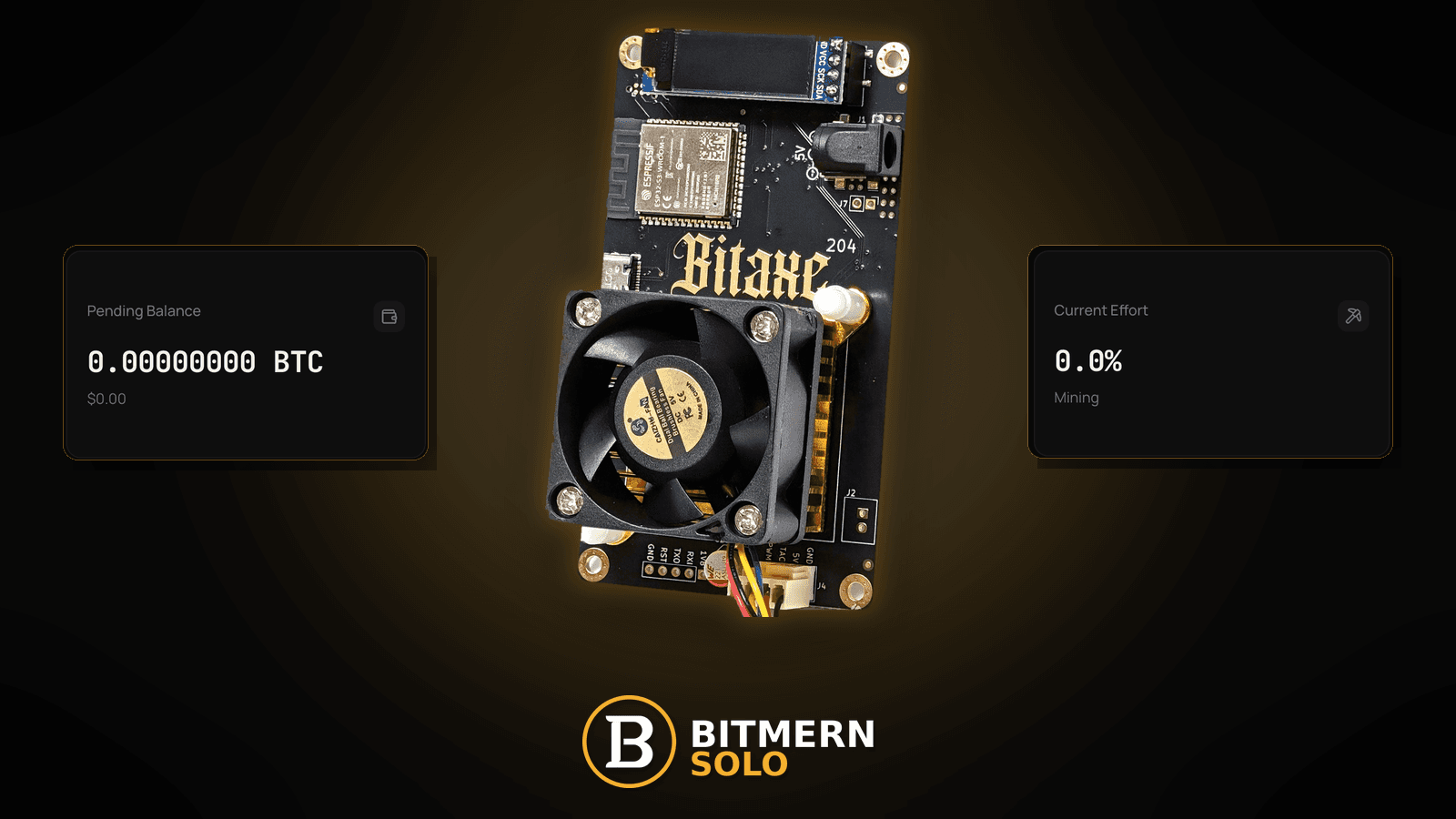
The Bitaxe is powered, the fan is spinning, and the Bitmern Solo dashboard shows nothing — or it shows the worker for a minute and then drops it. You could start changing settings at random, or you could read what the miner is already telling you. AxeOS keeps a running log of every step it takes to reach the pool, and that log almost always points at the exact stage where the connection breaks.
To diagnose a Bitaxe that won't connect to Bitmern Solo, open the logs / monitor area of AxeOS (its location varies by firmware build) and read the stratum lifecycle in order: name lookup (DNS), TCP connect, subscribe, authorize, set difficulty, job notify, then share submit and accept / reject. The last stage that succeeds tells you which fix post to open — DNS lines point to the DNS fix, connect timeouts to the stratum timeout fix, authorize failures to wallet / worker format, and rejects to the rejected-shares fix. Confirm BTC easy-start host btc.bitmernsolo.com with port :3132 (never treat :3102 as the Bitaxe / home default), username WALLET.worker, password x. Current Effort is not a find guarantee.
This is the log-reading hub. Single-symptom fixes — stuck on connecting, authorized but not hashing, rejected shares — live in their own posts, linked from each step below.
Bitmern Solo is solo infrastructure: flat 1% fee on finds only, you keep 99%. Fee talk stays light here — the job is reading what the miner reports about its path to :3132.
A word on log wording before you start
AxeOS is open-source firmware that changes between releases. Log lines, tags, capitalisation, and the place you open the log all differ by firmware version and by board. In this post:
- Example lines are illustrations — they look something like what you will see, but the wording varies by firmware version. Do not search for an exact string.
- When we say "the logs / monitor area of AxeOS", we mean whichever page or panel your build uses to show the live log. On some builds it is a dedicated view; on others it sits inside a system or monitoring page. Location varies by firmware.
- What matters is the stage, not the exact words.
If you cannot reach AxeOS at all, start with find your Bitaxe IP address and come back.
Log reading ≠ single-symptom fixes ≠ dashboard reading
Three different tools get mixed up:
- The AxeOS log — the miner's own account of each connection step. That is this post.
- Single-symptom fix posts — what to change once you know the stage that fails (linked in every section below).
- The Bitmern Solo dashboard — the pool's view: worker rows, accepts, rejects, hashrate. Card reading: dashboard workers / shares / effort.
The log is what the miner tried; the dashboard is what the pool received. The gap between them is your clue.
The stratum lifecycle in plain words
Every pool connection walks the same ladder. Stratum is the protocol miners and pools use; the steps below are protocol stages, and your log will mention them in its own words.
- Name lookup (DNS) — the miner turns
btc.bitmernsolo.cominto an address. - TCP connect — the miner opens a socket to that address on port
3132. - Subscribe — the miner introduces itself and the pool replies with session details (the stratum method is
mining.subscribe). - Authorize — the miner sends username
WALLET.workerand passwordx(mining.authorize). - Set difficulty — the pool tells the miner what share difficulty to use (
mining.set_difficulty). This is pool share difficulty, adjusted by VarDiff — not Bitcoin network difficulty. - Job notify — the pool sends work to hash (
mining.notify). New jobs arrive regularly. - Share submit — the miner sends shares that meet the share difficulty (
mining.submit). - Accept / reject — the pool answers each submit. Accepts show up on the dashboard; rejects carry a reason.
Read the log top to bottom after a fresh restart. Find the last stage that clearly succeeded. The next stage is where it breaks.
Ordered log-reading checklist
Restart the miner (or save pool settings to force a reconnect), open the logs / monitor area of AxeOS, and watch the first minute or two. Then work this list.
1. Confirm what the miner is actually trying to reach
Symptom: You assume the pool fields are right because you set them once.
Fix: Early in the log after a restart, most builds print the pool host and port they are about to use — something like a line that names the stratum URL and port (wording varies by firmware version). Compare it to the fields you meant:
btc.bitmernsolo.com
Port:
3132
If the log shows a different host, a typo, a leftover stratum+tcp:// prefix in the host field, or :3102 as the home Bitaxe port, fix the fields first. Prefix detail: stratum+tcp prefix. Common URL slips: stratum URL mistakes.
2. Name lookup fails → DNS problem
Symptom: The log shows the miner trying to resolve the host and failing — something like "could not resolve host" or a DNS error near the pool name. Wording varies by firmware version. It never gets as far as a connect.
Fix: This is a name-resolution problem on your network, not a pool outage. Check the router's DNS, any filtering resolver, and whether the miner received a DNS server at all. Full ladder: DNS resolve fix. If you run a filtering DNS box at home, also see Pi-hole / ad-block DNS. Never hardcode a raw pool IP as a workaround.
3. Name resolves but the connect times out or is refused → path problem
Symptom: The host resolves, then the log shows a connect attempt that hangs, times out, or is refused, often repeating every few seconds.
Fix: Something between the miner and :3132 is blocking or dropping traffic: router firewall rules, a VPN or proxy, client isolation, or a typo'd port. Work the stratum timeout fix first, then firewall blocking stratum and VPN / proxy stratum fix. If the UI just sits on "connecting", see stuck on connecting.
4. Connect works, then it drops before subscribe → unstable link
Symptom: The log shows a connection opening and closing almost immediately, or a reconnect loop with no subscribe reply.
Fix: Check WiFi signal and the network path — weak signal and mesh hand-offs can cut a session before it settles. Start with WiFi drops stratum and reconnect loops fix.
5. Subscribe works, authorize fails → wallet / worker / password
Symptom: The log shows the subscribe step succeeding, then an authorize reply that is false, an error, or a disconnect right after the miner sends its username.
Fix: The pool reached the miner; it did not accept the identity. Check the username is WALLET.worker — a wallet registered for that coin on Bitmern Solo, a dot, then a short worker name — and the password is exactly:
x
Format detail: invalid wallet rejects, stratum password x, and worker naming guide. Also confirm the coin endpoint matches the wallet: wrong coin endpoint.
6. Authorized, difficulty set, but no jobs or no hashing → stalled after auth
Symptom: The log shows authorize succeeding and a difficulty being set, but no job notifications follow — or jobs arrive and the miner never reports hashing.
Fix: This is the classic "authorized but not hashing" pattern. Work authorized but not hashing. If jobs arrive but hashrate is zero or tiny, also look at power and temperature: USB power / brownout and temperature throttle fix.
7. Jobs arrive, shares submitted, pool rejects → read the reject reason
Symptom: The log shows shares going out and replies coming back marked as rejected, often with a short reason — something like "stale", "duplicate", "low difficulty", or "job not found" (wording varies by firmware version and pool reply).
Fix: The reason matters more than the count. Roughly:
- Stale / job not found — the share arrived after the job changed. Usually latency or an unstable link. See stale shares fix and high latency stratum.
- Low difficulty / above target — the share did not meet the share difficulty the pool set. Often a firmware or clock issue. See rejected shares fix.
- Duplicate — the same share sent twice, often after a reconnect. See rejected shares fix and duplicate workers fix if two boards share one worker name.
- Unauthorized worker — back to step 5.
A rare reject is normal desk noise. A steady pattern is the signal. Rate reading: accept / reject rate.
8. Shares accepted in the log, dashboard still empty → attribution
Symptom: The log shows accepted shares, but no worker row on Bitmern Solo.
Fix: The pool is receiving work. Check you are on the matching coin tab, logged in with the account that owns the wallet, and that the wallet in WALLET.worker is the one registered there. Give the dashboard a little time to refresh. Full ladder: workers not appearing and dashboard lag.
9. Look for restarts and resets in the log
Symptom: The lifecycle keeps starting over from step 1 without you touching anything.
Fix: Repeated boot banners or reset messages between pool sessions point to power or heat, not the pool. Check the supply and cable (USB power / brownout), airflow (temperature throttle fix), and whether a recent firmware update changed settings.
10. Save a short log excerpt before you change anything
Symptom: You fix three things at once and do not know which one worked.
Fix: Screenshot the first minute of log after a restart. Change one thing, restart, compare. Then take an AxeOS config backup.
11. Prove it on the matching coin tab
Symptom: The log looks clean now; you have not confirmed the pool side.
Fix: Open the same coin tab on Bitmern Solo. Confirm the worker under WALLET.worker and fresh accepts while the board hashes.
Current Effort is an ops signal — not a find guarantee.
Quick map: last good stage → next post
Last stage that worked Likely problem Open first None (no lookup) Wrong host / DNS DNS resolve fix Name lookup Path blocked / wrong port Stratum timeout fix TCP connect Unstable link Stuck on connecting Subscribe Wallet / worker / password Invalid wallet rejects Authorize + difficulty No jobs / no hashing Authorized but not hashing Share submit Rejects Rejected shares fix Accepts in log Dashboard attribution Workers not appearingWhat this post will not invent
- No exact AxeOS log strings presented as verbatim — wording varies by firmware version
- No fixed menu path to the log — location varies by firmware build
- No claim that
:3102is the home Bitaxe default (easy-start is :3132) - No luck formulas, dollar EV, or find-time promises from Current Effort
- No advice to open inbound ports — stratum is outbound only (no inbound ports)
- No competitor fee comparisons, and no financial advice
Fee reminder: flat 1% on finds; you keep 99%. Reading a log is desk hygiene, not a fee event.
Common log-reading mistakes to avoid
- Reading the newest line only — find the last good stage.
- Searching forums for an exact string — wording changes between builds.
- Mixing up share difficulty and network difficulty — the difficulty the pool sets is share difficulty (share difficulty explained).
- Factory-resetting on the first error — you lose WiFi and pool fields when the log was pointing at one setting.
- Treating
:3102as "the Bitmern port" — easy-start for Bitaxe / home BTC is:3132.
Soft next step
Restart the miner, open the logs / monitor area of AxeOS, and find the last stage that succeeds. Confirm BTC easy-start btc.bitmernsolo.com with port :3132, keep WALLET.worker with password x, fix one thing, and confirm the worker row on the matching coin tab.
Start mining
Start Mining — after login, open the matching coin tab and confirm workers / shares / hashrate.
FAQ
Where is the log in AxeOS?
In the logs / monitor area of the AxeOS web UI. The exact page and label vary by firmware build, so check the navigation on your version. If you cannot open AxeOS at all, use find your Bitaxe IP address.
The log says authorized. Why is nothing on the dashboard?
Check for job notifications and share submits after authorize. If they are missing, see authorized but not hashing. If accepts appear in the log, check the matching coin tab and workers not appearing.
What BTC port should a home Bitaxe use?
:3132 on btc.bitmernsolo.com. Never treat :3102 as the Bitaxe / home default.
What username and password does Bitmern Solo expect?
Username WALLET.worker (wallet must be registered for that coin). Password exactly x.
Does Current Effort mean I am about to find a block?
No. Current Effort is an ops / attribution signal — not a find guarantee. See Current Effort explained.


