


WiFi Drops Killing Bitmern Solo Stratum (Bitaxe Fix)
If Wi-Fi drops are killing your Bitaxe stratum session on Bitmern Solo — miner offline when the AP flaps, Authorized disappears after roam events, or accepts…
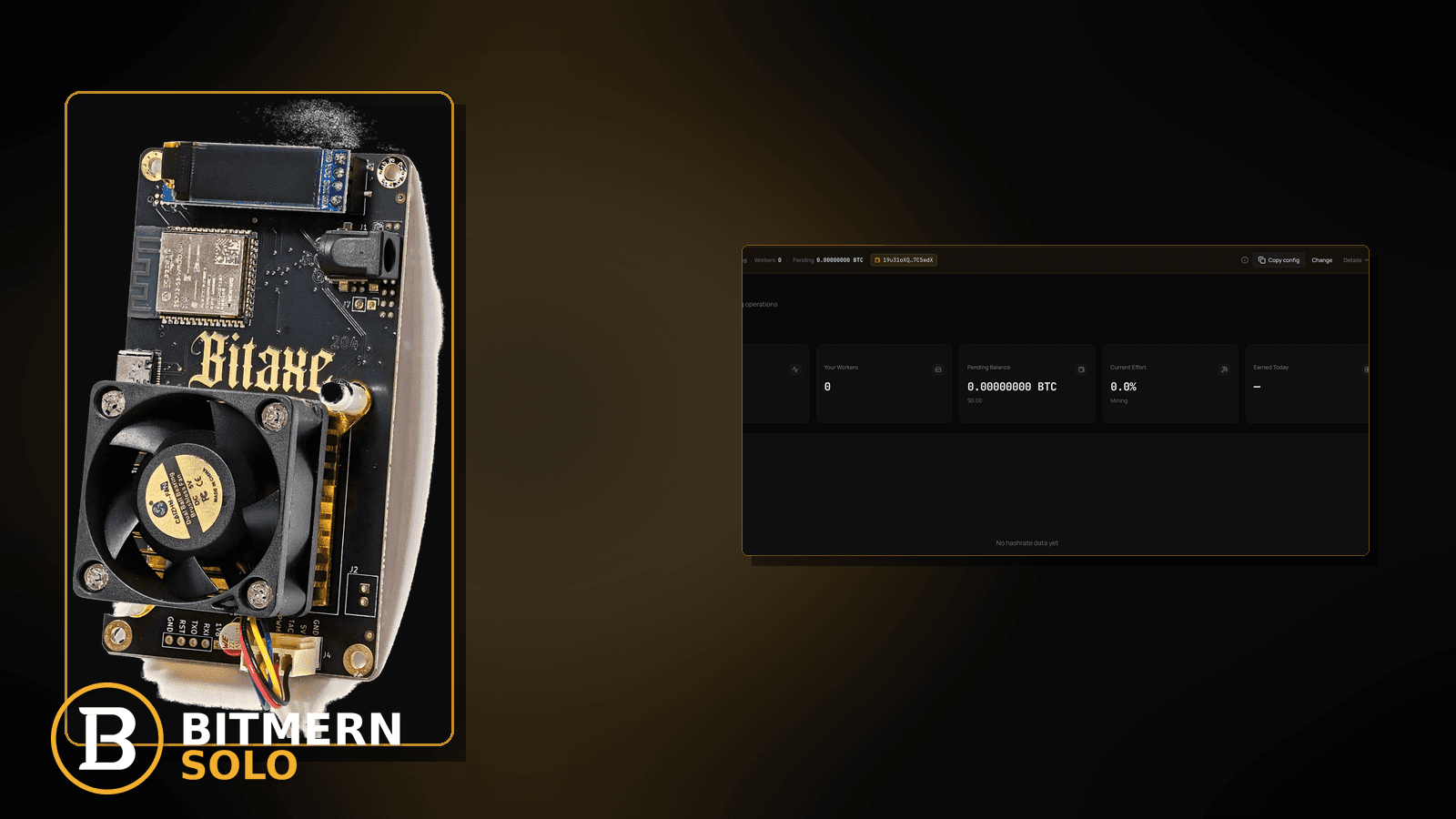
Your Bitaxe was Authorized / Subscribed on Bitmern Solo, then the wireless link flaps and stratum dies with it. The worker goes stale or offline. Accepts freeze. You already know wired is “better” in theory — this post is the ordered fix when Wi-Fi drops are the active failure, not a generic cable vs radio debate.
If Wi-Fi drops are killing your Bitaxe stratum session on Bitmern Solo — miner offline when the AP flaps, Authorized disappears after roam events, or accepts stall while the radio is half-up — run an ordered checklist: confirm BTC easy-start btc.bitmernsolo.com:3132 (never treat :3102 as the Bitaxe / home default), username WALLET.worker, password x, then stabilize the wireless path before you blame “the pool.” This post is not the ethernet-vs-wifi choice lane, the reconnect-loops lane, the high-latency lane, or the VPN/proxy fix — and Current Effort is not a find guarantee.
This is the Wi-Fi-drops-kill-stratum lane. Wired vs wireless choice: Ethernet vs Wi-Fi. Auth flapping after a connect: reconnect loops fix. High RTT while the link stays up: high latency stratum. VPN/proxy path damage: VPN / proxy stratum fix. Worker already offline on the dashboard: worker offline fix.
Bitmern Solo is solo infrastructure: flat 1% fee on finds only, you keep 99%. Fee context stays light here — the job is to keep stratum alive when the radio flaps.
Wi-Fi drops ≠ ethernet-vs-wifi ≠ reconnect loops ≠ high latency ≠ VPN
Five patterns get mixed up:
- Wi-Fi drops killing stratum — the wireless link flaps or degrades and the Bitmern Solo session dies with it. That is this post.
- Ethernet vs Wi-Fi — choosing wired vs wireless as a design decision. Use Ethernet vs Wi-Fi.
- Reconnect loops — auth flaps: connect → drop → connect even when the radio looks up. Use reconnect loops fix.
- High latency — RTT is bad while the link stays continuously up. Use high latency stratum.
- VPN / proxy — the path is tunneled and stratum suffers. Use VPN / proxy stratum fix.
Do not invent a Bitmern Solo “max Wi-Fi drop seconds” SLA, a guaranteed reconnect-after-flap table, or a claim that Current Effort predicts finds. Product facts that matter for retest: BTC host btc.bitmernsolo.com, easy-start port :3132, username WALLET.worker, password x.
What Wi-Fi drops usually look like on a Bitaxe desk
Common desks:
- Authorized / Subscribed, then dead after the AP roams — session was clean until the radio moved or reassociated.
- Worker flips offline when someone microwaves / walks past / phone hotspots — classic interference and channel contention.
- Accepts freeze while AxeOS still shows a Wi-Fi icon — icon ≠ stable stratum path.
- Miner recovers only after a full reboot — stale TCP / half-open stratum after a brief radio loss.
- String is correct on
:3132but the AP is 2.4 GHz congested — host/port are fine; the air is not. - Dashboard shows the worker stale while firmware says Connecting again — wireless drop mid-session.
- You already tried ethernet-vs-wifi theory posts — you need an ordered fix for the drop itself.
- VPN was never in the path — stay here; do not jump to VPN / proxy stratum fix without evidence.
Separate these from pure RTT problems on a continuously-up link (high latency stratum) and from auth flap without a radio story (reconnect loops fix).
Ordered diagnose-and-fix checklist
Run top to bottom. Stop when firmware holds a clean Authorized / Subscribed session through normal desk Wi-Fi conditions, the matching coin tab shows the worker, and accepts can move — without inventing a drop-duration SLA.
1. Confirm BTC easy-start host and port before you chase the AP
Symptom: You blame Wi-Fi while the stratum string drifted to a foreign host, wrong coin endpoint, or leftover :3102.
Fix: For BTC easy-start use:
stratum+tcp://btc.bitmernsolo.com:3132
Never treat :3102 as the Bitaxe / home default. Re-paste carefully, then stabilize the radio.
2. Confirm username and password format
Symptom: Username is bare wallet, wrong worker label, or password is blank / password / a random string — so every Wi-Fi recovery looks like a new broken session.
Fix: Username:
WALLET.worker
Password:
x
Wallet must be registered for that coin on Bitmern Solo. Save, apply, and open a new session after radio fixes so you are not reading a stale offline line.
3. Prove the failure tracks the wireless event
Symptom: You assume “pool drop” when the AP reassociated, channel changed, or RSSI tanked at the same moment.
Fix: Correlate: AxeOS / router logs around roam, DFS, or client kick events vs the moment Authorized disappeared. If the session dies exactly when the radio flaps, stay on this checklist. If auth flaps with a rock-solid radio, leave for reconnect loops fix.
4. Stabilize the AP path (desk-level)
Symptom: Bitaxe is on a congested 2.4 GHz SSID, far from the AP, or sharing a guest network that idle-timeouts clients.
Fix: Prefer a dedicated / closer AP, fixed channel where your router allows it, and avoid client-isolation guest SSIDs for miners. If you can move to ethernet for the retest, do — design choice context remains in Ethernet vs Wi-Fi. The goal here is to stop the flap, not win a cable debate.
5. Kill power-save / roaming surprises when your firmware exposes them
Symptom: The board sleeps the radio or follows a phone-style roam policy that tears TCP.
Fix: In AxeOS / router client settings, disable aggressive power-save or band-steering for the miner if those toggles exist. After changes, reboot so stratum opens a new session — do not stare at one half-dead socket.
6. Separate Wi-Fi drops from high latency
Symptom: Link never drops, but shares feel late and RTT is ugly.
Fix: That is high latency stratum. Stay here only when the durable story is disconnect / offline / session death tied to wireless events.
7. Separate Wi-Fi drops from VPN / proxy paths
Symptom: Traffic leaves through a VPN, smart DNS, or HTTP proxy “for privacy.”
Fix: Use VPN / proxy stratum fix. A clean local Wi-Fi path to btc.bitmernsolo.com:3132 is the retest for this post.
8. Open the matching coin tab before you declare the worker dead
Symptom: You stare at the wrong coin tab after a flap and conclude Bitmern Solo never recovered.
Fix: Open the same coin the miner is pointed at. Confirm the worker under the expected WALLET.worker label. If the row is clearly offline after a confirmed radio event, also skim worker offline fix. Card reading stays in the dashboard guide.
9. Prove the session — not a luck promise
After a clean apply + new session on a stable radio:
- Firmware holds Authorized / Subscribed (or equivalent) through normal desk conditions
- Matching coin tab shows the worker under the expected label
- Fresh accepts can move while the board hashes
- You are not treating Current Effort as a find clock
Current Effort is an ops signal — not a find guarantee. Guide: dashboard workers / shares / effort.
10. Soft fee reminder only after the session holds
Fee reminder only if you need it: flat 1% on finds; you keep 99%. Surviving a Wi-Fi flap is an ops win, not a fee event.
When ethernet-vs-wifi, reconnect loops, latency, or VPN is the real story
If you are still choosing wired vs wireless as a design decision, use Ethernet vs Wi-Fi. If auth flaps with a solid radio, use reconnect loops fix. If RTT is the problem without disconnects, use high latency stratum. If a tunnel is in the path, use VPN / proxy stratum fix. If the worker row is already offline for broader reasons, use worker offline fix.
What this post will not invent
- No “max Wi-Fi drop seconds” product SLAs or guaranteed reconnect-after-flap tables
- No claim that
:3102is the home Bitaxe default (easy-start is :3132) - No luck formulas, dollar EV, or find-time promises from Current Effort
- No fabricated wireless uptime guarantees sold as Bitmern Solo SLAs
- No competitor fee comparisons
Fee reminder: flat 1% on finds; you keep 99%. A stable radio + clean string is desk hygiene, not a luck product.
Quick retest sequence after a radio or string change
After you fix the AP, move the miner, or correct host/port/username/password, do not stare at one stale offline line forever. Use a short retest loop:
- Confirm BTC easy-start still
btc.bitmernsolo.com:3132, usernameWALLET.worker, passwordx. - Save / apply and reboot so firmware opens a new session.
- Open the matching coin tab — not a neighbor tab.
- Watch for Authorized / Subscribed and a worker row that survives normal desk Wi-Fi — not Current Effort as a find promise.
If auth flaps without radio events, leave for reconnect loops fix. If the path is tunneled, leave for VPN / proxy stratum fix.
Common Wi-Fi-drop mistakes to avoid
- Blaming Bitmern Solo first — confirm
:3132/WALLET.worker/x, then prove the radio event. - Treating
:3102as “the Bitmern port” — easy-start for Bitaxe / home BTC is:3132. - Skipping
.worker— username format matters for attribution after every reconnect. - Using a non-
xpassword — Bitmern Solo expects password exactlyx. - Reading the wrong coin tab after a flap — prove the worker on the matching tab.
- Rebooting without fixing the AP path — a reboot into the same congested SSID often fails the same way.
- Inventing a drop-seconds SLA — stabilize the link; do not demand a product guarantee the desk never published.
None of these mistakes invent a wireless SLA. They only restore a path from flappy Wi-Fi to a real session and proven accepts.
How this checklist fits the ops library
- This post — ordered Wi-Fi-drop diagnose-and-fix while pointed at Bitmern Solo.
- Ethernet vs Wi-Fi — wired vs wireless design choice.
- Reconnect loops fix — flapping auth.
- High latency stratum — RTT without disconnects.
- VPN / proxy stratum fix — tunneled path damage.
- Worker offline fix — dashboard worker already offline.
Start here when wireless flaps kill stratum. Move sideways when the symptom clearly belongs to another lane.
Soft next step
Lock BTC easy-start btc.bitmernsolo.com:3132, keep WALLET.worker with password x, stabilize the AP path (or retest on ethernet), open a new session, then confirm Authorized / Subscribed plus a worker row that holds through normal desk Wi-Fi — before you chase luck myths or invent a drop SLA.
Start mining
Start Mining — after login, open the matching coin tab and confirm workers / shares / hashrate.
FAQ
What BTC port should a home Bitaxe use when Wi-Fi drops kill stratum?
:3132 on btc.bitmernsolo.com. Never treat :3102 as the Bitaxe / home default.
What username and password does Bitmern Solo expect?
Username WALLET.worker (wallet must be registered for that coin). Password exactly x.
Is a Wi-Fi drop the same as a reconnect loop?
No. Reconnect loops can flap auth without a radio story: reconnect loops fix. Use this post when session death tracks wireless events.
Does Current Effort mean I am about to find a block?
No. Current Effort is an ops / attribution signal — not a find guarantee. See the dashboard guide.
When should I use ethernet-vs-wifi or VPN posts instead?
Design choice wired vs wireless: Ethernet vs Wi-Fi. Tunnel in the path: VPN / proxy stratum fix.
Where do I confirm the fix on Bitmern Solo?
Matching coin tab → worker row → firmware holds Authorized / Subscribed through normal desk Wi-Fi → fresh accepts when the board hashes. Guide: dashboard workers / shares / effort.


