


VPN or Proxy Breaking Bitmern Solo Stratum
If your Bitaxe or home ASIC will not show accepts on Bitmern Solo while a VPN, HTTP/SOCKS proxy, or “always-on” tunnel sits on the path the miner uses, run an…
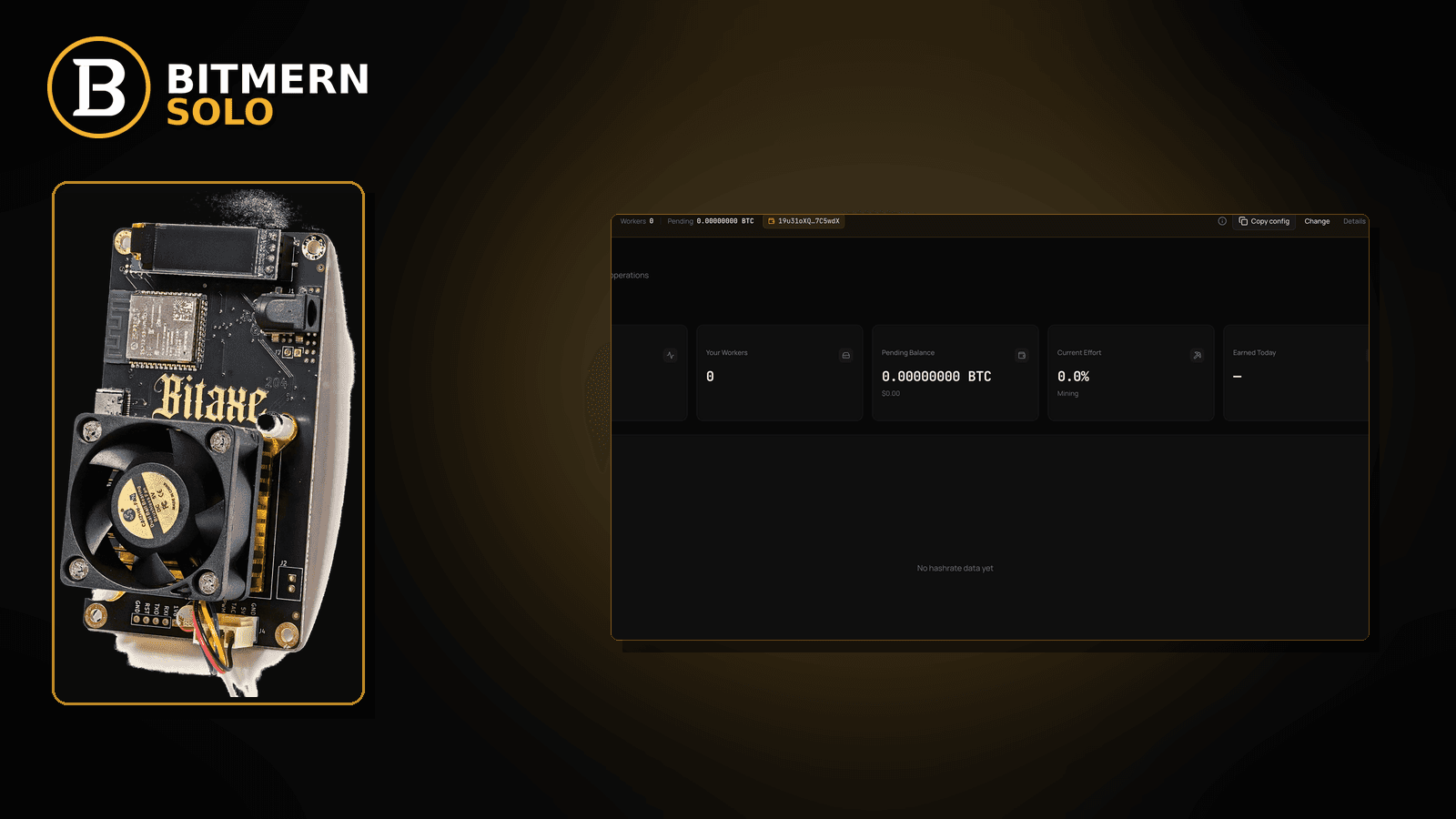
Host, port, and WALLET.worker look right. The dashboard still shows empty accepts — or the board reconnects forever — because a VPN or proxy on the LAN, router, or bridge PC is routing (or blocking) stratum. That is not a bare outbound firewall deny with no tunnel involved, and it is not a DNS NXDOMAIN on a clean path.
If your Bitaxe or home ASIC will not show accepts on Bitmern Solo while a VPN, HTTP/SOCKS proxy, or “always-on” tunnel sits on the path the miner uses, run an ordered VPN/proxy checklist: confirm the stratum string is already correct, identify every tunnel/proxy hop, disable or bypass VPN/proxy for the miner path, retest BTC easy-start btc.bitmernsolo.com:3132 with WALLET.worker / password x, then prove accepts on the matching coin tab. Never treat :3102 as the Bitaxe / home default. This post does not invent Bitmern Solo “VPN-compatible” claims or recommend VPN brands.
This is the VPN / proxy path. Bare outbound deny without a tunnel: firewall blocking stratum. Hostname will not resolve: DNS resolve fix. Session connects then flaps on a clean path: reconnect loops fix. Radio vs cable: Ethernet vs Wi-Fi. Field wiring: AxeOS setup.
Bitmern Solo is solo infrastructure: flat 1% fee on finds only, you keep 99%. Fee context stays light here — the job is removing a tunnel that breaks stratum so the account can attribute work.
VPN/proxy break ≠ firewall ≠ DNS ≠ reconnect loops
Four patterns get mixed up:
- VPN / proxy on the miner path — tunnel or proxy routes, filters, or DNS-hijacks stratum so accepts never appear (or reconnect forever) even when host/port/user look correct. That is this post.
- Outbound firewall / path block — no VPN; router/OS/guest rules drop TCP to
host:port. Use firewall blocking stratum. - DNS resolve failure — hostname never resolves or a bad cache points dead. Use DNS resolve fix.
- Reconnect loops — host/port already correct on a clean path; session connects, drops, reconnects. That is reconnect loops.
Do not invent a Bitmern Solo product VPN mode, split-tunnel feature, or brand endorsement. The product facts that matter: per-coin hosts (for BTC, btc.bitmernsolo.com), BTC easy-start :3132, username WALLET.worker, password x.
What usually breaks stratum when a tunnel is involved
Common VPN/proxy patterns on Bitaxe-class and small ASIC desks:
- Router “VPN client” always-on — whole LAN (including miners) exits through a tunnel that filters non-web ports or breaks long-lived TCP.
- Bridge PC / USB Ethernet with OS VPN — laptop browser may still load the dashboard while the miner’s traffic is forced through the tunnel.
- HTTP / SOCKS proxy for “all apps” — firmware does not speak that proxy; stratum never completes.
- Split-tunnel half-done — marketing site bypasses the tunnel; stratum host still forced through a broken hop.
- VPN DNS hijack — tunnel resolver cannot see the coin host (pair with DNS resolve fix after the tunnel is off).
- Corporate / travel VPN — board works at home; fails on a mandated tunnel network.
Separate these from bare firewall denies (firewall blocking stratum) and from pure resolve failures with no tunnel (DNS resolve fix).
Ordered fix checklist
Run top to bottom. Stop when the matching coin tab shows the worker under the expected label, fresh accepts move, and the board is not still bouncing through a tunnel.
1. Confirm the stratum string is already correct
Symptom: You have never verified host/port/user/pass; “VPN” is a guess.
Action: First pass stratum URL mistakes. For BTC easy-start:
stratum+tcp://btc.bitmernsolo.com:3132
WALLET.worker
password: x
Never treat :3102 as the Bitaxe / home default. Host must match the coin. Only after the string is clean do you treat empty accepts as a path / tunnel problem.
2. Open the matching coin tab before you blame the pool
Symptom: You watch the wrong coin tab while the board points elsewhere and conclude “VPN killed the pool.”
Fix: Open the same coin the miner is pointed at. A BTC-pointed board will not populate LTC worker cards.
3. Inventory every VPN / proxy hop on the miner path
Symptom: Something “secure” is on — router VPN client, OS VPN on a bridge PC, browser proxy extensions that somehow got installed system-wide, “smart DNS” appliances that act like proxies.
Fix: List them. Check the router WAN/VPN page, the bridge PC’s VPN apps, and any HTTP/SOCKS system proxy. You are looking for anything that sits between the miner and the public internet for TCP to the coin host:port.
Do not invent a Bitmern Solo inventory tool or a product list of “supported VPNs.”
4. Disable VPN/proxy on the path the miner uses
Symptom: Accepts empty or reconnect storms only while the tunnel is up; same board works when the tunnel is off.
Fix: Turn the VPN/proxy off for the miner path (router tunnel off, OS VPN disconnect, system proxy cleared). Power-cycle or re-apply pool settings once. Retest. If accepts appear with the tunnel down, the tunnel was the break — leave it off for mining or move the miner to a LAN path that does not force the tunnel.
This post does not invent Bitmern Solo “use VPN brand X” or “VPN-compatible stratum” marketing claims.
5. Watch for split-tunnel pitfalls (without inventing product VPN support)
Symptom: Website loads; stratum still fails with VPN “partially” enabled; DNS looks fine in the browser but firmware still times out.
Fix: Prefer a full bypass for the miner — dedicated SSID/VLAN without the tunnel, or Ethernet on a path that never enters the VPN — over hoping a half-configured split tunnel magically allows stratum. Do not invent a product split-tunnel guide or required VPN settings page inside Bitmern Solo.
6. Re-prove DNS and outbound TCP after the tunnel is down
Symptom: Tunnel off; still no accepts.
Fix: Resolve the coin host (DNS resolve fix), then prove outbound TCP (firewall blocking stratum). Guest isolation and radio issues: Ethernet vs Wi-Fi.
7. Username and password shape (still required)
Required:
WALLET.worker
password: x
Traps that scramble attribution while you chase “VPN”: missing dot, spaces, wrong wallet prefix vs the registered receive address, password not exactly x, or watching the wrong worker suffix.
Field wiring: AxeOS setup. Full connect: connect ASIC.
8. Primary slot only while diagnosing
Symptom: Primary points at Bitmern Solo; secondary still points elsewhere; tunnel flaps make failover steal the session.
Fix: Put Bitmern Solo on the primary (or only) pool slot. Clear unused failover slots while you diagnose. Host must match the coin. Save and apply. Flaps after the path is clean: reconnect loops.
9. Retest primary with BTC easy-start when hashing BTC
Symptom: You changed ports/hosts while chasing the VPN and lost the known-good baseline.
Fix: Return to a known-good primary for BTC:
stratum+tcp://btc.bitmernsolo.com:3132
WALLET.worker
password: x
Never treat :3102 as the home default. Other coins: matching per-coin host and the port shown for that coin in product docs / UI — do not invent ports here.
10. Prove first accepts on the Bitmern Solo dashboard
Open the matching coin tab. Confirm:
- Worker row present under the expected
WALLET.workerlabel - Fresh accepts moving (not stuck empty)
- Hashrate reading believable while the board hashes
- Current Effort leaving a stuck empty reading when attribution works
Card reading stays in the dashboard guide. Here you only verify the tunnel is no longer blocking attribution.
When firewall, DNS, reconnect loops, or Wi-Fi is the real story
If there is no VPN/proxy and outbound TCP is denied, use firewall blocking stratum. If the hostname will not resolve on a clean path, use DNS resolve fix. If the session connects then flaps, use reconnect loops. If radio is noisy after TCP sometimes works, use Ethernet vs Wi-Fi. First-time fields: AxeOS setup.
What this post will not invent
- No Bitmern Solo “VPN-compatible” product claim or recommended VPN brand
- No claim that
:3102is the home Bitaxe default (easy-start is :3132) - No ISP / VPN SLA, split-tunnel product UI, or “first accept within N seconds” promise
- No luck formulas, dollar EV, or find-time promises from turning a tunnel off
- No competitor fee comparisons
Fee reminder only if you need it: flat 1% on finds; you keep 99%. A clean miner path is an ops signal, not a fee.
LAN topology notes (still no product VPN claims)
A few desk layouts show up again and again:
- Miner on Wi-Fi, VPN only on a laptop — usually fine if the miner’s default gateway never enters the laptop tunnel. Problem starts when the laptop is a USB/Ethernet bridge and the OS VPN captures that interface.
- Whole-home router VPN — every device, including Bitaxe-class boards, exits through the tunnel. Disable the router VPN client or put miners on a LAN/WAN path that bypasses it while you hash.
- “Secure DNS” appliances that act like proxies — they can break resolve or TCP similarly to a VPN. Treat them as path hops: bypass for the miner VLAN, then retest accepts.
- Travel / hotel captive portals plus a personal VPN — double trouble. Get a path that allows outbound stratum TCP first (firewall blocking stratum); then decide whether any tunnel is still required for non-mining traffic.
None of these notes invent Bitmern Solo VPN settings. They are environmental checklists so you stop rewriting WALLET.worker while a tunnel is the real break.
Soft next step
Lock a correct stratum string (btc.bitmernsolo.com:3132 for BTC easy-start, WALLET.worker / x), remove VPN/proxy from the miner path, re-check DNS and outbound TCP if needed, then confirm first accepts on the matching coin tab before you chase deeper hardware issues.
Start mining
Start Mining — after login, open the matching coin tab and confirm workers / shares / hashrate.
FAQ
Is a VPN break the same as a firewall block?
Not always. Firewall posts cover outbound denies with no tunnel. This post covers tunnels/proxies that route or filter stratum even when a “normal” path would work. If the tunnel is already off and TCP is still denied, use firewall blocking stratum.
What BTC port should a home Bitaxe use first when re-testing?
:3132 on btc.bitmernsolo.com. Never treat :3102 as the Bitaxe / home default.
What username and password does Bitmern Solo expect?
Username WALLET.worker (wallet prefix must match the registered receive wallet for that coin). Password exactly x.
Does Bitmern Solo officially support or recommend a VPN brand?
No claim like that is made here. Do not invent product VPN support. Goal: miner traffic that can resolve the coin host and open stratum TCP.
Can a VPN break DNS even when the stratum string is right?
Yes. Tunnel DNS hijacks often look like DNS resolve failures. Disable the tunnel, renew DNS, then retest.
Where do reconnect loops fit?
If the tunnel is off, host/port are correct, and the session connects then flaps, use reconnect loops.
Where do I confirm the fix on Bitmern Solo?
Matching coin tab → worker row → fresh accepts → believable hashrate. Guide: dashboard workers / shares / effort.


