


Stratum URL Mistakes on Bitmern Solo (Copy-Paste Fix)
If your Bitaxe or home ASIC will not show accepts on Bitmern Solo after you “set the pool,” run an ordered stratum URL checklist: strip https from the field,…
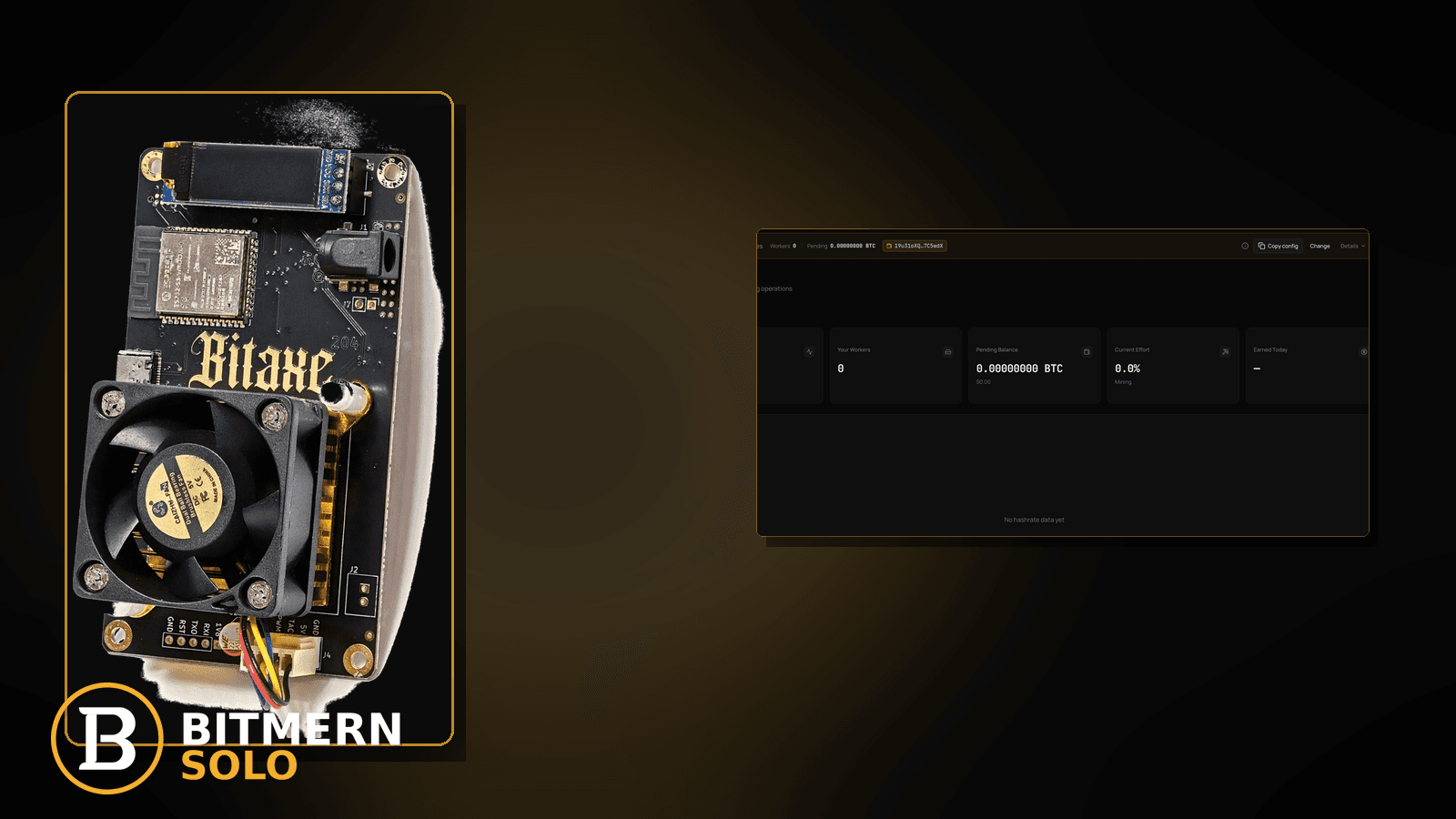
A silent wrong stratum URL is the setup killer that looks like “the pool is down.” The board may connect nowhere useful, land on the wrong coin endpoint, or flap after a typo — while Bitmern Solo never maps the worker you expected. That is not the same as a full reconnect storm after a correct URL, and it is not a full AxeOS or ASIC connect tutorial.
If your Bitaxe or home ASIC will not show accepts on Bitmern Solo after you “set the pool,” run an ordered stratum URL checklist: strip https from the field, match the coin host (btc.bitmernsolo.com for BTC), use BTC easy-start :3132 (never treat :3102 as the Bitaxe/home default), kill trailing slashes and typo domains, then prove the first accepts on the matching coin tab. Username WALLET.worker, password exactly x. This post does not invent extra product hosts or port SLAs.
This is the wrong-URL / copy-paste fix. Full field wiring: connect ASIC. AxeOS walkthrough: AxeOS setup. Port ladder after easy-start is stable: VarDiff stratum ports. Flaps after the URL is already correct: reconnect loops fix. Moving boards from another pool: migrate miners.
Bitmern Solo is solo infrastructure: flat 1% fee on finds only, you keep 99%. Fee context stays light here — the job is getting a clean stratum string so the account can attribute work.
Wrong URL ≠ reconnect loops ≠ full setup guide
Three patterns get mixed up:
- Wrong stratum URL — https pasted into the stratum field, wrong coin host, wrong port (especially treating
:3102as home default), trailing slash, typo domain. Worker never maps cleanly or accepts never appear. That is this post. - Reconnect loops — host/port already correct; session connects, drops, reconnects. That is the reconnect loops path.
- Full setup / AxeOS — first-time pool, user, pass, Wi-Fi, apply. Use connect ASIC or AxeOS setup. This article assumes you already know the three fields and are debugging a bad string.
Do not invent a Bitmern Solo product default that “any host ending in bitmernsolo.com will work for every coin.” Host must match the coin you are hashing.
What usually breaks the stratum string
Common copy-paste failures on Bitaxe-class and small ASIC desks:
- https:// pasted into stratum — browser URL habit; stratum field wants
stratum+tcp://…(or the host:port form your firmware expects), not an https site URL. - Wrong coin host — BTC board pointed at another coin’s endpoint, or a generic hostname that does not match the coin tab you are watching.
:3102treated as Bitaxe/home default — easy-start for BTC home boards is:3132. Other VarDiff ports exist once easy-start is stable; they are not the first home default.- Trailing slash / path junk —
…:3132/or a docs path stuck on the end. - Typo domains — missing letter,
.comvs lookalike, extra subdomain you invented. - Failover slot still on old pool — primary looks right; secondary steals the session.
Separate these from flaps after a known-good URL (reconnect loops) and from first-time field wiring (AxeOS setup).
Ordered fix checklist
Run top to bottom. Stop when the matching coin tab shows the worker under the expected label, fresh accepts move, and you are not still editing host/port every minute.
1. Confirm you are not in a pure reconnect storm on a good URL
Symptom: Host/port already match Bitmern Solo docs; reconnect counters climb; accepts sometimes land.
Action: Leave this article for reconnect loops. Wrong-URL triage assumes the string itself is suspect — https paste, wrong host, wrong port, slash, typo — not a flapping path after copy-paste is already correct.
2. Open the matching coin tab before you rewrite fields
Symptom: You watch LTC (or another coin) while the board points at BTC — or the reverse — and conclude “stratum is dead.”
Fix: Open the same coin the miner is pointed at. A BTC-pointed board will not populate LTC worker cards. Coin flips: switch coins.
3. Strip https and paste a stratum form
Symptom: Field starts with https://, or you pasted the marketing site / blog URL into the pool slot.
Fix: Use a stratum form, for BTC easy-start:
stratum+tcp://btc.bitmernsolo.com:3132
If your firmware wants host and port in separate boxes, put btc.bitmernsolo.com and 3132 — not an https URL. Do not invent product hosts beyond the per-coin endpoints you already use from Bitmern Solo docs (for example btc.bitmernsolo.com for BTC).
4. Match the coin host — do not invent a catch-all
Symptom: Board hashes BTC but host is for another coin; or you typed a hostname that “sounds right” but is not the product endpoint.
Fix: Host must match the coin. For BTC, btc.bitmernsolo.com is the established product host pattern. Watch the matching coin tab after save. Migrating from elsewhere: migrate miners.
5. Lock BTC easy-start :3132 (never treat :3102 as default)
Symptom: Home Bitaxe on :3102 (or another non-easy port) with no accepts / confusing difficulty; or you switched ports while debugging a typo.
Fix: Point BTC at:
stratum+tcp://btc.bitmernsolo.com:3132
Never treat :3102 as the Bitaxe / home default. Other VarDiff ports exist once the easy path is stable — see VarDiff ports. Fix the URL string first; port ladder after accepts exist.
6. Kill trailing slash, path, and junk characters
Symptom: Pool field ends with /, includes a docs path, spaces, or a stray query string.
Fix: Clean to host + port only (plus stratum+tcp:// if your firmware wants the scheme). Save and apply. Re-read the field after reboot — some UIs re-append junk from clipboard history.
7. Username and password shape
Required:
WALLET.worker
password: x
Traps that scramble attribution while you chase “bad URL”: missing dot, spaces, underscore instead of the dot, wrong wallet prefix vs the registered receive address, password not exactly x, or watching the wrong worker suffix.
Field wiring: AxeOS setup. Naming depth: worker naming.
8. Primary slot only — clear failover that steals the session
Symptom: Primary looks correct; secondary still points at an old pool or a typo host; Bitmern Solo never sees steady work.
Fix: Put Bitmern Solo on the primary (or only) pool slot. Clear or disable failover slots that point elsewhere while you diagnose. Host must match the coin. Save and apply. Deeper flap work after the URL is clean: reconnect loops.
9. Prove first accepts on the Bitmern Solo dashboard
Open the matching coin tab. Confirm:
- Worker row present under the expected
WALLET.workerlabel - Fresh accepts moving (not stuck empty)
- Hashrate reading believable while the board hashes
- Current Effort leaving a stuck empty reading when attribution works
Card reading stays in the dashboard guide. Here you only verify the stratum string landed work on the account.
When reconnect loops or full setup is the real story
If host/port already match and the session flaps, switch to reconnect loops. If you have never filled pool / user / pass correctly, use connect ASIC or AxeOS setup. Wrong-URL triage is for the silent copy-paste killer — not every offline row.
What this post will not invent
- No extra product hosts beyond established per-coin endpoints (e.g.
btc.bitmernsolo.comfor BTC) - No claim that
:3102is the home Bitaxe default - No product SLA for “first accept within N seconds”
- No luck formulas, dollar EV, or find-time promises from a clean URL
- No competitor fee comparisons
Fee reminder only if you need it: flat 1% on finds; you keep 99%. A clean stratum string is an ops signal, not a fee.
Soft next step
Strip https, match the coin host, lock BTC to :3132 with WALLET.worker / x, clear failover junk, then confirm first accepts on the matching coin tab before you chase deeper hardware or path issues.
Start mining
Start Mining — after login, open the matching coin tab and confirm workers / shares / hashrate.
FAQ
Is a wrong stratum URL the same as reconnect loops?
No. Reconnect loops assume the URL is already correct and the session flaps. Use this post when the string itself is wrong (https, host, port, slash, typo).
What BTC port should a home Bitaxe use first?
:3132 on btc.bitmernsolo.com. Never treat :3102 as the Bitaxe / home default. See VarDiff ports.
What username and password does Bitmern Solo expect?
Username WALLET.worker (wallet prefix must match the registered receive wallet for that coin). Password exactly x.
Can I paste the https website URL into the stratum field?
No. Use stratum+tcp://… or separate host/port fields — not the marketing https URL.
Do I invent a catch-all host for every coin?
No. Match the per-coin host (for BTC, btc.bitmernsolo.com). Watch the matching coin tab.
Where does migrate-from-another-pool fit?
If you are moving boards from another pool with known-good hardware, use migrate miners after the stratum string pattern here is clear.
Where do I confirm the fix on Bitmern Solo?
Matching coin tab → worker row → fresh accepts → believable hashrate. Guide: dashboard workers / shares / effort.


