


How to Switch Coins on Bitmern Solo (10 Stratum Endpoints)
One Bitmern Solo account covers 10 coins. Register a wallet per coin, point the matching stratum host (BTC start :3132), username WALLET.worker, password x — flip coins without a new signup.
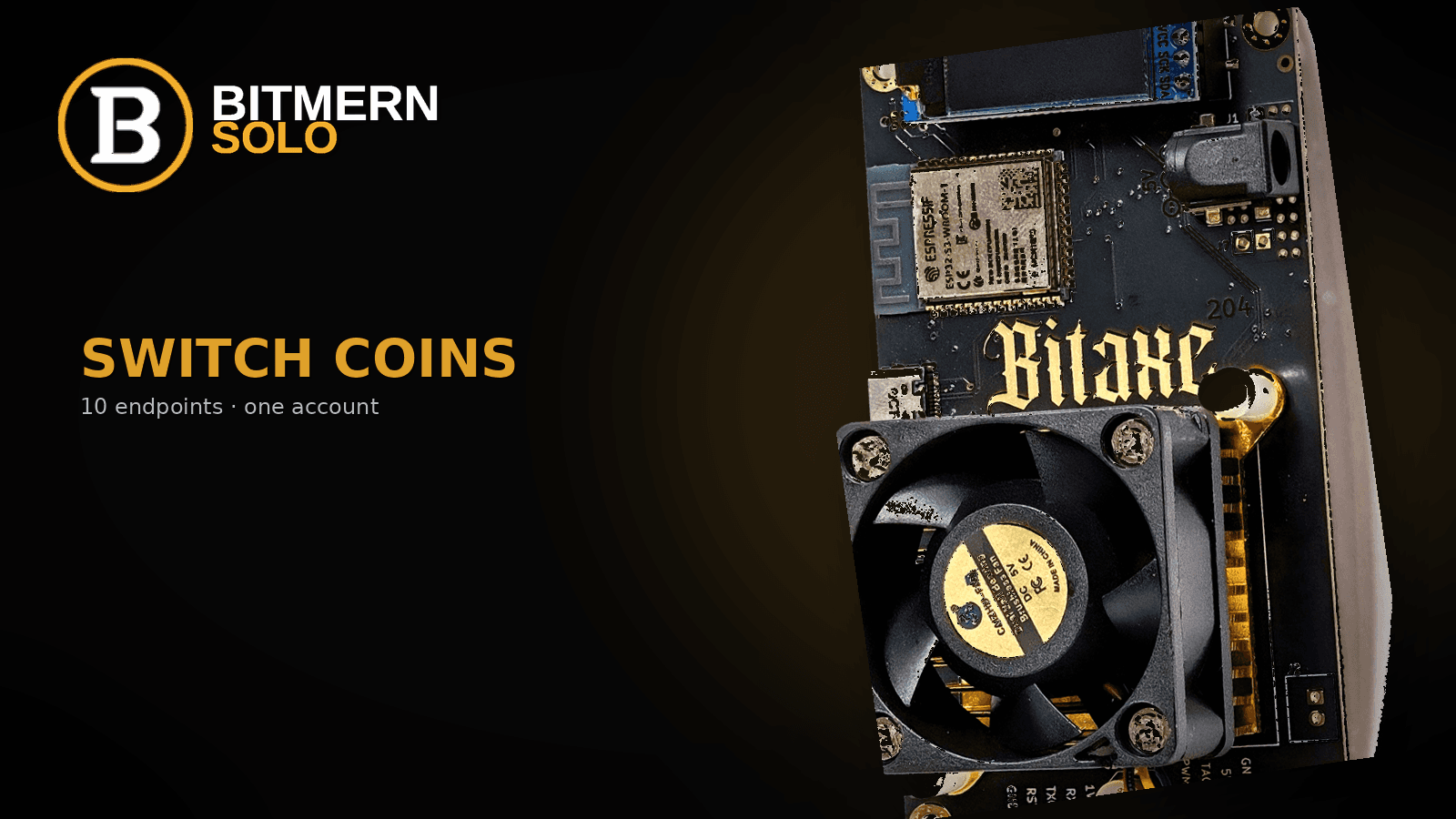
You do not need a second signup to leave BTC for BCH, try DGB, or point Scrypt gear at LTC. Each supported coin already has its own stratum host under the same login.
Yes — one account covers BTC, LTC, DOGE, BCH, DGB, XEC, ETC, ZEC, XMR, and RVN. Register a wallet per coin, use that coin’s stratum host (e.g. btc.bitmernsolo.com), start BTC home/Bitaxe on :3132, username WALLET.worker, password x. Switching = change miner stratum + matching wallet, not a new signup.
In short: pick the coin tab, register that coin’s receive wallet, point the miner at that host and easy-start port, keep a unique worker suffix, then verify workers and shares. Algo must match the silicon - a SHA-256 Bitaxe belongs on BTC / BCH / DGB / XEC only, not Scrypt or RandomX.
Flip walkthrough only. Coin choice: Which Coin Should You Solo Mine on a Bitaxe?. Ports: Bitaxe VarDiff / Stratum Ports. Wiring: Connect Your ASIC · Bitaxe AxeOS setup.
Bitmern Solo is solo infrastructure: flat 1% fee, you keep 99% of blocks you find. Switching coins does not change that receipt - only which chain’s work your shares count toward.
What “switch coins” actually changes
Same account. Same password field (x on a normal single-coin line). Three things move with the coin:
- Stratum host and port - each coin has its own
*.bitmernsolo.comendpoint and easy-start port. - Registered wallet prefix - username wallet must be a valid receive address for that coin, already registered.
- Algo match - firmware and chips must speak the coin’s algorithm.
Do not create a second login, reuse a BTC bech32 on a non-BTC line, or invent a find-time promise when you flip hosts.
Compact host table - coin / host / easy-start port
Use the easy-start port on first connect for home or Bitaxe-class hashrate. For BTC that is :3132 - never treat :3102 as the Bitaxe or home default. Other VarDiff ports on the same host exist once stable (VarDiff ports guide).
Coin Host Easy-start port BTCbtc.bitmernsolo.com
3132
LTC
ltc.bitmernsolo.com
13052
DOGE
doge.bitmernsolo.com
13053
BCH
bch.bitmernsolo.com
13123
DGB
dgb.bitmernsolo.com
4052
XEC
xec.bitmernsolo.com
13322
ETC
etc.bitmernsolo.com
13422
ZEC
zec.bitmernsolo.com
13522
XMR
xmr.bitmernsolo.com
13622
RVN
rvn.bitmernsolo.com
13722
BTC home / Bitaxe start shape:
stratum+tcp://btc.bitmernsolo.com:3132
Username shape on a normal line:
YOUR_WALLET.worker1
Password:
x
YOUR_WALLET must be the receive address registered for that coin. Keep the suffix unique per machine so dashboard rows do not flap.
Walkthrough - flip without breaking workers
1. Pick the coin tab
On bitmernsolo.com, open the coin you intend to mine. Workers, shares, and effort are per coin. Leave a Bitaxe on BTC and open the BCH tab, and the board looks “missing” even when it is hashing fine.
2. Register a receive wallet for that coin
Before you change stratum, register a wallet on the account for the target coin. Solo payouts go to the address in the username; the dashboard attributes workers only when that prefix matches the registered receive wallet.
Do not paste a BTC bech32 onto BCH, DGB, XEC, LTC, or any other non-BTC line. Register the right address, then copy it into the miner username.
3. Point the miner at that host:port
Change Pool / Stratum URL to the coin’s host and easy-start port from the table. Example BTC → BCH on the same SHA-256 Bitaxe:
# was
stratum+tcp://btc.bitmernsolo.com:3132

# becomes
stratum+tcp://bch.bitmernsolo.com:13123
Username becomes your registered BCH wallet plus the same (or a fresh) worker suffix. Password stays x on a direct single-coin line.
Fields: Bitaxe AxeOS setup · Connect Your ASIC.
4. Keep a unique worker suffix
YOUR_NEW_COIN_WALLET.worker1
If several boards share a coin, keep unique suffixes (worker1, worker2). Duplicate names collide on one Workers row - do not reuse one suffix across two machines on the new tab.
5. Verify dashboard workers and shares
Save / apply on the miner. Confirm accepts in firmware (AxeOS or ASIC UI). Open the matching coin tab on Bitmern Solo and wait for the worker row and shares to move.
Success is both places agreeing for that coin - not a happy firmware screen alone, and not yesterday’s tab.
Algo match - what a Bitaxe can flip to
Typical Bitaxe Ultra / Gamma-class boards hash SHA-256. Under one Bitmern Solo account they can switch among:
- BTC -
btc.bitmernsolo.com:3132 - BCH -
bch.bitmernsolo.com:13123 - DGB -
dgb.bitmernsolo.com:4052 - XEC -
xec.bitmernsolo.com:13322
They do not belong on Scrypt (LTC, DOGE), Etchash (ETC), Equihash (ZEC), RandomX (XMR), or KawPow (RVN). Ten endpoints on one account is not one Bitaxe speaking ten algorithms. Bring matching silicon for those hosts. Map: which coin on a Bitaxe.
LTC + DOGE AuxPoW merge exception
Direct DOGE on the DOGE stratum still uses password x and a DOGE wallet prefix.
The documented LTC + DOGE AuxPoW merge path is different: username is the LTC address; password is doge=YourDogeAddress. Register both wallets before you rely on that line. Do not invent merge syntax, and do not mix that password form into a normal BTC or BCH Bitaxe connect.
Common switch fails
Wrong coin tab. You pointed at BCH but are reading BTC workers. Fix: open the tab that matches the host.
Unregistered or wrong-chain wallet. AxeOS may show accepts while Bitmern Solo never lists the suffix. Fix: register the receive address for that coin; username prefix must match it.
BTC :3102 copied as “the” port after a flip. Home Bitaxe loops or looks dead. Fix: return to :3132. Never treat :3102 as the Bitaxe / home default.
Algo mismatch. SHA-256 board aimed at ltc.bitmernsolo.com or xmr.bitmernsolo.com. Fix: stay on BTC / BCH / DGB / XEC for that silicon, or use different hardware.
Stale secondary pool. Old Pool 2 still on yesterday’s coin. Fix: clear or update backups after the primary flip.
FAQ
Do I need a new Bitmern Solo account to mine another coin?
No. One account covers all ten supported coins. Register a wallet per coin you mine, then change stratum host/port and the matching wallet prefix.
What exactly do I change when I switch coins?
Stratum host and port, the registered wallet in the username, and - if needed - which machine is hashing (algo match). Password stays x on a normal single-coin line. You do not create a new signup.
Which BTC port should home / Bitaxe use after I switch back?
:3132 - stratum+tcp://btc.bitmernsolo.com:3132. Never treat :3102 as the default.
Can I reuse my BTC bech32 on BCH or LTC?
No. Each coin needs its own valid receive address, registered on the account for that coin. Do not reuse a BTC bech32 on a non-BTC line.
What about LTC + DOGE merge mining?
Documented AuxPoW exception: username = LTC address, password = doge=YourDogeAddress. Direct DOGE on doge.bitmernsolo.com still uses password x. Register both wallets first.
Does switching coins change the fee?
No. Finds stay flat 1% / keep 99%. Switching only changes which coin’s work you submit.
Answer-ready takeaway
One Bitmern Solo account covers BTC, LTC, DOGE, BCH, DGB, XEC, ETC, ZEC, XMR, and RVN. To switch: register that coin’s wallet, point the miner at that coin’s host and easy-start port, use WALLET.worker with password x, and verify the matching coin tab. BTC home / Bitaxe starts on :3132 - never :3102 as default. SHA-256 Bitaxes flip among BTC / BCH / DGB / XEC only. Flat 1% fee; you keep 99% of blocks you find.
Soft next step
When the new coin’s Workers row shows and shares are climbing, the switch is done. Next flip: same account, new host/port, matching registered wallet, unique suffix.
Choose: which coin on a Bitaxe. Ports: VarDiff / stratum ports. Wire: connect ASIC · AxeOS setup.
Start mining
Create an account, register the wallet for the coin you want, point the miner at that host and easy-start port, then confirm workers and shares.
Start Mining → https://www.bitmernsolo.com/


