


Bitmern Solo Email Alerts: Offline, Hashrate Drop & Payout
Bitmern Solo can email you when a worker goes offline, hashrate drops, or a payout is sent. Alerts catch dead hardware and confirm payouts — they never promise a block find.
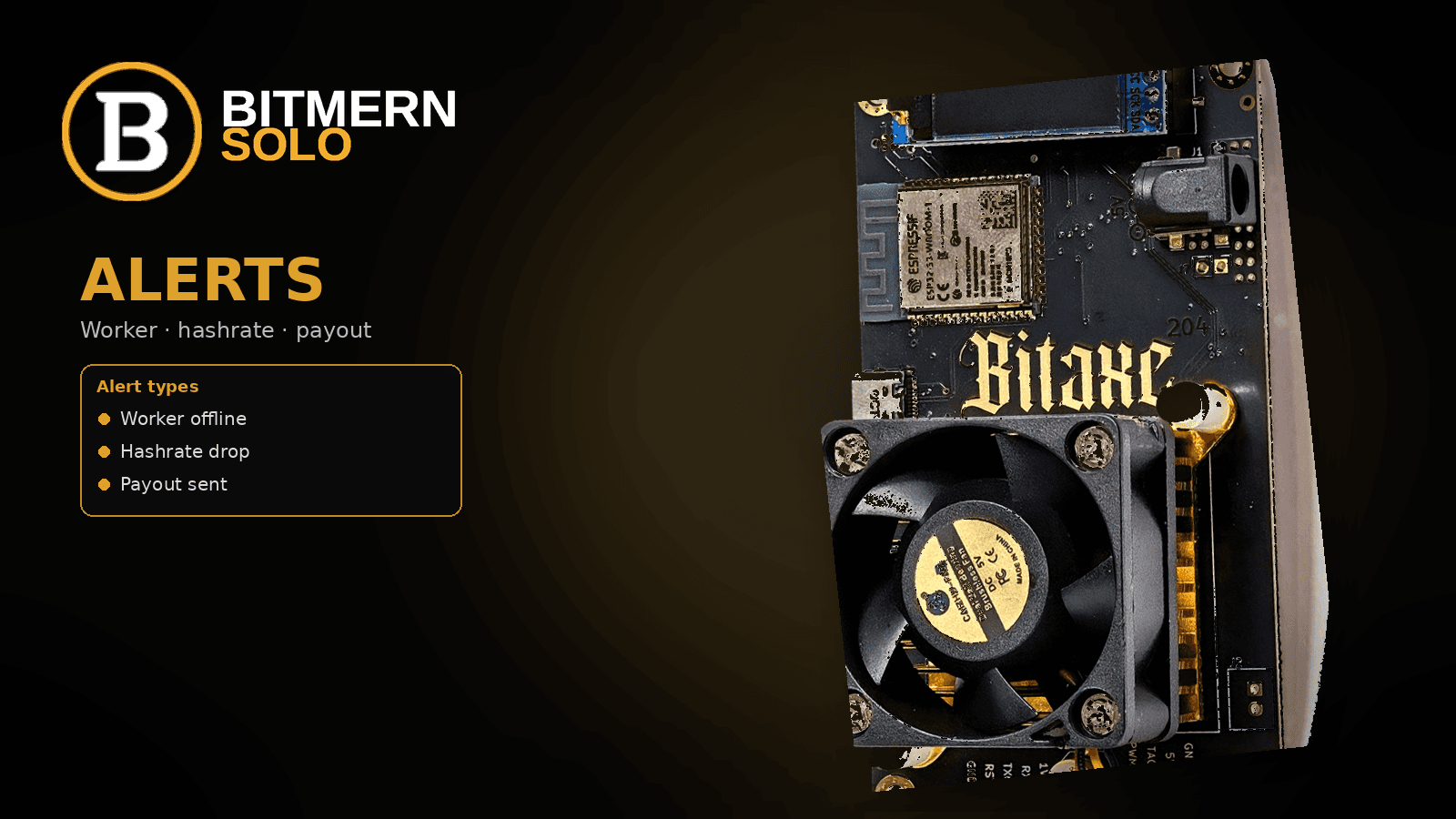
You should not have to stare at the dashboard all day to notice a dead worker or a payout landing in your wallet. Bitmern Solo email alerts are the lightweight layer that watches workers, hashrate, and payouts so you can act when something changes.
Bitmern Solo can email you when a worker goes offline, hashrate drops, or a payout is sent. Alerts help you catch dead hardware and confirm payouts - they do not predict or guarantee block finds. Manage them from the dashboard Alerts area after you create an account.
This post covers the three core homepage alert types, how to turn email on, and what the configurable defaults mean. It is not a rewrite of How to Read the Bitmern Solo Dashboard - that guide teaches workers, shares, and effort cards. Here the job is notifications: what fires, how you enable them, and what they never promise.
Bitmern Solo is solo infrastructure: flat 1% fee on finds only, you keep 99%. The payout alert tells you a reward was sent - it is not a new fee. Fee detail lives in Why Bitmern Solo Fees Are 1%. What happens after a find, including confirmations and the wallet send: What Happens When You Find a Block.
What email alerts cover
Homepage and docs list email alerts for the events that matter day to day:
- Worker offline - a worker stops submitting shares.
- Hashrate drop - hashrate falls below a percentage of its recent average.
- Payout sent - a block-reward payout is sent to your wallet.
Docs also list Block found - an email when a worker finds a valid block. Treat that as the extra docs type. Cover the three homepage types as your core setup first. A block-found alert reports a find after it happens; it does not mint luck or raise find frequency.
Monitoring and alerts are not a block find. Alerts watch workers, hashrate, and payouts. They do not invent odds, effort targets, or dollar outcomes.
Worker offline - shares stopped
What it means: Bitmern Solo triggers a worker-offline alert when a worker stops submitting shares. The delay before the email fires is configurable. Docs default: 15 minutes.
Why it matters: On a home Bitaxe or a small fleet, offline often means Wi-Fi dropped, power cut, AxeOS hung, or the board lost stratum. Fifteen minutes of silence is usually long enough to ignore a brief reconnect without waiting hours to notice a dead box.
What it is not: Offline mail is not proof the pool is down, and it is not a find signal. It means that worker stopped submitting shares long enough to pass your delay.
If offline mail repeats on a Bitaxe, fix stratum first - BTC easy-start :3132 (never treat :3102 as default), username YOUR_WALLET.worker1, password x - then re-check the worker row. Card reading: dashboard guide.
Hashrate drop - below your threshold
What it means: A hashrate-drop alert fires when hashrate drops below a percentage of its recent average. The threshold is configurable. Docs default: 50%.
Why it matters: A board can still look “online” while hashrate collapses - thermal throttle, fan trouble, power sag, or a settings change. A 50% drop vs recent average is a practical wake-up without mailing every small dip.
What it is not: Do not treat any homepage mock percentage as a product default. The locked default from docs is 50%. You can tighten or loosen the threshold in Dashboard → Alerts. The alert does not promise a find if hashrate stays high, and it does not invent network luck from a dip.
Learn a worker’s normal shape on the charts first. With several workers under one wallet, identify which label the mail names before you tear down the desk.
Payout sent - reward left the pool path
What it means: Payout-sent mail fires when a block-reward payout is sent to your wallet - after the find path (confirmations / coinbase maturity) completes for that coin.
Why it matters: Solo finds are rare for small hashrate. When one matures, you want a clear receipt without refreshing explorers all day.
Fee context (light): Flat 1% on finds only; you keep 99%. The payout alert is notification of that receipt flow - not a second fee, subscription, or withdrawal charge. More on the fee model: 1% fees. Timeline from find to wallet: what happens when you find a block.
What it is not: Payout mail does not mean “you will find soon.” It means a payout was sent for a reward that already cleared the product path.
Block found (docs extra)
Docs list Block found when a worker finds a valid block. Enable it if you want the earliest find notice; keep expectations honest. The alert reports a find. It does not make finds more likely. Your core day-to-day trio remains worker offline, hashrate drop, and payout sent.
How to turn alerts on
Two switches matter: profile email notifications, then Dashboard → Alerts.
1. Enable email notifications in profile settings
Sign in at bitmernsolo.com. Open profile settings and enable email notifications. If profile email is off, Dashboard → Alerts toggles will not reach your inbox.
Use an address you actually read before you rely on offline delay while traveling.
2. Configure at Dashboard → Alerts
Open Dashboard → Alerts. Enable the types you want:
- Worker offline (set delay; docs default 15 min)
- Hashrate drop (set threshold; docs default 50%)
- Payout sent
- Block found (optional docs type)
Save. Tighten delay/threshold for a desk Bitaxe you watch closely; loosen if brief Wi-Fi reconnects are normal.
3. Soft check without inventing drama
After enable, you do not need a fake test find. Confirm profile email is on, Alerts lists the types you expect, and workers show on the correct coin tab with shares moving when hardware is healthy. Mapping detail stays in the dashboard guide - here you only verify a real worker exists for offline and hashrate alerts to watch.
What alerts do not promise
Keep these boundaries clear:
- Alerts ≠ block finds. Watching workers and payouts does not mint luck or find frequency.
- No invented stats. Do not paste homepage mock dashboard numbers into your mental model of “normal.”
- No fee surprise on the alert itself. Flat 1% applies on finds; payout mail is the receipt notice for the 99% you keep after that fee.
- Offline / drop mail is ops, not odds. Fix power, Wi-Fi, stratum, or thermals - do not treat a quiet inbox as a probability statement.
If you are still pointing a home Bitaxe, start BTC on :3132, username YOUR_WALLET.worker1, password x. Alerts help after shares land; they do not replace correct stratum fields.
Soft next step
Create an account (or sign in), enable profile email, then open Dashboard → Alerts and turn on worker offline, hashrate drop, and payout sent - docs defaults 15 min / 50% unless you already want tighter thresholds. Optionally enable block found.
When hardware is up, confirm workers and climbing shares, then let mail cover the quiet hours.
Start mining
Start Mining → https://www.bitmernsolo.com/ - after login, open Dashboard → Alerts.
FAQ
Which email alerts does Bitmern Solo support?
Core homepage types: worker offline, hashrate drop, and payout sent. Docs also list block found. Configure them at Dashboard → Alerts after email is enabled in profile settings.
What is the default worker-offline delay?
Configurable; docs default is 15 minutes after a worker stops submitting shares.
What is the default hashrate-drop threshold?
Configurable; docs default is 50% of recent average hashrate. Do not treat mock UI percentages on marketing pages as the product default.
Does a payout alert mean Bitmern Solo charged me again?
No. Fee is flat 1% on finds only; you keep 99%. Payout-sent mail notifies you that the reward payout was sent to your wallet.
Do alerts help me find blocks faster?
No. Alerts watch workers, hashrate, and payouts (and optionally report a block found). They do not predict, guarantee, or increase finds.
Where do I turn alerts on?
Enable email notifications in profile settings, then configure types and thresholds at Dashboard → Alerts. Soft start: Start Mining, then Alerts after login.
How is this different from the dashboard workers guide?
The dashboard workers / shares / effort article teaches how to read live cards. This article is about alert types, enable steps, and expectations - not a second dashboard walkthrough.


