


Bitaxe VarDiff & Stratum Ports on Bitmern Solo (Pick the Right Difficulty)
Pick Bitaxe VarDiff ports on Bitmern Solo: start BTC on :3132, use easy-start ports for other coins, and move up only when stable. Diagnose rejects vs Wi-Fi.
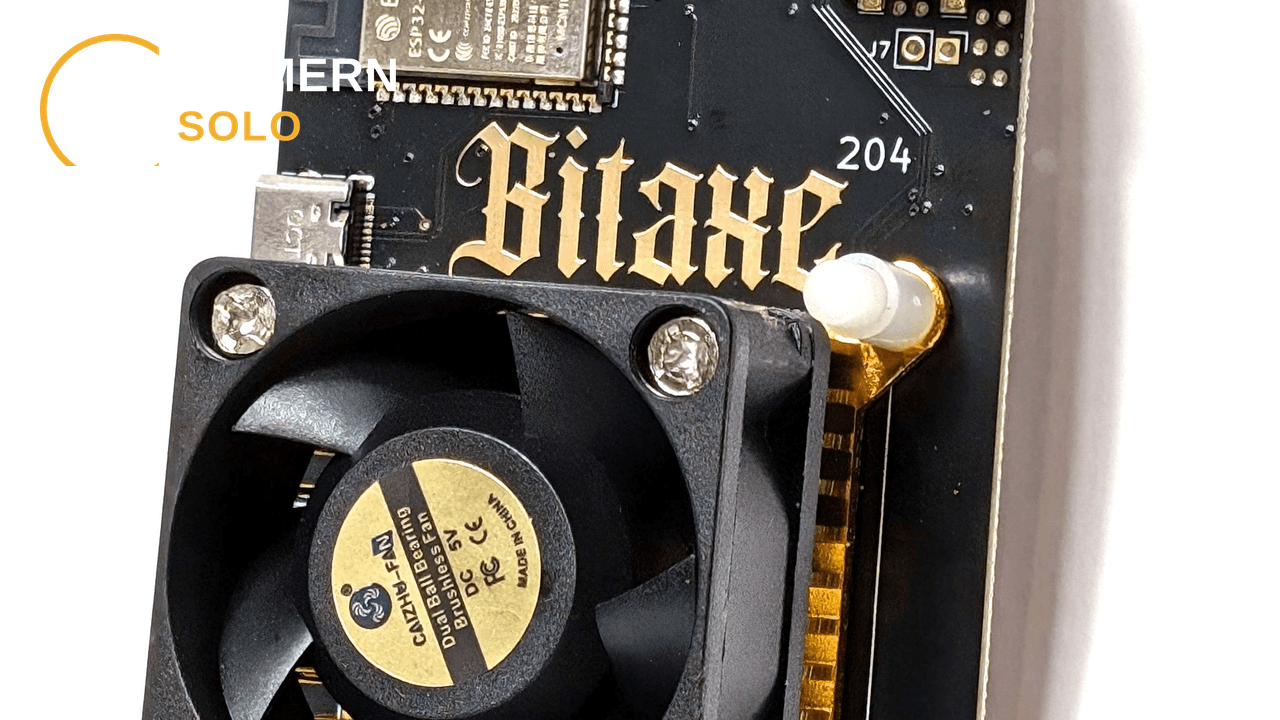
You connected AxeOS, used YOUR_WALLET.worker1 and password x, and still wonder whether the port is why shares look sparse, rejected, or slow to appear.
On Bitmern Solo, the stratum port sets the starting VarDiff tier. Home Bitaxe-class hashrate should start on the easy-start port for that coin - for BTC that is :3132, never :3102 as a default. Move “up” the ladder only after accepts are stable and hashrate warrants it.
This post is the port and difficulty guide. AxeOS fields: Bitaxe AxeOS setup. Coin choice: Which coin for a Bitaxe. Multi-ASIC matrix: Connect your ASIC.
Bitmern Solo is solo infrastructure: flat 1% fee, you keep 99% of blocks you find (fees explained). No invented share rates, luck, dollars, or hashrates - only starting Diff ports and when to change them.
What VarDiff is
VarDiff (variable difficulty) means the pool adjusts the share difficulty your miner must meet over time so accept cadence roughly tracks how hard your hardware is hashing. You do not lock a forever Diff in a config file. You pick a port that sets the starting Diff tier; after that, VarDiff can climb or settle based on how you perform.
Why that matters on a Bitaxe:
- Too high a starting Diff and a small board can sit through a long dry stretch before the first accept - looking “dead” when it is only starting hard.
- The practical risk for home boards is starting on a high tier meant for larger ASICs.
- Changing port is how you change starting tier on Bitmern Solo. Same host, different port - not a different username scheme.
VarDiff is not a promise of how often you will find a block. Block finds are solo variance. Ports only shape starting share Diff so the pool can see useful work.
Why ports matter for Bitaxe-class hashrate
Each coin has a hostname (btc.bitmernsolo.com, bch.bitmernsolo.com, and so on) and a ladder of VarDiff ports. Easy-start ports are the highest-numbered easy Diff defaults for smaller or entry-level hashrate. Lower-numbered ports on the same host are higher starting-Diff tiers.
Pattern:
- Lower starting difficulty / higher-numbered easy ports first for small hashrate (Bitaxe, older or smaller ASICs).
- Move “up” (toward lower-numbered, higher starting-Diff ports) only when the worker is stable and hashrate warrants it.
- Same host when you change tier - BTC
:3132→:3122is Diff, not a coin switch. Coin change means host + wallet + matching algo.
Username stays YOUR_WALLET.worker1 (or your worker label). Password stays x. Port is the Diff dial.
BTC VarDiff ladder - start on :3132
Bitcoin is where most Bitaxe owners land first, and where the wrong default hurts most. Site-documented BTC starting Diff tiers:
Port Starting Diff (site label) Role :3132 VarDiff 10k Recommended easiest Diff - entry-level / home Bitaxe default :3122 VarDiff 15k Smaller / older ASICs once stable :3112 VarDiff 20k Higher start Diff :3102 VarDiff 25k Highest start Diff on this ladderNever treat :3102 as the default for a Bitaxe or other home-class SHA-256 board. Start BTC on:
stratum+tcp://btc.bitmernsolo.com:3132
When to try 3122 / 3112 / 3102
Stay on :3132 until AxeOS and the Bitmern Solo dashboard both show a healthy pattern of accepts and the worker looks online without disconnect loops. Only then consider stepping “up”:
- :3122 - stable on
:3132and you want a higher starting tier (site label: smaller/older ASICs). - :3112 - still have headroom and accepts remain clean after the previous step.
- :3102 - highest start Diff; for larger hashrate that already proved itself on easier tiers - not a first connect for a desk Bitaxe.
One change at a time. Save, reconnect, watch accepts before another hop. If accepts collapse or the worker flaps, step back. Do not invent a “target shares per minute” from a blog - use what your dashboard and AxeOS show for your board.
Other coins - easy-start first, same host, change port only
Every supported coin has an easy-start port. Use it for first connect on Bitaxe-class or other small hashrate. Other VarDiff ports exist on the same host when you are ready to move up.
Coin Host Easy-start Other VarDiff ports (same host) BTCbtc.bitmernsolo.com
:3132
:3122, :3112, :3102
BCH
bch.bitmernsolo.com
:13123
:13113, :13103
LTC
ltc.bitmernsolo.com
:13052
:13042, :13032
DOGE
doge.bitmernsolo.com
:13053
:13043, :13033
DGB
dgb.bitmernsolo.com
:4052
:4042, :4032
XEC
xec.bitmernsolo.com
:13322
:13312, :13302
ETC
etc.bitmernsolo.com
:13422
:13412, :13402
ZEC
zec.bitmernsolo.com
:13522
:13512, :13502
XMR
xmr.bitmernsolo.com
:13622
:13612, :13602
RVN
rvn.bitmernsolo.com
:13722
:13712, :13702
Easy-start URL shape: stratum+tcp://btc.bitmernsolo.com:3132 (same pattern per row - host + easy-start port first).
Coin choice still requires matching algorithm to hardware. A typical Bitaxe Ultra / Gamma is SHA-256 - BTC, BCH, DGB, or XEC. Port ladders do not override algo mismatch (which coin). When you move up on another coin, keep the same host and a lower-numbered port from that row - never mix hosts and ports across coins.
Rejects, stales, disconnect loops - port vs Wi‑Fi vs username
Not every bad share is a Diff problem. Diagnose in this order before you climb or abandon a port.
Wrong starting Diff (port)
Symptoms: long wait for first accept on a tiny board; worker “online” but silent; after jumping straight to a high tier (for BTC, especially :3102), accepts never settle.
Fix: return to the coin’s easy-start port. For BTC home Bitaxe: :3132. Re-test before any ladder climb.
Username / wallet / password
Symptoms: auth failures; worker never appears; accepts nowhere.
Fix: username YOUR_WALLET.worker1 - valid address for that coin, one dot, worker label yours. Password exactly x. Wallet registered on the Bitmern Solo account for that coin. A Diff port will not fix a bad username.
Wi‑Fi / network (classic Bitaxe)
Symptoms: disconnect loops; intermittent accepts; board drops while the port string looks perfect.
Fix: Bitaxe on 2.4 GHz Wi‑Fi, solid power, then re-check stratum. Unstable radio looks like pool trouble. See the AxeOS setup guide.
Stales and rejects after a port change
Symptoms: rejects or stales spike right after you moved Diff tier; primary still pointed at an old URL.
Fix: confirm Pool 1 is the intended stratum+tcp://HOST:PORT. One change at a time. If the new tier is too aggressive, step back. Stales can also be latency or job timing - do not assume every stale means “need a higher Diff port.”
Algo mismatch disguised as Diff
Symptoms: hashing locally, zero useful accepts on a coin the chip cannot mine.
Fix: wrong algo. Change coin/hardware pairing - not VarDiff port.
Primary + backup pool slots
In AxeOS (and most ASIC UIs) you get a primary pool and optional failover slots.
Practical Bitmern Solo pattern for a Bitaxe:
- Prove primary first. Pool 1 = coin host + easy-start port, username
YOUR_WALLET.worker1, passwordx. Leave backup empty until primary shows clean accepts. - Optional backup after primary is proven. Same host, a different VarDiff port on that coin’s ladder - or leave backup empty if you prefer not to fail over mid-test.
- Do not put
:3102on Pool 1 “just in case” for a home Bitaxe. Highest BTC start Diff is not a safety net for small hashrate; it is a harder first rung. - Clear stale secondary URLs so failover cannot yank the board off Bitmern Solo while you debug Diff.
Backup is continuity after primary works - not a substitute for the right starting port.
Soft next step
Pick the easy-start port for your coin, leave username and password alone (YOUR_WALLET.worker1 / x), and confirm accepts before you touch the ladder. On BTC that means :3132 first - always. Climb only when the worker is boringly stable.
Flat 1% fee. You keep 99% of blocks you find. Ports shape starting Diff; they do not invent luck.
Start mining
Create an account, register your coin wallet, point AxeOS at the easy-start stratum for that coin, then adjust VarDiff ports only when hashrate and stability say so.
Start Mining → https://www.bitmernsolo.com/


