


Which Coin Should You Solo Mine on a Bitaxe? (Bitmern Solo’s 10 Coins)
Bitaxe Ultra/Gamma are SHA-256: pick BTC, BCH, DGB, or XEC on Bitmern Solo. Map all 10 coins by algo - and when you need other hardware.
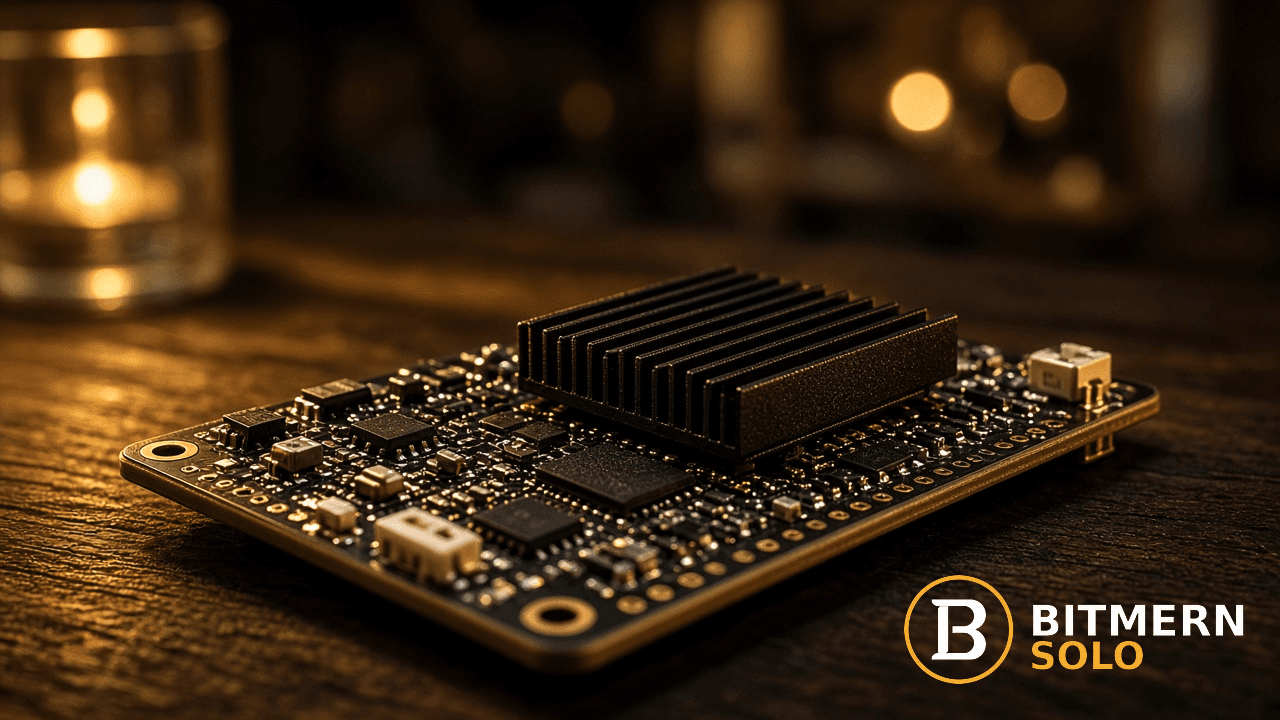
Bitaxe owners ask the same question after AxeOS connects: which of Bitmern Solo’s ten coins should this board actually mine?
Match algorithm first. Typical Bitaxe Ultra / Gamma-class boards are SHA-256 - they belong on BTC, BCH, DGB, or XEC. The other six coins need different hardware. One Bitaxe does not mine all ten.
This guide is a choose-and-compare frame, not a profitability forecast. You get the algo-first rule, a full map of Bitmern Solo’s ten coins (who each is for hardware-wise, plus easy-start stratum URLs), a deep dive on the four SHA-256 options for Bitaxe owners, when Scrypt / GPU / Equihash / RandomX gear fits under the same account, and how to switch coins without inventing odds or dollar math.
Bitmern Solo is solo infrastructure: flat 1% fee, you keep 99% of blocks you find. Fee detail lives in Bitmern Solo Fees Explained. For wiring AxeOS fields, use the Bitaxe AxeOS setup guide. Here the job is coin choice.
Algo first - then coin
Mining pools list coins. Hardware speaks algorithms. If those two do not match, the stratum URL can look perfect and you still get zero useful accepts.
Typical Bitaxe Ultra / Gamma-class boards hash SHA-256 (SHA-256d on Bitmern Solo’s BTC-family endpoints). That puts them on:
- BTC -
btc.bitmernsolo.com - BCH -
bch.bitmernsolo.com - DGB -
dgb.bitmernsolo.com - XEC -
xec.bitmernsolo.com
They do not belong on Scrypt (LTC, DOGE), Etchash (ETC), Equihash (ZEC), RandomX (XMR), or KawPow (RVN) unless you literally have different silicon pointed at those hosts. Do not treat “ten coins on one account” as “one Bitaxe can hash ten algos.” The account is multi-coin; each machine is algo-bound.
Firmware forks and specialty boards exist in the wider Bitaxe ecosystem. If your board’s docs say it hashes something other than SHA-256, follow the board - not a blog default. For the common Ultra / Gamma path, assume SHA-256 and stay in the BTC / BCH / DGB / XEC set.
Bitmern Solo’s 10 coins - full map
One account covers all ten. Each coin has its own host and VarDiff ports. The easy-start port below is the recommended first connect for smaller or entry-level hashrate on that coin (for BTC, that is :3132 - never treat :3102 as the Bitaxe default). Full multi-ASIC walkthrough: How to Connect Your ASIC to Bitmern Solo.
Coin Algo Who it’s for (hardware) Easy-start URL BTC SHA-256d SHA-256 ASICs / Bitaxe-class SHA-256 boardsstratum+tcp://btc.bitmernsolo.com:3132
BCH
SHA-256d
Same SHA-256 hardware as BTC
stratum+tcp://bch.bitmernsolo.com:13123
DGB
SHA-256d
Same SHA-256 hardware as BTC
stratum+tcp://dgb.bitmernsolo.com:4052
XEC
SHA-256d
Same SHA-256 hardware as BTC
stratum+tcp://xec.bitmernsolo.com:13322
LTC
Scrypt
Scrypt ASICs (not a typical Bitaxe Ultra/Gamma)
stratum+tcp://ltc.bitmernsolo.com:13052
DOGE
Scrypt
Scrypt ASICs
stratum+tcp://doge.bitmernsolo.com:13053
ETC
Etchash
Etchash-capable GPUs / compatible miners
stratum+tcp://etc.bitmernsolo.com:13422
ZEC
Equihash
Equihash-capable ASICs or GPUs
stratum+tcp://zec.bitmernsolo.com:13522
XMR
RandomX
CPU (and some GPU) RandomX setups
stratum+tcp://xmr.bitmernsolo.com:13622
RVN
KawPow
KawPow-capable GPUs
stratum+tcp://rvn.bitmernsolo.com:13722
Username everywhere: YOUR_WALLET.worker1 (wallet must match the coin). Password: x. Register a receive wallet per coin on your Bitmern Solo account before you switch hosts.
Live supported-coin cards, pool status, and block activity sit on bitmernsolo.com - use the site for current status, not a frozen blog table for “how many blocks today.”
SHA-256 deep dive for Bitaxe owners: BTC vs BCH vs DGB vs XEC
If your board is SHA-256, your real choice is among four endpoints on the same account. All four keep solo economics (finder keeps 99% after the flat 1%). They differ in network character and how you should think about variance - qualitatively, not as invented expected times.
BTC - the long-odds lottery, with real upside
Bitcoin is the coin most Bitaxe owners picture first. Network hashrate is enormous relative to a home board. Solo on Bitaxe-class hashrate is a long-odds lottery: dry spells are normal; a find, if it ever lands, is nearly the whole reward at Bitmern Solo’s fee.
That is not a reason you “must not” mine BTC. Some operators choose it for upside and Bitcoin-first wallets or monitoring habits. What you should not do is invent probability tables and call it planning.
Instead: open the live Solo mining chances calculator on bitmernsolo.com, enter your hashrate, and read the framing against live network data. This article will not invent per-day or per-year percentages for a generic Bitaxe.
Easy-start for BTC on Bitmern Solo:
stratum+tcp://btc.bitmernsolo.com:3132
Never recommend :3102 as the Bitaxe default. Higher starting-difficulty ports exist for larger hashrate once you are stable; start on :3132.
BCH - same algo, different chain
Bitcoin Cash uses SHA-256d as well, so the same Bitaxe that talks to btc.bitmernsolo.com can talk to bch.bitmernsolo.com after you swap host, port, and a BCH wallet in the username. You are not changing chips - you are changing which chain’s work your shares count toward.
Operators who pick BCH often want SHA-256 solo without centering the Bitcoin lottery narrative. Chain conditions differ from BTC; this post does not invent difficulty numbers. Check live pool status, then point hardware only when the BCH wallet is registered.
Easy-start:
stratum+tcp://bch.bitmernsolo.com:13123
DGB - SHA-256 DigiByte path
DigiByte’s SHA-256 option is another Bitaxe-compatible endpoint on Bitmern Solo. Same hardware family as BTC and BCH; different coin economics and chain rules. For home SHA-256 boards, DGB is in the “algo matches” set - not a Scrypt or GPU detour.
Confirm wallet format, use the DGB host and easy-start port, and verify accepts on the dashboard. Live block / pool cards on the homepage show activity across coins - this post does not invent counts or dates.
Easy-start:
stratum+tcp://dgb.bitmernsolo.com:4052
XEC - SHA-256 with easiest-Diff default port
eCash (XEC) is the fourth SHA-256d coin on the account. Bitaxe-class boards can point here the same way they point at BTC - with an XEC wallet and the XEC host. Per Bitmern Solo’s connect pattern for XEC, the recommended default is the highest-numbered (easiest Diff) port: :13322.
Some home miners pick XEC for SHA-256 solo off Bitcoin while keeping the same board and login. No invented expected-time tables here - use live site status and your own risk tolerance.
Easy-start:
stratum+tcp://xec.bitmernsolo.com:13322
How to choose among the four (without fake math)
Use preference and ops fit, not a blog’s made-up luck chart:
- Upside narrative - If you care most about Bitcoin specifically and can absorb long quiet stretches, BTC plus the live calculator is the honest path.
- Algo already matches - BCH, DGB, and XEC stay on the same Bitaxe silicon; switching is wallet + stratum, not a new purchase.
- Cash-flow need - If you need frequent fractional payouts instead of solo finds, shared pools may fit better regardless of coin - see Solo Mining vs Pool Mining.
- Wallet and custody comfort - Only mine a coin whose receive address you can store and verify safely.
- Live site, not this article - Pool status, supported-coin cards, and the BTC solo chances calculator on bitmernsolo.com beat any static odds paragraph.
None of the four SHA-256 options turns a Bitaxe into a farm. Solo variance stays high when hashrate is small relative to the network. Bitmern Solo changes fee and infrastructure (flat 1%, stratum, monitoring) - not the physics of finding blocks.
Coins that need other hardware (same account)
Bitmern Solo lists ten coins so one login can cover a mixed fleet - not so one Bitaxe pretends to be every algo.
Scrypt - LTC and DOGE
Litecoin and Dogecoin need Scrypt ASICs. A typical Bitaxe Ultra / Gamma will not submit valid Scrypt shares to ltc.bitmernsolo.com or doge.bitmernsolo.com. If you add Scrypt hardware later, use the easy-start ports in the map (:13052 LTC, :13053 DOGE), wallet.worker username, password x.
Etchash - ETC
Ethereum Classic needs Etchash-capable hardware (commonly GPUs configured for Etchash). Point those machines at etc.bitmernsolo.com:13422 as the easy-start default - not your Bitaxe.
Equihash - ZEC
Zcash needs Equihash-capable ASICs or GPUs. Easy-start: zec.bitmernsolo.com:13522.
RandomX - XMR
Monero is RandomX - typically CPU mining (some GPU setups exist). Easy-start: xmr.bitmernsolo.com:13622. Your Bitaxe SHA-256 board is the wrong tool here.
KawPow - RVN
Ravencoin needs KawPow-capable GPUs. Easy-start: rvn.bitmernsolo.com:13722 (highest / easiest Diff port on that coin’s list).
The practical pattern: keep the Bitaxe on a SHA-256 coin; add other machines under the same Bitmern Solo account when you actually own the matching hardware. Switching coins on the dashboard does not upgrade the chip on your desk.
How to switch coins on Bitmern Solo
You do not need a new account. You do need a correct wallet and stratum pair for the target coin.
- Register the coin wallet on your Bitmern Solo account if it is not already there.
- Change stratum host and port on the miner to that coin’s easy-start URL from the table (or another VarDiff port once you are stable).
- Set username to
NEW_COIN_WALLET.workerLabel- one dot, worker label yours. - Password stays
x. - Save / apply (reboot if the firmware needs it), then confirm accepts in the miner UI and on the Bitmern Solo dashboard for that coin.
For Bitaxe owners, the AxeOS field walkthrough is in the Bitaxe AxeOS setup guide. For Antminer, Whatsminer, Braiins, and the wider port matrix, use Connect your ASIC to Bitmern Solo.
When you leave BTC, use live site tools for the coin you are actually hashing - not BTC-only calculator habits on another chain.
Soft next step
Decide with the algo rule, not wishlist coins. If your Bitaxe is SHA-256, pick among BTC, BCH, DGB, and XEC, register that wallet, and start on the easy-start port. For BTC odds framing, use the live calculator on bitmernsolo.com with your hashrate. For other algos, bring matching hardware under the same account when you have it.
Flat 1% fee. You keep 99% of blocks you find. Ten coins, one login - each machine still has to speak the right algorithm.
Start mining
Create an account, register the wallet for your chosen coin, and point hardware at the matching Bitmern Solo stratum.
Start Mining → https://www.bitmernsolo.com/


