


Share Difficulty on Bitmern Solo (What the Number Means)
If you are staring at share difficulty on Bitmern Solo and wondering what the number means for accepts — without confusing it with network difficulty, Current…
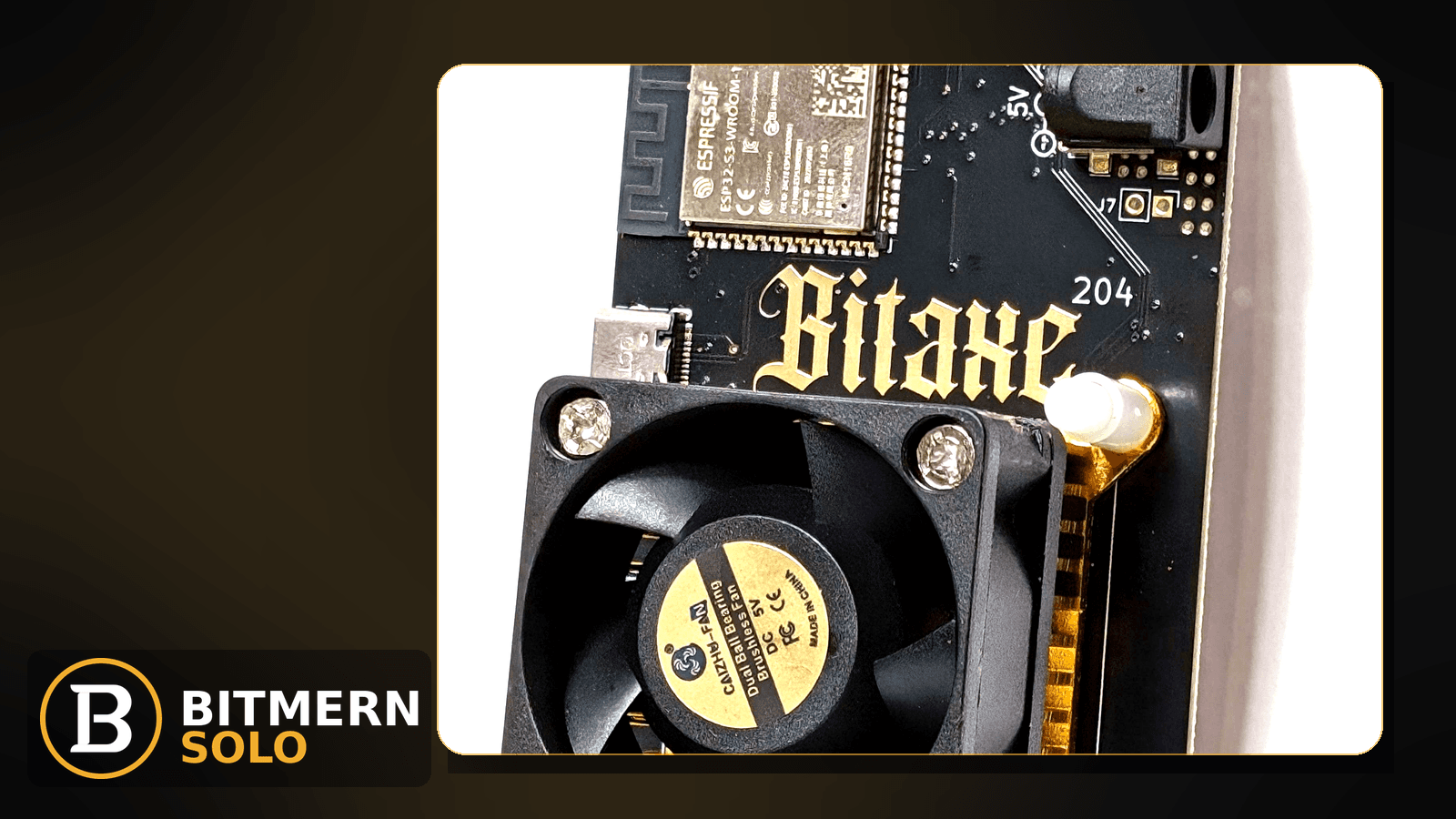
Share difficulty on the Bitmern Solo dashboard is one of the easiest numbers to misread. It is not Bitcoin network difficulty. It is not Current Effort. It does not promise a find. It describes how hard each accepted share had to be for the stratum job you were working — useful for understanding accepts, not for forecasting lottery wins.
If you are staring at share difficulty on Bitmern Solo and wondering what the number means for accepts — without confusing it with network difficulty, Current Effort, or VarDiff port choice — this guide is for you. Fee on finds stays flat 1% (you keep 99%). Current Effort ≠ a find guarantee. This post does not invent EV tables, odds calendars, or fake “time-to-block” math from share difficulty.
This is the share-difficulty explain. Port / VarDiff choice: VarDiff stratum ports. Network difficulty vs effort: difficulty vs effort. Effort UI: current effort explained. Variance reality: solo mining variance. Card map: dashboard workers / shares / effort.
Bitmern Solo is solo infrastructure: flat 1% fee on finds only, you keep 99%. Soft CTA stays light — the job here is literacy on one dashboard number.
Share difficulty ≠ network difficulty ≠ Current Effort ≠ VarDiff port
Four ideas get mixed up:
- Network difficulty — how hard a coin’s next block is for the whole network. Covered in difficulty vs effort.
- Current Effort — account-side progress toward a find on that coin tab — not a guarantee. See current effort explained.
- VarDiff / stratum ports — how you pick a difficulty target band for the miner session (
:3132easy-start for home BTC). See VarDiff ports. - Share difficulty — the difficulty of the shares your miner submitted and the pool accepted. That is this post.
Do not invent a Bitmern Solo product table that maps share difficulty → expected finds per day. Solo finds stay variance-heavy: variance.
What the number is for
On a working session, share difficulty helps you:
- Read accepts in context — higher share difficulty usually means each accept represents more work toward the job the pool handed you (still not a block promise).
- Sanity-check VarDiff behavior — if you changed ports and share difficulty jumped or collapsed while accepts still move, you are seeing session targeting, not a broken wallet.
- Separate “no accepts” from “accepts at a different difficulty” — a quiet Shares card can be offline/path; a moving card with unfamiliar difficulty is often port/VarDiff, not failure.
It does not tell you when you will find a block. Effort and variance posts cover that boundary without fake odds.
How it relates to VarDiff and :3132
For BTC home / Bitaxe easy-start:
stratum+tcp://btc.bitmernsolo.com:3132
Username: YOUR_WALLET.worker1 (or your preferred worker suffix after the dot). Password: exactly x.
Never treat :3102 as the Bitaxe / home default. Other VarDiff ports exist once easy-start is stable — see VarDiff ports.
Practical reading:
- Easy-start
:3132— aimed at home boards so share cadence stays workable; share difficulty you see should match a session that can accept regularly for that class of miner. - Higher VarDiff ports — fewer, harder shares when you intentionally move up after
:3132is clean. Share difficulty rising after a port change is often expected, not a dashboard bug. - Wrong port for the board — share difficulty / accept cadence can fight the hardware; fix with the VarDiff guide, not by inventing a product “ideal share difficulty” number for every Bitaxe.
Username shape still matters for attribution: WALLET.worker, password x. Wiring: AxeOS setup.
Share difficulty vs Current Effort
Idea What it answers What it does not answer Share difficulty How hard accepted shares were for the jobs you worked When you will find a block Current Effort Progress-style reading on the coin tab (see effort post) A guaranteed find or payout timer Network difficulty Whole-network block hardness Your personal EVIf Current Effort looks stuck while shares accept, check coin tab, worker mapping, and the current effort guide — do not “fix” share difficulty by rewriting a known-good wallet.
Ordered reading checklist
Run when the number confuses you. Stop when you can explain the card without inventing odds.
1. Open the matching coin tab
Symptom: You compare share difficulty across coins as if they share one scale.
Fix: Open the same coin the miner is pointed at. BTC share difficulty is not an LTC card. Coin flips: switch coins.
2. Confirm the worker is mapped and accepting
Symptom: You stare at difficulty while accepts are zero or the row is offline.
Fix: If the row is gone, use worker offline. If accepts never started, use no-shares. Share-difficulty literacy assumes accepts exist to interpret.
3. Note the stratum port before you chase “wrong difficulty”
Symptom: Share difficulty changed right after a port experiment.
Fix: Confirm BTC easy-start :3132 if you are still on home Bitaxe bring-up. Then read VarDiff ports before jumping ports again. Do not invent a Bitmern Solo “correct share difficulty” SLA for every board.
4. Separate rejects and stale from difficulty literacy
Symptom: Rejects or late shares dominate; you blame the difficulty number itself.
Fix: Use rejected shares or stale shares. Difficulty explain is not a reject/stale checklist.
5. Do not convert share difficulty into find EV
Symptom: Spreadsheet urge — “at this share difficulty I should find in N days.”
Fix: Stop. Solo finds are variance-heavy. Read variance and current effort. Fee stays 1% on finds / keep 99% — still not an odds table.
6. Username and password shape
Required:
WALLET.worker
password: x
Wrong shape scrambles which worker’s shares (and difficulty context) you are reading. Naming: worker naming.
7. Prove literacy on the dashboard
Open the matching coin tab. Confirm you can point to:
- Worker row under the expected label
- Shares / accepts moving
- Share difficulty as a property of those accepts — not as network difficulty
- Current Effort as a separate card (not a find promise)
Full card map: dashboard workers / shares / effort.
When VarDiff or effort posts are the real next click
If you need to pick a port, go to VarDiff ports. If you need network difficulty vs effort, go to difficulty vs effort. If you need what Current Effort means, go to current effort explained. This post only explains share difficulty as the accept-side number.
What this post will not invent
- No EV / odds / “expected finds per week” tables from share difficulty
- No product SLA for a single “correct” share difficulty on every Bitaxe
- No claim that Current Effort or share difficulty guarantees a find
- No claim that
:3102is the home Bitaxe default - No competitor fee comparisons
Fee reminder: flat 1% on finds; you keep 99%. Share difficulty is literacy, not a fee.
Soft next step
Keep BTC on :3132 with WALLET.worker / x while you learn the card, then use VarDiff ports only after easy-start accepts look healthy — without turning share difficulty into a lottery timer.
Start mining
Start Mining — after login, open the matching coin tab and confirm workers / shares / hashrate / effort cards.
FAQ
Is share difficulty the same as Bitcoin network difficulty?
No. Network difficulty is whole-network block hardness. Share difficulty describes the shares your miner got accepted. See also difficulty vs effort.
Is share difficulty the same as Current Effort?
No. Current Effort is a separate account reading and is not a find guarantee. See current effort explained.
What BTC port should a home Bitaxe use first?
:3132 on btc.bitmernsolo.com. Never treat :3102 as the Bitaxe / home default. See VarDiff ports.
What username and password does Bitmern Solo expect?
Username WALLET.worker. Password x.
Can I calculate time-to-find from share difficulty?
No. This post does not invent EV tables. Read solo mining variance.
What is the fee when a find happens?
Flat 1% on finds; you keep 99%.
Where do I confirm cards on Bitmern Solo?
Matching coin tab → workers / shares / hashrate / effort. Guide: dashboard workers / shares / effort.


