


High Rejected Shares on Bitmern Solo (Fix Checklist)
If accepts are climbing but rejects feel high on Bitmern Solo, separate stale work, wrong coin or stratum, clock skew, and overclock instability from a true no-shares outage. Confirm BTC home/Bitaxe easy-start…
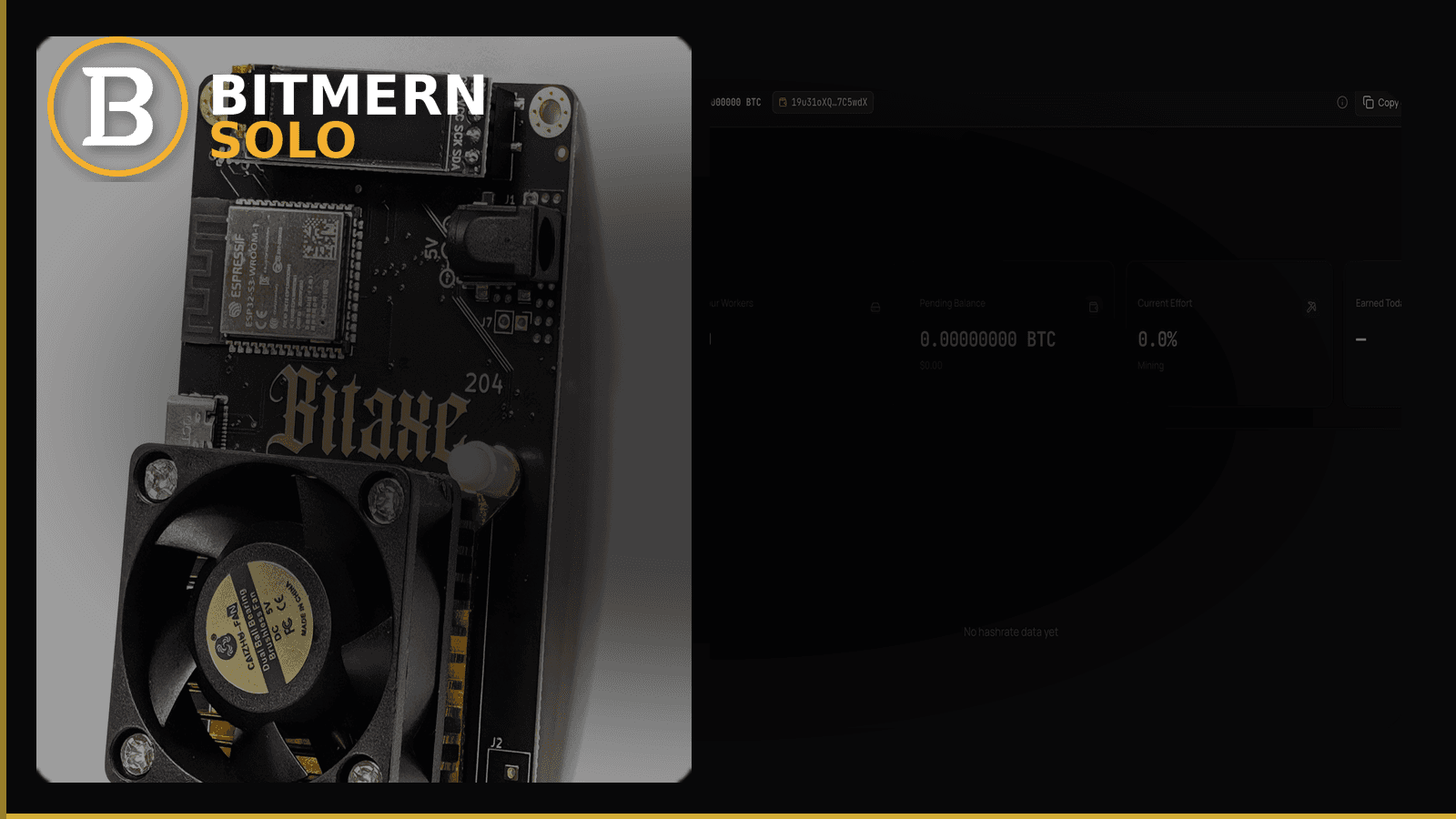
Accepted shares can climb while rejected shares still look loud — and that pattern is not the same as “no shares at all.” On Bitmern Solo you want a clear triage: when rejects are noise, when they signal a broken setup, and which knobs to touch first.
If accepts are climbing but rejects feel high on Bitmern Solo, separate stale work, wrong coin or stratum, clock skew, and overclock instability from a true no-shares outage. Confirm BTC home/Bitaxe easy-start :3132 (never treat :3102 as default), username WALLET.worker, password x, and coin match — then read workers and shares on the dashboard. This post does not invent reject-rate product thresholds.
This is the reject-path checklist. If accepts never start, use Bitaxe Not Submitting Shares first. Port ladder: VarDiff & stratum ports. Field wiring: AxeOS setup. How to read the live cards after shares land: dashboard workers / shares / effort.
Bitmern Solo is solo infrastructure: flat 1% fee on finds only, you keep 99%. Fee context stays light here — the job is diagnosing rejects without inventing percentage cutoffs as product defaults.
Accepts climbing ≠ “ignore rejects”
Treat accepted and rejected shares as two signals.
- Accepts - useful work the pool credited under your worker.
- Rejects - work the pool did not credit (stale, invalid, auth/stratum mismatch, or unstable hashing).
You can have healthy accepts and still want to trim rejects. You can also see a reject spike that means the board is thrashing while a few accepts still trickle. The no-shares post covers the empty case. This post assumes some accepts exist, or firmware shows both counters moving, and you want an ordered fix.
Do not paste a marketing mock “reject %” into your head as a Bitmern Solo product rule. Read your live Workers / shares view and fix causes — not invented thresholds.
What usually drives rejects (solo + home miners)
Common causes for Bitaxe-class and small ASIC desks:
- Stale work - miner submits after the job rolled (slow network, high latency, or difficulty / VarDiff mismatch for the board).
- Wrong coin or stratum host - SHA-256 board on a Scrypt host, or BTC fields aimed at another coin’s
*.bitmernsolo.comendpoint. - Wrong port for the class of hashrate - home Bitaxe on a port meant for much larger gear; BTC easy-start remains :3132.
- Clock skew / unstable system time - rare on AxeOS but relevant on some desktop miners and VMs.
- Overclock / undervolt instability - board “hashes” but invalidates shares under heat or power sag.
- Auth / username shape issues - intermittent reconnects that look like reject bursts after reconnect storms.
Separate these from no workers on the dashboard. If the coin tab shows 0 workers and No hashrate data yet, fix mapping first (dashboard guide) — rejects on firmware alone do not prove account mapping.
Ordered fix checklist
Run top to bottom. Stop when accepts climb cleanly, rejects calm down relative to your normal, and the Bitmern Solo coin tab shows the worker with shares moving.
1. Confirm you are not in the no-shares case
Symptom: AxeOS or firmware “connected,” but Bitmern Solo stays empty (0 workers) and accepts never climb on the pool side.
Action: Leave this article. Follow no-shares fix. Rejects are not your first problem until accepts exist somewhere.
2. Lock BTC easy-start :3132 (never treat :3102 as default)
Symptom: Home Bitaxe on BTC with noisy rejects, reconnect loops, or “connected” that never settles.
Fix: Point BTC at:
stratum+tcp://btc.bitmernsolo.com:3132
Username: YOUR_WALLET.worker1 (or your preferred worker suffix after the dot). Password: exactly x.
Never treat :3102 as the Bitaxe / home default. Other VarDiff ports on the same host exist once the easy path is stable — details in VarDiff ports. Jumping ports to “chase rejects” before :3132 works cleanly usually makes diagnosis harder.
3. Coin match — host, algo, and dashboard tab
Symptom: Accepts on firmware, weird reject spikes, or the wrong coin tab looks empty.
Fix: Host must match the coin and silicon:
- BTC / BCH / DGB / XEC family for SHA-256 Bitaxe-class boards use their own
*.bitmernsolo.comhosts. - LTC / DOGE (Scrypt), ETC, ZEC, XMR, RVN need matching algorithms and endpoints — a SHA-256 board on
ltc.bitmernsolo.comwill not “almost work.”
Open the matching coin tab on Bitmern Solo after you change host. A BTC-pointed board will not populate LTC. Coin flip detail: switch coins · choice map: which coin on a Bitaxe.
4. Username and password shape
Required:
WALLET.worker
password: x
Traps that create reconnect / reject noise: missing dot, spaces, wrong wallet prefix vs the registered receive address, password not exactly x, or a second address glued into the password field (except documented AuxPoW cases on other posts).
If the dashboard stays at 0 workers while firmware shows activity, this is still a mapping problem first.
5. Stale work — network and VarDiff class
Symptom: Accepts exist, but rejects rise when Wi-Fi is weak, the board is far from the AP, or you forced a port far above the board’s class.
Fix: Prefer stable 2.4 GHz for Bitaxe-class Wi-Fi, wired when you can, and return to easy-start :3132 on BTC before climbing the VarDiff ladder. Stale shares often mean the job expired before the share arrived — improve path quality before you overclock.
6. Clock and firmware sanity
Symptom: Sudden reject bursts after a power cut, VM sleep, or odd timestamps in logs.
Fix: Reboot the miner, confirm AxeOS / firmware time looks sane if the UI exposes it, and re-apply stratum. Do not invent a “max skew seconds” product rule — if time is obviously wrong, fix the device clock and retest.
7. Overclock / thermal instability
Symptom: Hashrate looks high in firmware, rejects climb under load, board throttles or reboots.
Fix: Return to stock or a known-stable profile, check fans and power, then re-check accepts vs rejects. Unstable clocks produce invalid work that never becomes credited shares. Solo luck talk does not belong here — stabilize silicon first.
8. Read the Bitmern Solo dashboard (proof layer)
Open the coin tab. Confirm:
- Worker row present
- Shares moving while the board hashes
- Current Effort updating off a stuck empty state when attribution works
Card reading stays in the dashboard guide. Here you only verify the reject fix landed on the account, not only on the miner UI.
When rejects are “noise” vs “broken”
Noise (usually): Accepts keep climbing, worker stays online, reject count is a minority relative to accepts over a calm window, and the dashboard maps the worker. You may still improve Wi-Fi or drop an aggressive overclock, but you are not in an outage.
Broken (act now): Accepts stall while rejects dominate, reconnect storms, wrong host/port, or dashboard empty despite firmware chatter. Fix stratum and mapping with the checklist above. Do not invent a numeric reject % as a Bitmern Solo default — use the live pattern and the ordered fixes.
What this post will not invent
- No product default “reject rate must be under X%”
- No luck formulas, dollar EV, or find-time promises from reject ratios
- No competitor fee comparisons
- No claim that
:3102is the home Bitaxe default
Fee reminder only if you need it: flat 1% on finds; you keep 99%. Rejects are an ops signal, not a fee.
Soft next step
Stabilize stratum on the easy path, confirm accepts climb with rejects calming, then watch the worker on the dashboard. Turn on email alerts after the row is healthy so the next silent failure pages you (email alerts).
Start mining
Start Mining → https://www.bitmernsolo.com/ — after login, open the matching coin tab and confirm workers / shares.
FAQ
Are high rejects the same as no shares?
No. No-shares means accepts never land / dashboard stays empty — use the no-shares checklist. This post covers accepts present (or both counters moving) with rejects looking loud.
What BTC port should a home Bitaxe use first?
:3132 on btc.bitmernsolo.com. Never treat :3102 as the Bitaxe / home default. See VarDiff ports.
What username and password does Bitmern Solo expect?
Username WALLET.worker (wallet prefix must match the registered receive wallet for that coin). Password x.
Does Bitmern Solo publish a default reject-rate threshold?
Not as a product default in this guide. Do not invent one from mock UI. Diagnose causes: stale work, coin/stratum match, port class, clock, overclock.
Can rejects mean I am closer to finding a block?
No. Rejects are not a luck signal. Solo finds are rare for small hashrate; keep expectations honest. Fee on finds stays flat 1% / keep 99%.
Where do I confirm the fix on Bitmern Solo?
Matching coin tab → worker row → climbing shares → effort moving when attributed. Guide: dashboard workers / shares / effort.


