


Bitaxe Not Submitting Shares on Bitmern Solo (Fix Checklist)
AxeOS connected but no accepts? Fix port (:3132), wallet.worker, password x, 2.4 GHz Wi‑Fi, and coin match — then confirm climbing shares on the Bitmern Solo dashboard.
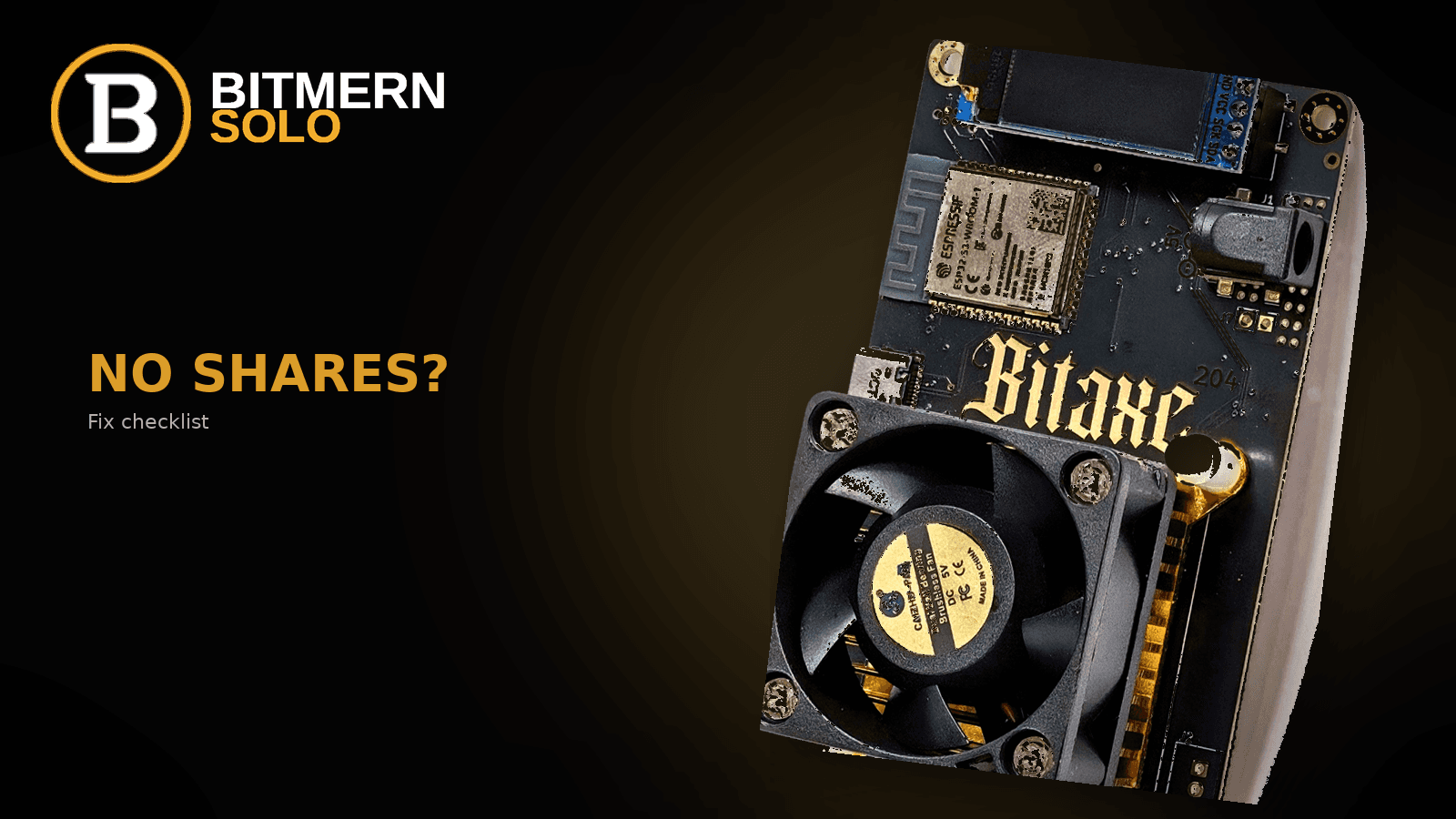
AxeOS can show “connected” while accepted shares never climb - and Bitmern Solo stays empty. That is a config and mapping problem, not a reason to abandon the board.
If AxeOS says connected but no shares land on Bitmern Solo, walk this ordered checklist: BTC easy-start :3132 (never treat :3102 as the Bitaxe default), username YOUR_WALLET.worker1, password exactly x, 2.4 GHz Wi-Fi, algo/coin match, then confirm accepts climb in both AxeOS and the Bitmern Solo dashboard.
This post is the troubleshooting layer. It does not replace the full AxeOS connect walkthrough - use How to Point a Bitaxe at Bitmern Solo (AxeOS Setup) when you need field-by-field setup. Port ladder detail lives in Bitaxe VarDiff & Stratum Ports. How to read workers, shares, and effort after local accepts: How to Read the Bitmern Solo Dashboard - this article only tells you when to open it and what “healthy” looks like at a glance.
Bitmern Solo is solo infrastructure: flat 1% fee, you keep 99% of blocks you find. Fee talk stays light here - the job is getting shares to land.
Connected ≠ shares landing
Treat “pool connected” in AxeOS as a dial tone, not proof.
Three layers have to agree:
- Network - Bitaxe on LAN, AxeOS reachable, stratum TCP can leave the house.
- Stratum auth - host:port, username, password the pool accepts.
- Account mapping - wallet prefix on the miner matches a wallet registered for that coin on your Bitmern Solo login.
If layer 1 or 2 fails, AxeOS accepts stay flat (or you see auth/rejects). If layer 3 fails, AxeOS may still show local accepts while the dashboard stays at 0 workers and No hashrate data yet. Fix in order below - do not jump to a new coin or a higher VarDiff port until the easy path produces climbing accepts in both places.
Ordered fix checklist
Run these steps top to bottom. Stop when AxeOS accepted shares climb and the Bitmern Solo coin tab shows your worker with shares moving.
1. Confirm AxeOS is reachable (2.4 GHz Wi-Fi first)
Symptom: AxeOS will not load, intermittent disconnects, or the board never appears on the LAN after power-on.
Fix: Bitaxe-class boards typically need 2.4 GHz Wi-Fi. A 5 GHz-only SSID, client isolation, or a guest network that blocks device-to-device access strands the miner before stratum matters. Put the Bitaxe on a 2.4 GHz SSID (or a mixed AP with 2.4 enabled), open AxeOS from a phone or laptop on the same LAN, then touch pool fields. If you cannot load AxeOS, you are not debugging Bitmern Solo yet.
2. BTC port - use :3132, never treat :3102 as default
Symptom: disconnect loops, zero accepts, or stubborn rejects after a URL that “looks fine.”
Fix: For Bitcoin on a Bitaxe, start on the easy-start VarDiff port:
stratum+tcp://btc.bitmernsolo.com:3132
Never treat :3102 as the Bitaxe default on Bitmern Solo. Other BTC ports exist for larger hashrate once you are stable - they are not the first stop for a home board. Copy host and port together. Do not mix a BTC host with an LTC/DOGE/BCH port. Full VarDiff context: VarDiff & stratum ports.
3. Username - YOUR_WALLET.worker1 (spelling traps)
Symptom: auth errors, missing worker labels, AxeOS “connected” with no account-visible activity, or a dashboard stuck at 0 workers.
Fix: Username shape must be:
YOUR_WALLET.worker1
Rules that kill shares attribution:
- One dot between wallet and worker - not underscore, not space, not a dash as the separator.
- Wallet is a valid address for the coin you are mining, and matches the wallet registered on Bitmern Solo for that coin.
- Worker label is simple (
worker1,bitaxe1,desk-ultra) - letters, numbers, hyphens. - No spaces, no second address glued on, no truncated bech32.
Example shape only (replace with your real address): bc1qexamplewalletaddresshere.bitaxe1
A one-character typo creates a Bitaxe that “works” locally and never maps to your login.
4. Password - exactly x
Symptom: auth failure on builds that require a non-empty password; silent reject of blank or custom strings.
Fix: Password exactly:
x
Not blank. Not your exchange password. Not a long random string. Bitmern Solo expects x.
5. Algo / coin match (SHA-256 Bitaxe → BTC / BCH / DGB / XEC)
Symptom: board hashes locally with zero useful accepts, or constant rejects on a tidy-looking URL.
Fix: Point only at coins your firmware and chip can hash. A SHA-256 Bitaxe belongs on BTC, BCH, DGB, XEC (and other supported SHA-256 endpoints) - not on Scrypt or RandomX lines. When you switch coins: change the stratum host:port, register that coin’s wallet on the account, and put that address in the username. Do not reuse a BTC bech32 address on a non-BTC stratum line. High-level coin switch and easy-start URLs: AxeOS setup.
6. Primary pool only - clear stale secondaries
Symptom: hashrate still landing on an old pool; Bitmern Solo idle while AxeOS looks busy.
Fix: Put Bitmern Solo on Pool 1 (or the only enabled pool). Clear leftover URLs from earlier experiments. Save and apply (reboot if your AxeOS build requires it) so the board is not bound to cached settings.
7. Watch AxeOS accepts before you blame the dashboard
Symptom: you refresh Bitmern Solo every ten seconds while AxeOS never moved.
Fix: After apply, give the board a minute or two. In AxeOS you want:
- Pool status connected (wording varies by build)
- Accepted share count increasing
- Rejected / stale staying low once stable
If accepts never climb in AxeOS, stay on steps 1–6. Do not invent difficulty targets or luck numbers - watch the counters you have.
8. Dashboard verify - worker visible, shares climbing
Symptom: AxeOS accepts climb, but Bitmern Solo shows 0 workers / No hashrate data yet.
Fix: Sign in at bitmernsolo.com, open the coin tab that matches your stratum host, and confirm:
- Your worker suffix appears under Workers
- Shares (Shares/s or Share/s) climb while the board hashes
- Effort / hashrate cards leave a stuck empty state once shares map
If AxeOS is healthy and the dashboard is empty: wait a few minutes, refresh, then re-check wallet spelling and that the registered wallet matches the miner username for that coin. Full card-by-card reading lives in the dashboard workers / shares / effort guide - do not treat this checklist as a rewrite of that article.
When both UIs agree, the no-shares ticket is closed. Fee on finds remains flat 1% / keep 99%; connection success is proven by shares, not by a receipt fantasy.
Quick reference - BTC Bitaxe fields
AxeOS field Value that should work first Stratum / Pool URLstratum+tcp://btc.bitmernsolo.com:3132
Username
YOUR_BTC_WALLET.worker1
Password
x
Wi-Fi
2.4 GHz reachable LAN
Algo
SHA-256 → BTC (or BCH / DGB / XEC on matching hosts)
Never default BTC Bitaxe traffic to :3102. Move VarDiff only after :3132 is stable and you have a reason - see VarDiff ports.
Symptom → likely step
What you see Go to AxeOS unreachable / board missing on LAN Step 1 (2.4 GHz) Connected, no accepts, BTC URL suspicious Step 2 (:3132)
Auth errors / 0 workers on dashboard
Steps 3–4 (wallet.worker + x)
Hashing, useless rejects, wrong coin vibe
Step 5 (algo/coin)
Busy on old pool, Bitmern Solo idle
Step 6 (primary only)
Local accepts OK, dashboard empty
Step 8 (dashboard guide)
Soft next step
When AxeOS accepted shares climb and Bitmern Solo lists your worker with moving shares, the Bitaxe is submitting correctly. Add the next board the same way: same host and easy-start port for that coin, new worker suffix, password x, keep Wi-Fi on 2.4 GHz, then verify both UIs again.
Need the clean first-time fill? AxeOS setup. Need port context? VarDiff & stratum ports. Need to read the live cards? Dashboard workers, shares, effort.
Start mining
Create an account, register your coin wallet, apply the checklist above, and stay until accepts climb in AxeOS and on Bitmern Solo.
Start Mining → https://www.bitmernsolo.com/
FAQ
Why does AxeOS say connected but I have no shares on Bitmern Solo?
“Connected” means the board dialed a host:port. Shares only climb after auth succeeds, work is accepted, and - for the dashboard - the wallet prefix matches a registered wallet for that coin. Walk the checklist from Wi-Fi through :3132, YOUR_WALLET.worker1, and password x, then verify both UIs.
Should I use BTC port :3102 on a Bitaxe?
No. Start on :3132 (stratum+tcp://btc.bitmernsolo.com:3132). Never treat :3102 as the Bitaxe / easy-start default on Bitmern Solo.
What username and password should I use?
Username YOUR_WALLET.worker1 with a single dot. Password exactly x. Spelling traps (underscore, missing dot, wrong coin address) are the most common blank-dashboard cause.
Does 5 GHz Wi-Fi work for Bitaxe?
Usually not reliably. Prefer 2.4 GHz. If AxeOS will not load, fix Wi-Fi before changing stratum fields.
Which coins can a SHA-256 Bitaxe mine on Bitmern Solo?
SHA-256 boards belong on matching SHA-256 endpoints such as BTC, BCH, DGB, and XEC - not Scrypt or RandomX hosts. Match host, registered wallet, and algo together.
AxeOS shows accepts - why is the dashboard still empty?
Local accepts prove stratum. The account only lists workers when the wallet maps. Wait, refresh the correct coin tab, then fix username spelling and wallet registration. Details: dashboard guide.
Do I need a block find to know shares are working?
No. Climbing accepts in AxeOS plus a visible worker and climbing shares on Bitmern Solo are the proof. Do not invent luck, dollar, or find-time estimates from a fix checklist.


