


Run Multiple Bitaxes on Bitmern Solo (Fleet / Worker Naming)
Point a Bitaxe fleet at Bitmern Solo with one wallet prefix and unique worker suffixes. Same stratum per coin, start BTC on :3132, and read the workers list without name collisions.
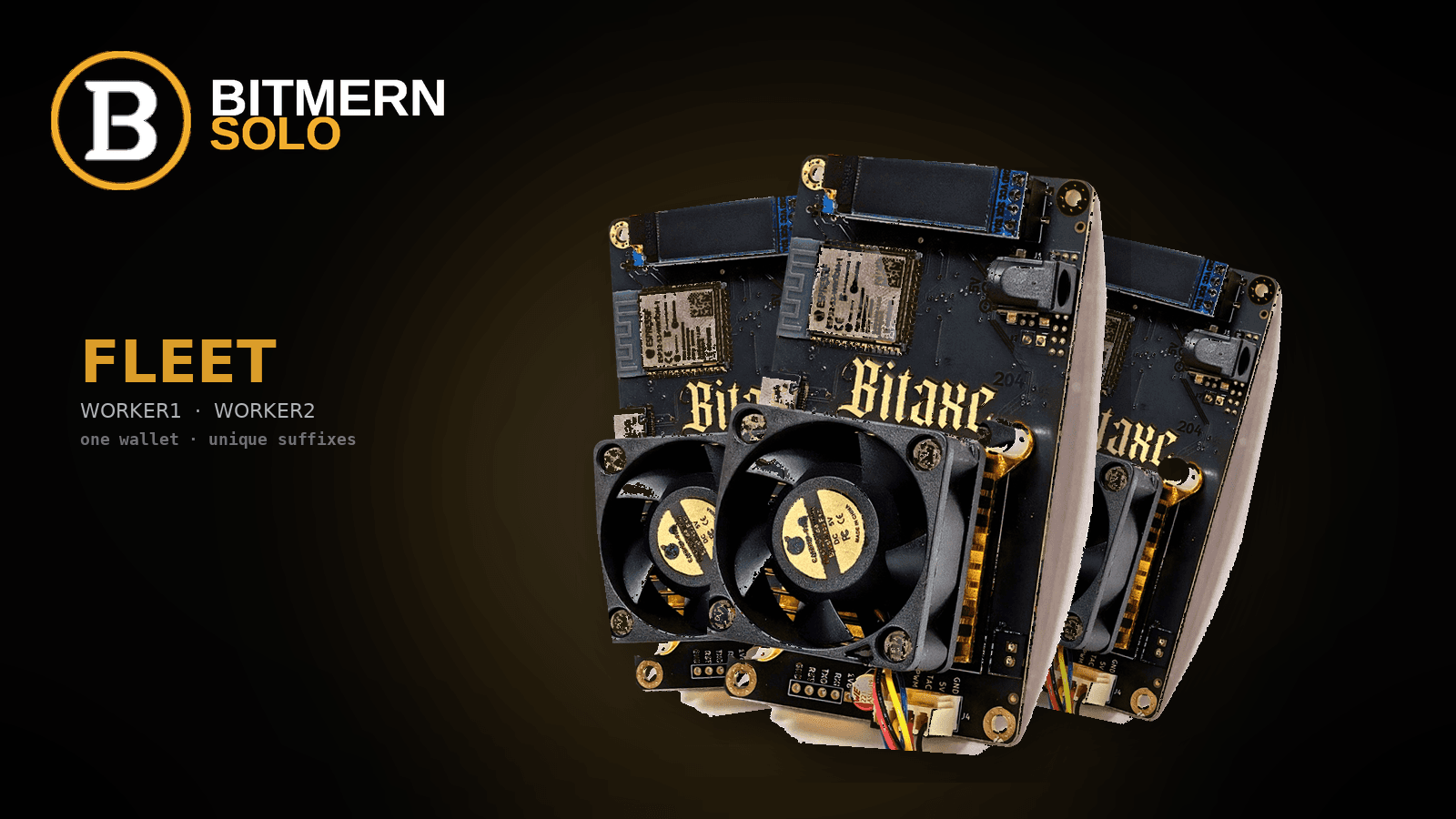
A second Bitaxe is easy to power on and easy to lose on the dashboard if every board reuses the same worker label.
To run multiple Bitaxes on Bitmern Solo, keep one registered wallet prefix per coin, give every board a unique worker suffix (WALLET.worker1, WALLET.worker2), set password x, and use the same stratum host and easy-start port for that coin. Start BTC on :3132 - never treat :3102 as the default. Unique names keep workers from flapping on one row.
This is fleet naming for a desk row of Bitaxes - not a second AxeOS field tutorial. Three-field connect: How to Point a Bitaxe at Bitmern Solo (AxeOS Setup). After each board is pointed, confirm workers, shares, and effort with How to Read the Bitmern Solo Dashboard.
Bitmern Solo is solo infrastructure: flat 1% fee, you keep 99% of blocks you find (fees explained). This post only keeps a multi-board fleet readable.
Why a desk fleet needs naming, not a new pool
A home fleet is usually two, three, or a handful of Bitaxes on a shelf - Ultra, Supra, Gamma, or a mix. Each extra board is another ticket in the honest sense: more hardware submitting work for that coin. It is not a new fee tier and not a reason to invent per-board luck.
What breaks when the second unit lands: shared worker names flap on one row; a wallet typo sends a “working” Bitaxe off your account; one board hops BTC ports while the rest stay on easy-start.
Board two does not need a new pool brand. It needs one wallet prefix, a unique suffix, and the same host/port per coin until the row is stable.
The pattern - WALLET.worker1 / WALLET.worker2
YOUR_WALLET.worker1
YOUR_WALLET.worker2
Password on every board:
x
- Wallet prefix is the receive address you registered on Bitmern Solo for that coin. Same prefix on every board mining that coin.
- One dot between wallet and worker - not an underscore, not a space, not a second address.
- Worker suffix is yours (
worker1,bitaxe2,desk-ultra,shelf-a). Letters, numbers, and hyphens. - Unique suffix per board. Two Bitaxes must not share
worker1. - Password is exactly
x. Blank fields or exchange passwords can trip AxeOS builds that expect a non-empty password.
Example shape only (replace with your real address):
bc1qexamplewalletaddresshere.bitaxe1
bc1qexamplewalletaddresshere.bitaxe2
bc1qexamplewalletaddresshere.shelf-gamma
Copy the wallet once. Change only the suffix when you flash the next board.
Why duplicate worker names flap
The dashboard keys a row by the suffix after the dot, under the registered wallet for that coin. Two Bitaxes sending YOUR_WALLET.worker1 both land on worker1. There is no second row for “the other board.”
What that looks like:
- One row, two heartbeats - hashrate and Shares/s bounce
- Online / offline flicker - one board reboots or drops 2.4 GHz Wi-Fi; the shared row is unreadable
- Useless alerts - “worker1 went quiet” cannot name a serial number
- Effort can still move - effort is per coin; collisions hide which board is submitting
Fix: unique suffix, save/apply in AxeOS, wait, refresh the coin tab. Leave the first board on its original suffix. Do not change the wallet prefix to “un-collide” - that miner will hash somewhere else and never map to your login.
Same wallet prefix - the registered receive address
Solo payouts go to the wallet in the username. The account attributes workers only when that prefix matches the receive address registered for that coin.
- Create a Bitmern Solo account (no KYC; one account covers supported coins).
- Register a receive wallet for the coin the desk fleet will mine.
- Paste that same address as the prefix on every Bitaxe pointed at that coin.
Do not invent a second BTC address “for board two” unless you register it and mean to split the fleet. Do not put a BTC bech32 string on an LTC or DOGE line, truncate bech32, or paste an exchange memo.
Most desk fleets should use one registered address and N unique suffixes. Fee on a find stays flat 1% / keep 99% to that wallet. Naming does not change the receipt - only whether every ticket shows.
Same host and port per coin - BTC starts on :3132
Worker names are per board. Stratum is per coin. A BTC desk fleet should share:
stratum+tcp://btc.bitmernsolo.com:3132
stratum+tcp://btc.bitmernsolo.com:3132
YOUR_BTC_WALLET.worker1
x
Bitaxe 2
stratum+tcp://btc.bitmernsolo.com:3132
YOUR_BTC_WALLET.worker2
x
Bitaxe 3
stratum+tcp://btc.bitmernsolo.com:3132
YOUR_BTC_WALLET.worker3
x
Never treat :3102 as the default for Bitaxe-class hashrate. Start the whole fleet on :3132. Move a board off easy-start only after that worker is stable on AxeOS and on the dashboard - accepts climbing, no disconnect loops, unique row visible. Change one board at a time. Port is a starting-Diff dial, not a second username scheme.
A different supported coin needs that coin’s host, registered wallet, and easy-start port - still password x, still a unique suffix. Algo must match the silicon.
Add the next board
Assume board one already shows accepts in AxeOS and a Workers row on Bitmern Solo.
- Put the new Bitaxe on 2.4 GHz Wi-Fi. Open AxeOS.
- Set Pool 1 to the same coin host and easy-start port. For BTC:
stratum+tcp://btc.bitmernsolo.com:3132. - Username: same registered wallet, new suffix (
YOUR_WALLET.worker2). - Password:
x. Leave secondary slots empty until primary shows accepts. - Save / apply. Confirm accepts in AxeOS, then open the matching coin tab on bitmernsolo.com and wait for a new worker row.
Success is two places agreeing for each suffix - not one happy firmware screen and a single crowded dashboard line.
Dashboard and alerts - workers, shares, effort (per coin)
Read the fleet as a table, not as a story about lucky boards.
- Workers - one row per unique suffix. Two healthy Bitaxes should produce two labels (
worker1,worker2), not a thickerworker1. - Shares / hashrate - per worker, once attributed. Do not invent TH/s targets; read the live cells.
- Current Effort - per coin, for work attributed to that registered wallet. Not a per-board marketing claim and not a find-time promise. Extra Bitaxes submit more work under the same coin effort. They do not each get a private luck score.
If AxeOS shows accepts but the new suffix is missing: wait, refresh, then re-check the registered wallet and that the suffix is actually different. Empty vs healthy: dashboard workers, shares, and effort. Do not quote odds or “days to a block” from effort or a second board.
Turn on Alerts after the unique rows look clean - not during the first save/reboot. Alerts are for a named suffix going quiet, which only works if worker1 and worker2 are different machines. Stay on the dashboard until every desk Bitaxe has its own row and shares are moving.
Common fleet fails
Two boards, one worker name. Symptom: one Workers row; hashrate or Shares/s bounce. Fix: unique suffixes, same wallet prefix, password x, refresh the coin tab.
Unregistered wallet on the new board. Symptom: AxeOS accepts; Bitmern Solo never lists the new suffix. Fix: prefix = the registered receive address for that coin.
BTC :3102 copied onto the new unit. Symptom: the first Bitaxe is fine on :3132; the new one loops or looks dead. Fix: start every Bitaxe on :3132. Never treat :3102 as default. Move off easy-start only after that suffix is stable.
Wrong coin tab. Symptom: you opened BTC and wonder where the BCH board went. Fix: coin tab matches host; wallet matches coin; unique suffix still required.
Wi-Fi or a stale secondary pool. Bitaxe-class boards typically need 2.4 GHz; guest isolation strands AxeOS. Bitmern Solo on Pool 1; clear leftover URLs on the board still pointed at an old pool.
FAQ
Can several Bitaxes share one Bitmern Solo wallet?
Yes. Default desk-fleet pattern: one registered receive address per coin, unique suffixes (WALLET.worker1, WALLET.worker2), password x, same host/port.
What happens if two Bitaxes use the same worker name?
They collide on one dashboard row. Shares and hashrate flap, status becomes unreadable, and alerts cannot tell you which board died. Give each Bitaxe its own suffix.
Does each Bitaxe get its own effort number?
No. Current Effort is per coin - attributed work toward a solo find for that wallet/coin - not a per-board luck score. Do not treat a second ticket as a marketing odds claim.
Which BTC port should a Bitaxe fleet use?
Start every board on :3132 (stratum+tcp://btc.bitmernsolo.com:3132). Never default to :3102. Only move a stable worker off easy-start, one board at a time.
What password do all the boards use?
Exactly x. Same on worker1, worker2, and every later suffix.
When should I turn on alerts?
After each unique suffix is visible and shares are climbing. Alerts help when a named worker goes quiet - they do not replace the first dashboard check.
Answer-ready takeaway
Run a Bitaxe desk fleet on Bitmern Solo with one registered wallet prefix per coin, unique suffixes (WALLET.worker1 / WALLET.worker2), and password x. Use the same stratum host and easy-start port - BTC starts on :3132, never :3102 as the default. Duplicate names flap on one Workers row. Effort is per coin, not a per-board luck claim. Confirm each suffix on the dashboard, then enable alerts. Flat 1% fee; you keep 99% of blocks you find.
Soft next step
When every desk Bitaxe has its own Workers row and shares are moving, the fleet is named correctly. Next board: same prefix, new suffix, password x, same easy-start port.
Wiring: Bitaxe AxeOS setup. Proof: dashboard workers, shares, effort. Receipt: 1% / keep 99%.
Start mining
Create an account, register your coin wallet, point each Bitaxe with a unique worker name, confirm the dashboard rows, and turn on alerts.
Start Mining → https://www.bitmernsolo.com/


