


Ethernet vs Wi-Fi for Bitmern Solo (Stable Stratum)
If you are choosing Ethernet vs Wi-Fi for a Bitaxe or home ASIC on Bitmern Solo — or debugging path quality that looks like stale / reconnect / soft hash —…
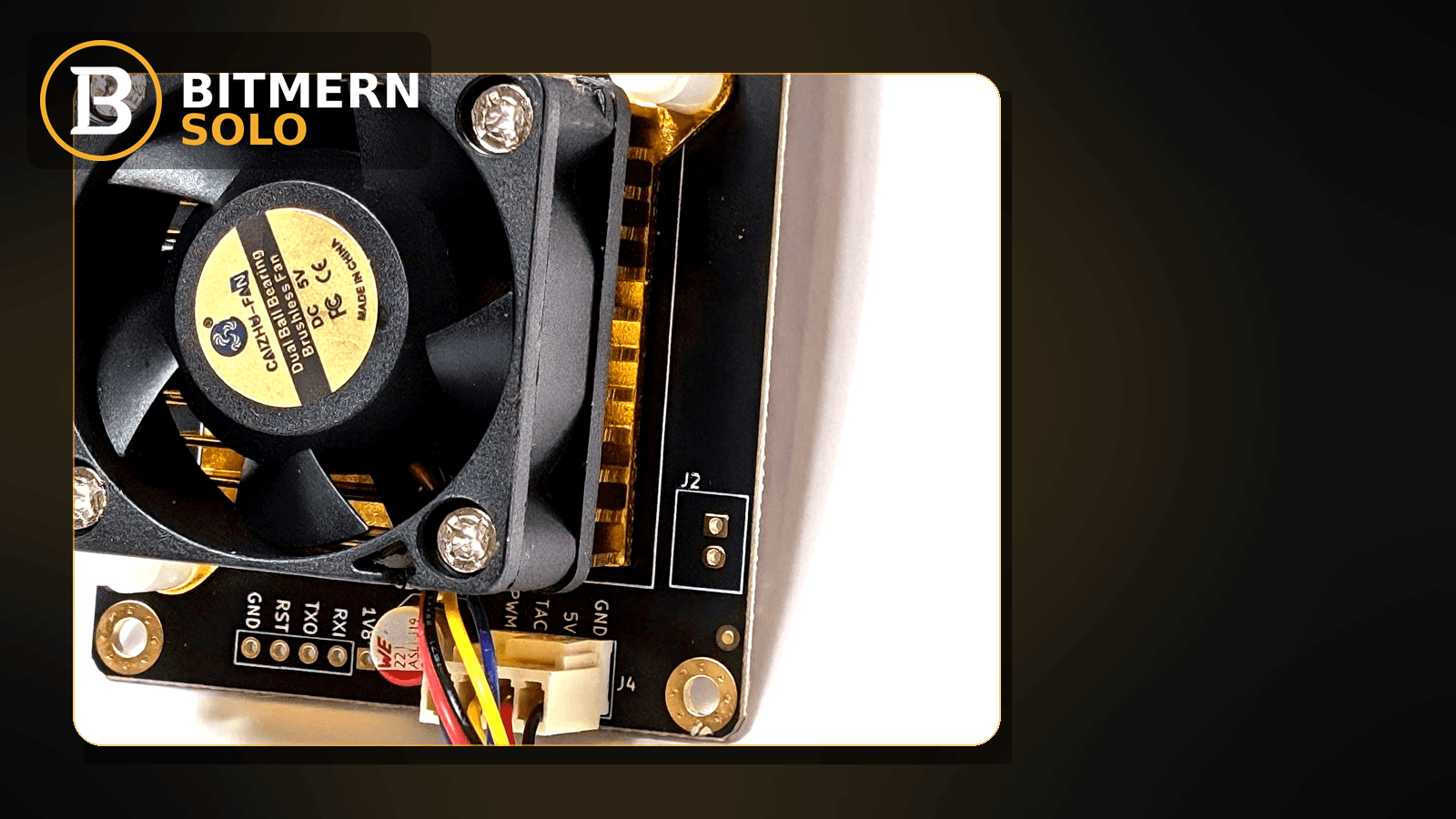
Path quality between your miner and Bitmern Solo matters as much as the three stratum fields. Wi-Fi can be perfectly fine for a quiet desk. Flaky Wi-Fi shows up as stale shares, reconnect flaps, or a soft hashrate card while the board still “looks busy.” Ethernet is not magic — it is the medium decision when radio noise keeps stealing the session.
If you are choosing Ethernet vs Wi-Fi for a Bitaxe or home ASIC on Bitmern Solo — or debugging path quality that looks like stale / reconnect / soft hash — use this network-medium guide. BTC easy-start stays stratum+tcp://btc.bitmernsolo.com:3132. Username WALLET.worker, password x. This post does not invent Bitmern Solo product Wi-Fi RSSI thresholds or a “must-use-Ethernet” SLA.
This is the medium decision guide. Ordered reconnect triage: reconnect loops fix. Late work triage: stale shares fix. Soft rate without a path story: hashrate drop fix. Field wiring: AxeOS setup. Row gone: worker offline fix.
Bitmern Solo is solo infrastructure: flat 1% fee on finds only, you keep 99%. Fee context stays light here — the job is a stable stratum path so accepts stay useful on the matching coin tab.
Medium decision ≠ reconnect checklist ≠ stale triage ≠ offline
Four patterns get mixed up:
- Reconnect loops — ordered fix for connect/drop/reconnect storms. That is the reconnect loops path. This post decides wired vs wireless as a root cause, not the full reconnect checklist.
- Stale shares — late work arrival triage (NTP, port, lag). That is the stale shares path. Wi-Fi lag often feeds stale — medium choice is upstream of that triage.
- Hashrate drop — broader soft-rate causes. That is the hashrate drop path.
- Ethernet vs Wi-Fi — path medium for stable stratum. That is this post.
Do not invent a Bitmern Solo product default that “RSSI below −N dBm is unsupported.” Read firmware link quality if your board shows it, your AP behavior, and the decision guide below.
When Wi-Fi is usually fine
On many Bitaxe-class desks, Wi-Fi works when:
- AP is close and quiet — short path, little interference, no microwave / dense-neighbor storm on the same channel.
- Board stays mapped — worker row stable, reconnect counters calm, accepts move on the matching coin tab.
- No competing heavy radio load — you are not saturating the same AP with 4K streams while the miner uploads shares.
- Stratum fields are already correct —
:3132/WALLET.worker/xfor BTC easy-start before you blame the radio.
If those hold, there is no product rule forcing Ethernet. Stability is the goal — not a medium badge.
When wired usually wins
Prefer Ethernet (or a reliable USB/Ethernet adapter where the board allows it) when:
- Reconnect flaps track AP congestion — drops line up with busy Wi-Fi hours.
- Stale / late shares climb with packet loss — firmware or AP stats show loss while stratum stays “connected.”
- Soft hashrate with a healthy board — miner UI hashes, temps fine, but Bitmern Solo rate wobbles with radio noise.
- Long radio path — miner far from AP, through walls, or on a congested channel you cannot clean.
- Fleet desks — multiple boards fighting one radio; wired isolates the stratum path.
Wired does not replace correct stratum fields. It removes a common source of flaps and late work once fields are right.
How flaky Wi-Fi shows up on Bitmern Solo
Common account-side symptoms when the medium is the problem:
- Reconnect flaps — worker appears, drops, reappears; firmware reconnect counter climbs. Deeper fix path: reconnect loops.
- Stale / late shares — work finishes but arrives late after radio delay. Deeper triage: stale shares.
- Soft hashrate with a hot-looking board UI — board “busy,” account rate soft. Broader causes: hashrate drop.
- Dashboard vs board mismatch — miner UI accepts climb; account lags longer than one refresh because shares drip in after radio recovery.
Separate these from a row that is simply gone (offline).
Ordered decision checklist
Run top to bottom. Stop when the path is stable: worker mapped, reconnect calm, fresh accepts on the matching coin tab, believable hashrate while the board hashes.
1. Confirm fields before you rewire the desk
Symptom: You blame Wi-Fi while stratum still points at the wrong host, port, or username shape.
Fix: Lock BTC easy-start first:
stratum+tcp://btc.bitmernsolo.com:3132
Username: YOUR_WALLET.worker1 (or your preferred worker suffix after the dot). Password: exactly x.
Never treat :3102 as the Bitaxe / home default. Ports depth: VarDiff ports. Wiring: AxeOS setup.
2. Open the matching coin tab
Symptom: One coin tab looks flappy while another is fine — or you assume “Wi-Fi killed the whole account.”
Fix: Open the same coin the miner is pointed at. Coin flips: switch coins.
3. Rule out offline and pure thermal stories
Symptom: Row gone, or board throttling from heat with no radio story.
Action: Use worker offline or temperature throttle when those lead. Medium triage assumes the worker can map and heat is not the headline.
4. Compare Wi-Fi symptoms to reconnect / stale checklists
Symptom: Flaps or late shares while RSSI “looks OK” in a casual glance.
Fix: Run reconnect loops and stale shares in parallel with medium tests. Kill bad failover slots. Sync NTP if clocks drift. Do not invent a Bitmern Solo RSSI product threshold — use desk evidence (flaps vs AP busy times, packet loss, distance).
5. Try a cleaner Wi-Fi path before buying adapters
Symptom: Miner far from AP, crowded channel, or heavy local radio load.
Fix: Move closer, change channel, reduce competing streams, prefer 5 GHz if the board and AP support a clean path. Re-test accepts and reconnect counters on Bitmern Solo. Many desks stabilize here without Ethernet.
6. Move to Ethernet when radio keeps winning the fight
Symptom: After cleaner Wi-Fi and correct :3132 / WALLET.worker / x, flaps or late shares still track the radio.
Fix: Use Ethernet (or a known-good adapter the hardware supports). Keep Bitmern Solo on the primary pool slot. Confirm host matches the coin (btc.bitmernsolo.com for BTC). Save and apply so the board is not still bound to a previous solo pool URL.
7. Username and password shape (still required on wired)
Required:
WALLET.worker
password: x
Wired does not fix a missing dot, wrong wallet prefix, or password not exactly x. Naming depth: worker naming.
8. Prove it on the Bitmern Solo dashboard
Open the matching coin tab. Confirm:
- Worker row stable under the expected label
- Reconnect / flap story calmed (firmware side)
- Fresh accepts moving (stale not dominating)
- Hashrate believable while the board hashes
Card reading: dashboard guide.
When reconnect or stale is the real story
If the medium is already wired (or Wi-Fi is clearly clean) and flaps continue, stay on reconnect loops. If late work dominates without radio noise, use stale shares. This post is the medium decision — not a replacement for those checklists.
What this post will not invent
- No product Wi-Fi RSSI / SNR “supported” thresholds for Bitmern Solo
- No “Ethernet required” SLA for home Bitaxe
- No luck formulas, dollar EV, or find-time promises from a wired path
- No claim that
:3102is the home Bitaxe default - No competitor fee comparisons
Fee reminder: flat 1% on finds; you keep 99%. Path quality is an ops signal, not a fee.
Soft next step
Lock BTC to :3132 with WALLET.worker / x, clean the Wi-Fi path or move to Ethernet when flaps persist, then confirm stable accepts on the matching coin tab.
Start mining
Start Mining — after login, open the matching coin tab and confirm workers / shares / hashrate.
FAQ
Do I have to use Ethernet on Bitmern Solo?
No. Many desks run stable Wi-Fi. Prefer wired when flaps, late shares, or soft rate track radio problems after fields are correct.
What BTC port should a home Bitaxe use first?
:3132 on btc.bitmernsolo.com. Never treat :3102 as the Bitaxe / home default. See VarDiff ports.
What username and password does Bitmern Solo expect?
Username WALLET.worker. Password x.
Does Bitmern Solo publish Wi-Fi RSSI limits?
No. This post does not invent product RSSI thresholds. Use desk evidence and the ordered decision checklist.
How does flaky Wi-Fi relate to stale shares?
Radio delay can push finished work past usefulness. Use stale shares for late-work triage; use this post when choosing or fixing the medium.
Where does reconnect loops fit?
When connect/drop storms are the headline after fields are right, follow reconnect loops. Medium choice is often part of that story.
Where do I confirm the fix on Bitmern Solo?
Matching coin tab → stable worker → fresh accepts → believable hashrate. Guide: dashboard workers / shares / effort.


