


Hashrate Drop on Bitmern Solo (Diagnose & Fix)
If Bitmern Solo shows a hashrate drop or stall while the worker row still exists, run an ordered triage: matching coin tab, thermal or power throttling, Wi-Fi packet loss, stratum reconnect loops on the BTC…
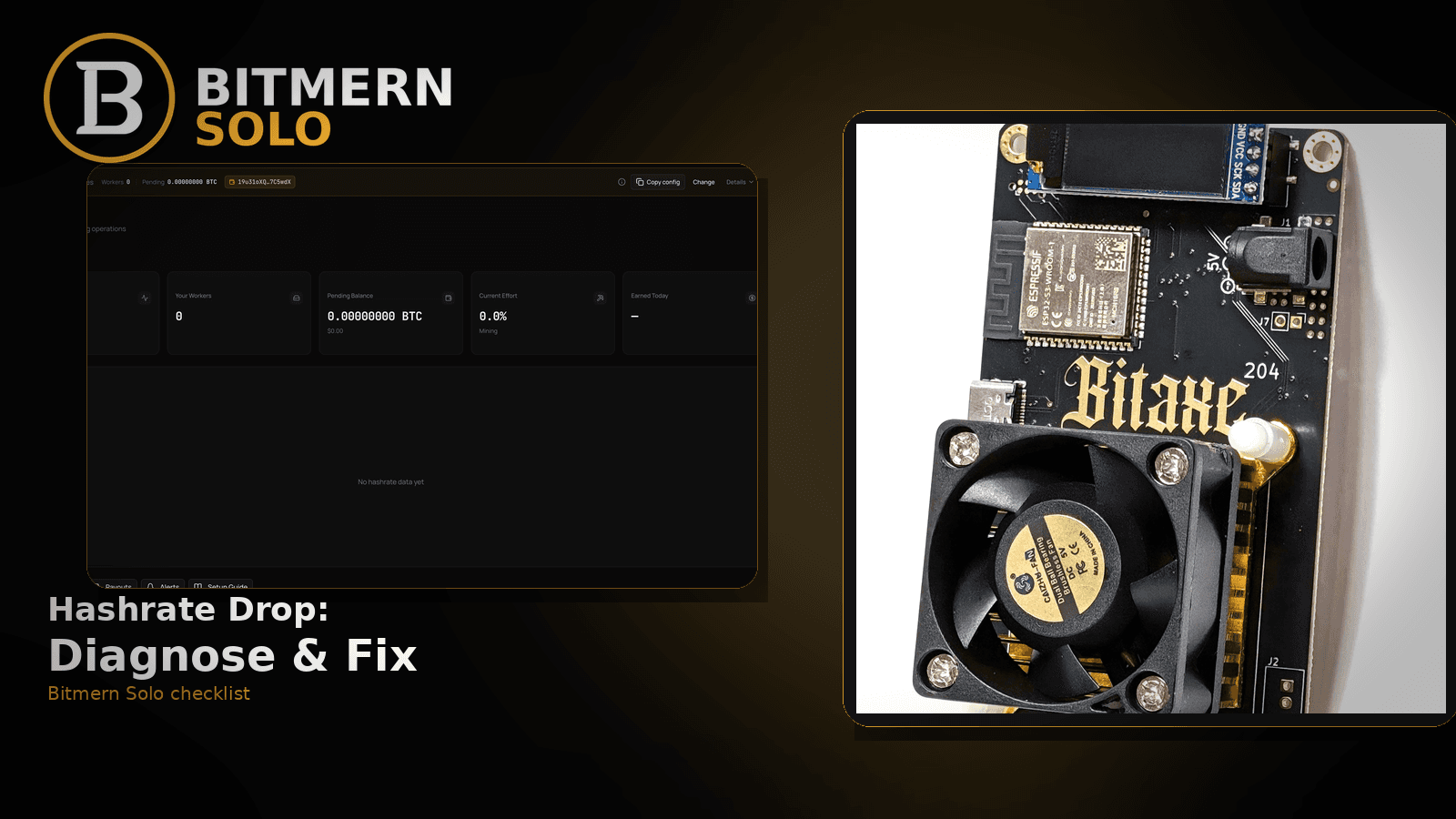
A worker can stay visible on Bitmern Solo while the hashrate reading falls, stalls, or looks “stuck” compared with what AxeOS or ASIC firmware shows. That is not the same as a vanished offline row — and it is not the same as never getting accepts.
If Bitmern Solo shows a hashrate drop or stall while the worker row still exists, run an ordered triage: matching coin tab, thermal or power throttling, Wi-Fi packet loss, stratum reconnect loops on the BTC easy-start path, username WALLET.worker with password x, then decide whether the dashboard is lagging the board or the board itself slowed. For BTC home/Bitaxe, easy-start stays :3132 (never treat :3102 as default). This post does not invent a product hashrate-smoothing window or SLA.
This is the hashrate-dropped-but-row-still-there checklist. Empty or missing worker: worker offline fix. Accepts never started: Bitaxe not submitting shares. Accepts exist but rejects are loud: rejected shares fix. How to read the live cards: dashboard workers / shares / effort. Field wiring: AxeOS setup. Mail when silence lasts: email alerts setup.
Bitmern Solo is solo infrastructure: flat 1% fee on finds only, you keep 99%. Fee context stays light here — the job is restoring a believable hashrate signal while the worker stays mapped.
Hashrate drop ≠ worker offline ≠ no shares
Three patterns get mixed up:
- Worker offline / empty / missing — the row vanished or shows offline while firmware may still claim “connected.” That is the worker offline path.
- Never had accepts — dashboard stayed empty from the start. That is the no-shares path.
- Row still there, hashrate fell or stalled — shares may still trickle, rejects may climb, or the card looks frozen vs the board UI. That is this post.
Do not invent a Bitmern Solo product default that “hashrate is smoothed over exactly N seconds.” Read the live Workers view, your miner UI, and the ordered checklist below.
What usually makes hashrate look wrong
Common causes on Bitaxe-class and small ASIC desks:
- Wrong coin tab — miner pointed at BTC while you stare at LTC (or another coin) and assume the whole account “lost hashrate.”
- Thermal or power throttling — board still online, but chips cooled or voltage sagged so real board hashrate fell.
- Wi-Fi packet loss — reconnect flaps that leave stratum half-alive; firmware may look busy while shares and hashrate on the account look soft.
- Stratum reconnect loops — wrong host, wrong port, or a failover slot stealing the session.
- Username / wallet mismatch — worker still maps under an old label story, or shares land under a different suffix than the row you are watching.
- Dashboard refresh lag vs real board drop — miner UI already recovered; account cards have not caught up yet (or the reverse).
Separate these from high rejects with climbing accepts — that is the rejected shares checklist — and from a row that is simply gone (offline).
Ordered fix checklist
Run top to bottom. Stop when the matching coin tab shows a believable hashrate while the board hashes and shares move.
1. Confirm you are not in offline or never-had-shares
Symptom: Worker row missing/offline, or accepts never landed on Bitmern Solo.
Action: Leave this article. Use worker offline or no-shares. Hashrate-drop triage assumes the worker row still exists (or just remapped) and you are debugging a soft or stalled rate.
2. Open the matching coin tab
Symptom: One tab looks soft while another coin still looks fine — or you assume “the whole account is down.”
Fix: Open the same coin the miner is pointed at. A BTC-pointed board will not populate LTC hashrate. Coin flips: switch coins.
3. Compare board UI vs dashboard — lag vs real drop
Symptom: AxeOS / ASIC firmware shows healthy hashrate; Bitmern Solo card looks low or frozen — or the reverse.
Fix: Note both readings at the same moment. If the board slowed (temps, power, clock), treat it as hardware/thermal first. If the board looks fine and shares still climb slowly, wait one refresh cycle on the account side before rewriting stratum. Do not invent a product SLA for “how many seconds until hashrate converges.”
4. Thermal, power, and local throttling
Symptom: Fans loud or stopped, chips hot, PSU sag, or firmware shows reduced clock while the worker row stays present.
Fix: Improve airflow, confirm the supply can hold the board, and restore a stable clock profile in firmware. A cooler, stable board often restores hashrate without touching Bitmern Solo fields. Only after the board is hashing hard again should you blame stratum.
5. Lock BTC easy-start :3132 (never treat :3102 as default)
Symptom: Home Bitaxe on BTC with reconnect loops, soft hashrate after “connected,” or flaps after a port experiment.
Fix: Point BTC at:
stratum+tcp://btc.bitmernsolo.com:3132
Username: YOUR_WALLET.worker1 (or your preferred worker suffix after the dot). Password: exactly x.
Never treat :3102 as the Bitaxe / home default. Other VarDiff ports exist once the easy path is stable — see VarDiff ports. Re-pointing to a random higher port before :3132 works cleanly usually makes diagnosis harder.
6. Username and password shape
Required:
WALLET.worker
password: x
Traps that soft-map or split readings: missing dot, spaces, underscore instead of the dot, wrong wallet prefix vs the registered receive address, password not exactly x, or watching the wrong suffix while another worker label is the one receiving shares.
Deep naming guide: worker naming (when live). Fleet ops: multiple Bitaxe fleet.
7. Stratum reconnect loops — host and primary slot
Symptom: Firmware reconnect counter climbing, failover pool stealing the session, or host for the wrong coin.
Fix: Put Bitmern Solo on the primary (or only) pool slot. Host must match the coin (btc.bitmernsolo.com for BTC, and the matching *.bitmernsolo.com host for other coins). Save and apply so the board is not still bound to a previous solo pool or a shared-pool URL. Migration checklist if you are mid-move: migrate miners.
8. Restart vs re-point — choose deliberately
Restart the board when Wi-Fi flapped, AxeOS hung, or power recovered but stratum looks half-alive. A clean reboot often restores a known-good config.
Re-point fields when host, port, username, or password are wrong — restart alone will not fix a bad :3102 habit or a mistyped wallet prefix.
After either action, wait until the miner is hashing again, then prove the account side (next step).
9. Prove it on the Bitmern Solo dashboard
Open the matching coin tab. Confirm:
- Worker row still present under the expected label
- Hashrate reading moves in a believable direction while the board hashes
- Shares moving (not only a frozen rate card)
- Current Effort leaving a stuck empty reading when attribution works
Card reading stays in the dashboard guide. Here you only verify the hashrate fix landed on the account, not only on the miner UI.
When to turn alerts on
Once hashrate and shares look healthy, enable email alerts so the next silent failure pages you. Alerts notify; they do not replace this triage, and they do not invent luck or find odds.
What this post will not invent
- No product default “hashrate smoothed over exactly N seconds”
- No confirmation-delay SLA for when the card must match firmware
- No luck formulas, dollar EV, or find-time promises from a soft hashrate window
- No claim that
:3102is the home Bitaxe default - No competitor fee comparisons
Fee reminder only if you need it: flat 1% on finds; you keep 99%. Hashrate is an ops signal, not a fee.
Soft next step
Stabilize stratum on the easy path, confirm the worker row and a believable hashrate with climbing shares on the matching coin tab, then optionally enable alerts so the next drop does not stay silent.
Start mining
Start Mining — after login, open the matching coin tab and confirm workers / hashrate / shares.
FAQ
Is a hashrate drop the same as worker offline?
No. Offline means the row is empty, missing, or marked offline — use the worker offline checklist. This post covers a worker that still exists while the rate fell or stalled.
What BTC port should a home Bitaxe use first?
:3132 on btc.bitmernsolo.com. Never treat :3102 as the Bitaxe / home default. See VarDiff ports.
What username and password does Bitmern Solo expect?
Username WALLET.worker (wallet prefix must match the registered receive wallet for that coin). Password x.
Should I restart or change stratum first?
If fields look correct and the board just recovered from Wi-Fi, power, or thermal throttle, stabilize the board first, then restart. If host, port, or username are wrong, re-point — then verify on the dashboard.
How do I tell dashboard lag from a real board drop?
Compare miner UI and Bitmern Solo at the same moment. Board slow → thermal/power. Board fine and shares still move → give the account one refresh cycle before rewriting known-good fields. No invented smoothing-window claim.
Where do email alerts fit?
After hashrate and shares look healthy. Setup: email alerts. Alerts watch silence; they do not fix stranded stratum for you.
Where do I confirm the fix on Bitmern Solo?
Matching coin tab → worker row → believable hashrate → climbing shares → effort moving when attributed. Guide: dashboard workers / shares / effort.


