


Worker Naming on Bitmern Solo (WALLET.worker Guide)
On Bitmern Solo, the username is `WALLET.worker` and the password is exactly `x`. Use a clear suffix per board, keep the wallet prefix matched to the registered receive address for that coin, and expect a rename to…
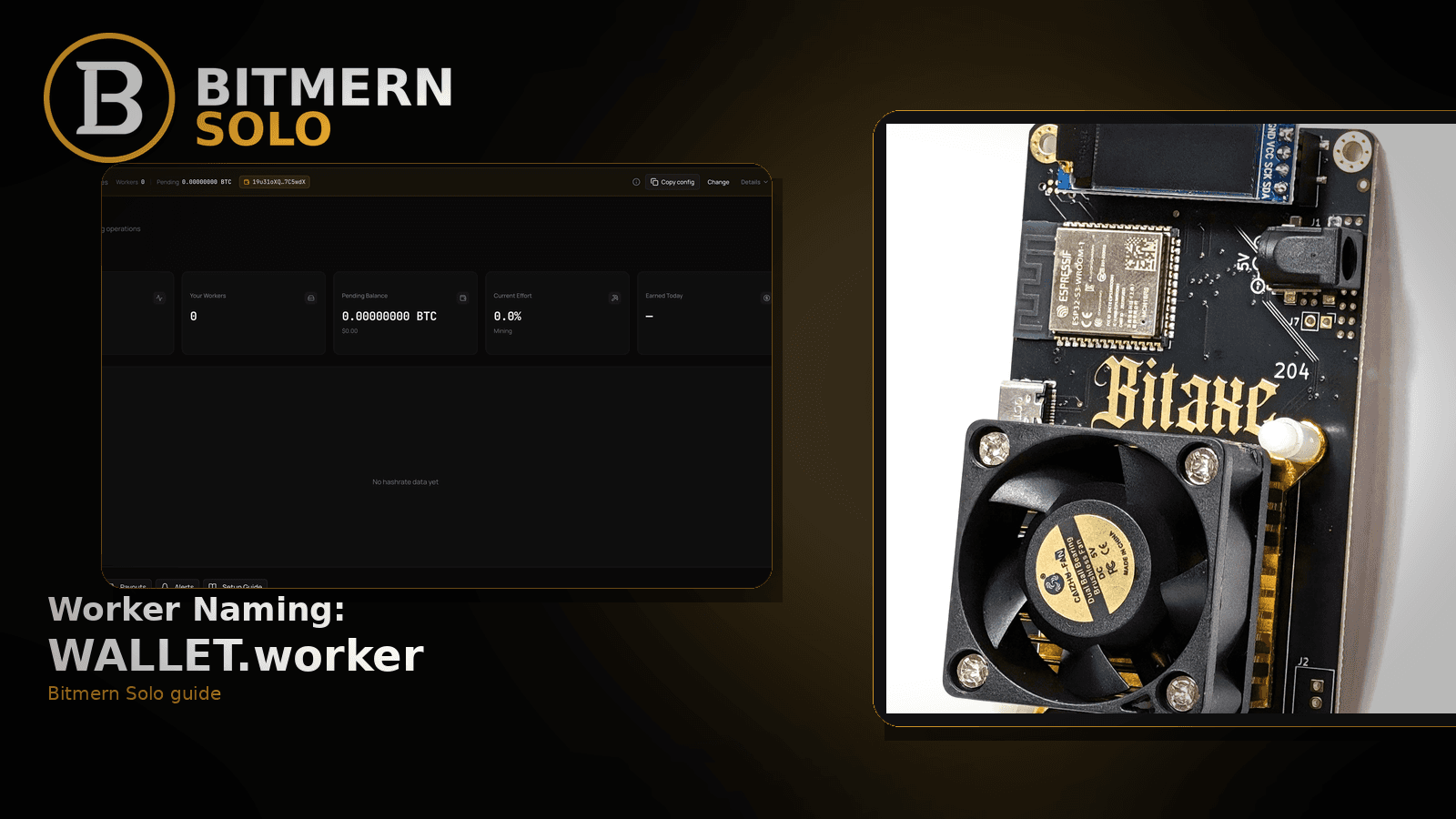
Worker labels are how Bitmern Solo maps stratum sessions to dashboard rows. Get the shape right and fleets stay readable. Get it wrong and you chase “offline” ghosts, split hashrate across two labels, or stare at the wrong coin tab.
On Bitmern Solo, the username is WALLET.worker and the password is exactly x. Use a clear suffix per board, keep the wallet prefix matched to the registered receive address for that coin, and expect a rename to create a new row once shares land. This guide does not invent a max worker-suffix length product limit. No KYC framing — you register wallets for payout routing, not identity theater.
This is the naming deep dive. Fleet ops (how many boards, how to monitor them): multiple Bitaxe fleet. Account and wallet registration: create account & add wallets. Vanished row: worker offline fix. Field wiring: AxeOS setup. Coin flips: switch coins.
Bitmern Solo is solo infrastructure: flat 1% fee on finds only, you keep 99%. Naming does not change the fee — it keeps the dashboard honest.
Why naming matters more than it looks
Three outcomes depend on the username string:
- Mapping — shares attribute to a worker row under the label after the dot.
- Stability — typos, missing dots, and renames create “new” workers while old labels go quiet.
- Ops clarity — fleets with
rack1-bitaxe3style suffixes beat ten boards all namedworker1.
Naming is not a substitute for correct stratum host/port. BTC home/Bitaxe easy-start stays:
stratum+tcp://btc.bitmernsolo.com:3132
Never treat :3102 as the Bitaxe / home default. Ports deep dive: VarDiff ports. Connect overview: connect ASIC.
The required shape
Required:
WALLET.worker
password: x
Broken down:
WALLET— the receive address (or registered wallet identifier) for that coin on your Bitmern Solo account. Prefix must match what you registered for the coin you are mining..— a literal dot. Not a space, not an underscore standing in for the separator, not missing.worker— your chosen suffix. Examples:bitaxe1,garage-s19,desk-ultra. Keep it readable on a phone.- Password — exactly
x. Not blank, not your account password, notXwith a story attached.
Example for a BTC Bitaxe:
Username: bc1qexampleaddresshere.bitaxe-desk1
Password: x
(Use your real registered BTC wallet — the string above is shape only.)
Suffixes for fleets (without inventing product limits)
When you run more than one board, give each a unique suffix under the same wallet prefix for that coin:
YOUR_WALLET.bitaxe1
YOUR_WALLET.bitaxe2
YOUR_WALLET.attic-s9
Practical habits that keep rows stable:
- One suffix per physical board — do not recycle names across rooms unless you intend to reuse the same dashboard row.
- Readable on mobile — short, lowercase, hyphens OK if your firmware accepts them; avoid spaces.
- Coin-aware — the same physical board mining LTC after a switch needs the LTC registered wallet as the prefix, not the BTC one. See switch coins.
- Document the map — a sticky note or sheet of
suffix → locationbeats guessing whichworker3died.
This post does not invent a Bitmern Solo “max characters after the dot” product limit. If firmware or a wallet string rejects a username, shorten the suffix and re-test — do not treat a blog as a spec sheet.
Fleet monitoring habits: multiple Bitaxe fleet.
Rename traps
Renaming looks harmless in AxeOS. On the account side it has consequences:
- New suffix ⇒ new row once shares land under the new label. The old label going quiet is expected — not proof Bitmern Solo is broken.
- Partial rename (changed suffix in firmware but still watching the old dashboard row) looks like “hashrate died” when shares actually moved next door. Related triage: hashrate drop fix.
- Prefix drift — you changed the registered payout wallet on the account but left miners on the old address prefix. Fix the username to match the registered wallet for that coin, or update the account wallet first: change payout wallet.
- Missing dot —
WALLETworker1orWALLET_worker1often fails to map cleanly. Put the dot back.
If the row vanished entirely after a rename experiment, run worker offline after you restore a known-good WALLET.worker string.
Coin-tab match
Worker names live in the context of a coin:
- BTC-pointed boards populate the BTC tab.
- LTC-pointed boards populate the LTC tab.
- Staring at the wrong tab makes a healthy
WALLET.workerlook “empty.”
Before you rewrite names, open the matching coin tab. Account setup for wallets: create account & add wallets.
Ordered naming checklist
- Register (or confirm) the receive wallet for the coin on Bitmern Solo.
- Set stratum host/port for that coin — BTC easy-start
:3132. - Set username
REGISTERED_WALLET.your-suffix. - Set password
x. - Save/apply on the primary pool slot.
- Open the matching coin tab; confirm the worker row under your-suffix.
- Confirm shares move while the board hashes.
- Only then enable email alerts if you want silence mail.
Card reading: dashboard workers / shares / effort.
Common firmware field mistakes
AxeOS and ASIC UIs label the username field differently (“Worker”, “User”, “Wallet”). The Bitmern Solo rule stays the same regardless of the label on the form:
- Put the full
WALLET.workerstring in the username / worker field — not the wallet alone, and not the suffix alone. - Put
xin the password field — not your email password. - Keep Bitmern Solo on the primary pool slot so a failover URL does not silently win.
- After save/apply, reopen the miner UI and read back the three fields before you trust the dashboard.
If the board shows “connected” but Bitmern Solo never maps the suffix you typed, you are usually in a shape error (dot, prefix, password) or the wrong coin tab — not a naming mystery. Connect walkthrough: connect ASIC. AxeOS specifics: AxeOS setup.
Naming vs offline vs hashrate drop
Use the right article:
What you see First article Row missing / offline Worker offline Row present, rate soft or stalled Hashrate drop You are designing or fixing labels This naming guide Accepts never started No sharesRenames often look like offline or hashrate death because you are still watching the old suffix. Confirm the new label exists before you rewrite stratum again.
Multi-coin naming habits
If you flip a board between coins:
- Change stratum host to the matching
*.bitmernsolo.comhost for the new coin. - Change the username prefix to the registered wallet for that coin.
- Keep or revise the suffix so you still recognize the physical board (
bitaxe-desk1can stay). - Open the new coin tab to verify the row — the old coin tab will not show the new session.
Guide for the flip itself: switch coins. Wallet registration: create account & add wallets.
Example desk map (shape only)
Illustrative labels — replace wallets with your registered addresses:
BTC desk Bitaxe:   <btc-wallet>.desk-ultra
BTC garage S9:     <btc-wallet>.garage-s9
LTC desk Bitaxe:   <ltc-wallet>.desk-ultra
Same physical “desk-ultra” board can keep the suffix across coins; the prefix must follow the coin’s registered wallet. Do not copy illustrative strings into production firmware.
What this post will not invent
- No max worker-suffix length product limit stated as a Bitmern Solo rule
- No KYC / identity framing for public solo use
- No luck formulas or find-time promises from “better” names
- No claim that
:3102is the home Bitaxe default - No competitor fee comparisons
Fee reminder: flat 1% on finds; you keep 99%. Naming is ops hygiene, not a fee lever.
Soft next step
Pick readable suffixes, lock WALLET.worker + password x, confirm each row on the matching coin tab, then point the rest of the fleet the same way.
Start mining
Start Mining — after login, open Workers on the matching coin and confirm each suffix you configured.
FAQ
What is the exact username format?
WALLET.worker — wallet prefix for that coin, literal dot, then your suffix. Password x.
Do I need a different wallet prefix per board?
Usually no for the same coin — same registered wallet, different suffixes. Different coins need the registered wallet for that coin as the prefix.
What happens if I rename a worker?
Expect a new dashboard row under the new suffix once shares land. The old label going quiet is normal.
Is there a maximum suffix length?
This guide does not invent a Bitmern Solo product max. If firmware rejects the string, shorten the suffix and re-test.
Does naming require KYC?
No. Public framing here is wallet registration for payout routing and worker mapping — not identity KYC.
Which BTC port should I use with a new name?
:3132 on btc.bitmernsolo.com for home/Bitaxe easy-start. Never treat :3102 as default.
Where do I confirm the name worked?
Matching coin tab → worker row under your suffix → climbing shares. Guide: dashboard workers / shares / effort.


