


Change Your Payout Wallet on Bitmern Solo
To change your payout wallet on Bitmern Solo: register the new receive address for that coin, point the miner username at NEW_WALLET.worker with password x, and keep host/port correct (BTC home/Bitaxe :3132). Next find pays along the address in the username. No KYC in public framing.
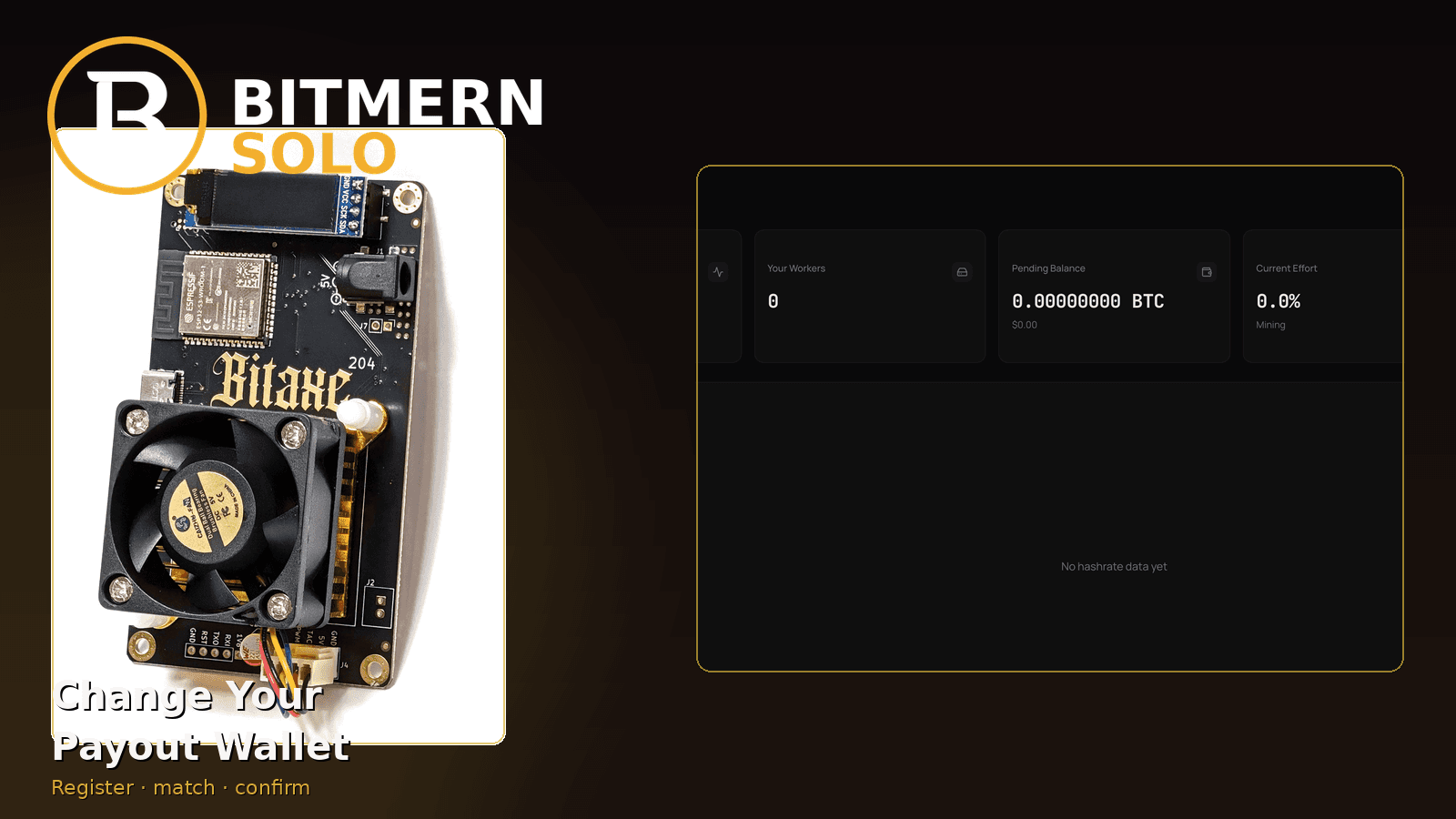
You may need a new receive address — a fresh hardware wallet, a cleaned-up cold store, or a coin you are flipping onto a different wallet. On Bitmern Solo that is a wallet-registration and username-match job, not a new account and not the same as renaming a worker suffix.
To change your payout wallet on Bitmern Solo: register the new receive address for that coin on your account, point the miner username at NEW_WALLET.worker with password x, and keep host/port correct (BTC home/Bitaxe easy-start :3132). The next find pays along the address in the username at find time. Public framing: no KYC for account access. This post does not invent a product confirmation-delay SLA.
This is the safe wallet-swap path. Full first-time signup stays in create account & add wallets. After a find: what happens when you find a block. Coin flips (host + wallet together): switch coins. Fee model: why fees are 1%.
Bitmern Solo naming stays Bitmern Solo — solo infrastructure, flat 1% on finds only, you keep 99%. There is no subscription fee for holding or changing a registered wallet.
Wallet change ≠ worker rename
Keep two edits separate:
- Payout wallet - the receive address registered for a coin, and the same address used as the username prefix before the dot. This is where solo finds are sent.
- Worker suffix - the label after the dot (
worker1,bitaxe-desk). Changing only the suffix renames how the dashboard row appears; it does not move payouts to a new address.
If you only want a cleaner dashboard label, change the suffix and leave the registered wallet alone. If you want payouts on a new address, register that address and update the username prefix to match.
What actually has to stay in sync
For each coin you mine, three things must agree:
- Registered receive wallet on the Bitmern Solo account for that coin
- Username prefix on the miner: that same address, then a dot, then a worker label
- Stratum host for that coin (for example
btc.bitmernsolo.comfor BTC)
Password on a normal single-coin line stays exactly x. Public homepage and FAQ framing for account access: email-based signup with no KYC beyond what the product asks for login — this post states that framing; it is not legal advice for your jurisdiction.
Supported coins on one account (register a wallet per coin you actually point at): BTC · LTC · DOGE · BCH · DGB · XEC · ETC · ZEC · XMR · RVN.
Safe swap checklist
Run in order. Do not invent a “wait N hours for the pool to catch up” product rule — prove mapping on the dashboard after the miner is hashing with the new prefix.
1. Decide the coin and the new receive address
Pick the coin tab you are changing. Use a valid receive address for that coin — do not paste a BTC bech32 into an LTC slot. Prefer an address you control and have tested with a small receive when you are unsure of the format.
2. Register the new wallet on the account
On Bitmern Solo, add or update the receive wallet for that coin so the account holds the new address. One account covers all supported coins; you do not open a second login to change a wallet.
If you are also flipping coins, register the target coin’s wallet before you change stratum — detail in switch coins. This post assumes you stay on the same coin and only move the payout address.
3. Update the miner username to match
Set:
Username: NEW_WALLET.worker1
Password: x
Keep or choose a clear worker suffix. Host and port stay on the same coin’s easy path unless you are intentionally switching coins. For BTC home / Bitaxe:
stratum+tcp://btc.bitmernsolo.com:3132
Never treat :3102 as the Bitaxe / home default.
Save and apply so the board is not still authenticating as the old prefix.
4. Confirm mapping on the dashboard
Open the matching coin tab. You should see the worker under the new username label once shares land. Local accepts on firmware are useful; account proof is the dashboard row with climbing shares. Card reading: dashboard workers / shares / effort.
If firmware looks busy and Bitmern Solo stays empty under the new label, re-check spelling, that the registered wallet matches the prefix, and that you are on the correct coin tab.
5. What applies to the next find
Solo finds pay to the wallet address in the miner username (aligned with the registered receive wallet for that coin) along the product path described in what happens when you find a block: flat 1% fee, you keep 99%.
Treat the swap as ops hygiene for future finds. This guide does not invent a product SLA for mid-cycle wallet changes, confirmation timers, or “how long until the old address is ignored.” Keep the new prefix hashing and registered; do not bounce between two addresses while you are still verifying the row.
What not to do mid-cycle
- Do not leave the miner on the old prefix while assuming the dashboard registration alone redirects finds.
- Do not put the new address only in a password field (except documented AuxPoW cases on other posts — not a normal BTC wallet swap).
- Do not reuse a wrong-chain address format on this coin’s wallet slot.
- Do not create a second Bitmern Solo account just to change a wallet — one account, update the coin’s registered receive address, match username.
Why registration and username must both move
Bitmern Solo attributes workers when the miner authenticates with a wallet prefix that matches a receive address registered for that coin. If you update only one side, you get confusing symptoms:
- Registered new address, miner still on old prefix - dashboard may keep showing the old worker label; finds still follow the username address path at find time. Registration alone is not a silent redirect for a miner still hashing as the previous prefix.
- Miner on new prefix, address not registered - firmware can look busy while the account never maps the worker cleanly. Register first (or immediately), then confirm the row.
Treat the swap as a paired edit: account wallet for the coin, then miner username prefix, then dashboard proof. That is the same mapping idea as first-time onboarding in create account & add wallets, without rehashing every signup click.
Same coin vs switching coins
Same-coin wallet swap (this post): keep host and port, change registered receive address + username prefix for that coin.
Coin switch: change host (and easy-start port for that coin), register the new coin’s wallet, and set username to that coin’s address — see switch coins. Do not mix a BTC bech32 into a non-BTC username line and call it a “wallet update.”
If your goal is only “pay BTC to a different BTC address,” stay on btc.bitmernsolo.com and the BTC wallet slot. Keep home/Bitaxe on :3132 unless you already run a known-stable VarDiff path after the easy start worked.
Worker history framing (honest limits)
Dashboard rows are labels tied to the username you hash under. When you change the prefix, expect the new label to appear once shares land. Older labels may sit quiet — that is expected after a rename or wallet swap, not proof that history was “deleted” as a punishment.
This guide does not invent product promises about how long historical rows remain visible, how effort cycles attach across address changes, or any mid-cycle wallet SLA. Keep one clear active prefix hashing; verify shares on that label; leave superstition out of the stratum fields.
Checklist you can paste beside the miner
- New receive address valid for this coin
- Address registered on the Bitmern Solo account for that coin
- Miner username =
NEW_WALLET.worker(one dot) - Password exactly
x - Host/port unchanged for a same-coin swap (BTC easy-start :3132)
- Matching coin tab shows the new worker with climbing shares
When that list is green, the payout path for the next find is aligned with how Bitmern Solo describes finds: flat 1%, you keep 99%, sent along the username wallet path.
Soft fee context
Changing a wallet does not add a subscription. The fee stays flat 1% on finds only; you keep 99%. More detail: 1% fees.
Soft next step
Register the new address for that coin, point NEW_WALLET.worker with password x, confirm the worker and shares on the matching tab, then leave the desk on the easy-start path.
Start mining
Start Mining — after login, open account wallets for the coin, then confirm workers / shares on the dashboard.
FAQ
Do I need a new Bitmern Solo account to change wallets?
No. One account holds wallets across supported coins. Update the receive wallet for that coin and match the miner username prefix.
Is changing the worker suffix the same as changing payouts?
No. The suffix is a label. Payouts follow the wallet address prefix (and registration) for that coin.
Does Bitmern Solo require KYC to change a wallet?
Public framing for account access is email-based with no KYC beyond what the product asks for login. This post states that framing only — not legal advice.
What BTC port should I keep after a wallet swap?
Home / Bitaxe easy-start remains :3132 on btc.bitmernsolo.com. Never treat :3102 as default.
When does the new wallet receive a find?
Finds follow the address in the username at find time, with the registered wallet aligned for that coin. See what happens when you find a block. This guide does not invent a confirmation-delay product SLA.
Where is first-time signup documented?
Create account & add wallets — use that when you are onboarding from zero; use this post when you already mine and only need a payout address change.


