


Reconnect Loops on Bitmern Solo (Stop the Flapping)
If your miner keeps reconnecting to Bitmern Solo while the dashboard looks noisy, run an ordered fix: clear bad failover slots, lock the correct host/port (B…
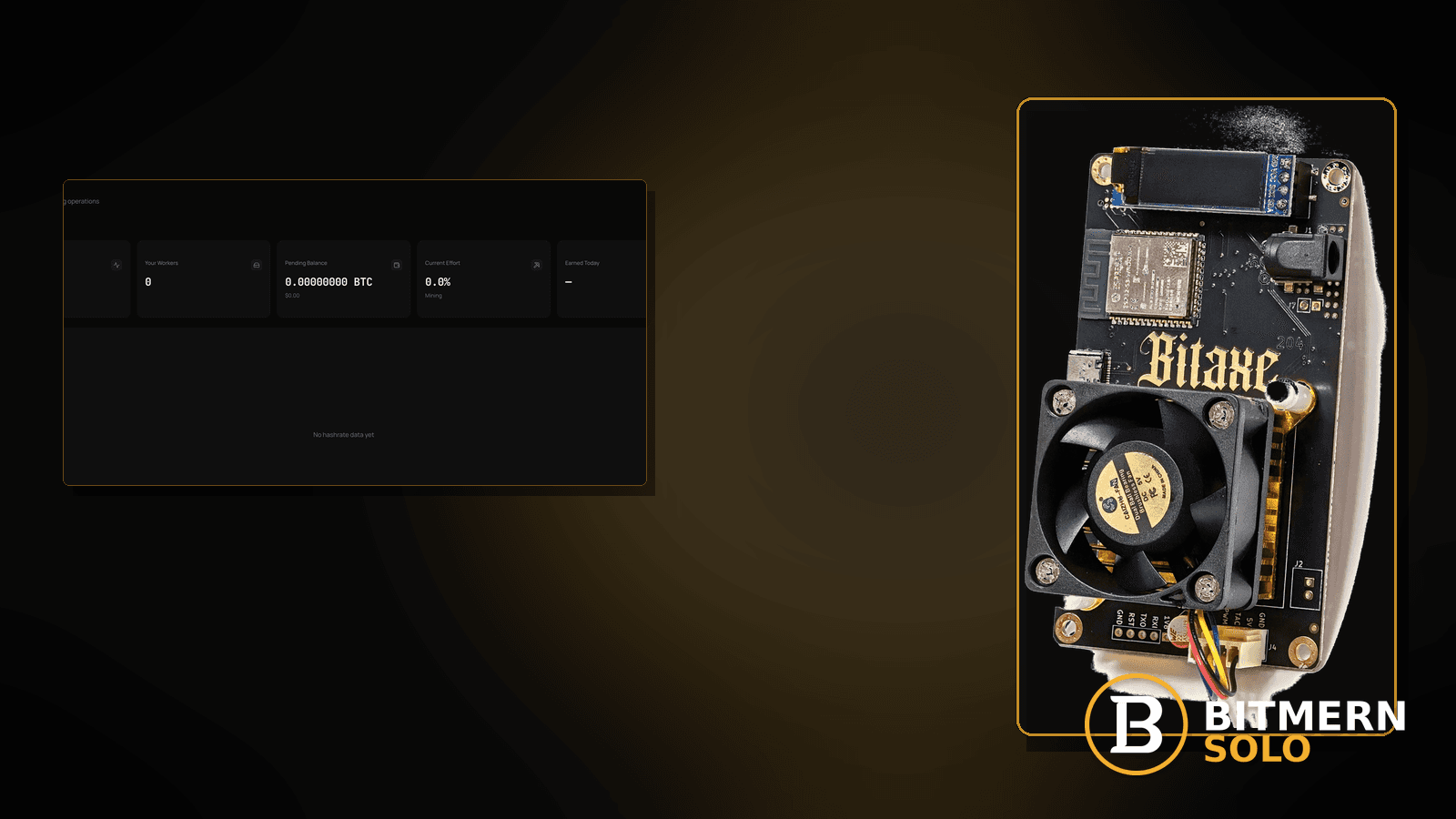
Firmware that flaps connect → disconnect → connect again is not the same as a vanished offline row, and it is not the same as shares that merely arrive late. Reconnect loops make the dashboard look noisy: workers flash, hashrate jitters, and share cards stutter while AxeOS or ASIC UI keeps counting reconnects.
If your miner keeps reconnecting to Bitmern Solo while the dashboard looks noisy, run an ordered fix: clear bad failover slots, lock the correct host/port (BTC easy-start :3132), stabilize Wi-Fi and DNS, then stop duplicate workers fighting the same label. Username WALLET.worker, password x. This post does not invent a product reconnect-timeout default.
This is the flapping-connection checklist. Row gone: worker offline fix. Late/stale work without a reconnect storm: stale shares fix. Rate soft while the row stays: hashrate drop. Field wiring: AxeOS setup. Ports: VarDiff stratum ports. First-time connect: connect ASIC.
Bitmern Solo is solo infrastructure: flat 1% fee on finds only, you keep 99%. Fee context stays light here — the job is a stable primary session so shares and hashrate stop stuttering.
Reconnect loop ≠ offline ≠ stale ≠ hashrate drop
Four patterns get mixed up:
- Worker offline — row missing or marked offline; firmware may still claim connected. That is the worker offline path.
- Stale / late shares — path latency or clock skew without a reconnect counter climbing. That is the stale shares path.
- Hashrate drop — row still there; rate soft, reconnect not the headline. That is the hashrate drop path.
- Reconnect loops — firmware connect/disconnect flaps; dashboard noisy. That is this post.
Do not invent a Bitmern Solo product default that “reconnect after exactly N seconds means X.” Read the miner reconnect counter, the matching coin tab, and the checklist below.
What usually causes flapping
Common causes on Bitaxe-class and small ASIC desks:
- Bad failover / secondary pool slots — backup URL steals the session every few seconds.
- Wrong host or port — coin host mismatch, leftover
:3102habit, or typoed subdomain. - Wi-Fi instability — AP roaming, weak RSSI, or radio saturation that drops TCP mid-job.
- DNS flapping — intermittent resolve of
*.bitmernsolo.comon a flaky LAN resolver. - Duplicate workers fighting — two boards (or a board plus a simulator) using the same
WALLET.workerlabel and stomping sessions. - Half-applied config — save without apply, or reboot that reloads an old pool slot.
Separate these from a row that is simply gone (offline) and from late shares with a stable session (stale shares).
Ordered fix checklist
Run top to bottom. Stop when the reconnect counter calms and the matching coin tab shows a stable worker with moving shares.
1. Confirm you are not already in “row gone” offline
Symptom: Worker missing on the matching coin tab for a sustained stretch, not just flashing.
Action: If the row stays gone, use worker offline. Reconnect-loop triage assumes the worker keeps remapping or flashing while firmware flaps.
2. Open the matching coin tab
Symptom: You watch the wrong coin while BTC (or another coin) is the one flapping.
Fix: Open the coin the miner host matches. Wrong-tab noise is a view problem — see also coin tabs explained (when live).
3. Clear bad failover slots first
Symptom: Pool1 looks correct; Pool2/Pool3 still point at another solo host, a shared pool, or an empty/wrong URL that firmware keeps trying.
Fix: Put Bitmern Solo on the primary (or only) slot. Disable or clear failover entries while diagnosing. A “helpful” backup that fights the primary is a classic flap source — not a Bitmern Solo product timeout you need to invent.
4. Lock host and BTC easy-start :3132
Symptom: Reconnects after a port experiment, or host for the wrong coin.
Fix: For BTC home/Bitaxe:
stratum+tcp://btc.bitmernsolo.com:3132
Username: YOUR_WALLET.worker1 (or your preferred suffix). Password: exactly x.
Never treat :3102 as the Bitaxe / home default. Other VarDiff ports exist once the easy path is stable — see VarDiff ports. First-time field layout: connect ASIC. AxeOS walkthrough: AxeOS setup.
5. Username and password shape
Required:
WALLET.worker
password: x
Auth flaps often come from a mistyped wallet prefix, missing dot, or password not exactly x. Fix fields, save, apply, then watch the reconnect counter — do not invent a product “auth retry interval.”
6. Stabilize Wi-Fi and local DNS
Symptom: Reconnects correlate with AP distance, microwave/2.4 GHz noise, or LAN resolver blips.
Fix: Improve RSSI, pin a cleaner channel, prefer Ethernet when the board allows it, and use a reliable DNS path on the LAN. Path flaps look like “pool problems” until the radio is stable.
7. Stop duplicate workers fighting the same label
Symptom: Two devices share WALLET.worker1 (or you left a test tool pointed at the same suffix).
Fix: Give each board a unique worker suffix. Duplicate labels can look like reconnect storms as sessions overwrite each other. Naming depth: worker naming.
8. Save, apply, and one clean restart
Symptom: UI shows the new URL but the board still flaps on the old slot.
Fix: Save + apply in AxeOS / firmware, then one deliberate restart so the primary slot is the only live config. After reboot, wait until hashing resumes before judging the dashboard.
9. Prove it on the Bitmern Solo dashboard
Open the matching coin tab. Confirm:
- Worker row stable under the expected label (not flashing offline every few seconds)
- Hashrate believable while the board hashes
- Shares moving without a reconnect-driven stutter every cycle
If flaps stop but shares still look late, switch to stale shares. If the row vanishes for good, switch to worker offline.
What this post will not invent
- No product default “reconnect timeout = N seconds”
- No confirmation-delay SLA for how fast the Workers card must settle
- No luck formulas, dollar EV, or find-time promises from a flap window
- No claim that
:3102is the home Bitaxe default - No competitor fee comparisons
Fee reminder only if you need it: flat 1% on finds; you keep 99%. Reconnect health is an ops signal, not a fee.
After flaps stop — what to check next
When the reconnect counter calms:
- If shares still look late, run stale shares (clock skew, Wi-Fi lag, port).
- If the row stays present but hashrate is soft, run hashrate drop.
- If rejects dominate with a stable session, run rejected shares.
- If the row vanishes for a sustained stretch, run worker offline.
Do not stack all four checklists at once. Clear the flap first so the other signals are readable.
Primary slot hygiene (desk checklist)
Before you blame Bitmern Solo:
- Only one live pool URL on the board during diagnosis
- Host matches coin (
btc.bitmernsolo.comfor BTC) - Port is easy-start :3132 for home BTC / Bitaxe unless you already stabilized and intentionally moved
- Username is
WALLET.workerwith passwordx - No second device sharing the same worker suffix
- Wi-Fi RSSI acceptable or Ethernet in use
Write those six down once; most flaps fail one of them. First-time field tour: connect ASIC. AxeOS specifics: AxeOS setup.
Soft promo after a stable session
When flaps stop and shares climb on the matching coin tab, optionally enable email alerts so the next silent failure pages you. Alerts notify; they do not invent a reconnect-timeout product default, and they do not replace primary-slot hygiene.
Fee reminder stays light: flat 1% on finds; you keep 99%. A calm stratum session is ops hygiene — not a luck promise.
Soft next step
Clear failover, lock :3132 with WALLET.worker / x, stabilize the path, uniquify worker suffixes, then confirm a calm worker row and climbing shares on the matching coin tab.
Start mining
Start Mining — after login, open the matching coin tab and confirm workers / hashrate / shares.
FAQ
Is a reconnect loop the same as worker offline?
Not always. Offline is a sustained missing/offline row — use worker offline. This post covers firmware that keeps flapping while the dashboard looks noisy.
What BTC port should a home Bitaxe use first?
:3132 on btc.bitmernsolo.com. Never treat :3102 as the Bitaxe / home default. See VarDiff ports.
What username and password does Bitmern Solo expect?
Username WALLET.worker. Password x.
Can a failover slot alone cause flaps?
Yes. Disable competing Pool2/Pool3 entries while diagnosing. Do not invent a Bitmern Solo failover-timeout product default.
When should I use the stale-shares checklist instead?
When the session is mostly stable but shares arrive late — stale shares. Use this post when the reconnect counter is the headline.
Do duplicate worker names matter?
Yes. Two devices on the same WALLET.worker suffix can stomp sessions and look like reconnect loops. Unique suffixes per board.
Where do I confirm the fix on Bitmern Solo?
Matching coin tab → stable worker row → believable hashrate → climbing shares. Guide: dashboard workers / shares / effort.


