


Coin Tabs on Bitmern Solo (Why One Tab Looks Empty)
If one Bitmern Solo coin tab looks empty while another looks fine (or while AxeOS still shows hashing), open the matching coin tab first, confirm a wallet ex…
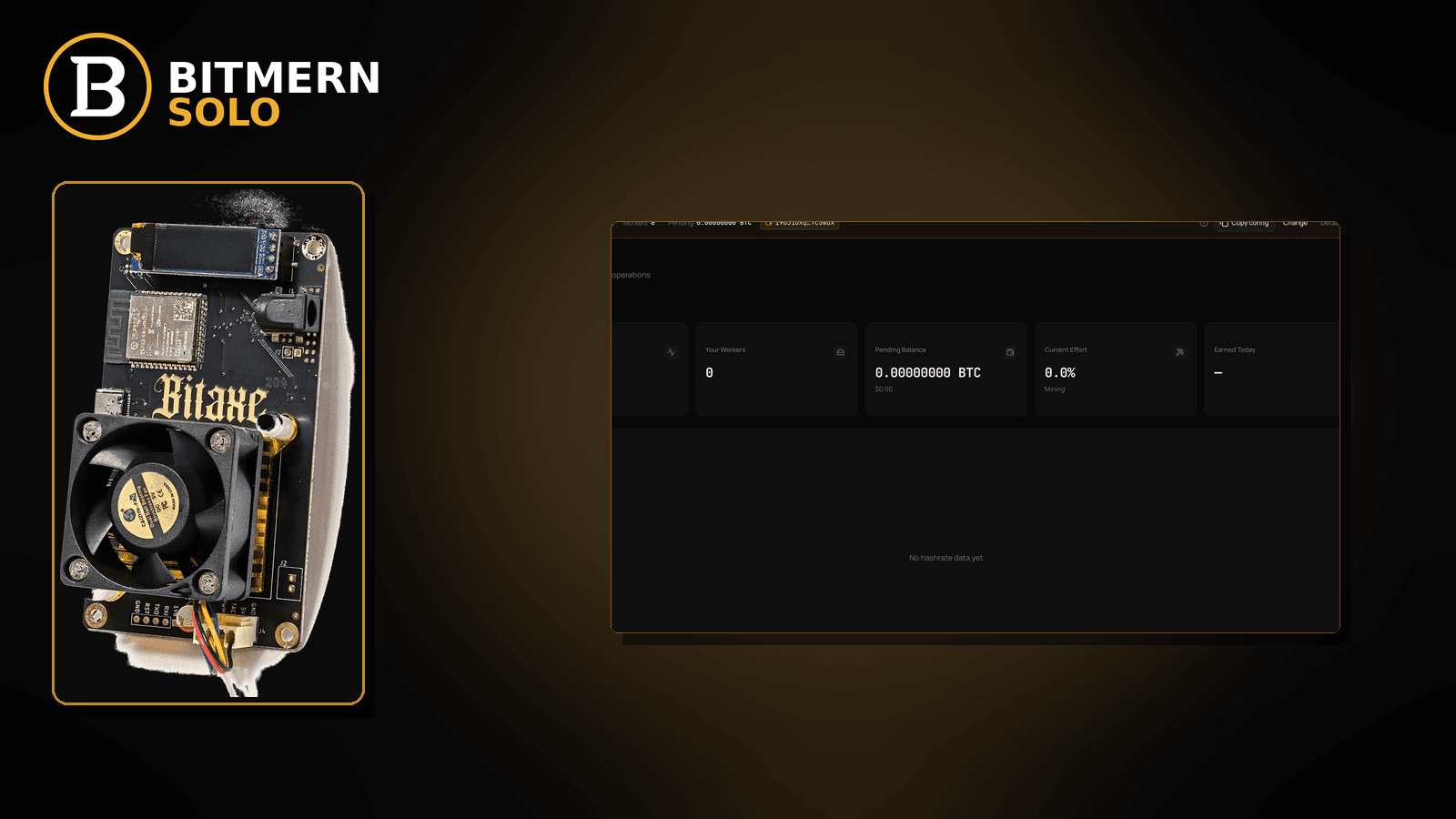
Bitmern Solo’s dashboard is per coin. An empty workers or hashrate card on one tab does not mean your miner died — and it does not mean the whole account is offline. It usually means you are staring at a coin the board is not pointed at, or a coin with no registered wallet and no live workers yet.
If one Bitmern Solo coin tab looks empty while another looks fine (or while AxeOS still shows hashing), open the matching coin tab first, confirm a wallet exists for that coin, then decide whether empty is expected or the miner is truly offline. Soft CTA only. This post does not invent product tab limits or KYC framing. Distinct from how to re-point stratum (switch coins) and from a vanished worker row (worker offline).
This is the read-the-right-tab guide. How to change stratum hosts when you actually want a different coin: switch coins. Account + wallets: create account & add wallets. Card meanings: dashboard workers / shares / effort. Bitaxe coin fit: which coin on a Bitaxe. Row gone: worker offline. Rate soft on the correct tab: hashrate drop.
Bitmern Solo is solo infrastructure: flat 1% fee on finds only, you keep 99%. Fee context stays light here — the job is reading the dashboard without mistaking an empty sibling tab for a dead miner.
Empty tab ≠ offline miner ≠ wrong stratum forever
Three patterns get mixed up:
- Wrong tab — miner pointed at BTC; you are on LTC (or another coin) and see empty workers / hashrate. The board may be fine.
- Truly offline — matching coin tab still empty or marked offline while firmware may claim “connected.” That is the worker offline path.
- Intentional empty — no wallet registered for that coin yet, or no worker pointed there. Empty is expected until you add a wallet and point hashrate.
Do not invent a Bitmern Solo product default that “empty tabs auto-hide after N coins” or that every account must populate all coins. Read the live tabs you actually use.
What the per-coin dashboard is telling you
On Bitmern Solo, workers, hashrate, shares, and Current Effort are scoped to the open coin tab:
- A BTC-pointed Bitaxe populates the BTC tab — not Litecoin, not Dogecoin.
- Switching the browser tab does not re-point stratum. That is a dashboard view change only.
- Re-pointing the miner to another coin’s host/port is the switch coins job.
If you treat an empty sibling tab as “the pool is down,” you will chase offline checklists while the matching coin tab already shows healthy workers.
Wallet per coin (expected empty without it)
Each coin you want to mine needs its own registered receive wallet under the account. Without a wallet for that coin:
- The tab can look quiet or empty even if other coins are live
- Pointing a miner at that coin’s stratum without a matching wallet prefix creates attribution confusion later
Add wallets once, keep prefixes clean (WALLET.worker with password x on the miner). Walkthrough: create account & add wallets. This guide does not invent a maximum number of wallets or a KYC requirement — Bitmern Solo account setup is email + wallets for the coins you use.
Ordered read checklist
Run top to bottom when “one tab looks empty.”
1. Confirm which coin the miner is pointed at
Symptom: AxeOS / ASIC pool URL shows btc.bitmernsolo.com (or another *.bitmernsolo.com host) while you stare at a different coin tab.
Fix: Open the matching coin tab in Bitmern Solo. Empty on the wrong tab is expected. Only after the matching tab is empty should you treat it as an offline or no-shares problem.
2. Confirm a wallet exists for that coin
Symptom: Matching tab still empty; wallets page has no receive address for that coin.
Fix: Add the coin’s wallet, then re-check workers after the miner is pointed with WALLET.worker / x. Guide: create account & add wallets.
3. Distinguish view-empty from worker-offline
Symptom: Matching tab empty and firmware reconnecting or “not connected.”
Fix: Now use worker offline. Wrong-tab empty was ruled out in step 1; this is a mapping / connection problem on the coin you actually mine.
4. Distinguish view-empty from hashrate-drop
Symptom: Matching tab shows the worker row, but hashrate looks soft or stalled.
Fix: Leave this article for hashrate drop. Coin-tabs teach where to look; hashrate-drop teaches why the rate fell on the correct tab.
5. When you actually want a different coin
Symptom: You want LTC (or another coin) live, not only to understand an empty BTC sibling.
Fix: Re-point stratum host/port for that coin, keep WALLET.worker / x, and open the new matching tab. Full flip: switch coins. Coin fit for Bitaxe-class boards: which coin on a Bitaxe.
6. Prove the read on the dashboard
On the matching coin tab, confirm:
- Worker row under the expected label (when pointed)
- Hashrate / shares moving when the board hashes
- Sibling tabs may still look empty — that can be normal
Card literacy: dashboard workers / shares / effort.
When empty is expected (and fine)
Empty is expected when:
- No miner is pointed at that coin
- No wallet is registered for that coin yet
- You temporarily stopped that coin’s workers and are mining another coin
Empty is not a fee event. Flat 1% applies on finds you actually land; idle empty tabs do not invent a subscription.
What this post will not invent
- No product “max coins visible” or auto-hide SLA
- No KYC framing for wallet registration
- No claim that switching the browser tab re-points stratum
- No luck formulas or find-time promises from an empty sibling tab
- No competitor fee comparisons
Fee reminder only if you need it: flat 1% on finds; you keep 99%. Tabs are a view, not a fee.
Multi-coin fleets without confusing yourself
Operators who run BTC on one board and another coin on a second board often keep several Bitmern Solo tabs “alive” in the browser. That is fine — as long as each board’s stratum host matches the tab you use to judge it.
Practical habits:
- Label workers with coin-aware suffixes when it helps (
…btc1,…ltc1) — stillWALLET.workershape, passwordx. - Bookmark or pin the matching coin tab you check after a reboot.
- When a sibling tab looks empty, ask “is anything pointed there?” before opening the offline checklist.
Fleet ops beyond tabs: multiple Bitaxe fleet. Naming: worker naming.
Reading workers / shares / effort on the right tab
Once you are on the matching coin:
- Workers — labels that should match your
WALLET.workersuffixes - Hashrate — should move while the board hashes on that coin’s stratum
- Shares — accepts climbing on that coin; sibling coins stay quiet if unused
- Current Effort — session progress for that coin’s attributed work, not a countdown guarantee
Deep card reading stays in the dashboard guide. This post only insists you open the correct coin before you trust any of those cards.
Soft promo without mixing tabs and stratum
Start Mining after login is enough: open the coin you actually mine, confirm wallet + workers, and leave sibling tabs alone unless you plan to point hashrate there. Switching coins on the miner is a deliberate stratum change — not a browser click. Keep fee math light: flat 1% on finds, keep 99% — empty tabs do not bill you.
Soft next step
Open the coin your miner actually uses, confirm that coin’s wallet exists, then only escalate to offline or hashrate-drop checklists if the matching tab is still wrong.
Start mining
Start Mining — after login, open the matching coin tab and confirm workers / hashrate / shares.
FAQ
Why is one coin tab empty while another looks fine?
Because the dashboard is per-coin. Empty on a sibling tab is normal when no worker is pointed there. Open the matching tab first.
Does opening another coin tab switch my miner?
No. Browser tabs change the view. Re-pointing stratum is the switch coins path.
Do I need a wallet for every coin?
Only for coins you plan to mine and attribute. Add wallets when you need them: create account & add wallets.
Is an empty matching tab the same as worker offline?
If the matching tab is empty and the board is not mapping, yes — use worker offline. If only a sibling tab is empty, you were on the wrong view.
What if hashrate looks soft on the correct tab?
Use hashrate drop. This post is about reading tabs, not thermal/Wi-Fi triage.
Which coin should a Bitaxe solo mine?
Fit and algorithm notes: which coin on a Bitaxe. Then keep the matching Bitmern Solo tab open while you verify workers.
Where do I confirm workers after I pick the right tab?
Matching coin tab → worker row → hashrate / shares. Guide: dashboard workers / shares / effort.


