


Clean Worker Rename on Bitmern Solo (No Ghosts)
If you need to rename a Bitaxe worker on Bitmern Solo so the new WALLET.worker appears without a confusing old label, run an ordered checklist: confirm BTC…
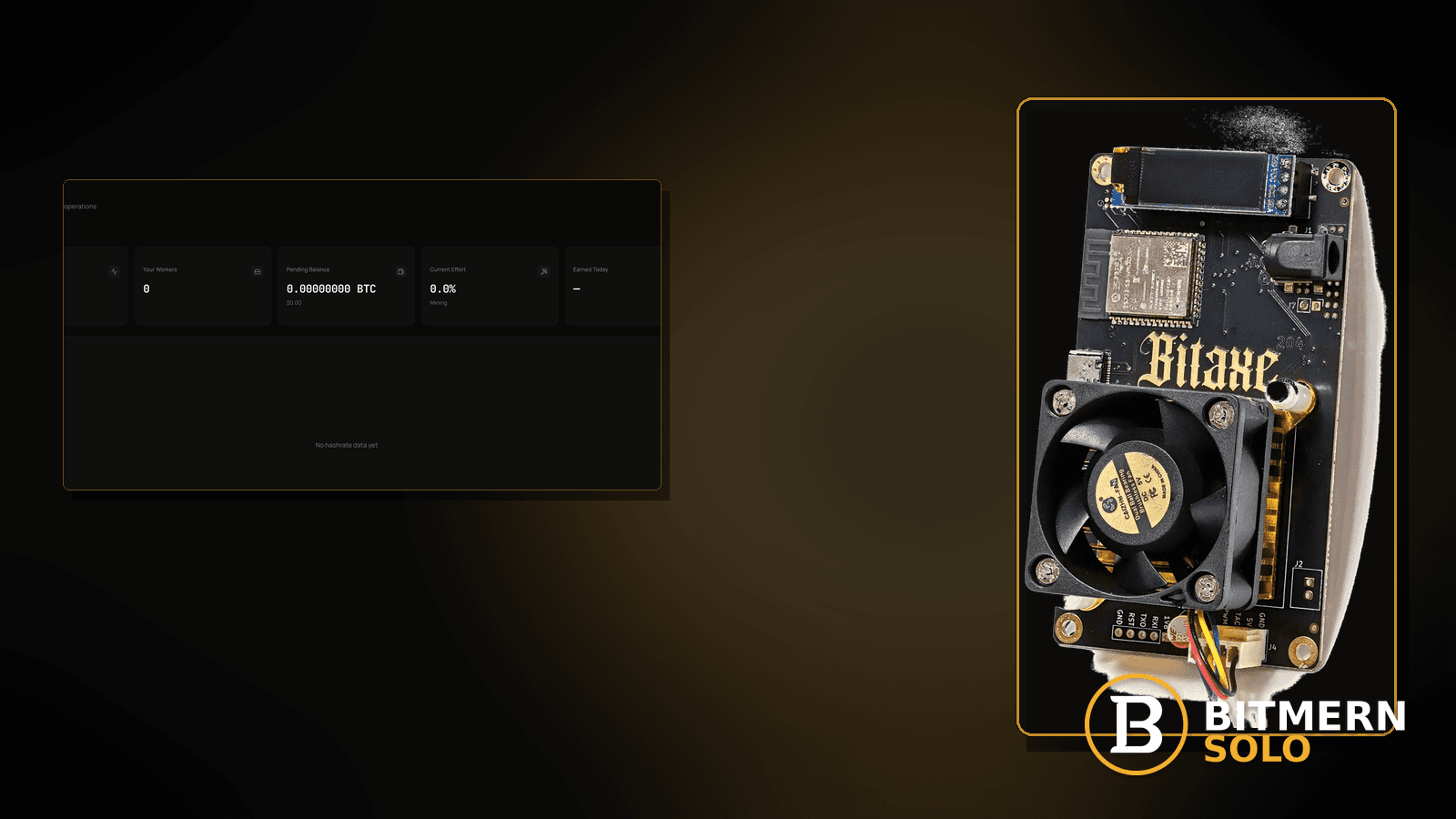
You want rig-garage instead of bitaxe1. AxeOS shows the new label after you edit username, but the Bitmern Solo workers list still shows the old name — or both — and you are not sure whether you created a ghost, a duplicate, or a stale card. A clean rename needs an ordered path, not random dashboard refreshes sold as a purge SLA.
If you need to rename a Bitaxe worker on Bitmern Solo so the new WALLET.worker appears without a confusing old label, run an ordered checklist: confirm BTC easy-start btc.bitmernsolo.com:3132 (never treat :3102 as the Bitaxe / home default), set username to the new WALLET.worker, password x, open a new session, then verify the matching coin tab before you chase “ghost purge” myths. This post is not the worker-naming guide, the duplicate-workers fix, the workers-not-appearing lane, or the change-payout-wallet path — and Current Effort is not a find guarantee.
This is the clean-rename / no-ghosts lane. Naming rules: worker naming guide. Same name twice: duplicate workers fix. Never shows: workers not appearing. Offline card: worker offline fix. Wallet change (not worker label): change payout wallet.
Bitmern Solo is solo infrastructure: flat 1% fee on finds only, you keep 99%. Fee context stays light here — the job is a clean label transition, not a luck story.
Clean rename ≠ naming guide ≠ duplicates ≠ not appearing ≠ payout wallet
Five patterns get mixed up:
- Clean worker rename — change
WALLET.workerso the new label is the one you operate on, without confusing leftovers. That is this post. - Worker naming guide — how to choose legal / useful names. Use worker naming guide.
- Duplicate workers — two cards for the same logical miner / name collision. Use duplicate workers fix.
- Workers not appearing — new name never shows. Use workers not appearing.
- Change payout wallet — registered wallet change, not a worker suffix edit. Use change payout wallet.
Do not invent a Bitmern Solo “ghost worker purge in N minutes” SLA, a guaranteed old-label deletion timer, or a claim that Current Effort predicts finds. Product facts that matter for retest: BTC host btc.bitmernsolo.com, easy-start port :3132, username WALLET.worker, password x.
What a messy rename usually looks like on a Bitaxe desk
Common desks:
- Firmware shows new worker; dashboard still shows old — session not fully moved, or you watch a stale card.
- Both old and new labels visible — old session / old string still live somewhere, or history card vs active card confusion.
- Typo in the new suffix — you “renamed” to a name you did not mean.
- Wallet part changed by accident — you edited more than the worker suffix; payout path may be wrong. See change payout wallet.
- Two boards share the new name — rename created a duplicate collision. See duplicate workers fix.
- New name never appears — attribution / string / coin-tab issue. See workers not appearing.
- Old card shows offline; new card online — often expected after a clean cutover; not automatically a bug.
- Wrong coin tab — rename “failed” only because you are looking at a neighbor coin.
Separate these from offline troubleshooting (worker offline fix) and from naming-policy questions (worker naming guide).
Ordered rename checklist (no ghost myths)
Run top to bottom. Stop when the new WALLET.worker is the active label you operate on, the matching coin tab agrees, and you are not inventing a purge-timer SLA.
1. Pick the new name before you touch firmware
Symptom: You edit live without a target label and create typos.
Fix: Choose a clear suffix first (see worker naming guide). Write down the full username you want:
WALLET.newworker
Do not change the registered wallet unless you intentionally mean a payout wallet change (change payout wallet).
2. Confirm BTC easy-start string stays correct
Symptom: Rename day becomes a silent port/host regression (:3102, wrong host).
Fix: Keep BTC easy-start:
stratum+tcp://btc.bitmernsolo.com:3132
Never treat :3102 as the Bitaxe / home default. Password stays:
x
3. Change only the worker suffix in firmware
Symptom: You rewrite the whole string carelessly and break host, port, or wallet.
Fix: Set username to the new WALLET.worker exactly. Keep host/port/password stable unless those were already wrong. Save / apply.
4. Open a new session — do not trust a half-applied UI
Symptom: Firmware UI shows the new name; stratum session still uses the old identity.
Fix: Reboot or force reconnect so the board opens a new session with the new username. Stale sessions are a common source of “ghost” confusion.
5. Stop or re-point any second device still using the old name
Symptom: Another board, failover slot, or old config still mines as WALLET.oldworker.
Fix: Inventory the fleet. One leftover device explains an old label that “will not die.” Duplicate / collision context: duplicate workers fix.
6. Verify on the matching coin tab
Symptom: You refresh the wrong coin and conclude the rename failed.
Fix: Open the same coin the miner is pointed at. Look for the new worker row. Dashboard literacy: dashboard guide.
7. Interpret old offline cards calmly
Symptom: Old label still listed as offline / historical; you demand an instant delete SLA.
Fix: An old card going quiet while the new label takes accepts is often the clean cutover story. Do not invent a Bitmern Solo “ghost purge in N minutes” product timer. Operate on the active new label. If the new label never appears, leave for workers not appearing.
8. Prove accepts under the new name
Symptom: New label exists but you never confirmed work lands there.
Fix: Confirm fresh accepts (or at least a live session) under WALLET.newworker while the board hashes. Current Effort on either card is still not a find guarantee.
9. Separate rename from offline and duplicate lanes
Symptom: New name is offline, or two actives collide.
Fix: Offline path: worker offline fix. Collision path: duplicate workers fix. Stay here for orderly cutover when the new label is the one hashing.
10. Soft fee reminder only after the new label is live
Fee reminder only if you need it: flat 1% on finds; you keep 99%. A clean rename is ops hygiene, not a fee event.
When naming, duplicates, not-appearing, offline, or wallet change is the real story
If you need naming rules, use worker naming guide. If two actives collide, use duplicate workers fix. If the new name never shows, use workers not appearing. If the card is offline, use worker offline fix. If you meant to change the registered wallet, use change payout wallet.
What this post will not invent
- No “ghost worker purge in N minutes” product SLAs or guaranteed deletion timers
- No claim that
:3102is the home Bitaxe default (easy-start is :3132) - No luck formulas, dollar EV, or find-time promises from Current Effort
- No fabricated rename success-rate guarantees sold as Bitmern Solo SLAs
- No competitor fee comparisons
Fee reminder: flat 1% on finds; you keep 99%. Clean labels are desk + string hygiene, not a luck product.
Quick retest sequence after a rename
After you change the worker suffix, do not stare at an old offline card forever. Use a short cutover loop:
- Confirm BTC easy-start still
btc.bitmernsolo.com:3132, usernameWALLET.newworker, passwordx. - Save / apply and reboot so firmware opens a new session.
- Open the matching coin tab — not a neighbor tab.
- Operate on the new label; treat a quiet old card as cutover unless a second device still uses the old name.
- Watch accepts under the new name — not Current Effort as a find promise.
If the new name never appears, leave for workers not appearing. If two names stay active from two devices, leave for duplicate workers fix.
Common rename mistakes to avoid
- Changing the wallet when you only meant the suffix — payout path is a different post.
- Skipping the new session — UI label ≠ live stratum identity until reconnect/reboot.
- Leaving a second board on the old name — that “ghost” is often a real second miner.
- Treating
:3102as “the Bitmern port” — easy-start for Bitaxe / home BTC is:3132. - Demanding an instant old-card delete SLA — operate on the active new label; do not invent purge timers.
- Reading the wrong coin tab — prove the new worker on the matching tab.
None of these mistakes invent a ghost-purge product. They only restore a clean active WALLET.worker you can trust.
How this checklist fits the ops library
- This post — ordered clean rename / no-ghost confusion while pointed at Bitmern Solo.
- Worker naming guide — how to choose names.
- Duplicate workers fix — collisions / doubles.
- Workers not appearing — new label never shows.
- Worker offline fix — offline card path.
- Change payout wallet — wallet change, not worker suffix.
Start here when you are cutting over labels on purpose. Move sideways when the symptom is collision, absence, offline, or wallet change.
Soft next step
Lock BTC easy-start btc.bitmernsolo.com:3132, set WALLET.newworker with password x, open a new session, stop any device still on the old name, then confirm the new label on the matching coin tab — before you invent a ghost-purge SLA or chase luck myths.
Start mining
Start Mining — after login, open the matching coin tab and confirm workers / shares / hashrate.
FAQ
What BTC port should a home Bitaxe use when renaming a worker?
:3132 on btc.bitmernsolo.com. Never treat :3102 as the Bitaxe / home default.
What username and password does Bitmern Solo expect after rename?
Username WALLET.newworker (wallet must stay registered for that coin). Password exactly x.
Why do I still see the old worker name?
Often a stale session, a second device still on the old label, or an offline/historical card after cutover. Do not invent a purge-timer SLA — prove the new label is the active one hashing.
Does Current Effort mean I am about to find a block?
No. Current Effort is an ops / attribution signal — not a find guarantee. See the dashboard guide.
When should I use the duplicate-workers or not-appearing posts instead?
Collision / two actives: duplicate workers fix. New name never shows: workers not appearing.
Where do I confirm the rename on Bitmern Solo?
Matching coin tab → new worker row → fresh session / accepts under that label. Guide: dashboard workers / shares / effort.


