


Shares Feel Rare on Bitmern Solo (VarDiff Reality)
If shares on Bitmern Solo feel rare or widely spaced while your Bitaxe still hashes, run an ordered checklist: confirm BTC easy-start btc.bitmernsolo.com:3132…
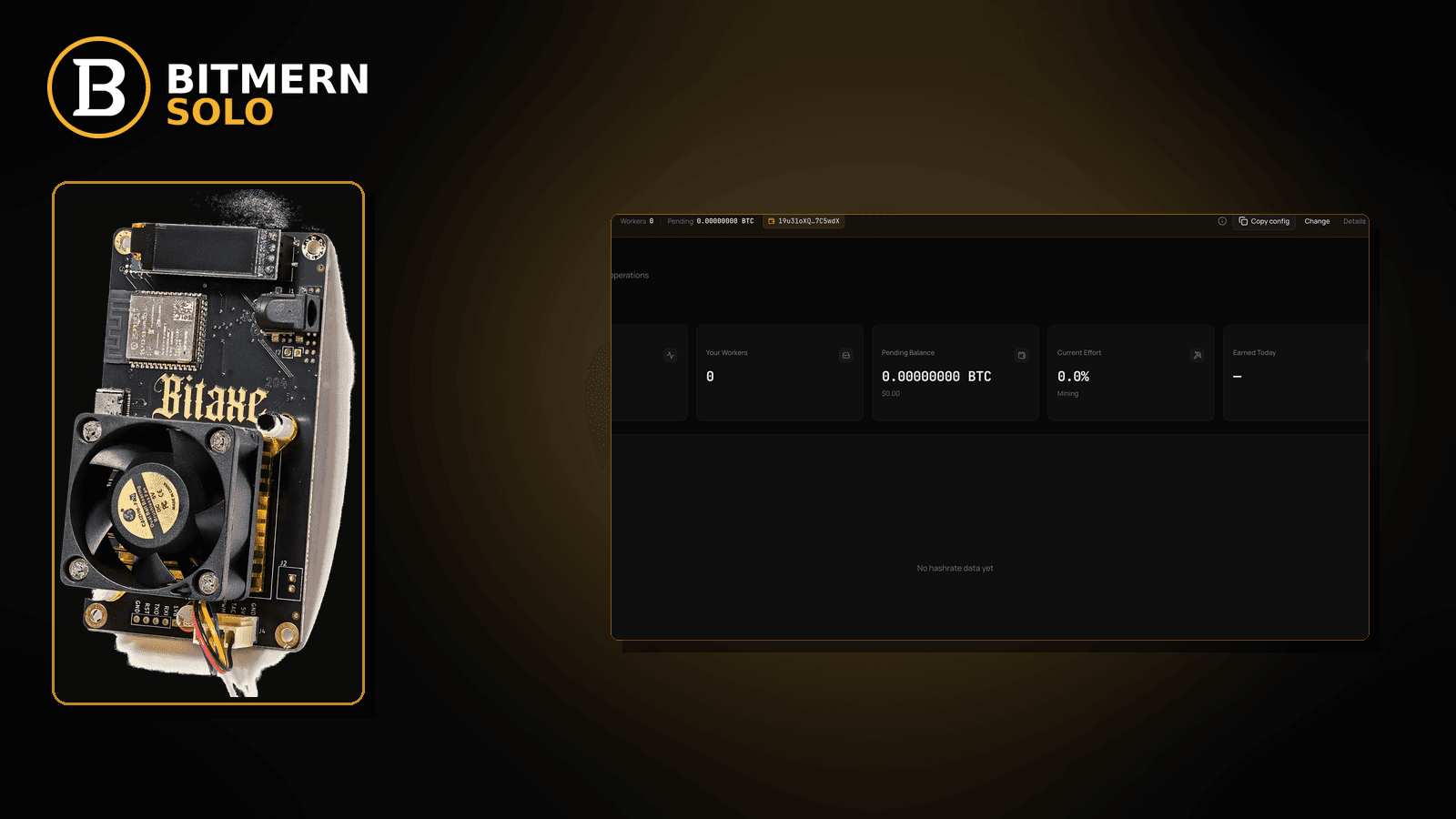
Accepts look sparse. Best Diff moves slowly. The Bitaxe is hashing, the worker is online, but shares feel “too rare” compared with a busy pool dashboard you remember — and that feeling needs an ordered read of VarDiff reality, not a panic that invents shares-per-hour product guarantees.
If shares on Bitmern Solo feel rare or widely spaced while your Bitaxe still hashes, run an ordered checklist: confirm BTC easy-start btc.bitmernsolo.com:3132 (never treat :3102 as the Bitaxe / home default), keep username WALLET.worker and password x, then separate normal solo VarDiff spacing from true faults (zero accepts, reject storms, empty hashrate). This post is not the share-difficulty explainer, the accept/reject-rate lane, the Best Diff guide, or the expected-hashrate mismatch post — and Current Effort is not a find guarantee.
This is the “shares feel rare” / VarDiff reality lane. What share difficulty means: share difficulty explained. Accept vs reject ratio: accept reject rate. Best share reading: Best Diff explained. Rate mismatch: expected hashrate vs dashboard. Diff vs effort framing: difficulty vs effort.
Bitmern Solo is solo infrastructure: flat 1% fee on finds only, you keep 99%. Fee context stays light here — the job is to stop treating every quiet share window as a broken miner.
Rare shares ≠ share-diff theory ≠ reject rate ≠ Best Diff ≠ hashrate mismatch
Five patterns get mixed up:
- Shares feel rare — spacing between accepts looks wide on solo VarDiff; you need to tell normal quiet from broken. That is this post.
- Share difficulty explained — what the difficulty number means. Use share difficulty explained.
- Accept / reject rate — ratio of good vs bad shares. Use accept reject rate.
- Best Diff — reading the best share signal. Use Best Diff explained.
- Expected hashrate vs dashboard — firmware rate and dashboard disagree. Use expected hashrate vs dashboard.
Do not invent a Bitmern Solo “you should see N shares per hour” table, a shares-per-TH SLA, or a claim that Current Effort predicts finds. Product facts that matter for retest: BTC host btc.bitmernsolo.com, easy-start port :3132, username WALLET.worker, password x.
What “shares feel rare” usually looks like on a Bitaxe desk
Common desks:
- Worker online, accepts spaced farther apart than a busy pool memory — VarDiff on solo can look quiet compared with low-diff pool spam.
- Hashrate looks believable; share counter barely ticks — often normal spacing, not death.
- Best Diff updates slowly — not proof the board is broken; see Best Diff explained.
- You switch from a low-diff foreign pool — old muscle memory expects constant share spam.
- Rejects are calm; you still panic — quiet ≠ rejected.
- Wrong coin tab — you watch a neighbor tab and conclude “no shares.”
- True zero accepts while hashing — that is a different fault lane (no-shares / string / network), not “rare but landing.”
- Current Effort stares — ops signal misread as a find countdown.
Separate these from reject storms (accept reject rate) and from a board that never lands accepts at all (Bitaxe no shares fix).
Ordered diagnose-and-fix checklist
Run top to bottom. Stop when you can tell normal VarDiff spacing from a real fault, the matching coin tab still shows the worker, and you are not inventing a shares-per-hour product SLA.
1. Confirm you are actually on Bitmern Solo BTC easy-start
Symptom: String drifted to a foreign pool, wrong coin host, or leftover :3102 — share behavior looks “weird” for the wrong reason.
Fix: For BTC easy-start use:
stratum+tcp://btc.bitmernsolo.com:3132
Username:
WALLET.worker
Password:
x
Never treat :3102 as the Bitaxe / home default. Save, apply, and open a new session so share timing reflects the correct endpoint.
2. Open the matching coin tab before you declare shares dead
Symptom: Neighbor tab looks empty; you conclude Bitmern Solo sends nothing.
Fix: Open the same coin the miner is pointed at. Confirm worker row under the expected WALLET.worker label. Card reading: dashboard guide.
3. Separate “rare but landing” from “zero accepts”
Symptom: You treat a quiet window the same as a board that never accepts.
Fix: If accepts never appear while the board hashes, leave for Bitaxe no shares fix. Stay here when accepts do land — just farther apart than your pool memory.
4. Read share difficulty — do not invent an hourly quota
Symptom: You demand a fixed shares-per-hour number from Bitmern Solo docs that do not exist as a product SLA.
Fix: Learn what the difficulty number means in share difficulty explained. Higher share targets mean fewer, harder shares — that is VarDiff reality, not a broken fee switch.
5. Check accept / reject ratio before you panic about rarity
Symptom: Shares feel rare; you never checked whether rejects are the real pain.
Fix: If rejects are climbing, use accept reject rate and related reject lanes. Calm rejects + spaced accepts often means normal solo VarDiff spacing.
6. Use Best Diff as a signal, not a find clock
Symptom: Best Diff is quiet; you treat it as proof mining failed.
Fix: Read Best Diff explained. A slow Best Diff update can coexist with healthy hashing. It is not a block-found timer.
7. Cross-check hashrate believability
Symptom: Dashboard rate looks absurd vs firmware, so you blame “rare shares.”
Fix: Use expected hashrate vs dashboard. Fix rate mismatch first when that is the story; do not invent share quotas to paper over a bad rate read.
8. Frame difficulty vs effort correctly
Symptom: You mix share difficulty, network difficulty, and Current Effort into one luck story.
Fix: Use difficulty vs effort. Current Effort remains an ops / attribution signal — not a find guarantee.
9. Prove healthy quiet vs broken quiet
On a clean retest window, confirm:
- Worker present on the matching coin tab
- Hashrate reading believable while the board hashes
- Accepts sometimes land (even if spaced) — or escalate to no-shares if truly zero
- Reject rate not the dominant story
- You are not inventing an hourly share SLA
10. Soft fee reminder only after the read is honest
Fee reminder only if you need it: flat 1% on finds; you keep 99%. Understanding VarDiff spacing is ops literacy, not a fee.
When no-shares, rejects, Best Diff, or hashrate mismatch is the real story
If accepts never land, use Bitaxe no shares fix. If rejects dominate, use accept reject rate / rejected shares fix. If Best Diff is the question, use Best Diff explained. If rate disagrees with firmware, use expected hashrate vs dashboard.
What this post will not invent
- No “you should see N shares per hour” product tables or shares-per-TH SLAs
- No claim that
:3102is the home Bitaxe default (easy-start is :3132) - No luck formulas, dollar EV, or find-time promises from Current Effort
- No fabricated VarDiff “guarantee intervals” sold as Bitmern Solo SLAs
- No competitor fee comparisons
Fee reminder: flat 1% on finds; you keep 99%. Quiet share windows can be normal on solo VarDiff — prove broken before you rebuild the desk.
Quick retest sequence after a string or desk change
After you fix host, port, username, or network, do not demand a fake share quota. Use a short honesty loop:
- Confirm BTC easy-start still
btc.bitmernsolo.com:3132, usernameWALLET.worker, passwordx. - Save / apply and reboot so firmware opens a new session.
- Open the matching coin tab — not a neighbor tab.
- Watch accepts and hashrate together — not Current Effort as a find promise.
If accepts are truly zero while hashing, leave for no shares fix. If rejects climb, leave for accept reject rate.
Common rare-share mistakes to avoid
- Comparing solo VarDiff to low-diff pool spam — fewer, harder shares can be normal.
- Inventing an hourly share SLA — Bitmern Solo does not ship a “N shares/hour” guarantee table here.
- Treating
:3102as “the Bitmern port” — easy-start for Bitaxe / home BTC is:3132. - Ignoring reject rate — rare + rejecting is a different problem than rare + accepting.
- Reading the wrong coin tab — empty neighbor ≠ dead miner.
- Using Current Effort as a find countdown — ops signal only.
None of these mistakes invent a shares-per-hour product. They only restore an honest read of VarDiff spacing vs real faults.
How this checklist fits the ops library
- This post — VarDiff reality when shares feel rare on Bitmern Solo.
- Share difficulty explained — what share diff means.
- Accept reject rate — ratio lane.
- Best Diff explained — best share reading.
- Expected hashrate vs dashboard — rate mismatch.
- Difficulty vs effort — framing diff and effort.
Start here when accepts land but feel “too quiet.” Move sideways when the symptom is zero accepts, reject storms, or rate mismatch.
Soft next step
Lock BTC easy-start btc.bitmernsolo.com:3132, keep WALLET.worker with password x, confirm the matching coin tab, then judge rare-but-landing vs truly broken — before you invent a shares-per-hour SLA or chase luck myths.
Start mining
Start Mining — after login, open the matching coin tab and confirm workers / shares / hashrate.
FAQ
What BTC port should a home Bitaxe use when retesting share timing?
:3132 on btc.bitmernsolo.com. Never treat :3102 as the Bitaxe / home default.
What username and password does Bitmern Solo expect?
Username WALLET.worker (wallet must be registered for that coin). Password exactly x.
Does rare shares mean my Bitaxe is broken?
Not automatically. On solo VarDiff, accepts can be spaced. Prove zero accepts, reject storms, or empty hashrate before you declare the board dead.
Does Current Effort mean I am about to find a block?
No. Current Effort is an ops / attribution signal — not a find guarantee. See the dashboard guide and difficulty vs effort.
When should I use the no-shares post instead?
When the board hashes but accepts never land. Use Bitaxe no shares fix.
Where do I confirm a healthy quiet window on Bitmern Solo?
Matching coin tab → worker row → believable hashrate → accepts that land even if spaced → calm reject read. Guide: dashboard workers / shares / effort.


