


Stuck on Connecting… to Bitmern Solo (Bitaxe Fix)
If your Bitaxe stays on Connecting… and never reaches a clean Authorized / Subscribed session while pointed at Bitmern Solo, run an ordered checklist: confirm…
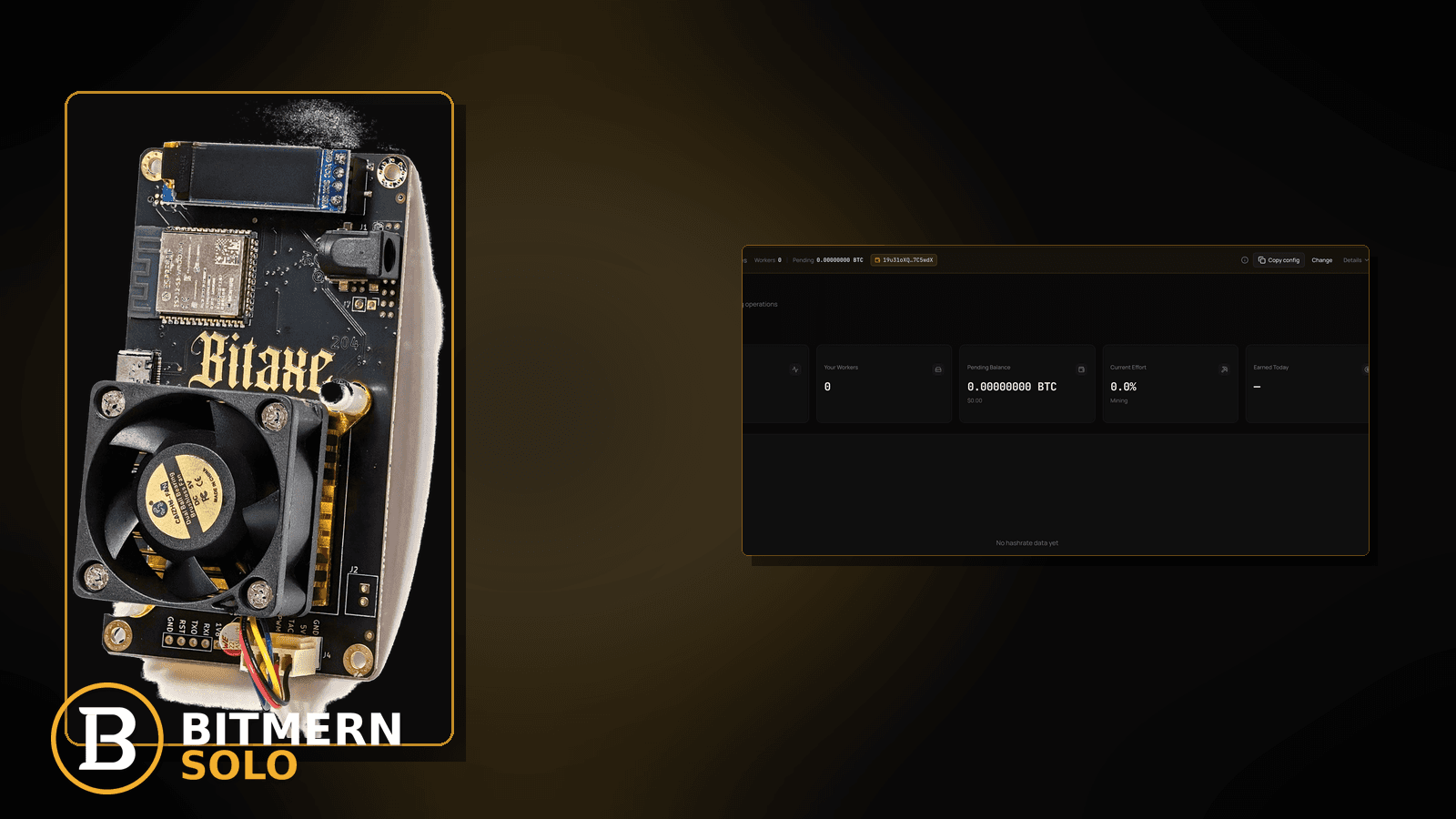
AxeOS (or your Bitaxe firmware UI) sits on Connecting… and never clearly lands on Authorized / Subscribed. The worker may be missing or stale on Bitmern Solo. You already pasted a stratum string once — but a stuck connect state needs an ordered path, not random reboots and port guessing.
If your Bitaxe stays on Connecting… and never reaches a clean Authorized / Subscribed session while pointed at Bitmern Solo, run an ordered checklist: confirm BTC easy-start btc.bitmernsolo.com:3132 (never treat :3102 as the Bitaxe / home default), username WALLET.worker, password x, then separate DNS, wrong host/port, Wi-Fi flaps, and stale sessions before you blame “the pool.” This post is not the stratum-timeout lane, the reconnect-loops lane, the first-connection checklist, or the DNS-only fix — and Current Effort is not a find guarantee.
This is the stuck-Connecting lane. Timeouts after a connect attempt: stratum timeout fix. Flapping auth / reconnect churn: reconnect loops fix. Greenfield first string: first connection checklist. DNS alone: DNS resolve fix. Host/port paste mistakes: stratum URL mistakes.
Bitmern Solo is solo infrastructure: flat 1% fee on finds only, you keep 99%. Fee context stays light here — the job is to leave Connecting… for a real session.
Stuck Connecting ≠ timeout ≠ reconnect loop ≠ first-connection ≠ DNS-only
Five patterns get mixed up:
- Stuck on Connecting… — firmware never clearly reaches Authorized / Subscribed while pointed at Bitmern Solo. That is this post.
- Stratum timeout — connect attempts die with timeout language after trying. Use stratum timeout fix.
- Reconnect loops — auth flaps: connect → drop → connect. Use reconnect loops fix.
- First connection checklist — you have never landed a clean first string. Use first connection checklist.
- DNS resolve — host does not resolve at all. Use DNS resolve fix.
Do not invent a Bitmern Solo “max Connecting seconds” SLA, a guaranteed time-to-Authorized table, or a claim that Current Effort predicts finds. Product facts that matter for retest: BTC host btc.bitmernsolo.com, easy-start port :3132, username WALLET.worker, password x.
What stuck Connecting usually looks like on a Bitaxe desk
Common desks:
- UI forever says Connecting… — no Authorized / Subscribed language after a long stare.
- String has a typo or leftover foreign host — paste looks “close”; session never completes.
- Port is
:3102or another non-easy-start leftover — home Bitaxe should retest on :3132. - Username missing
.workeror wallet not registered — connect stalls or never attributes. - Password is not exactly
x— some firmwares still “try”; session never settles. - Wi-Fi is half-up — board shows Connecting while the AP flaps.
- DNS is slow or broken — looks like Connecting forever; real lane may be DNS resolve fix.
- Dashboard empty while firmware spins — you watch the wrong coin tab or a stale worker label.
Separate these from timeouts that name timeout (stratum timeout fix) and from flapping sessions that connect then drop (reconnect loops fix).
Ordered diagnose-and-fix checklist
Run top to bottom. Stop when firmware leaves Connecting… for a clean Authorized / Subscribed (or equivalent) session, the matching coin tab shows the worker, and accepts can move — without inventing a connect-time SLA.
1. Confirm BTC easy-start host and port
Symptom: Host/port drifted to a foreign pool, wrong coin endpoint, or leftover :3102.
Fix: For BTC easy-start use:
stratum+tcp://btc.bitmernsolo.com:3132
Never treat :3102 as the Bitaxe / home default. If the string looks “almost right,” still open stratum URL mistakes and re-paste carefully.
2. Confirm username and password format
Symptom: Username is bare wallet, wrong worker label, or password is blank / password / a random string.
Fix: Username:
WALLET.worker
Password:
x
Wallet must be registered for that coin on Bitmern Solo. Save, apply, and open a new session (reboot or reconnect) so you are not reading a stale Connecting line.
3. Open the matching coin tab before you blame firmware
Symptom: You stare at the wrong coin tab and conclude “Bitmern Solo never connects.”
Fix: Open the same coin the miner is pointed at. Confirm whether a worker row appears under the expected WALLET.worker label. Card reading stays in the dashboard guide.
4. Separate DNS failure from stuck Connecting
Symptom: Host never resolves; firmware language still says Connecting.
Fix: If DNS is the clear failure, leave for DNS resolve fix. If DNS resolves and the string is correct, stay on this checklist.
5. Stabilize the link before you chase pool myths
Symptom: Connecting… tracks Wi-Fi drops, roam events, or a weak AP.
Fix: Prefer a stable path. Ethernet vs flaky Wi-Fi context: Ethernet vs Wi-Fi. A half-up radio can freeze the UI on Connecting even when the stratum string is correct.
6. Distinguish stuck Connecting from timeout language
Symptom: Logs or UI eventually say timeout / timed out.
Fix: That is a different lane: stratum timeout fix. Stay here only when the durable story is Connecting without a clean Authorized / Subscribed landing.
7. Distinguish stuck Connecting from reconnect loops
Symptom: You briefly see Authorized, then drop, then Connecting again in a loop.
Fix: Use reconnect loops fix. A single stuck Connecting screen without flap is this post.
8. Greenfield vs “used to work”
Symptom: This miner has never completed a first Bitmern Solo session.
Fix: Walk first connection checklist if you are still building the first clean string. Use this post when the board previously worked or the string looks complete but Connecting never clears.
9. Prove the session — not a luck promise
After a clean apply + new session, confirm:
- Firmware left Connecting… for Authorized / Subscribed (or equivalent success language)
- Matching coin tab shows the worker under the expected label
- Fresh accepts can move while the board hashes
- You are not treating Current Effort as a find clock
Current Effort is an ops signal — not a find guarantee. Guide: dashboard workers / shares / effort.
10. Soft fee reminder only after the session lands
Fee reminder only if you need it: flat 1% on finds; you keep 99%. Leaving Connecting… is an ops win, not a fee event.
When timeout, reconnect loops, DNS, or first-connection is the real story
If the UI names timeout, use stratum timeout fix. If auth flaps, use reconnect loops fix. If DNS fails, use DNS resolve fix. If you never completed a first string, use first connection checklist. If the paste is wrong, use stratum URL mistakes.
What this post will not invent
- No “max Connecting seconds” product SLAs or guaranteed time-to-Authorized tables
- No claim that
:3102is the home Bitaxe default (easy-start is :3132) - No luck formulas, dollar EV, or find-time promises from Current Effort
- No fabricated connect success-rate guarantees sold as Bitmern Solo SLAs
- No competitor fee comparisons
Fee reminder: flat 1% on finds; you keep 99%. A clean session is desk + string hygiene, not a luck product.
Quick retest sequence after a string or network change
After you fix host, port, username, password, or Wi-Fi, do not stare at one stale Connecting line forever. Use a short retest loop:
- Confirm BTC easy-start still
btc.bitmernsolo.com:3132, usernameWALLET.worker, passwordx. - Save / apply and reboot so firmware opens a new session.
- Open the matching coin tab — not a neighbor tab.
- Watch for Authorized / Subscribed and a worker row — not Current Effort as a find promise.
If timeouts appear, leave for stratum timeout fix. If the session flaps, leave for reconnect loops fix.
Common stuck-Connecting mistakes to avoid
- Blaming Bitmern Solo first — confirm
:3132/WALLET.worker/x, then fix DNS and Wi-Fi. - Treating
:3102as “the Bitmern port” — easy-start for Bitaxe / home BTC is:3132. - Skipping
.worker— username format matters for attribution and clean sessions. - Using a non-
xpassword — Bitmern Solo expects password exactlyx. - Reading the wrong coin tab — prove the worker on the matching tab before you declare the pool dead.
- Rebooting without changing the bad string — a reboot of a wrong paste stays wrong.
None of these mistakes invent a connect-time SLA. They only restore a path from Connecting… to a real session and proven accepts.
How this checklist fits the ops library
- This post — ordered stuck-Connecting diagnose-and-fix while pointed at Bitmern Solo.
- Stratum timeout fix — timeout language after connect attempts.
- Reconnect loops fix — flapping auth.
- First connection checklist — greenfield first string.
- DNS resolve fix — host does not resolve.
- Stratum URL mistakes — host/port/scheme paste errors.
Start here when firmware stays on Connecting…. Move sideways when the symptom clearly belongs to another lane.
Soft next step
Lock BTC easy-start btc.bitmernsolo.com:3132, keep WALLET.worker with password x, stabilize DNS and Wi-Fi, open a new session, then confirm Authorized / Subscribed plus a worker row on the matching coin tab — before you chase luck myths or invent a connect SLA.
Start mining
Start Mining — after login, open the matching coin tab and confirm workers / shares / hashrate.
FAQ
What BTC port should a home Bitaxe use when stuck on Connecting…?
:3132 on btc.bitmernsolo.com. Never treat :3102 as the Bitaxe / home default.
What username and password does Bitmern Solo expect?
Username WALLET.worker (wallet must be registered for that coin). Password exactly x.
Is stuck Connecting the same as a stratum timeout?
No. Timeouts are a separate lane: stratum timeout fix. Use this post when the durable story is Connecting without a clean Authorized / Subscribed landing.
Does Current Effort mean I am about to find a block?
No. Current Effort is an ops / attribution signal — not a find guarantee. See the dashboard guide.
When should I use the DNS or first-connection posts instead?
DNS failure: DNS resolve fix. Never completed a first string: first connection checklist.
Where do I confirm the fix on Bitmern Solo?
Matching coin tab → worker row → firmware left Connecting… → fresh accepts when the board hashes. Guide: dashboard workers / shares / effort.


