


Stratum Connection Timeouts on Bitmern Solo
If your Bitaxe or home ASIC will not show accepts on Bitmern Solo because the stratum session times out or hangs after the host looks reachable, run an…
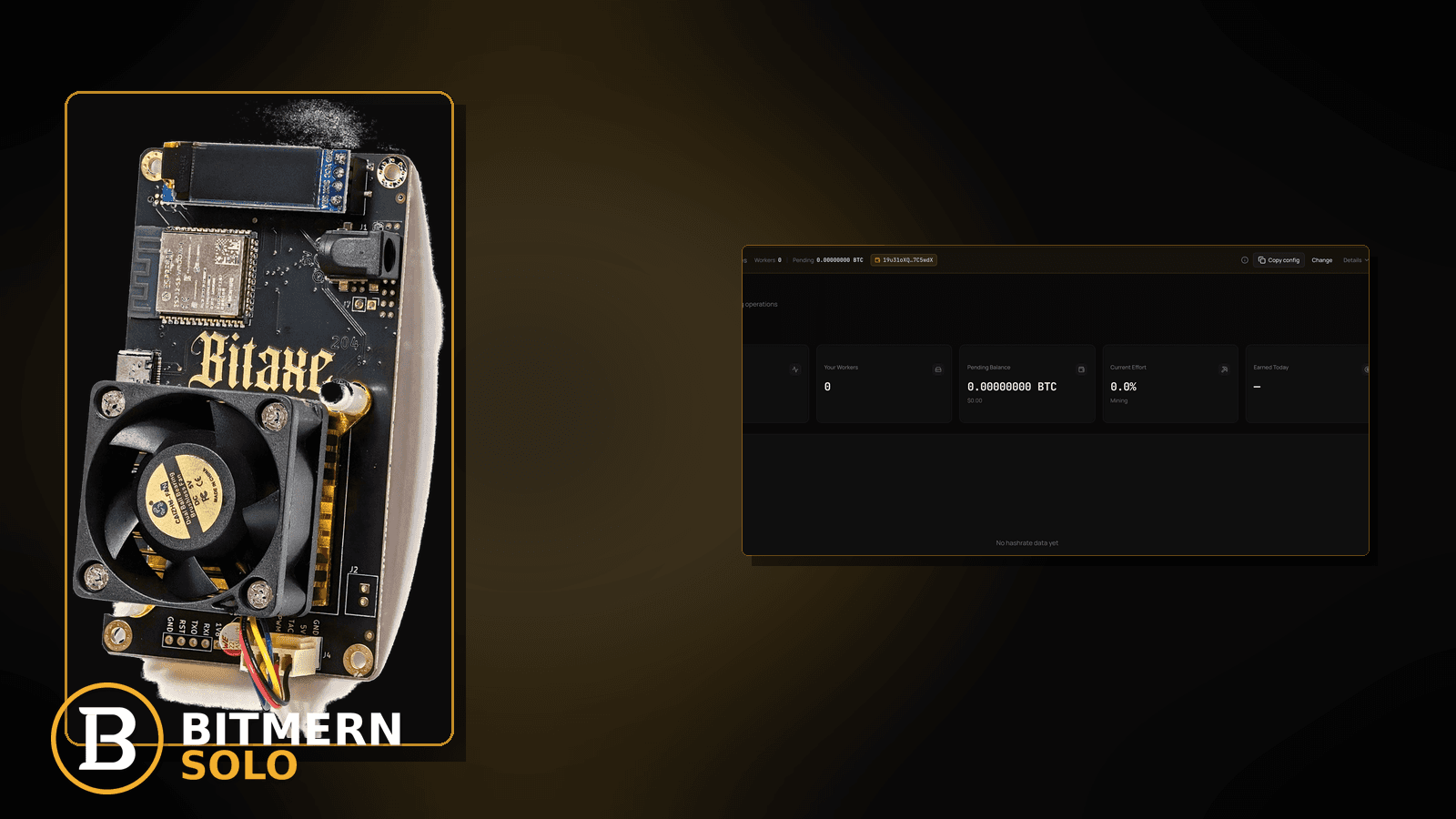
The hostname resolves. Outbound TCP is not obviously denied. The stratum string looks right. Yet firmware still sits on “connection timed out,” “pool no response,” or a hung connect that never completes the session handshake. That is a different failure mode from DNS NXDOMAIN, from a hard outbound firewall deny, and from a session that connects then flaps forever.
If your Bitaxe or home ASIC will not show accepts on Bitmern Solo because the stratum session times out or hangs after the host looks reachable, run an ordered timeout checklist: confirm the string is already correct (btc.bitmernsolo.com:3132 for BTC easy-start, WALLET.worker / x), prove DNS already works, prove outbound TCP is not a hard deny, clear path noise (guest Wi-Fi, half-open VPN leftovers, flaky Ethernet), then re-apply on the primary slot and prove first accepts on the matching coin tab. Never treat :3102 as the Bitaxe / home default. This post does not invent Bitmern Solo timeout SLAs or product “session timeout” settings.
This is the hung-connect / timeout path. Hostname never resolves: DNS resolve fix. Name resolves but TCP is denied: firewall blocking stratum. Session connects then flaps: reconnect loops fix. Tunnel on the path: VPN / proxy stratum fix. Link type vs radio noise: Ethernet vs Wi-Fi. Field wiring: connect ASIC.
Bitmern Solo is solo infrastructure: flat 1% fee on finds only, you keep 99%. Fee context stays light here — the job is completing a stratum session so the board can work.
Timeout ≠ DNS fail ≠ firewall deny ≠ reconnect loops ≠ VPN
Five patterns get mixed up:
- Stratum connection timeout / hung connect — host and port look reachable enough that logs stop saying “host not found,” but the session never finishes (timeout, no response, stuck connecting). That is this post.
- DNS resolve failure — hostname never becomes a usable address. Use DNS resolve fix.
- Outbound firewall / path block — name resolves; TCP to
host:portis denied or filtered hard. Use firewall blocking stratum. - Reconnect loops — session does connect, then drops and reconnects. Use reconnect loops.
- VPN / proxy on the path — tunnel routes or mutates stratum so the board never lands clean accepts. Use VPN / proxy stratum fix.
Do not invent a Bitmern Solo “timeout product setting,” a guaranteed connect SLA, or a claim that the pool “always answers in N seconds.” The product facts that matter: per-coin hosts (for BTC, btc.bitmernsolo.com), BTC easy-start :3132, username WALLET.worker, password x.
What usually looks like “pool down” when the session times out
Common timeout / hung-connect desks on Bitaxe-class and small ASIC setups:
- Wrong port treated as “home default” —
:3102pasted from an old note; session never completes the way easy-start:3132does for BTC home boards. - DNS looks fine on a laptop; miner path still half-broken — browser resolves marketing site; board DHCP path is slow, flaky, or intermittently fails mid-handshake (cross-check DNS resolve fix before you blame the pool).
- Soft path filters — outbound not a clean deny, but middleboxes stall or reset long-lived stratum (also see firewall blocking stratum).
- Guest Wi-Fi / captive / client-isolation — phone browses; miner associates then hangs on connect (Ethernet vs Wi-Fi).
- VPN leftovers — tunnel “off” in the UI but a route or DNS hijack still sits on the bridge PC / router (VPN / proxy).
- Failover slot stealing — primary points at Bitmern Solo; secondary still points elsewhere and the board never stays on the primary long enough to finish a clean session.
- Cable / radio noise that looks like timeout — intermittent Ethernet or Wi-Fi that drops mid-handshake rather than clean “host not found.”
Separate these from a session that did connect and then flaps (reconnect loops).
Ordered fix checklist
Run top to bottom. Stop when the matching coin tab shows the worker under the expected label, fresh accepts move, and firmware is no longer stuck on timeout / hung connect.
1. Confirm the stratum string is already correct
Symptom: You have never verified host/port/user/pass; “timeout” is a guess.
Action: First pass host / port / user / pass cleanliness. For BTC easy-start:
stratum+tcp://btc.bitmernsolo.com:3132
WALLET.worker
password: x
Never treat :3102 as the Bitaxe / home default. Host must match the coin (btc.bitmernsolo.com for BTC; other coins use their matching per-coin hosts). Only after the string is clean do you treat empty accepts as a timeout / path problem.
2. Open the matching coin tab before you blame timeouts
Symptom: You watch LTC (or another coin) while the board points at BTC — or the reverse — and conclude “pool timeout.”
Fix: Open the same coin the miner is pointed at. A BTC-pointed board will not populate LTC worker cards.
3. Prove DNS already works (leave the DNS lane if it does not)
Symptom: Logs still say “cannot resolve” / “host not found” mixed with timeouts.
Fix: Resolve the exact coin hostname from the same LAN as the miner — for BTC, btc.bitmernsolo.com. If resolve fails, you are not in this post yet: use DNS resolve fix. Timeouts that appear after a good resolve stay here.
4. Prove outbound TCP is not a hard deny
Symptom: Name resolves; every connect attempt dies immediately as refused / filtered; no slow hang.
Fix: Treat hard denies with firewall blocking stratum. This timeout post covers hangs and “no response” after the path looks open enough to try a session — not a clean outbound block.
5. Clear guest Wi-Fi, captive portals, and client-isolation
Symptom: Board associates; phone browses; miner hangs on stratum connect; Ethernet on the same desk works.
Fix: Move the miner to the primary LAN SSID or wired Ethernet. Disable guest isolation for the test. Re-apply pool settings after the hop. Details: Ethernet vs Wi-Fi.
6. Kill VPN / proxy leftovers on the miner’s path
Symptom: Connect hangs only when a router VPN, bridge-PC tunnel, or “split” proxy is in play; works on a clean path.
Fix: Fully disable the tunnel on the path the miner uses (not just pause the client UI). Renew DHCP if needed. Retest. Do not invent Bitmern Solo “VPN-compatible” product claims — see VPN / proxy stratum fix.
7. Username and password shape (still required)
Required:
WALLET.worker
password: x
Traps that scramble attribution while you chase “timeout”: missing dot, spaces, wrong wallet prefix vs the registered receive address, password not exactly x, or watching the wrong worker suffix.
Field wiring: connect ASIC.
8. Primary slot only while diagnosing
Symptom: Primary points at Bitmern Solo; secondary still points at an old pool; Bitmern Solo never sees a completed session.
Fix: Put Bitmern Solo on the primary (or only) pool slot. Clear or disable failover slots that point elsewhere while you diagnose. Host must match the coin. Save and apply.
9. Power-cycle / re-apply after path changes
Symptom: You fixed Wi-Fi / VPN / DNS / firewall, but firmware still shows the old hung state.
Fix: Save pool settings, reboot the board (or full power-cycle), and watch logs for a new connect attempt — not a stale “timed out” line from before the path change.
10. Prove first accepts on the Bitmern Solo dashboard
Open the matching coin tab. Confirm:
- Worker row present under the expected
WALLET.workerlabel - Fresh accepts moving (not stuck empty)
- Hashrate reading believable while the board hashes
- Current Effort leaving a stuck empty reading when attribution works
Card reading stays in the dashboard guide. Here you only verify the session completed and landed work on the account.
When DNS, firewall, reconnect loops, VPN, or Wi-Fi is the real story
If the hostname never resolves, switch to DNS resolve fix. If TCP is hard-denied after resolve, use firewall blocking stratum. If the session connects then flaps, use reconnect loops. If a tunnel is still on the path, use VPN / proxy. If radio / guest SSID is the culprit, use Ethernet vs Wi-Fi. First-time fields: connect ASIC.
What this post will not invent
- No Bitmern Solo product “session timeout” setting or connect-SLA promise
- No claim that
:3102is the home Bitaxe default (easy-start is :3132) - No “first accept within N seconds” guarantee after a successful connect
- No luck formulas, dollar EV, or find-time promises from a completed session
- No competitor fee comparisons
Fee reminder only if you need it: flat 1% on finds; you keep 99%. A completed stratum session is an ops signal, not a fee.
Quick retest sequence after a path change
After you change Wi-Fi, kill a VPN leftover, or fix a soft firewall rule, do not stare at a stale firmware line forever. Use a short retest loop:
- Save the stratum string again (BTC easy-start still
btc.bitmernsolo.com:3132,WALLET.worker, passwordx). - Reboot or power-cycle the board so it opens a new connect attempt.
- Watch for a clean connect instead of another hung “timed out” / “no response” line.
- Open the matching coin tab and wait for the worker row + first accepts — not for a luck promise.
If the board connects cleanly then drops and reconnects, leave this post and use reconnect loops. If it never leaves “connecting,” stay on the timeout checklist above.
Soft next step
Lock a correct stratum string (btc.bitmernsolo.com:3132 for BTC easy-start, WALLET.worker / x), prove DNS and outbound path are clean, clear guest / VPN / failover noise, then confirm first accepts on the matching coin tab before you chase deeper hardware issues.
Start mining
Start Mining — after login, open the matching coin tab and confirm workers / shares / hashrate.
FAQ
Is a stratum timeout the same as a firewall block?
Not always. A hard outbound deny often fails fast as refused / filtered. A timeout / hung connect can mean the path looks open enough to try, but the session never completes. Use firewall blocking stratum when TCP is clearly denied; stay here for hangs after resolve looks OK.
What BTC port should a home Bitaxe use first?
:3132 on btc.bitmernsolo.com. Never treat :3102 as the Bitaxe / home default.
What username and password does Bitmern Solo expect?
Username WALLET.worker (wallet prefix must match the registered receive wallet for that coin). Password exactly x.
Does Bitmern Solo publish a “session timeout” product setting?
This guide does not invent that. Use the ordered checklist: correct string, DNS, path, primary slot, prove accepts.
Can guest Wi-Fi cause timeouts even if DNS works on my phone?
Yes. Isolated guest SSIDs often stall or block miner stratum while phones still browse. Move to the primary LAN or Ethernet; also see Ethernet vs Wi-Fi.
Where do reconnect loops fit?
If the session connects then flaps, use reconnect loops — that is not a hung first-connect timeout.
Where do I confirm the fix on Bitmern Solo?
Matching coin tab → worker row → fresh accepts → believable hashrate. Guide: dashboard workers / shares / effort.


