


Invalid Wallet Address Rejects on Bitmern Solo
If your Bitaxe or home ASIC will not show clean accepts on Bitmern Solo because the wallet prefix in WALLET.worker is wrong for the coin, truncated, typoed,…
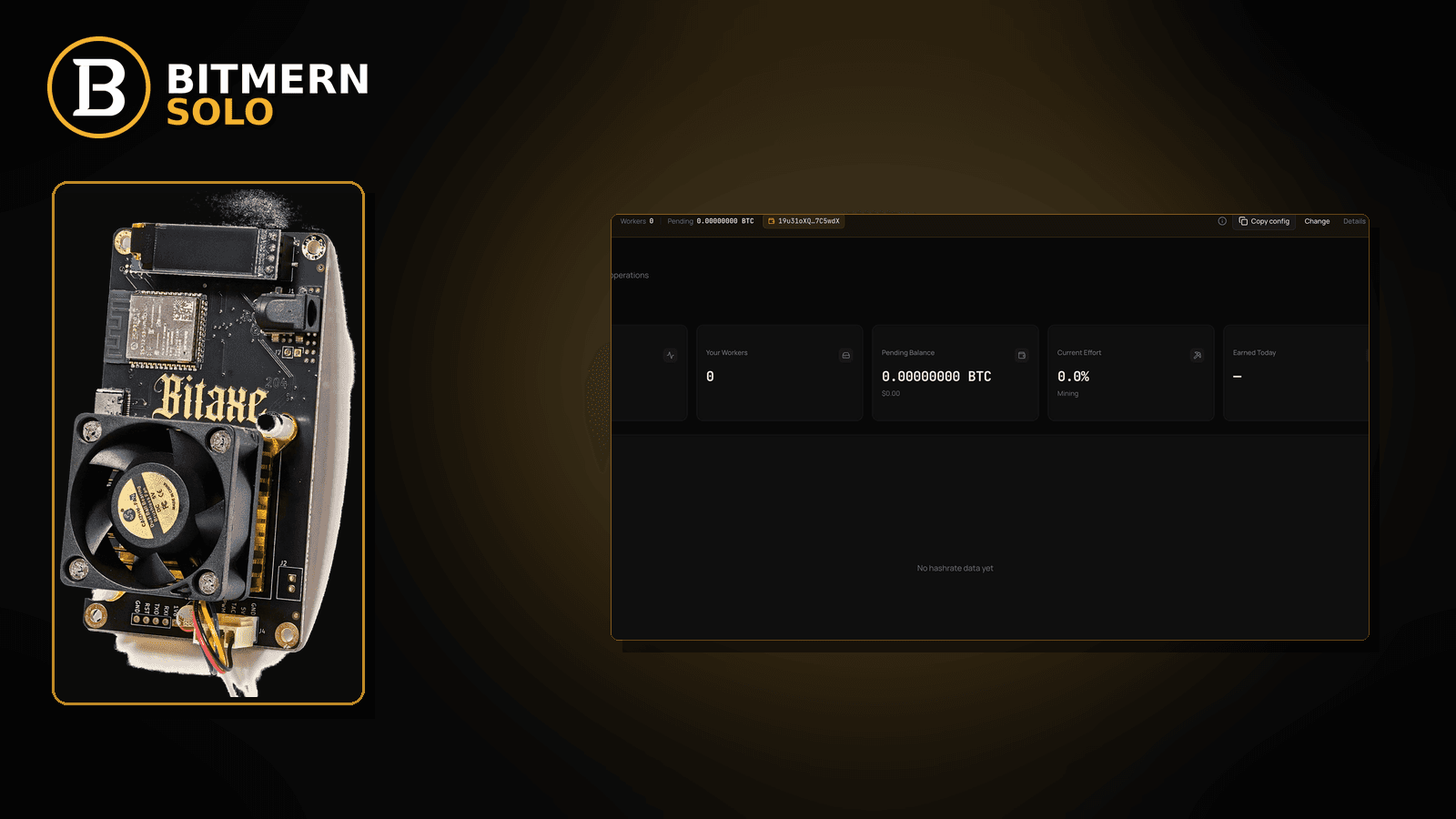
The board is online. The stratum host and port look right. Yet the dashboard never attributes clean work — or firmware / pool-side signals point at an invalid, wrong-coin, truncated, or exchange-deposit wallet string. That is not the same failure as “shares rejected for difficulty,” and it is not the same as renaming workers until cards duplicate.
If your Bitaxe or home ASIC will not show clean accepts on Bitmern Solo because the wallet prefix in WALLET.worker is wrong for the coin, truncated, typoed, or an exchange deposit that will not work as a mining username, run an ordered wallet-reject checklist: confirm the receive address matches the coin tab you registered, rebuild username as WALLET.worker with password exactly x, retest BTC on :3132, clear duplicate / stale worker labels, then prove accepts on the matching coin tab. Flat 1% fee on finds — you keep 99%. Current Effort is not a find guarantee. This post does not invent address format tables or specific exchange deposit rules.
This is the invalid / wrong wallet path. Share rejects that are not wallet-format: rejected shares fix. First-time wallets: create account & add wallets. Update registered receive address: change payout wallet. Duplicate worker cards: duplicate workers fix. Field wiring: connect ASIC.
Bitmern Solo is solo infrastructure: flat 1% fee on finds only, you keep 99%. Getting the wallet string right is attribution and payout hygiene — not a luck promise. Current Effort ≠ find guarantee.
Invalid wallet ≠ rejected shares ≠ payout wallet change ≠ duplicate workers
Four patterns get mixed up:
- Invalid / wrong wallet in the stratum username — wrong coin address, truncated string, typo, or an exchange deposit used as
WALLETwhen the registered receive wallet is different. That is this post. - Rejected shares — wallet shape may be fine; shares fail for other reasons (difficulty, stale, config). Use rejected shares fix.
- Change payout wallet — you need to update the registered receive address for future finds. Use change payout wallet.
- Duplicate workers — same board appears under multiple labels after renames. Use duplicate workers fix.
Do not invent Bitmern Solo address-format encyclopedias, “this exchange always works,” or “any deposit QR is a mining username.” Product facts that matter: username WALLET.worker where WALLET matches the registered receive address for that coin, password x, BTC easy-start :3132, host matches the coin.
What usually looks like “pool rejects me” when the wallet is the culprit
Common invalid-wallet desks:
- Wrong-coin address — LTC (or other) address pasted into a BTC-pointed miner, or the reverse. Coin tab and wallet coin must match.
- Truncated / auto-correct typo — missing characters, phone keyboard mangling, OCR from a screenshot with a cut-off string.
- Exchange deposit address as mining username — deposit QR / deposit string that is not the receive wallet you registered on Bitmern Solo for that coin (rules vary by exchange; this guide does not invent them).
- Registered wallet ≠ stratum prefix — account has wallet A registered; miner username starts with wallet B.
- Missing
.workersuffix or spaces —WALLETalone,WALLET worker, or trailing spaces that break parsing. - Watching the wrong coin tab — BTC miner, LTC tab open; you conclude “invalid” when you are simply on the wrong surface.
- Old worker label after a wallet fix — you corrected the address but still watch a stale duplicate card (duplicate workers).
Separate these from difficulty / stale rejects when the wallet string is already correct (rejected shares fix).
Ordered fix checklist
Run top to bottom. Stop when the matching coin tab shows the worker under the expected label, fresh accepts move, and invalid-wallet style signals are gone.
1. Confirm which coin the board is pointed at
Symptom: You diagnose “invalid wallet” while watching a different coin tab than the miner’s host.
Fix: Note the stratum host (for BTC, btc.bitmernsolo.com). Open that coin tab on Bitmern Solo before you change anything.
2. Confirm the registered receive wallet for that coin
Symptom: You never checked what Bitmern Solo has on file for the coin.
Fix: In account / wallet settings for that coin, confirm the registered receive address. First-time setup: create account & add wallets. If the registered address itself is wrong for future finds, plan an update with change payout wallet — but first stop mining with a mismatched stratum prefix.
3. Rebuild username as WALLET.worker (exact shape)
Required:
WALLET.worker
password: x
Rules of thumb (ops, not invented format encyclopedias):
WALLETmust be the full receive address that matches the coin and the registered wallet for that coin.- One dot before the worker label; no spaces.
- Worker label should be stable and readable (fleet naming is separate — keep it simple while diagnosing).
- Password exactly
x.
Do not invent “always use this address version / encoding” product claims. Match what you registered for that coin.
4. Kill wrong-coin and truncated strings
Symptom: Address looks plausible but belongs to another coin, or length / checksum feel off because characters were cut.
Fix: Copy the registered receive address again from the Bitmern Solo wallet UI (or your own wallet export you already used to register). Paste carefully into the miner username field. Avoid OCR from cropped screenshots. Retest.
5. Do not treat exchange deposit strings as automatic mining usernames
Symptom: Deposit address from an exchange account was pasted as WALLET; Bitmern Solo registered wallet is different — or the exchange deposit is not meant as a stratum username.
Fix: Use the receive address you registered on Bitmern Solo for that coin. This guide does not invent exchange-specific deposit rules or claim every exchange deposit works as a mining username. If you want payouts to an exchange later, that is a wallet-registration / change-payout decision (change payout wallet) — not a “paste any deposit QR into stratum” shortcut.
6. Retest BTC on easy-start :3132 when the board is BTC
Symptom: Wallet fixed, but you are still on a non-default port from an old note while diagnosing.
Fix: For BTC home / Bitaxe easy-start:
stratum+tcp://btc.bitmernsolo.com:3132
WALLET.worker
password: x
Never treat :3102 as the Bitaxe / home default while you validate wallet attribution.
7. Primary slot + clear stale duplicate labels
Symptom: Correct wallet on primary; old wrong-wallet worker still visible; or failover points elsewhere.
Fix: Bitmern Solo on primary (or only) slot. After a wallet-prefix change, expect a new worker label — do not panic-rename into duplicates. Clean-up path: duplicate workers fix.
8. Field wiring sanity
Symptom: Username field in firmware has hidden spaces, truncated paste, or password not x.
Fix: Re-enter carefully. AxeOS / ASIC field map: connect ASIC.
9. Prove accepts — and leave Current Effort alone as a “find clock”
Open the matching coin tab. Confirm:
- Worker row under the expected
WALLET.workerlabel - Fresh accepts moving
- Hashrate believable while hashing
- Current Effort updating as an ops signal — not a find guarantee
If shares reject for non-wallet reasons after the string is clean, switch to rejected shares fix.
10. Soft fee reminder (not a wallet format)
Flat 1% on finds; you keep 99%. Fixing an invalid wallet does not invent luck odds or EV. Effort still ≠ find guarantee.
When rejected shares, wallet change, or duplicates is the real story
If the wallet prefix matches the registered coin wallet and rejects continue, use rejected shares fix. If you need to change the registered receive address for future finds, use change payout wallet. If cards multiplied after renames, use duplicate workers. First-time wallets: create account & add wallets. Fields: connect ASIC.
What this post will not invent
- No full address-format encyclopedia or “always valid if length = N” claims
- No named exchange deposit rules as Bitmern Solo product requirements
- No claim that
:3102is the home Bitaxe default (easy-start is :3132) - No luck formulas, dollar EV, or find-time promises from a fixed wallet string
- No “Current Effort means a find is due” language
Fee reminder: flat 1% / keep 99% on finds. A valid wallet prefix is attribution hygiene, not a payout lottery ticket.
Copy / paste hygiene that prevents most “invalid” false starts
Most invalid-wallet mornings are not mysterious pool behavior — they are paste accidents:
- Copy from the registered wallet UI, not from a year-old notes app string.
- Paste into a plain text field first (notes without smart quotes) if your firmware UI fights long strings, then copy once into the miner.
- Check the first and last eight characters against the registered address after paste.
- Refuse OCR from cropped phone photos of QR screens unless you re-verify the full string.
- Save, reboot, and only then watch the matching coin tab for the new
WALLET.workerlabel.
If accepts appear under a different worker suffix than you intended, you may have renamed into a duplicate path — clear that with duplicate workers fix after attribution is healthy.
Soft next step
Match the registered receive wallet for the coin, rebuild WALLET.worker with password x, retest BTC on btc.bitmernsolo.com:3132 when applicable, then confirm the worker and first accepts on the matching coin tab before you chase share-reject or hardware rabbit holes.
Start mining
Start Mining — after login, open the matching coin tab and confirm workers / shares / hashrate.
FAQ
Is an invalid wallet the same as rejected shares?
No. Invalid / wrong wallet is about the username prefix not matching a usable registered receive address for that coin. Rejected shares can happen with a correct wallet for other reasons — use rejected shares fix.
What username and password does Bitmern Solo expect?
Username WALLET.worker where WALLET matches the registered receive wallet for that coin. Password exactly x.
What BTC port should I use while retesting?
:3132 on btc.bitmernsolo.com. Never treat :3102 as the Bitaxe / home default.
Can I paste any exchange deposit address as WALLET?
Do not assume that. Use the receive address registered on Bitmern Solo for that coin. This guide does not invent exchange deposit rules. Future payout destination changes belong in change payout wallet.
Does fixing the wallet guarantee a find?
No. Current Effort ≠ find guarantee. Flat 1% / keep 99% on finds applies when a find happens — it is not a schedule.
Where do duplicate worker cards fit?
After you change the wallet prefix or rename workers, old labels can linger. Clean with duplicate workers fix.
Where do I confirm the fix on Bitmern Solo?
Matching coin tab → expected WALLET.worker row → fresh accepts → believable hashrate.


