


First Connection Checklist on Bitmern Solo
If you are connecting a Bitaxe or home ASIC to Bitmern Solo for the first time (or re-pointing a freshly reset board), run an ordered cold-start checklist:…
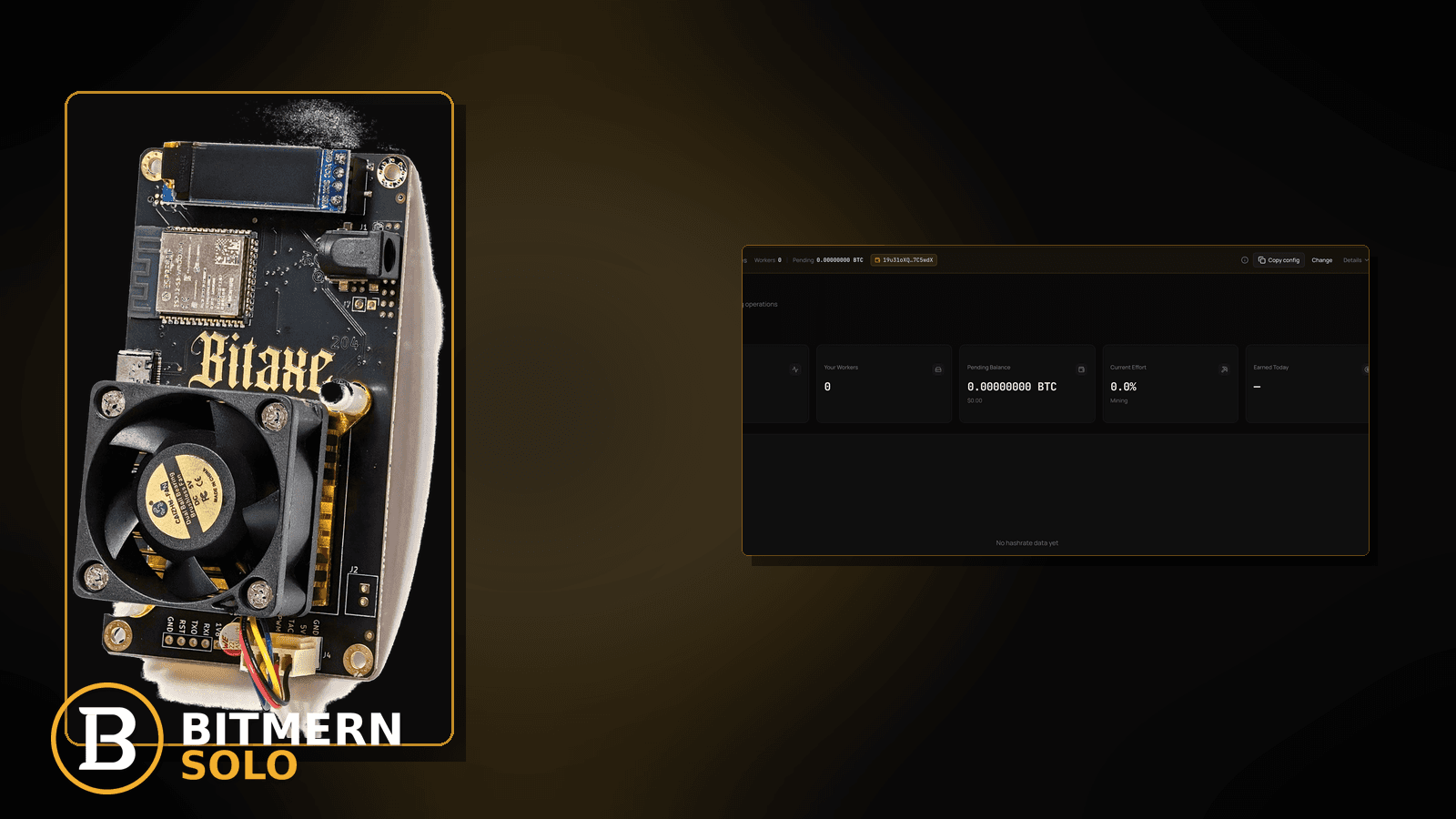
The board is powered. Pool fields look “filled in.” Yet the matching coin tab stays empty, firmware never shows a clean connect, or you are not sure which step actually proves the first accepts — because a cold start needs an ordered checklist, not a scramble of half-remembered ports and usernames.
If you are connecting a Bitaxe or home ASIC to Bitmern Solo for the first time (or re-pointing a freshly reset board), run an ordered cold-start checklist: lock BTC easy-start btc.bitmernsolo.com:3132 (never treat :3102 as the Bitaxe / home default), set username to WALLET.worker, password x, open the matching coin tab, then prove first accepts. This post is not the field-wiring deep dive, the AxeOS UI walkthrough, or the already-running no-shares debug path — and Current Effort is not a find guarantee.
This is the first-connection checklist lane. Field wiring detail: connect ASIC to Bitmern Solo. AxeOS UI path: Bitaxe AxeOS Bitmern Solo setup. Already hashing with zero shares: Bitaxe no shares fix. Host/port/scheme typos: stratum URL mistakes. Account and wallets first: create account and add wallets.
Bitmern Solo is solo infrastructure: flat 1% fee on finds only, you keep 99%. Fee context stays light here — the job is a clean first connect and proven accepts.
First connection ≠ connect-ASIC deep dive ≠ AxeOS path ≠ no-shares debug
Four patterns get mixed up:
- First connection checklist — freshly pointed or reset board; you need ordered fields → first proven accepts. That is this post.
- Connect ASIC field wiring — deeper pool-slot / wiring detail once you already know the three fields. Use connect ASIC.
- AxeOS setup path — screenshots and UI clicks inside AxeOS specifically. Use AxeOS Bitmern Solo setup.
- No-shares fix — board was already “connected” and hashing; accepts never land. Use no shares fix.
Do not invent a Bitmern Solo “first share within N minutes” SLA, a luck formula from Current Effort, or a claim that :3102 is the home Bitaxe default. Product facts that matter: BTC host btc.bitmernsolo.com, easy-start port :3132, username WALLET.worker, password x.
What “first connection” usually looks like on a Bitaxe desk
Common cold-start desks:
- Board just unboxed or factory-reset — pool fields blank or still on a demo / foreign pool string.
- Account exists but wallet not registered — you try to mine before the receive wallet is on the matching coin tab.
- Copied a friend’s string with the wrong port — leftover
:3102or a foreign pool port pasted as “Bitmern Solo.” - Username is wallet only — missing
.workerlabel, so the dashboard worker card is harder to recognize. - Password is a wallet unlock or blank — not the literal stratum password
x. - Failover slot still on another pool — primary looks clean; board flaps to a secondary that is not Bitmern Solo.
- Watching the wrong coin tab — BTC-pointed board; you stare at another coin and conclude “no workers.”
Separate these from an already-running board that used to accept and suddenly stopped (no shares fix) or a host/port typo on an otherwise same-coin string (stratum URL mistakes).
Ordered first-connection checklist
Run top to bottom. Stop when the matching coin tab shows the worker under the expected label, fresh accepts move, and firmware shows a clean connect to Bitmern Solo.
1. Create the account and register the wallet first
Symptom: You point the miner before any wallet exists on Bitmern Solo.
Action: Sign up / log in, then add the receive wallet for the coin you will mine. Path: create account and add wallets. Do not invent a “mine first, register later” shortcut for cold start.
2. Lock BTC easy-start host and port
Symptom: Host/port still blank, on a foreign pool, or on a leftover :3102.
Fix: For BTC easy-start use:
stratum+tcp://btc.bitmernsolo.com:3132
Never treat :3102 as the Bitaxe / home default. If the string shape looks right but still fails, leave this post for stratum URL mistakes.
3. Set username to WALLET.worker
Symptom: Username is only the wallet, a random nickname, or a pool account email.
Fix: Username must be:
WALLET.worker
WALLET is the registered receive address for that coin. Pick a short, unique worker label so the dashboard row is obvious. Naming detail can wait; the shape cannot.
4. Set password to literally x
Symptom: Password holds a wallet unlock, exchange PIN, or blank.
Fix:
x
No quotes. No spaces. Stratum password is not wallet security theater.
5. Put Bitmern Solo on the primary (or only) pool slot
Symptom: Primary looks clean; secondary still points at another pool or coin.
Fix: Save Bitmern Solo on the primary slot. Clear or disable failover leftovers that can steal the first connect. Then apply / reboot so firmware opens a new session.
6. Open the matching coin tab before you blame the miner
Symptom: You watch the wrong coin tab and conclude the cold start failed.
Fix: Open the same coin the miner is pointed at. A BTC-pointed board will not populate another coin’s worker card.
7. Prove first accepts — not a luck promise
Open the matching coin tab. Confirm:
- Worker row present under the expected
WALLET.workerlabel - Fresh accepts moving (not stuck empty)
- Hashrate reading believable while the board hashes
- Current Effort leaving a stuck empty reading when attribution works
Card reading stays in the dashboard guide. Current Effort is an ops signal — not a find guarantee.
8. Separate cold start from AxeOS UI clicks
Symptom: You need screenshots of every AxeOS menu, not just the three fields.
Fix: Use AxeOS Bitmern Solo setup. This checklist is the ordered field order; that post is the UI path.
9. Separate cold start from already-running no-shares
Symptom: The board connected yesterday; accepts stopped today.
Fix: Leave this post. Use Bitaxe no shares fix.
10. Soft fee reminder only after work lands
Fee reminder only if you need it: flat 1% on finds; you keep 99%. A clean first connection is an ops signal, not a fee.
When connect-ASIC, AxeOS, no-shares, or URL mistakes is the real story
If you need deeper pool-slot wiring, use connect ASIC. If you need the AxeOS click path, use AxeOS setup. If the board was already live and shares vanished, use no shares fix. If host/port/scheme is wrong on an otherwise same-coin string, use stratum URL mistakes. Wallet not registered yet: create account and add wallets.
What this post will not invent
- No “first accept within N seconds / minutes” guarantee after a clean string
- No claim that
:3102is the home Bitaxe default (easy-start is :3132) - No luck formulas, dollar EV, or find-time promises from Current Effort
- No competitor fee comparisons
- No fabricated hashrate or share-rate tables for cold start
Fee reminder: flat 1% on finds; you keep 99%. First connection hygiene is stratum setup, not a luck product.
Quick retest sequence after the first save
After you lock host, username, and password, do not stare at a stale firmware line forever. Use a short retest loop:
- Save the stratum string again (BTC easy-start still
btc.bitmernsolo.com:3132,WALLET.worker, passwordx). - Reboot or power-cycle the board so it opens a new connect.
- Open the matching coin tab — not a neighbor tab.
- Wait for the worker row + first accepts — not for a luck promise or a Current Effort “guarantee.”
If the wallet was never registered, leave this post and use create account and add wallets. If accepts never appear on an already-running board, use no shares fix.
Common cold-start mistakes to avoid
These mistakes show up on almost every first Bitaxe desk. Fix them in order before you open a deeper debug post:
- Skipping wallet registration — miner string looks perfect; matching coin tab still cannot attribute cleanly because the receive wallet was never added. Register first via create account and add wallets.
- Treating
:3102as “the Bitmern port” — easy-start for Bitaxe / home BTC is:3132. Keep:3102out of the primary slot unless you already know why you are on a different port family. - Username without
.worker— wallet-only usernames may authenticate in some firmwares, but the dashboard worker label becomes harder to recognize when you run more than one board. PreferWALLET.workerfrom day one. - Password theater — stratum password is
x, not your wallet seed, exchange PIN, or account password. - Foreign failover leftovers — a clean primary does not help if the board flaps onto a secondary that is still a public pool or another coin’s host.
- Wrong tab, right miner — you prove the connect on the matching coin tab, not on whichever tab was open last session.
None of these mistakes invent a first-share SLA. They only restore a clean path to first proven accepts.
How this checklist fits the rest of the connect library
Think of the connect library as layers:
- This post — ordered cold-start checklist from blank/reset fields to first accepts.
- Connect ASIC — deeper field wiring once the three fields are familiar.
- AxeOS setup — UI path inside AxeOS.
- No shares fix — already-running board with zero accepts.
- Stratum URL mistakes — scheme/host/port typos on an otherwise same-coin string.
Start here when the board is new or freshly reset. Move sideways only when the symptom clearly belongs to another lane.
Soft next step
Register the wallet, lock BTC easy-start btc.bitmernsolo.com:3132, set WALLET.worker with password x, clear foreign failover leftovers, then confirm first accepts on the matching coin tab before you chase deeper share or hardware issues.
Start mining
Start Mining — after login, open the matching coin tab and confirm workers / shares / hashrate.
FAQ
What BTC port should a home Bitaxe use first?
:3132 on btc.bitmernsolo.com. Never treat :3102 as the Bitaxe / home default.
What username and password does Bitmern Solo expect?
Username WALLET.worker (wallet must be registered for that coin). Password exactly x.
Do I need an account before the first connect?
Yes for a clean cold start — register the receive wallet first. Path: create account and add wallets.
Does Current Effort mean I am about to find a block?
No. Current Effort is an ops / attribution signal on the dashboard — not a find guarantee. See the dashboard guide.
Where does the AxeOS UI walkthrough fit?
If you need menu-by-menu AxeOS clicks, use AxeOS Bitmern Solo setup — this post is the ordered field checklist.
Where does the no-shares fix fit?
If the board was already connected and accepts stopped, use Bitaxe no shares fix.
Where do I confirm the fix on Bitmern Solo?
Matching coin tab → worker row → fresh accepts → believable hashrate. Guide: dashboard workers / shares / effort.


