


Why the Bitmern Solo Dashboard Lags Your Miner
If your Bitaxe or home ASIC firmware shows shares or hashrate before (or while) the Bitmern Solo dashboard still looks empty or stale, run an ordered lag…
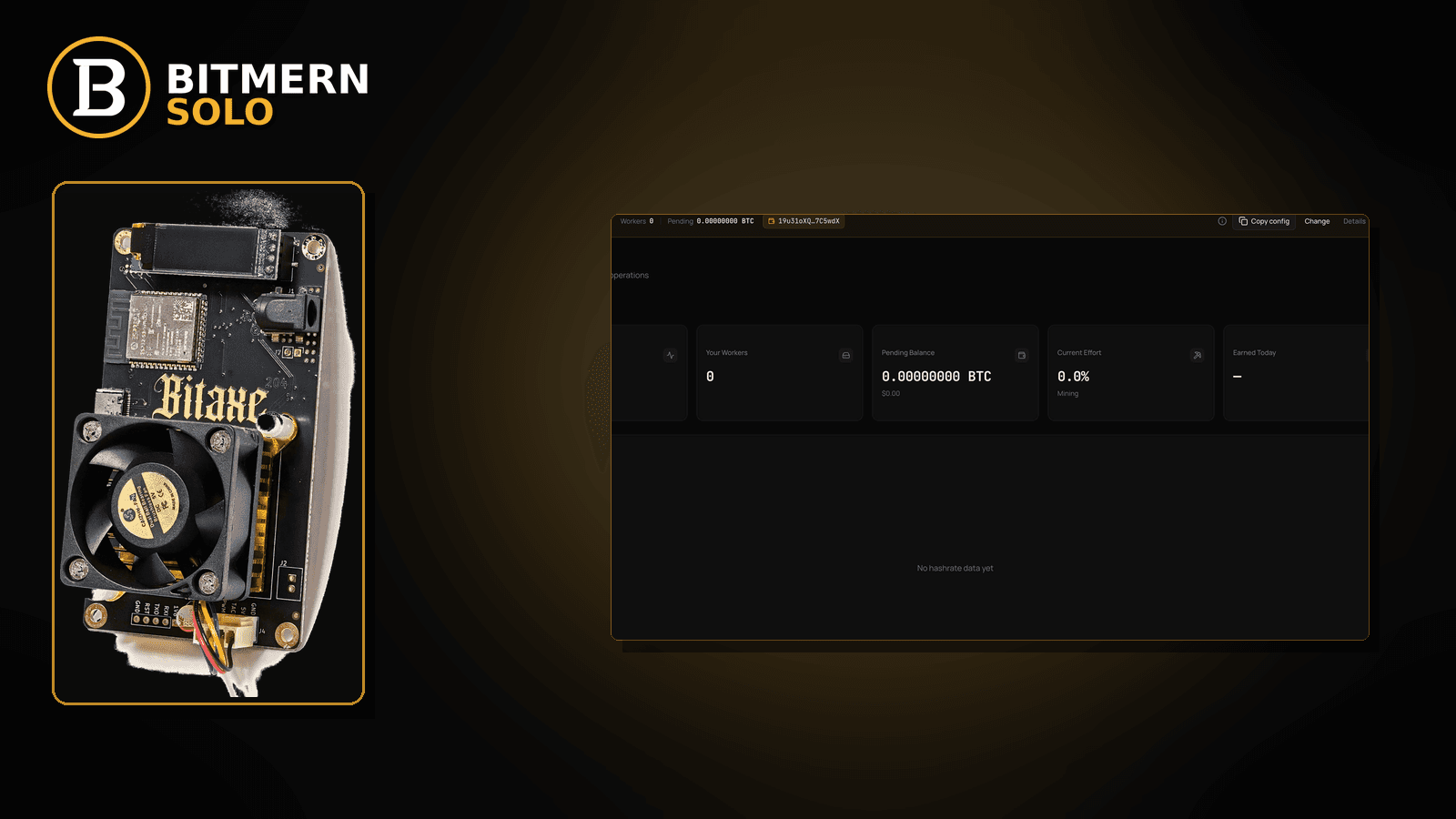
Firmware already shows accepts. The board is hashing. Yet the Bitmern Solo dashboard still looks empty, stale, or a few steps behind — so you assume the connect failed when the real story is often dashboard lag versus miner-local counters, not a dead stratum session.
If your Bitaxe or home ASIC firmware shows shares or hashrate before (or while) the Bitmern Solo dashboard still looks empty or stale, run an ordered lag checklist: confirm BTC easy-start :3132 when retesting, username WALLET.worker, password x, matching coin tab, then separate a slow dashboard refresh from a real connect failure. This post is not workers-never-appearing, expected-hashrate mismatch, reconnect loops, or high-latency stratum — and Current Effort is not a find guarantee.
This is the dashboard-lag lane. Worker never shows: workers not appearing. Rate looks wrong: expected hashrate vs dashboard. Connect flaps: reconnect loops fix. Slow RTT path: high latency stratum. How to read the cards: dashboard workers / shares / effort.
Bitmern Solo is solo infrastructure: flat 1% fee on finds only, you keep 99%. Fee context stays light here — the job is telling lag apart from a broken connect.
Dashboard lag ≠ workers not appearing ≠ hashrate mismatch ≠ reconnect loops ≠ high latency
Five patterns get mixed up:
- Dashboard lag — firmware already shows local accepts / hashrate; Solo dashboard updates later or still looks empty for a while. That is this post.
- Workers not appearing — worker row never shows after a clean retest. Use workers not appearing.
- Expected hashrate vs dashboard — worker is present; rate looks too low or too high versus what you expect. Use expected hashrate vs dashboard.
- Reconnect loops — firmware flaps connect/disconnect repeatedly. Use reconnect loops fix.
- High latency stratum — RTT / timeout path is the story. Use high latency stratum.
Do not invent a Bitmern Solo “dashboard refresh every N seconds” SLA, a guaranteed lag window in seconds, or a claim that Current Effort predicts a find. Product facts that matter when you retest: BTC easy-start :3132, username WALLET.worker, password x.
What usually looks like “dashboard behind the miner”
Common lag desks on Bitaxe-class and small ASIC setups:
- Firmware accepts already counting; matching coin tab still empty — local counters moved first.
- Worker row appears; shares card stays stale longer — partial attribution while you refresh.
- Hashrate on firmware looks live; dashboard hashrate still zero — session may be fine; UI catch-up is slow from your seat.
- You hard-refresh once and conclude “broken” — one stale paint is not a failed connect.
- Wrong coin tab open — BTC-pointed board; you watch another tab and call it lag.
- VPN / phone hotspot path — miner path is fine; browser path to the dashboard is slow or cached oddly.
- Multiple boards, one label — you read the wrong worker row and think the “active” board is missing.
Separate these from a worker that never appears after a disciplined retest (workers not appearing) or a board that reconnects in a loop (reconnect loops).
Ordered dashboard-lag checklist
Run top to bottom. Stop when the matching coin tab shows the worker under the expected label, fresh accepts move on the dashboard (not only in firmware), and you no longer confuse lag with a dead session.
1. Confirm firmware is actually accepting — not just hashing
Symptom: Fans spin and hashrate looks busy, but firmware has zero accepts.
Action: Read the firmware share / accept counters first. If firmware itself has no accepts, this is not dashboard lag — leave for no shares style debugging or workers not appearing.
2. Lock the retest string (BTC easy-start)
Symptom: You chase “lag” on a leftover foreign port or typo host.
Fix: When retesting BTC:
stratum+tcp://btc.bitmernsolo.com:3132
Never treat :3102 as the Bitaxe / home default. Username WALLET.worker. Password x.
3. Confirm password is literally x
Symptom: Password theater while you blame the dashboard.
Fix:
x
No quotes. No spaces.
4. Open the matching coin tab before you blame lag
Symptom: Wrong tab open; right miner hashing.
Fix: Open the same coin the miner is pointed at. Lag diagnosis starts on the matching tab.
5. Hard-refresh / new session for the browser — once
Symptom: Stale paint of an older empty state.
Fix: Hard-refresh the matching coin tab (or open a private window once). Do not invent a product “must refresh every N seconds” rule — this is a local browser hygiene step, not a published SLA.
6. Wait for dashboard catch-up without inventing a timer guarantee
Symptom: Firmware moved; dashboard still empty for a bit.
Fix: Give the matching tab a short, calm window while firmware keeps accepting. Do not treat any invented second-count as a Bitmern Solo product guarantee. If the worker never appears after a clean retest, leave this post for workers not appearing.
7. Separate lag from reconnect flaps
Symptom: Firmware connect line blinks on/off while you wait for the dashboard.
Fix: That is reconnect behavior, not simple lag. Use reconnect loops fix.
8. Separate lag from high-latency path issues
Symptom: Shares are very late; timeouts appear; path looks congested.
Fix: Use high latency stratum. Dashboard lag after healthy accepts is a different lane.
9. Prove dashboard accepts — then read the cards
When the matching tab catches up, confirm:
- Worker row under the expected
WALLET.workerlabel - Fresh accepts moving on the dashboard
- Hashrate reading believable while the board hashes
- Current Effort leaving a stuck empty reading when attribution works
Card reading: dashboard workers / shares / effort. Current Effort is an ops signal — not a find guarantee.
10. Soft fee reminder only after work lands
Fee reminder only if you need it: flat 1% on finds; you keep 99%. Dashboard lag is an ops timing story, not a fee.
When workers-not-appearing, hashrate mismatch, reconnects, or latency is the real story
If the worker never shows after a clean retest, use workers not appearing. If the rate looks wrong once the worker is present, use expected hashrate vs dashboard. If connect flaps, use reconnect loops. If RTT / timeouts dominate, use high latency stratum. Card meanings: dashboard guide.
What this post will not invent
- No “dashboard refreshes every N seconds” product SLA
- No fabricated lag windows presented as guarantees
- No claim that firmware accepts always appear on the dashboard in a fixed number of seconds
- No luck formulas or find-time promises from Current Effort
- No competitor fee comparisons
Fee reminder: flat 1% on finds; you keep 99%. Lag hygiene is ops timing, not a luck product.
Quick retest sequence when firmware is ahead of the dashboard
- Confirm firmware accepts are actually incrementing.
- Retest BTC with
btc.bitmernsolo.com:3132,WALLET.worker, passwordx. - Open the matching coin tab; hard-refresh once if the paint looks stale.
- Wait calmly for worker row + dashboard accepts — without inventing a second-count SLA.
- If the worker never appears, leave for workers not appearing. If connect flaps, leave for reconnect loops.
How lag fits next to hashrate and latency posts
- This post — firmware ahead of dashboard paint / attribution.
- Expected hashrate vs dashboard — worker present; rate disagrees with expectation.
- High latency stratum — path delay / timeout story.
- Workers not appearing — row never shows after a clean retest.
Stay in this lane only while firmware proves work and the dashboard is merely behind.
Browser path vs miner path
Two paths matter, and confusing them creates false “lag” panic:
- Miner → stratum — the Bitaxe / ASIC path that produces accepts. If this path is healthy, firmware counters move.
- Browser → dashboard — your phone or laptop path that paints workers / shares / effort. This path can be slower, cached, or on a different network than the miner.
A healthy miner path with a slow browser path still looks like “dashboard lag.” Fix the browser session once (hard-refresh / private window), stay on the matching coin tab, and only then escalate. Do not invent a product rule that the dashboard must paint within a fixed number of seconds.
If the miner path itself is flapping, leave this post for reconnect loops. If RTT / timeouts dominate the miner path, leave for high latency stratum.
Reading shares while the dashboard catches up
While you wait:
- Prefer firmware accepts incrementing as the proof the session is alive.
- Treat a temporarily empty dashboard shares card as pending paint, not as proof the pool rejected everything.
- Once the worker row appears, watch dashboard accepts move — that is the catch-up signal.
- Keep Current Effort in its lane: ops / attribution, not a find guarantee.
If dashboard hashrate later looks wrong relative to what you expect from the board, switch lanes to expected hashrate vs dashboard.
Soft next step
Confirm firmware accepts, retest with BTC easy-start :3132 / WALLET.worker / password x, open the matching coin tab, refresh once if needed, then prove dashboard accepts before you escalate to workers-not-appearing or reconnect debug.
Start mining
Start Mining — after login, open the matching coin tab and confirm workers / shares / hashrate.
FAQ
Can firmware show accepts before the dashboard updates?
Yes — that is the lag pattern this post covers. Prove firmware first, then wait for the matching coin tab without inventing a refresh SLA.
What BTC port should I use when retesting?
:3132 on btc.bitmernsolo.com. Never treat :3102 as the Bitaxe / home default.
What username and password does Bitmern Solo expect?
Username WALLET.worker. Password exactly x.
Does Current Effort mean I am about to find a block?
No. Current Effort is an ops / attribution signal — not a find guarantee. See the dashboard guide.
When is it “workers not appearing” instead of lag?
If the worker row never shows after a clean retest with a correct string and matching tab, use workers not appearing.
When are reconnect loops the real story?
If firmware connect/disconnect flaps while you wait, use reconnect loops fix.
Where do I confirm the dashboard caught up?
Matching coin tab → worker row → fresh dashboard accepts → believable hashrate. Guide: dashboard workers / shares / effort.


