


Expected Hashrate vs Dashboard Rate on Bitmern Solo
If your Bitaxe or home ASIC shows a higher (or jumpy) rate in firmware than on Bitmern Solo, run an ordered mismatch checklist: matching coin tab, compare…
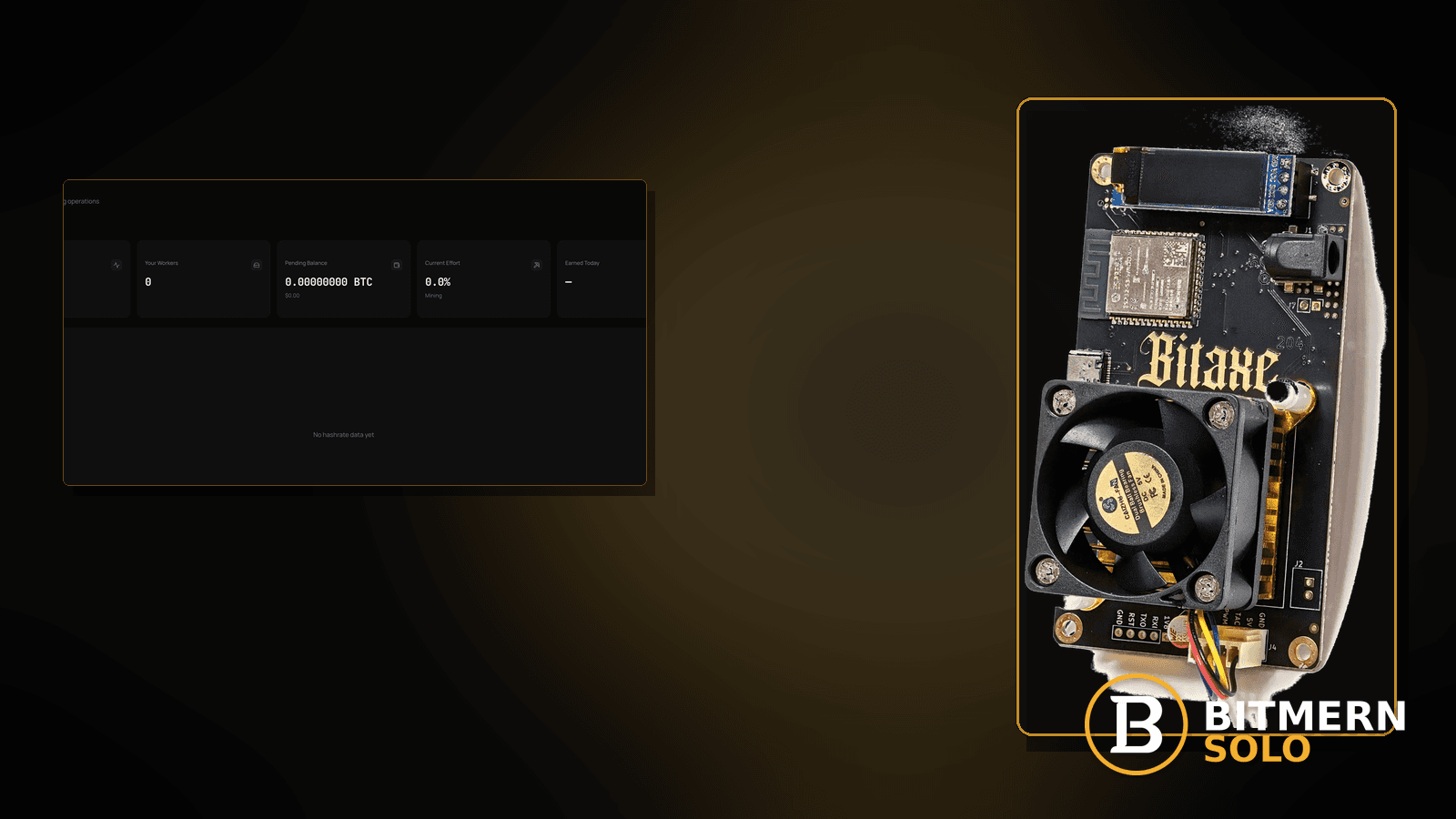
Board firmware rate and Bitmern Solo dashboard rate are not the same meter. Firmware often shows a near-instant local estimate; the account shows a smoothed view of work that actually attributed. A healthy mismatch is normal. A real drop is different — and this post stays between those two without inventing a product smoothing window.
If your Bitaxe or home ASIC shows a higher (or jumpy) rate in firmware than on Bitmern Solo, run an ordered mismatch checklist: matching coin tab, compare both readings at the same moment, decide healthy lag vs real soft hash, rule out thermal soft-rate, then stratum sanity on BTC easy-start :3132 only if the URL is suspect. Username WALLET.worker, password x. This post does not invent a “dashboard always shows X% of board” product claim.
This is expected-vs-dashboard teaching. Ordered drop triage when rate truly fell: hashrate drop fix. Heat-driven soft rate: temperature throttle fix. Wrong coin view: coin tabs explained. Card meanings: dashboard workers / shares / effort. Field wiring: AxeOS setup.
Bitmern Solo is solo infrastructure: flat 1% fee on finds only, you keep 99%. Fee context stays light — the job is reading two meters correctly so you do not rewrite good stratum for a healthy lag.
Expected mismatch ≠ hashrate drop ≠ thermal throttle ≠ wrong tab
Four patterns get mixed up:
- Healthy expected vs dashboard mismatch — board UI and account differ because of windowing / attribution lag; accepts still move; board is not throttling. That is this post.
- Real hashrate drop — rate soft for stratum, power, path, or firmware reasons. That is the hashrate drop path.
- Temperature / thermal throttle — heat is the leading signal. That is the temperature throttle path.
- Wrong coin tab — you compare BTC board hash to an LTC card. That is coin tabs.
Do not invent a Bitmern Solo product default that “the dashboard must equal firmware within N%.” Read both meters, then decide.
What usually drives a board-vs-account gap
Common causes on Bitaxe-class and small ASIC desks:
- Different time windows — firmware updates fast; account hashrate card reflects attributed work over a longer / smoothed view.
- Wrong coin tab — comparing across coins makes any gap look like a “pool under-report.”
- Thermal soft-rate — board already throttled; account lags one refresh — or shows the soft rate after the board cooled.
- Share / difficulty context — accepts still healthy while instantaneous local hash looks higher; see also share difficulty for accept difficulty, not as a fake % SLA.
- Stratum noise on top — bad port or flaps add real soft rate after you already had a healthy mismatch.
- Duplicate worker duel — two boards on one name scramble one card; fix names first via duplicate workers if that fits.
Separate these from a true drop checklist (hashrate drop) and from heat-first triage (temperature throttle).
Ordered checklist
Run top to bottom. Stop when you can say either “healthy mismatch, accepts fine” or “real soft rate — switch to drop/thermal triage,” without inventing a product % rule.
1. Open the matching coin tab
Symptom: Dashboard “low” on a coin the board is not hashing.
Fix: Open the same coin the miner points at. Cross-coin compares are not mismatch teaching — they are tab mistakes. Depth: coin tabs explained. Switches: switch coins.
2. Compare board UI and dashboard at the same moment
Symptom: You remember a peak firmware number from ten minutes ago and compare it to a live account card.
Fix: Note both readings together. Firmware can spike and settle. Account cards update on their own cadence. A gap alone is not proof of under-reporting — especially if accepts are still moving under the expected worker.
3. Decide healthy mismatch vs real soft hash
Symptom: Board shows “full” local rate; account lower; or both soft.
Fix:
- Healthy mismatch: worker row present, fresh accepts moving, no heat story, stratum fields known-good — account can sit below a jumpy local meter without a product “X% of board” claim. Trust accepts + worker presence more than a single instantaneous firmware peak.
- Real soft hash: accepts stalling, rate falling on both meters, or board already shows throttle / power issues — leave pure mismatch teaching for hashrate drop or temperature throttle.
Do not invent a Bitmern Solo smoothing window length or guaranteed board-to-dashboard ratio.
4. Rule out thermal soft-rate before rewriting stratum
Symptom: Chassis hot, fan maxed, firmware temp high, local hash already soft — account “looks low” for the same reason.
Fix: Stay on thermal steps: ambient, airflow, dust, cooler profile. See temperature throttle. Cooling the board often closes the scary gap without touching a known-good URL.
5. Confirm worker identity is not a duplicate duel
Symptom: One worker card looks chaotic while two boards hash; firmware on each board looks “full.”
Fix: Check both miner UIs for the same WALLET.worker string. If shared, rename one board — duplicate workers fix. A duel can fake a mismatch story.
6. Stratum sanity only if the URL is suspect (BTC :3132)
Symptom: After healthy-mismatch checks, accepts are weak and host/port look wrong (https paste, wrong coin host, :3102 treated as home default).
Fix: For BTC easy-start:
stratum+tcp://btc.bitmernsolo.com:3132
Username: YOUR_WALLET.worker1 (or your suffix). Password: exactly x.
Never treat :3102 as the Bitaxe / home default. If the URL was already correct and the session flaps, use reconnect loops. Wrong-string depth: stratum URL mistakes. Ports: VarDiff ports.
7. Username and password shape
Required:
WALLET.worker
password: x
Traps that scramble attribution while you chase “dashboard under-report”: missing dot, spaces, wrong wallet prefix, password not exactly x, watching the wrong suffix. Wiring: AxeOS setup.
8. Prove it on the Bitmern Solo dashboard
Open the matching coin tab. Confirm:
- Worker row under the expected label
- Fresh accepts moving (primary trust signal for attribution)
- Hashrate card believable for attributed work — not necessarily identical to a firmware peak
- Current Effort leaving stuck empty when attribution works
Card reading: dashboard workers / shares / effort. Here you verify you are not inventing a drop from a healthy meter difference.
9. Do not chase a fake “pool under-report” percentage
Symptom: You calculate “dashboard is only N% of firmware” and treat that ratio as a product bug.
Fix: Stop inventing a Bitmern Solo board-to-dashboard percentage SLA. Re-check coin tab, accepts, heat, and worker uniqueness. If accepts are healthy and the board is cool, a lower account card can still be a healthy mismatch. If accepts stalled or both meters soft, leave this article for drop/thermal triage — not a homemade % complaint.
When you trust the board vs the account: trust the board for immediate thermal / local hash behavior; trust the account for attribution (worker row + accepts + effort movement). Neither meter replaces the other.
When hashrate-drop or thermal is the real story
If both meters soft, accepts stall, or power/path/firmware failed — switch to hashrate drop. If heat / throttle leads — use temperature throttle. Mismatch teaching is for reading two meters; it is not a substitute for drop triage.
What this post will not invent
- No “dashboard always shows X% of board” product claim
- No product smoothing-window length or confirmation-delay SLA
- No luck formulas, dollar EV, or find-time promises from matching meters
- No claim that
:3102is the home Bitaxe default - No competitor fee comparisons
Fee reminder only if you need it: flat 1% on finds; you keep 99%. Meter literacy is an ops signal, not a fee.
Soft next step
Match the coin tab, compare both meters at once, trust accepts over a single firmware peak, rule out heat and duplicate names, then only touch stratum if the URL is actually wrong (:3132 easy-start for BTC home boards).
Start mining
Start Mining — after login, open the matching coin tab and confirm workers / shares / hashrate.
FAQ
Should Bitmern Solo hashrate equal my Bitaxe firmware number?
Not necessarily. Firmware and account meters differ by design (local estimate vs attributed / smoothed view). Do not invent a product X% rule. Trust worker presence + fresh accepts when the gap looks healthy.
Is a lower dashboard rate always a hashrate drop?
No. Use hashrate drop when rate truly softens for ops reasons. Use this post when you are learning healthy mismatch vs real drop.
What if the board is hot?
Use temperature throttle. Heat can soft both meters; cooling may close the gap.
What BTC port should a home Bitaxe use if stratum is suspect?
:3132 on btc.bitmernsolo.com. Never treat :3102 as the Bitaxe / home default.
What username and password does Bitmern Solo expect?
Username WALLET.worker. Password exactly x.
Can the wrong coin tab fake a mismatch?
Yes. Always compare on the matching coin. See coin tabs explained.
Where do I confirm healthy attribution on Bitmern Solo?
Matching coin tab → worker row → fresh accepts → believable account hashrate for attributed work. Guide: dashboard workers / shares / effort.


