


No Inbound Ports Needed for Bitmern Solo (Port Forwarding Myth)
If you are opening inbound router ports, enabling UPnP, or hunting a “required inbound port list” so a Bitaxe or home ASIC can reach Bitmern Solo, stop and…
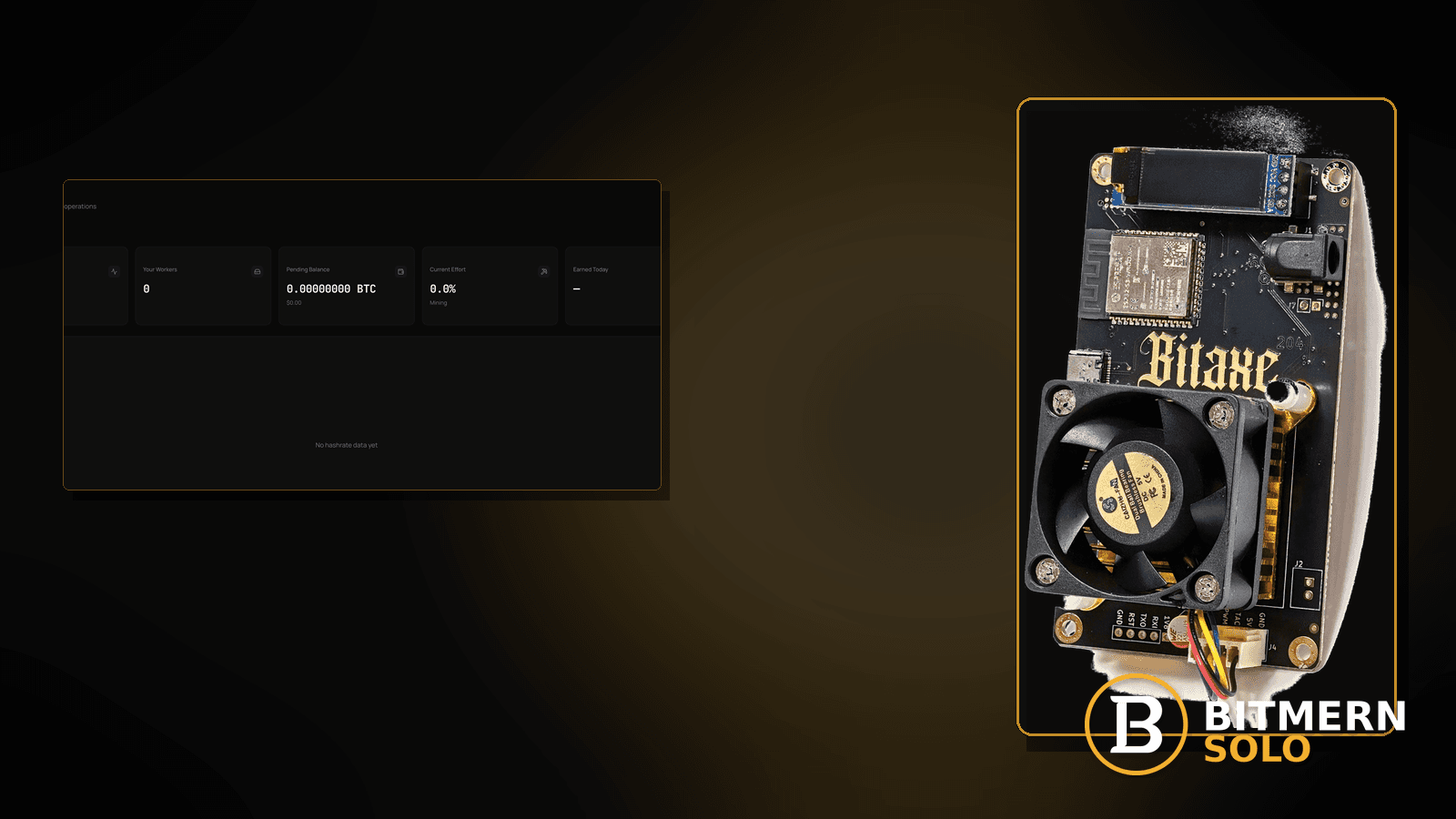
The router admin page is open. Someone is about to enable UPnP, punch a hole for “mining,” or forward a random inbound port because a forum post said solo pools need open ports. The Bitaxe still will not show accepts — because Bitmern Solo never needed that inbound path.
If you are opening inbound router ports, enabling UPnP, or hunting a “required inbound port list” so a Bitaxe or home ASIC can reach Bitmern Solo, stop and run an ordered myth-bust checklist: miners need stable outbound TCP to the per-coin host:port (BTC easy-start btc.bitmernsolo.com:3132 — never treat :3102 as the Bitaxe / home default), username WALLET.worker, password x, then prove first accepts on the matching coin tab. This post does not invent a required inbound port list or product firewall settings. Flat 1% / keep 99% is a fee reminder only.
This is the inbound-ports myth lane. Outbound blocks / local firewall drops: firewall blocking stratum. Link quality: ethernet vs wifi. Tunnel path issues: VPN / proxy stratum fix. Name lookup: DNS resolve fix. Field wiring: connect ASIC.
Bitmern Solo is solo infrastructure: flat 1% fee on finds only, you keep 99%. Fee context stays light here — the job is stopping inbound port theater so you can fix outbound reachability.
Inbound myth ≠ outbound firewall ≠ ethernet/wifi ≠ VPN/proxy ≠ DNS
Five patterns get mixed up:
- Inbound port-forward / UPnP myth — operators open router inbound ports or UPnP “for the pool.” That is this post.
- Outbound firewall blocking stratum — local OS / network gear drops outbound TCP to the per-coin host:port. Use firewall blocking stratum.
- Ethernet vs Wi-Fi — link quality and stability, not inbound holes. Use ethernet vs wifi.
- VPN / proxy path — tunnel changes egress and breaks stratum. Use VPN / proxy stratum fix.
- DNS resolve failures — host name does not resolve. Use DNS resolve fix.
Do not invent a Bitmern Solo “open these inbound ports” table, a UPnP requirement, or product firewall screens that do not exist here. Product facts that matter: per-coin hosts (for BTC, btc.bitmernsolo.com), BTC easy-start :3132, username WALLET.worker, password x, and outbound reachability to that host:port.
What usually looks like “I must open a port”
Common inbound-myth desks on Bitaxe-class and small ASIC setups:
- Forum muscle memory — “solo mining needs open ports” copied from game servers or self-hosted nodes.
- UPnP toggled on — router UPnP enabled “just in case” while stratum still never connects.
- Random inbound forward to the miner’s LAN IP — TCP/UDP holes that nothing on Bitmern Solo listens for on your home side.
- Confusing outbound destination port with inbound listen port —
:3132is where the miner connects out, not a port you expose inbound on the router. - CGNAT / ISP double-NAT panic — assuming inbound reachability is required; for stratum client mode it is not.
- Camera / NAS port-forward habits — same router UI used for inbound services, applied to mining by habit.
- Correct outbound blocked, wrong inbound opened — the real issue is outbound firewall / DNS / VPN; inbound holes distract from it.
Separate these from a true outbound block (firewall blocking stratum), a flaky Wi-Fi path (ethernet vs wifi), or a tunnel that rewrites egress (VPN / proxy stratum fix).
Ordered myth-bust checklist
Run top to bottom. Stop when inbound experiments are reversed, the stratum string is clean, outbound reaches the per-coin host, and the matching coin tab shows fresh accepts.
1. State the model: miner is a client — not a public listen service
Symptom: You are treating the Bitaxe like a server that must be reachable from the internet.
Action: For Bitmern Solo stratum, the miner opens an outbound TCP session to the per-coin host:port. You do not need the pool to dial inbound to your home IP. Close the inbound-forward mindset before you touch more router rules.
2. Lock the outbound target string (do not invent inbound ports)
Symptom: Router ports are changing while host/port/user on the miner are still wrong.
Action: Fix the miner string first. For BTC easy-start:
stratum+tcp://btc.bitmernsolo.com:3132
WALLET.worker
password: x
Never treat :3102 as the Bitaxe / home default. Other coins use their matching per-coin hosts — do not invent an inbound “required list” for them either.
3. Undo inbound forwards / UPnP added “for mining”
Symptom: New router rules exist only because of mining folklore.
Fix: Remove mining-related inbound port forwards. Turn off UPnP if you only enabled it for this. Keep unrelated household rules you actually need — just stop tying them to Bitmern Solo.
4. Prove outbound reachability instead of inbound openness
Symptom: Inbound holes exist; outbound to btc.bitmernsolo.com:3132 (or the matching per-coin host:port) still fails.
Fix: Treat this as an outbound problem. Next stops: firewall blocking stratum, DNS resolve fix, VPN / proxy stratum fix. This post will not invent Bitmern Solo product firewall settings.
5. Prefer a stable path (often ethernet) without opening ports
Symptom: Wi-Fi drops look like “pool needs ports.”
Fix: Stabilize the link with ethernet vs wifi. Stability ≠ inbound forwarding.
6. Clear failover slots that point at foreign “open-port” pools
Symptom: Primary is Bitmern Solo; secondary still carries another stack that documented inbound requirements; board flaps and the myth returns.
Fix: Keep Bitmern Solo on the primary (or only) slot. Clear confusing failover leftovers. Save and apply.
7. Re-save and power-cycle after removing inbound experiments
Symptom: You closed router holes but firmware still shows old connect failures.
Fix: Save pool settings, reboot the board (or full power-cycle), and watch for a new outbound connect to the per-coin host — not a stale line from the folklore session.
8. Separate inbound myth from outbound firewall
Symptom: Local firewall / gated Wi-Fi / corporate filter drops outbound TCP to stratum ports.
Fix: Leave this post and use firewall blocking stratum. Opening inbound ports will not repair an outbound deny.
9. Prove first accepts on the matching coin tab
Open the matching coin tab. Confirm:
- Worker row present under the expected
WALLET.workerlabel - Fresh accepts moving (not stuck empty)
- Hashrate reading believable while the board hashes
- Current Effort leaving a stuck empty reading when attribution works
Card reading: dashboard workers / shares / effort. Current Effort is an ops signal — not a find guarantee.
10. Soft fee reminder only after work lands
Fee reminder only if you need it: flat 1% on finds; you keep 99%. Skipping inbound port theater is an ops win, not a fee.
When firewall, ethernet/wifi, VPN/proxy, or DNS is the real story
If outbound is blocked, use firewall blocking stratum. If the radio path is flaky, use ethernet vs wifi. If a tunnel rewrites egress, use VPN / proxy stratum fix. If the host does not resolve, use DNS resolve fix. First-time fields: connect ASIC.
What this post will not invent
- No “required inbound port list” for Bitmern Solo home miners
- No UPnP requirement or product firewall settings screen
- No claim that
:3102is the home Bitaxe default (easy-start is :3132) - No “first accept within N seconds” guarantee after closing inbound holes
- No luck formulas, dollar EV, or find-time promises from Current Effort
- No competitor fee comparisons
Fee reminder: flat 1% on finds; you keep 99%. Outbound to the per-coin host is the model — inbound folklore is not.
Quick retest sequence after closing inbound experiments
After you remove mining-related port forwards / UPnP, do not leave the miner on a half-edited string. Use a short retest loop:
- Save the stratum string again (BTC easy-start still
btc.bitmernsolo.com:3132,WALLET.worker, passwordx). - Reboot or power-cycle the board so it opens a new outbound connect.
- If it still fails, check outbound firewall / DNS / VPN sister posts — do not reopen inbound holes “to test.”
- Open the matching coin tab and wait for the worker row + first accepts — not for a luck promise.
Soft next step
Skip inbound port-forward and UPnP for Bitmern Solo, keep BTC easy-start on btc.bitmernsolo.com:3132 with WALLET.worker and password x, prove outbound reachability, then confirm first accepts on the matching coin tab before you chase deeper network folklore.
Start mining
Start Mining — after login, open the matching coin tab and confirm workers / shares / hashrate.
FAQ
Do I need to port-forward for Bitaxe on Bitmern Solo?
No. The miner makes an outbound connection to the per-coin host:port. Do not invent an inbound required-port list for home solo stratum.
Is UPnP required for Bitmern Solo?
No. Do not enable UPnP “for mining.” If you only turned it on for this myth, turn it off and retest outbound stratum.
What BTC port should a home Bitaxe use first?
:3132 on btc.bitmernsolo.com as the outbound destination. Never treat :3102 as the Bitaxe / home default. That is not an inbound listen port on your router.
What username and password does Bitmern Solo expect?
Username WALLET.worker (wallet prefix must match the registered receive wallet for that coin). Password exactly x.
My ISP uses CGNAT — can I still solo mine on Bitmern Solo?
Stratum client mode does not require inbound reachability to your home IP. Focus on stable outbound to the per-coin host:port. If outbound is blocked, use firewall blocking stratum.
Where do outbound firewall issues fit?
If local or network policy drops outbound TCP to stratum, use firewall blocking stratum — opening inbound ports will not fix that.
Where do I confirm the fix on Bitmern Solo?
Matching coin tab → worker row → fresh accepts → believable hashrate. Guide: dashboard workers / shares / effort.


