


Reading Accept / Reject Rate on Bitmern Solo
If you are trying to understand accept vs reject counts on Bitaxe-class firmware and the Bitmern Solo dashboard — and whether the ratio looks like noise or a…
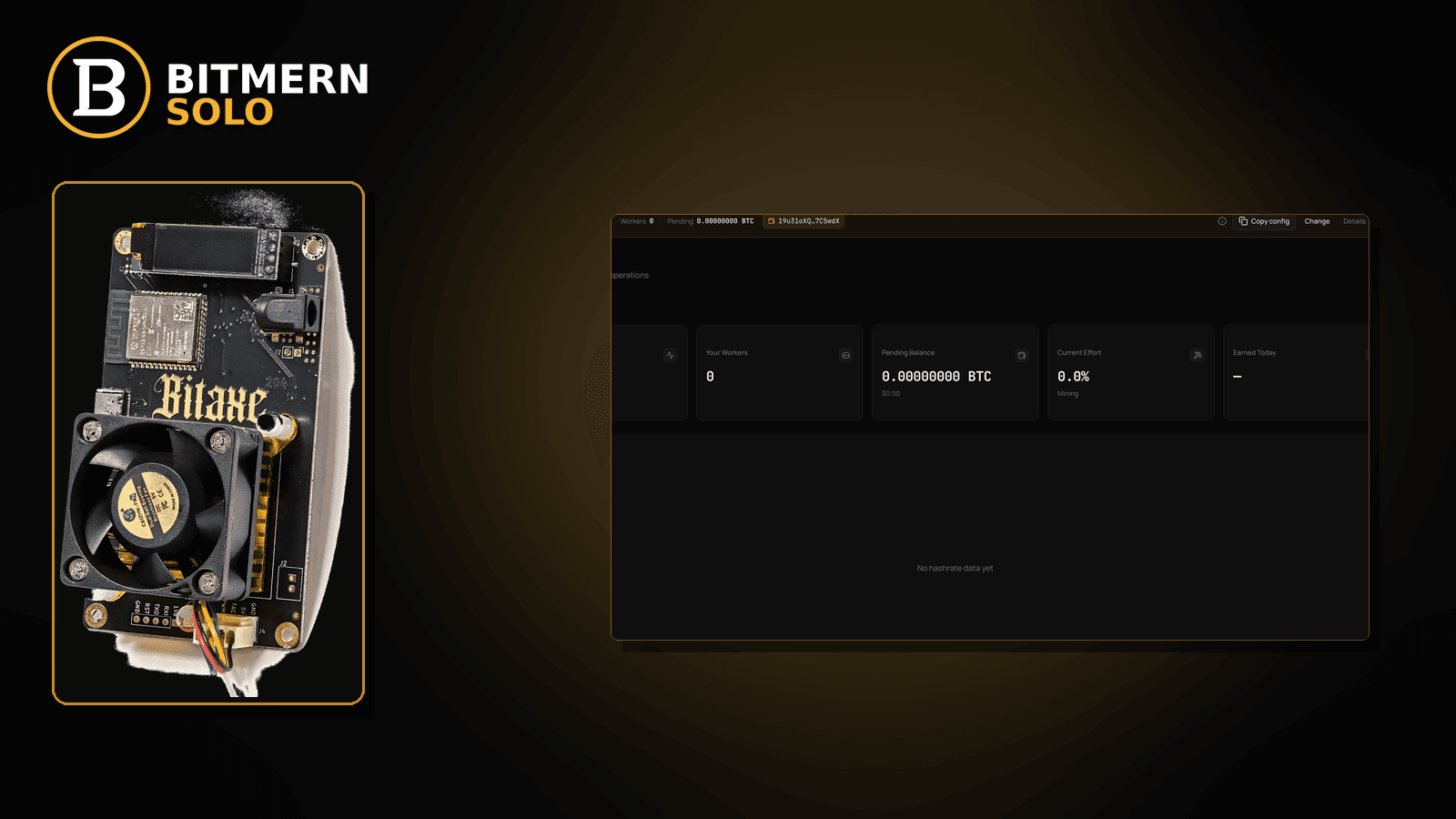
Firmware shows accepts and rejects. The dashboard shows shares. Someone asks “what’s my accept rate?” — and the next move is either a calm re-read of both surfaces, or a panic rewrite of stratum fields that were already fine.
If you are trying to understand accept vs reject counts on Bitaxe-class firmware and the Bitmern Solo dashboard — and whether the ratio looks like noise or a real problem — run an ordered read checklist: confirm the stratum string is already clean (btc.bitmernsolo.com:3132 for BTC easy-start, username WALLET.worker, password x), compare firmware accepts/rejects to the matching coin tab, separate stale / difficulty / hashrate-display issues from a true reject storm, then prove fresh accepts move. This post does not invent a “healthy %” SLA or fabricated reject thresholds. Current Effort is not a find guarantee.
This is the accept/reject-rate reading lane. Share rejects after connect (fix checklist): rejected shares fix. What share difficulty means: share difficulty explained. Stale share path: stale shares fix. Hashrate on board vs dashboard: expected hashrate vs dashboard. Card reading: dashboard workers / shares / effort.
Bitmern Solo is solo infrastructure: flat 1% fee on finds only, you keep 99%. Fee context stays light here — the job is reading accept/reject signals without inventing product SLAs.
Accept/reject rate ≠ rejected-shares fix ≠ share difficulty ≠ stale ≠ hashrate display
Five patterns get mixed up:
- Reading accept vs reject rate — how to interpret firmware counters and dashboard share movement together; when the ratio is noise vs a problem. That is this post.
- Rejected shares fix — session is up; work is rejected and you need a repair checklist. Use rejected shares fix.
- Share difficulty explained — what the share target means, not a rate SLA. Use share difficulty explained.
- Stale shares — late work / latency path. Use stale shares fix.
- Expected hashrate vs dashboard — board GH/s vs dashboard reading. Use expected hashrate vs dashboard.
Do not invent a Bitmern Solo “healthy accept %” table, a guaranteed reject ceiling, or a claim that Current Effort predicts a find. Product facts that matter for a clean retest: BTC easy-start :3132 on btc.bitmernsolo.com, username WALLET.worker, password x.
What “accept / reject rate” usually means on a home desk
On Bitaxe-class and small ASIC setups, operators usually mean one of these:
- Firmware accept counter climbing — board thinks work was accepted upstream.
- Firmware reject / invalid counter climbing — board (or pool path) marked work bad, late, or invalid.
- Dashboard shares / accepts moving — matching coin tab shows fresh share activity under
WALLET.worker. - A mental ratio — “accepts vs rejects” guessed from two counters without checking string hygiene first.
- A screenshot from another pool — foreign “accept rate %” UI pasted into a Bitmern Solo support question.
- Empty dashboard while firmware shows accepts — often tab mismatch, worker naming, or delayed attribution — not always a reject storm.
- Rejects after a recent stratum edit — string half-saved; rate panic before a clean retest.
Separate these from a true post-connect reject storm (rejected shares fix), a stale path (stale shares fix), or a hashrate display mismatch (expected hashrate vs dashboard).
Ordered read checklist
Run top to bottom. Stop when you can say, calmly: string is clean, matching tab shows fresh accepts, and any remaining rejects belong to a named sister post — not a guessed “% SLA.”
1. Confirm the stratum string before you compute a ratio
Symptom: You are reading accept/reject numbers on a string you have not verified.
Action: First pass cleanliness. For BTC easy-start:
stratum+tcp://btc.bitmernsolo.com:3132
WALLET.worker
password: x
Never treat :3102 as the Bitaxe / home default. Host must match the coin. Only after the string is clean do you treat firmware reject counters as a rate story.
2. Read firmware accepts and rejects as two counters — not a product SLA
Symptom: You convert two counters into a “healthy %” you invented from another pool’s UI.
Fix: Note both numbers and the time window you observed. Do not invent a Bitmern Solo official accept-rate threshold. This guide will not publish fabricated “must be above X%” rules.
3. Open the matching coin tab and watch share movement
Symptom: Firmware shows accepts; you watch the wrong coin tab and conclude “0% accept on Solo.”
Fix: Open the same coin the miner is pointed at. Confirm the worker row under the expected WALLET.worker label and whether fresh shares / accepts move. Card reading: dashboard workers / shares / effort.
4. Separate “rejects climbing” from “accepts never started”
Symptom: Reject counter moves but accepts never did — or the reverse.
Fix: If the session never authenticated cleanly, fix string / password / wallet first (see stratum password x and invalid wallet rejects). If accepts exist and rejects climb after work starts, use rejected shares fix.
5. Separate rate noise from stale / latency paths
Symptom: Rejects cluster when latency is high or jobs turn over fast; you call it “bad accept rate” without checking stale.
Fix: Use stale shares fix and, if RTT is the desk, high latency stratum. Do not invent a latency SLA here.
6. Separate rate reading from share difficulty confusion
Symptom: You expect more accepts because “difficulty looks low/high” without knowing what share difficulty means.
Fix: Read share difficulty explained. Difficulty shape is not an accept-rate percentage product.
7. Separate rate reading from hashrate display mismatch
Symptom: Board GH/s looks fine; dashboard looks “low”; you blame reject rate.
Fix: Use expected hashrate vs dashboard. Hashrate display ≠ accept/reject ratio.
8. Retest on a clean primary slot after any stratum edit
Symptom: You changed host/port/user mid-session and still stare at old counters.
Fix: Save Bitmern Solo on the primary slot, clear confusing failover leftovers, reboot or power-cycle, then watch new accept/reject counters and matching-tab shares — not stale lines from before the edit.
9. Prove fresh accepts — then decide if rejects need a fix post
Confirm:
- Worker row present under the expected
WALLET.workerlabel - Fresh accepts / shares moving on the matching coin tab
- Hashrate reading believable while the board hashes
- Current Effort leaving a stuck empty reading when attribution works
Current Effort is an ops signal — not a find guarantee. If accepts are healthy and rejects are the remaining problem, leave this reading post and use rejected shares fix.
10. Soft fee reminder only after work lands
Fee reminder only if you need it: flat 1% on finds; you keep 99%. Reading accept/reject counters is an ops skill, not a fee.
When rejected-shares, difficulty, stale, or hashrate display is the real story
If work rejects after a clean connect, use rejected shares fix. If share difficulty is the confusion, use share difficulty explained. If work is late, use stale shares fix. If board vs dashboard hashrate disagree, use expected hashrate vs dashboard. Card map: dashboard workers / shares / effort.
What this post will not invent
- No “healthy accept %” SLA or fabricated reject-rate thresholds for Bitmern Solo
- No claim that
:3102is the home Bitaxe default (easy-start is :3132) - No “first accept within N seconds” guarantee after a clean string
- No luck formulas, dollar EV, or find-time promises from Current Effort or an accept ratio
- No competitor fee comparisons
Fee reminder: flat 1% on finds; you keep 99%. Accept/reject reading is hygiene — not a luck product.
Quick retest sequence when the ratio looks scary
After a reject spike or an empty-looking dashboard, do not invent a percentage target. Use a short retest loop:
- Save the stratum string again (BTC easy-start still
btc.bitmernsolo.com:3132,WALLET.worker, passwordx). - Reboot or power-cycle so counters and sessions start fresh.
- Open the matching coin tab and watch worker row + fresh accepts — not a neighbor tab.
- If accepts move and rejects still climb, switch to rejected shares fix. If work looks late, use stale shares fix.
Soft next step
Keep BTC easy-start on btc.bitmernsolo.com:3132 with WALLET.worker and password x, read firmware accepts/rejects next to the matching coin tab, and only escalate to a reject/stale/hashrate sister post when the string is already clean and fresh accepts (or the lack of them) tell a clear story.
Start mining
Start Mining — after login, open the matching coin tab and confirm workers / shares / hashrate.
FAQ
Does Bitmern Solo publish an official healthy accept-rate percentage?
This guide does not invent one. Read firmware counters and matching-tab share movement together; escalate to rejected shares fix when rejects are the real problem after a clean connect.
What BTC port should a home Bitaxe use when retesting?
:3132 on btc.bitmernsolo.com. Never treat :3102 as the Bitaxe / home default.
What username and password does Bitmern Solo expect?
Username WALLET.worker (wallet prefix must match the registered receive wallet for that coin). Password exactly x.
Does Current Effort mean my accept rate predicts a find?
No. Current Effort is an ops / attribution signal — not a find guarantee. See the dashboard guide.
Firmware shows accepts but the dashboard looks empty — is my accept rate zero?
Often you are on the wrong coin tab, the worker label differs, or attribution is delayed. Confirm matching tab + WALLET.worker before calling it a reject-rate failure.
Where do stale shares fit?
If rejects cluster with late work / latency symptoms, use stale shares fix rather than inventing a rate SLA.
Where do I confirm the read on Bitmern Solo?
Matching coin tab → worker row → fresh accepts → believable hashrate. Guide: dashboard workers / shares / effort.


