


Miner Clock / NTP Drift Breaking Bitmern Solo
If your Bitaxe or home ASIC shows a wrong system time (no NTP, large clock skew) while pointed at Bitmern Solo, run an ordered clock / NTP checklist: restore…
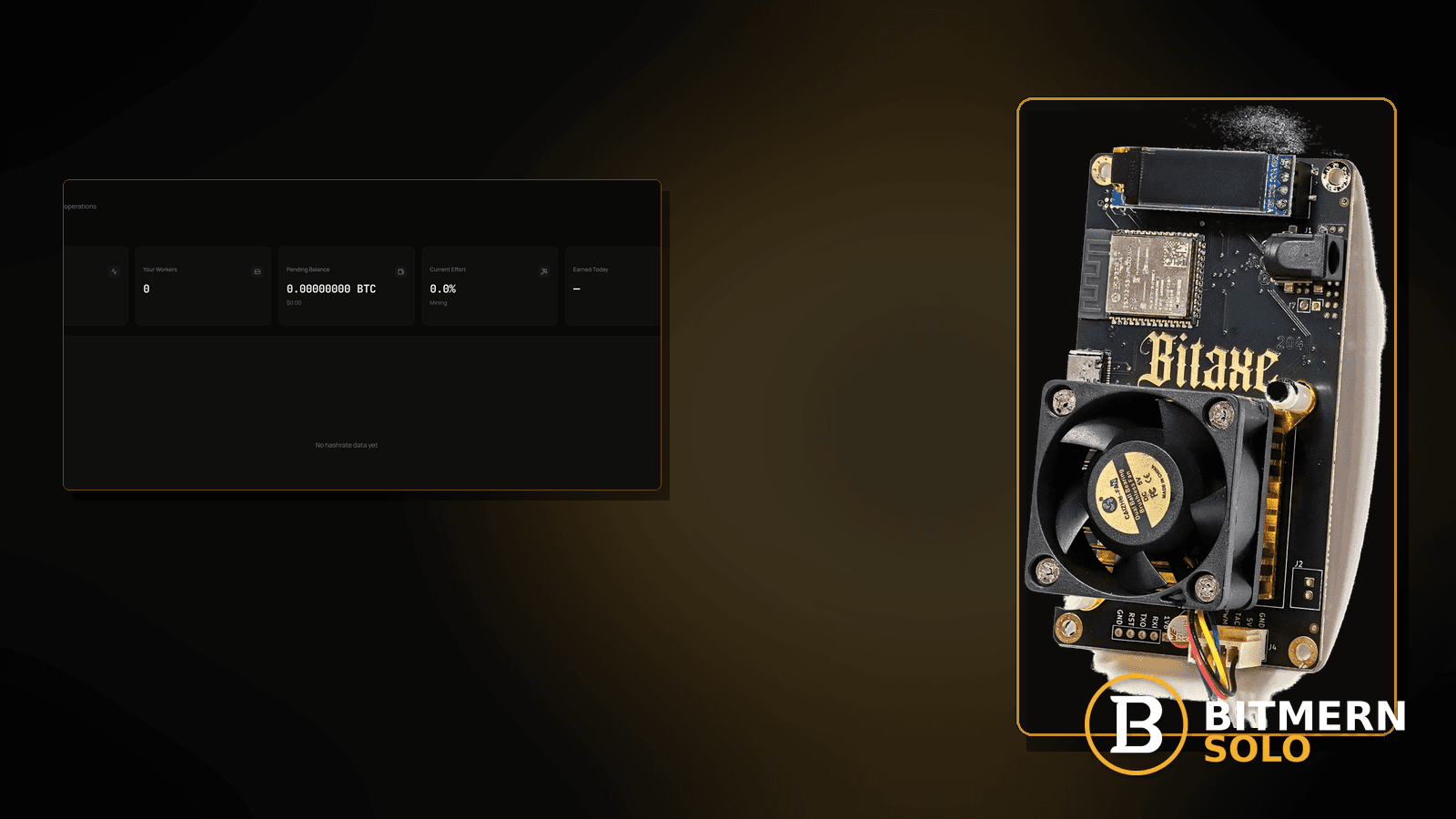
The board’s clock is wrong — no NTP, a huge skew after a long power-off, or a router that never handed out time. Stratum auth looks weird, shares look stale, or the Bitmern Solo dashboard feels “stuck,” even though the pool string might be fine. Wrong time is its own checklist.
If your Bitaxe or home ASIC shows a wrong system time (no NTP, large clock skew) while pointed at Bitmern Solo, run an ordered clock / NTP checklist: restore time sync, retest BTC easy-start btc.bitmernsolo.com:3132 with WALLET.worker and password x, then separate clock faults from latency, stale shares, DNS, and stratum timeouts. This post is not the high-latency path, the stale-shares fix, the DNS-resolve lane, or the stratum-timeout checklist — clock skew is not a block-find signal, and Current Effort is not a find guarantee.
This is the NTP / clock-drift lane. Stale shares: stale shares fix. Latency: high latency stratum. Timeouts: stratum timeout fix. DNS: DNS resolve fix. Slow UI only: dashboard lag.
Bitmern Solo is solo infrastructure: flat 1% fee on finds only, you keep 99%. Fee context stays light — the job is clock hygiene, not inventing a max-skew SLA.
Clock drift ≠ high latency ≠ stale shares ≠ DNS ≠ stratum timeout
Five patterns get mixed up:
- Miner clock / NTP drift — system time is wrong; stratum, shares, or dashboard attribution look broken because of skew. That is this post.
- High latency — RTT is high; time may be fine. Use high latency stratum.
- Stale shares — shares land late relative to work. Use stale shares fix when stale is the named symptom after clock is sane.
- DNS resolve — host never resolves. Use DNS resolve fix.
- Stratum timeout — connect / work timeouts without a clock story. Use stratum timeout fix.
Do not invent a Bitmern Solo “safe offset seconds” product guarantee, a max-skew SLA, or a claim that clock error predicts finds. Product facts for retest: BTC host btc.bitmernsolo.com, easy-start :3132, username WALLET.worker, password x.
What wrong miner time usually looks like on a Bitaxe desk
Common desks:
- Board powered on after weeks offline — clock starts from an old epoch until NTP works.
- Router / AP without usable NTP path — Wi-Fi connects; time never syncs.
- DNS broken for time hosts — stratum host may resolve while NTP hosts do not (or the reverse). Cross-check DNS resolve fix when names fail.
- VPN / captive portal delayed time — session opens late; skew remains huge.
- Dashboard timestamps look impossible — worker activity times make no sense vs wall clock.
- Shares look “stale” or auth retries — clock skew can rhyme with stale / timeout symptoms; fix time before you rewrite the whole string.
- Firmware shows a clearly wrong date — year / day obviously off.
Separate these from pure RTT pain (high latency stratum) and from UI lag when the board clock is already correct (dashboard lag).
Ordered clock / NTP checklist
Run top to bottom. Stop when miner time is sane, the Bitmern Solo session is clean on :3132, and accepts move — without inventing a max-skew SLA.
1. Read the miner clock before you rewrite stratum
Symptom: You change ports and usernames while the firmware date is obviously wrong.
Action: Open firmware status / system time. If the date/time is nonsense vs a trusted wall clock, fix time first. Do not treat wrong time as a Current Effort or luck signal.
2. Restore NTP / time sync on the desk path
Symptom: No NTP, blocked NTP, or router that never syncs clients.
Fix: Enable NTP in firmware when available. Ensure the LAN path can reach a time source (router NTP, upstream internet). Reboot after time is sane so services restart with a coherent clock. Do not invent a Bitmern Solo-branded “must be under N seconds” guarantee — just get the clock out of fantasy land.
3. Confirm DNS works for both stratum and time
Symptom: Time hosts fail while you assume only stratum is broken — or stratum fails while time looks fine.
Fix: If names do not resolve, use DNS resolve fix. A clean clock still needs a resolvable btc.bitmernsolo.com for BTC easy-start.
4. Re-lock BTC easy-start after time is sane
Symptom: Old string still wrong, or you never retested after NTP came back.
Fix:
stratum+tcp://btc.bitmernsolo.com:3132
Username:
WALLET.worker
Password:
x
Never treat :3102 as the Bitaxe / home default. Save / apply and open a new session.
5. Open the matching coin tab
Symptom: Wrong tab makes timestamps and workers look “missing.”
Fix: Open the same coin the miner is pointed at. Confirm worker row and fresh accepts. Guide: dashboard workers / shares / effort.
6. Separate clock skew from stale shares
Symptom: You jump straight to stale-share theory while the board clock is still wrong.
Fix: Fix NTP first. If stales continue after time is sane, use stale shares fix.
7. Separate clock skew from high latency
Symptom: High ping; you rewrite time settings instead of fixing the path.
Fix: If RTT is the headline and the clock is already correct, use high latency stratum.
8. Separate clock skew from stratum timeouts
Symptom: Timeouts fire; clock may or may not be wrong.
Fix: If timeouts persist after a sane clock and a clean :3132 string, use stratum timeout fix.
9. Separate clock skew from dashboard lag
Symptom: UI feels stuck; miner time is already correct and accepts move.
Fix: Use dashboard lag when the board is fine and only the browser / UI is slow.
10. Prove accepts after time sync — not a find promise
Confirm:
- Firmware time looks sane vs wall clock
- Session on
btc.bitmernsolo.com:3132withWALLET.worker/x - Matching coin tab worker present
- Fresh accepts moving
Current Effort is an ops signal — not a find guarantee. Clock skew is not a block-find signal either.
11. Soft fee reminder only after work lands
Fee reminder only if you need it: flat 1% on finds; you keep 99%. Clock hygiene is ops, not a fee.
When stale shares, latency, DNS, timeout, or dashboard lag is the real story
If stales remain after a sane clock, use stale shares fix. If RTT is the pain, use high latency stratum. If names fail, use DNS resolve fix. If timeouts dominate, use stratum timeout fix. If only the UI is slow, use dashboard lag.
What this post will not invent
- No max-skew SLAs or fabricated “safe offset seconds” product guarantees
- No claim that clock error predicts a block find
- No claim that
:3102is the home Bitaxe default (easy-start is :3132) - No luck formulas or find-time promises from Current Effort
- No competitor fee comparisons
Fee reminder: flat 1% on finds; you keep 99%. Time sync is desk hygiene, not a luck product.
Quick retest sequence after NTP is restored
- Confirm firmware time looks sane vs a trusted clock.
- Confirm BTC easy-start
btc.bitmernsolo.com:3132,WALLET.worker, passwordx. - Reboot once for a new session after time sync.
- Open the matching coin tab.
- Prove accepts — not a Current Effort or skew-based find promise.
If btc.bitmernsolo.com does not resolve, leave for DNS resolve fix.
Common clock-drift mistakes to avoid
- Rewriting stratum forever while the year is wrong — fix NTP first.
- Treating skew as a luck / find signal — it is not.
- Ignoring DNS for time hosts — time and stratum both need working names when they use hostnames.
- Leaving
:3102after a reset — easy-start for home Bitaxe BTC is:3132. - Blaming Bitmern Solo UI lag when the board clock is the fault — separate dashboard lag from true skew.
- Skipping the matching coin tab — prove workers / accepts on the right coin.
None of these mistakes invent a max-skew SLA. They only restore a coherent clock and a clean session.
How this checklist fits the ops library
- This post — ordered miner clock / NTP drift checklist for Bitmern Solo.
- Stale shares fix — stale symptom after time is sane.
- High latency stratum — RTT path.
- Stratum timeout fix — timeout path.
- DNS resolve fix — name resolution.
- Dashboard lag — UI lag with a healthy board.
Start here when firmware time is wrong. Move sideways when the symptom clearly belongs elsewhere.
Soft next step
Restore NTP so the miner clock is sane, re-lock btc.bitmernsolo.com:3132 with WALLET.worker and password x, open the matching coin tab, and prove accepts before you chase latency or stale-share deep dives.
Start mining
Start Mining — after login, open the matching coin tab and confirm workers / shares / hashrate.
FAQ
What BTC port should I use when retesting after fixing NTP?
:3132 on btc.bitmernsolo.com. Never treat :3102 as the Bitaxe / home default.
What username and password does Bitmern Solo expect?
Username WALLET.worker. Password exactly x.
Does clock skew mean I am about to find a block?
No. Clock skew is not a block-find signal. Current Effort is also not a find guarantee.
Is there an official Bitmern Solo max-skew SLA?
This post does not invent one. Get the clock sane, then prove the session and accepts.
When should I use the stale-shares post instead?
When time is already sane and stales are still the named problem: stale shares fix.
Where do I confirm the fix on Bitmern Solo?
Matching coin tab → worker row → fresh accepts → believable hashrate, with firmware time looking sane. Guide: dashboard workers / shares / effort.


