


Empty Hashrate After Restart on Bitmern Solo
If firmware or the Bitmern Solo dashboard shows 0 / blank hashrate right after a reboot or power cycle, run an ordered restart checklist: lock BTC easy-start…
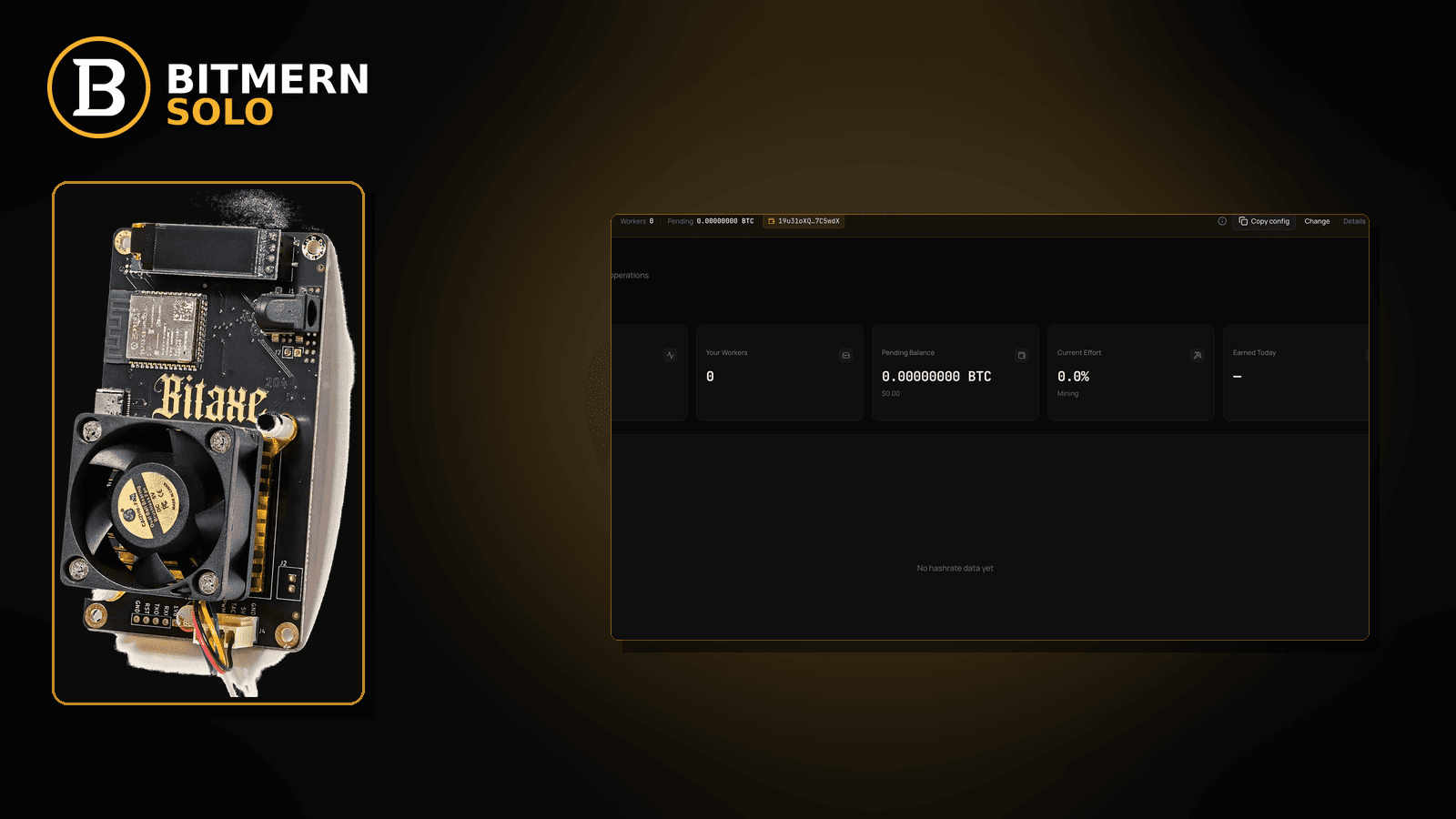
You power-cycled the board. Firmware comes back. The Bitmern Solo worker might still be listed — yet hashrate reads 0, blank, or stuck empty right after the restart. That is a post-reboot checklist problem, not a gradual drop while the miner was already running.
If firmware or the Bitmern Solo dashboard shows 0 / blank hashrate right after a reboot or power cycle, run an ordered restart checklist: lock BTC easy-start btc.bitmernsolo.com:3132, username WALLET.worker, password x, prove a new stratum session, then separate cold-start mistakes from offline workers and reconnect loops. This post is not the gradual hashrate-drop path, the workers-not-appearing lane, the reconnect-loops fix, or the greenfield first-connection checklist — and Current Effort is not a find guarantee.
This is the empty-hashrate-after-restart lane. Gradual drop while running: hashrate drop fix. Worker never shows: workers not appearing. Flapping sessions: reconnect loops fix. Brand-new cold start: first connection checklist. Worker marked offline: worker offline fix.
Bitmern Solo is solo infrastructure: flat 1% fee on finds only, you keep 99%. Fee context stays light — the job is to restore a believable hashrate reading after restart without inventing a warmup SLA.
Empty after restart ≠ hashrate drop ≠ workers not appearing ≠ reconnect loops ≠ first connection
Five patterns get mixed up:
- Empty hashrate after restart — rate is 0 / blank immediately after reboot or power cycle. That is this post.
- Hashrate drop — rate fell while the board was already running. Use hashrate drop fix.
- Workers not appearing — matching coin tab never shows the worker. Use workers not appearing.
- Reconnect loops — connect / disconnect flaps. Use reconnect loops fix.
- First connection checklist — greenfield or factory-reset cold start. Use first connection checklist.
Do not invent a Bitmern Solo “hashrate within N minutes after reboot” guarantee, a time-to-first-share SLA, or a luck formula from Current Effort. Product facts for retest: BTC host btc.bitmernsolo.com, easy-start :3132, username WALLET.worker, password x.
What empty hashrate after restart usually looks like
Common desks:
- Power cycle after a brownout — board boots; hashrate stays 0 until pool fields are re-applied.
- Firmware update reboot — settings look filled; session never fully opens.
- Router reboot overnight — board comes back before DNS / Wi-Fi is ready; rate stays blank.
- Failover slot steals the first session — primary is Bitmern Solo; secondary still foreign.
- Username lost the
.workerlabel — after reset, username is wallet-only or blank. - Password became something other than
x— unlock phrase pasted by habit. - Dashboard lag vs true zero — UI slow; firmware already hashing. Cross-check firmware local hashrate before you panic.
Separate these from a worker that never appears (workers not appearing) and from a board that was hashing fine then slowly lost rate (hashrate drop fix).
Ordered empty-hashrate-after-restart checklist
Run top to bottom. Stop when firmware shows a believable hashrate, the matching coin tab shows the worker, and accepts move — without inventing a warmup SLA.
1. Confirm the restart actually finished
Symptom: You read the dashboard mid-boot and declare “empty forever.”
Action: Wait for firmware UI to finish booting. Check local hashrate / stratum state on the board, not only the cloud dashboard. Dashboard lag is a different post when the board is already fine.
2. Re-lock BTC easy-start host and port
Symptom: After reboot, host/port blank, foreign, or on leftover :3102.
Fix:
stratum+tcp://btc.bitmernsolo.com:3132
Never treat :3102 as the Bitaxe / home default. Save / apply so the new session uses the corrected string.
3. Restore username to WALLET.worker
Symptom: Username cleared or became wallet-only after reset.
Fix:
WALLET.worker
WALLET must be the registered receive address for that coin. Keep a short unique worker label so the dashboard row is obvious.
4. Restore password to literally x
Symptom: Password field empty, wallet unlock, or account password.
Fix:
x
No quotes. No spaces.
5. Put Bitmern Solo on the primary slot after reboot
Symptom: Primary looks empty; failover or secondary still holds an old pool.
Fix: Save Bitmern Solo on the primary slot. Clear foreign failover leftovers that can steal the first post-reboot session. Then reboot once more so firmware opens a new connect on the cleaned slots.
6. Open the matching coin tab
Symptom: You watch the wrong coin and conclude hashrate is empty everywhere.
Fix: Open the same coin the miner is pointed at. A BTC-pointed board will not populate another coin’s hashrate card.
7. Prove a new stratum session — not a luck clock
Confirm on firmware and dashboard:
- Connected / authorized (wording varies by firmware)
- Local hashrate leaving 0 / blank
- Matching coin tab worker row present
- Fresh accepts moving when work lands
Current Effort is an ops signal — not a find guarantee. Guide: dashboard workers / shares / effort.
8. Separate empty-after-restart from workers not appearing
Symptom: Hashrate empty and the worker card never shows at all.
Fix: If the worker never appears, leave for workers not appearing. If the worker is present but rate is 0 after reboot, stay here.
9. Separate empty-after-restart from reconnect loops
Symptom: Rate flickers 0 → brief number → 0 while connect flaps.
Fix: That is reconnect loops fix, not a single clean empty-after-restart case.
10. Separate empty-after-restart from worker offline
Symptom: Dashboard marks the worker offline after the reboot.
Fix: Use worker offline fix when offline status is the headline. Empty rate with an “online” card can still be a session / field problem on this checklist.
11. Soft fee reminder only after work lands
Fee reminder only if you need it: flat 1% on finds; you keep 99%. Restoring hashrate after restart is ops, not a fee.
When hashrate drop, workers missing, reconnect loops, or first connection is the real story
If rate fell while running (no reboot story), use hashrate drop fix. If the worker never shows, use workers not appearing. If sessions flap, use reconnect loops fix. If this is a greenfield cold start, use first connection checklist. If offline status dominates, use worker offline fix.
What this post will not invent
- No “hashrate within N minutes after reboot” warmup SLA
- No fabricated time-to-first-share guarantees
- No claim that
:3102is the home Bitaxe default (easy-start is :3132) - No luck formulas or find-time promises from Current Effort
- No competitor fee comparisons
Fee reminder: flat 1% on finds; you keep 99%. Post-reboot hygiene is stratum setup, not a luck product.
Quick retest sequence after a reboot
- Confirm BTC easy-start
btc.bitmernsolo.com:3132,WALLET.worker, passwordx. - Clear foreign failover leftovers; save primary.
- Reboot once so firmware opens a new session.
- Open the matching coin tab.
- Prove local hashrate + accepts — not a Current Effort “guarantee.”
If the wallet was never registered, use create account and add wallets before you loop reboots forever.
Common post-restart mistakes to avoid
- Reading the dashboard mid-boot — firmware may still be opening the session.
- Leaving
:3102after a reset — easy-start for home Bitaxe BTC is:3132. - Skipping
.worker— restoreWALLET.workerso the card is recognizable. - Password theater — stratum password is
x. - Foreign failover leftovers — secondary pools steal the first post-reboot connect.
- Wrong coin tab — prove rate on the matching tab.
- Inventing a warmup clock — wait for a real session and accepts, not a made-up SLA minute.
None of these mistakes invent a first-share guarantee. They only restore a clean path to a believable hashrate after restart.
How this checklist fits the ops library
- This post — ordered empty hashrate after reboot / power cycle.
- Hashrate drop fix — gradual drop while running.
- Workers not appearing — worker card never shows.
- Reconnect loops fix — flapping sessions.
- First connection checklist — greenfield cold start.
- Worker offline fix — offline status headline.
Start here when the story is “I restarted and hashrate is empty.” Move sideways when the symptom clearly belongs elsewhere.
Soft next step
After any reboot, re-lock btc.bitmernsolo.com:3132, WALLET.worker, password x, clear foreign failover leftovers, open the matching coin tab, and prove local hashrate plus accepts before you chase deeper drop or offline posts.
Start mining
Start Mining — after login, open the matching coin tab and confirm workers / shares / hashrate.
FAQ
What BTC port should I use when retesting after a restart?
:3132 on btc.bitmernsolo.com. Never treat :3102 as the Bitaxe / home default.
What username and password does Bitmern Solo expect?
Username WALLET.worker. Password exactly x.
How long until hashrate appears after reboot?
There is no invented Bitmern Solo warmup SLA in this post. Prove a new session, then watch local hashrate and accepts — do not treat Current Effort as a timer.
Does Current Effort mean I am about to find a block?
No. Current Effort is an ops / attribution signal — not a find guarantee.
When should I use workers-not-appearing instead?
When the matching coin tab never shows the worker at all: workers not appearing.
Where do I confirm the fix on Bitmern Solo?
Matching coin tab → worker row → fresh accepts → believable hashrate. Guide: dashboard workers / shares / effort.


