


Hardware / Chip Errors on Bitaxe with Bitmern Solo
If your Bitaxe firmware shows rising hardware (HW) or chip errors while pointed at Bitmern Solo, run an ordered desk checklist: confirm BTC easy-start…
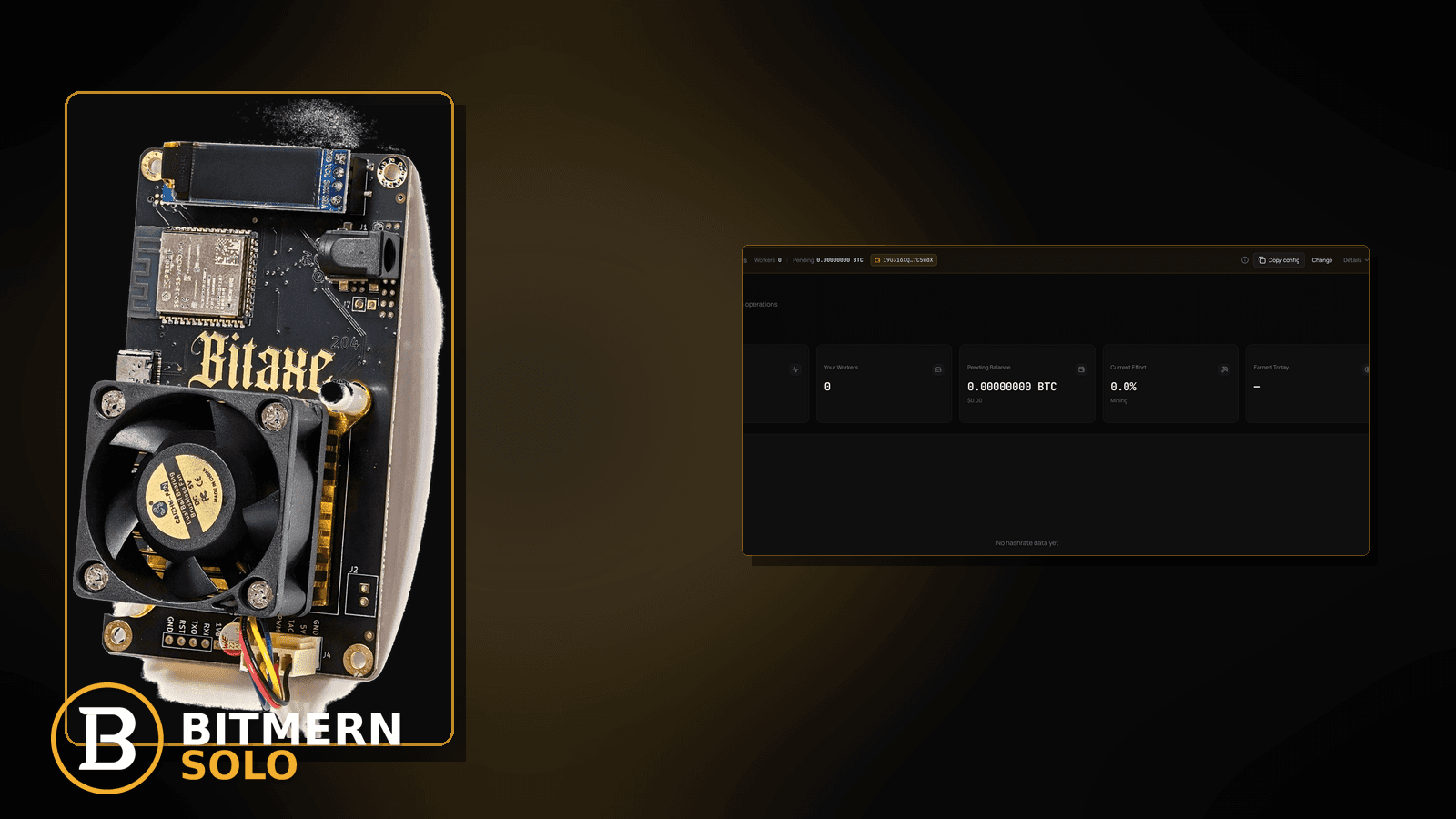
Firmware shows a climbing HW or chip-error counter. Hashrate looks uneven. The Bitmern Solo worker card still exists, but you are not sure whether the pool string, the board, or the desk environment is at fault — because rising chip errors need an ordered diagnose-and-fix path, not a scramble of random reboots.
If your Bitaxe firmware shows rising hardware (HW) or chip errors while pointed at Bitmern Solo, run an ordered desk checklist: confirm BTC easy-start btc.bitmernsolo.com:3132 (never treat :3102 as the Bitaxe / home default), keep username WALLET.worker and password x, then separate power, cooling, firmware, and network causes before you blame the pool. This post is not the temperature-throttle deep dive, the gradual hashrate-drop path, the rejected-shares lane, or the empty-hashrate-after-restart checklist — and Current Effort is not a find guarantee.
This is the hardware / chip-error lane. Thermal throttle path: temperature throttle fix. Gradual rate drop without naming chip errors: hashrate drop fix. Pool-side rejects: rejected shares fix. Zero accepts while hashing: Bitaxe no shares fix. Link stability: Ethernet vs Wi-Fi.
Bitmern Solo is solo infrastructure: flat 1% fee on finds only, you keep 99%. Fee context stays light here — the job is to stop treating every chip-error bump as a stratum problem.
Hardware errors ≠ temperature throttle ≠ hashrate drop ≠ rejected shares ≠ empty after restart
Five patterns get mixed up:
- Hardware / chip errors — firmware counters for HW or chip faults climb while the board is pointed at Bitmern Solo. That is this post.
- Temperature throttle — board backs off because thermals are high. Use temperature throttle fix.
- Hashrate drop — rate falls while running, without a named chip-error story. Use hashrate drop fix.
- Rejected shares — pool-side rejects climb; the chip counter may be calm. Use rejected shares fix.
- Empty hashrate after restart — rate is 0 / blank right after reboot. Use the Sep 27 empty-hashrate post when live, or treat restart blankness as its own checklist.
Do not invent a Bitmern Solo “safe HW error %” table, an error-rate SLA, or a claim that Current Effort predicts finds. Product facts that matter for retest: BTC host btc.bitmernsolo.com, easy-start port :3132, username WALLET.worker, password x.
What rising HW / chip errors usually look like on a Bitaxe desk
Common desks:
- Counter climbs after a new PSU or USB-C cable — power path changed; errors follow the change.
- Counter climbs when ambient heat rises — fan path weak; errors track temperature even if throttle labels are not obvious.
- Counter climbs after an overclock / undervolt experiment — firmware still “connected”; silicon is unhappy.
- Counter climbs while Wi-Fi flaps — you blame chips; the real pain is reconnect churn. Cross-check Ethernet vs Wi-Fi.
- Counter climbs after a foreign pool port paste — leftover
:3102or wrong host; stratum noise mixes with board noise. - Accepts still land but Best Diff / hashrate look jagged — errors present; pool string may still be correct.
- Dashboard worker online, firmware angry — attribution works; the board still needs a desk fix.
Separate these from pool-side reject spikes (rejected shares fix) and from a board that shows zero hashrate after a power cycle (empty-hashrate-after-restart lane).
Ordered diagnose-and-fix checklist
Run top to bottom. Stop when firmware HW / chip counters stabilize on a clean retest, the matching coin tab still shows the worker, and accepts keep moving without inventing an error-rate SLA.
1. Confirm you are actually on Bitmern Solo BTC easy-start
Symptom: String drifted to a foreign pool, wrong coin host, or leftover :3102.
Fix: For BTC easy-start use:
stratum+tcp://btc.bitmernsolo.com:3132
Username:
WALLET.worker
Password:
x
Never treat :3102 as the Bitaxe / home default. Save, apply, and open a new session (reboot or reconnect) so you are not reading a stale connect line.
2. Open the matching coin tab before you blame silicon
Symptom: You watch the wrong coin tab and conclude “Bitmern Solo is broken” while the board is BTC-pointed.
Fix: Open the same coin the miner is pointed at. Confirm worker row under the expected WALLET.worker label. Card reading stays in the dashboard guide.
3. Read firmware error counters and temperature together
Symptom: You stare only at HW errors and ignore temperature / fan state.
Action: Note HW / chip counters and temperature / fan readings in the same window. If thermals are the driver, leave this post for temperature throttle fix. Do not invent a “safe °C vs error %” product matrix.
4. Stabilize power before you chase stratum myths
Symptom: Errors started after a new wall wart, shared hub, long thin USB-C cable, or brownout-prone outlet.
Fix: Use a known-good PSU path for that Bitaxe model. Avoid random phone chargers and overloaded hubs for the hashing rail. Retest on the same Bitmern Solo string (:3132, WALLET.worker, x) so you change one variable at a time.
5. Cool the board before you overclock harder
Symptom: Errors climb as the room warms or the heatsink is dusty.
Fix: Clear dust, restore airflow, give the board space, and drop experimental overclock / undervolt settings back to a known-stable profile. Thermal depth: temperature throttle fix. Chip errors and throttle often travel together — fix heat first when the numbers say heat.
6. Separate chip errors from rejected shares
Symptom: You treat every firmware “error” line as a pool reject.
Fix: Pool rejects are a different lane. If the dashboard reject rate is the story, use rejected shares fix. If accepts are fine but HW counters climb, stay on the desk (power / cool / firmware).
7. Separate chip errors from gradual hashrate drop
Symptom: Hashrate falls slowly; you never checked whether HW counters moved.
Fix: If rate falls without a chip-error story, use hashrate drop fix. If counters climb in lockstep with the drop, keep fixing power and thermals here.
8. Check link quality when errors flap with reconnects
Symptom: HW counters look “noisy” whenever Wi-Fi reconnects.
Fix: Prefer a stable link. Ethernet vs flaky Wi-Fi context: Ethernet vs Wi-Fi. A flapping session can confuse the desk even when silicon is healthy.
9. Prove accepts after the desk fix — not a luck promise
Open the matching coin tab. Confirm:
- Worker row present under the expected label
- Fresh accepts moving
- Hashrate reading believable while the board hashes
- Firmware HW / chip counters no longer racing upward on a clean retest window
Current Effort is an ops signal — not a find guarantee. Guide: dashboard workers / shares / effort.
10. Soft fee reminder only after work lands
Fee reminder only if you need it: flat 1% on finds; you keep 99%. Stabilizing chip errors is an ops signal, not a fee.
When temperature, hashrate drop, rejects, or no-shares is the real story
If thermals dominate, use temperature throttle fix. If rate falls without chip counters, use hashrate drop fix. If pool rejects climb, use rejected shares fix. If the board hashes but accepts never land, use Bitaxe no shares fix. If the link flaps, use Ethernet vs Wi-Fi.
What this post will not invent
- No “safe HW error %” tables or product error-rate SLAs
- No claim that
:3102is the home Bitaxe default (easy-start is :3132) - No luck formulas, dollar EV, or find-time promises from Current Effort
- No fabricated chip-error thresholds sold as Bitmern Solo guarantees
- No competitor fee comparisons
Fee reminder: flat 1% on finds; you keep 99%. Hardware hygiene is desk work, not a luck product.
Quick retest sequence after a desk change
After you fix power, cooling, or firmware settings, do not stare at a single stale counter forever. Use a short retest loop:
- Confirm BTC easy-start still
btc.bitmernsolo.com:3132, usernameWALLET.worker, passwordx. - Save / apply and reboot so firmware opens a new session.
- Open the matching coin tab — not a neighbor tab.
- Watch HW / chip counters and accepts together — not Current Effort as a find promise.
If accepts never appear on an already-running board, leave for no shares fix. If temperature is the clear driver, leave for temperature throttle fix.
Common HW-error mistakes to avoid
- Blaming Bitmern Solo first — chip counters live on the board; confirm
:3132/WALLET.worker/x, then fix the desk. - Treating
:3102as “the Bitmern port” — easy-start for Bitaxe / home BTC is:3132. - Overclocking into errors — more frequency is not a fix for a climbing HW counter.
- Ignoring power path — weak PSU / cable changes often show up as chip noise before they show up as a clean offline.
- Mixing reject rate with chip counters — rejects are a different post (rejected shares fix).
- Reading the wrong coin tab — prove the worker on the matching tab before you declare the pool dead.
None of these mistakes invent an error-rate SLA. They only restore a clean path to stable hashing and proven accepts.
How this checklist fits the ops library
- This post — ordered HW / chip-error diagnose-and-fix while pointed at Bitmern Solo.
- Temperature throttle fix — thermal path.
- Hashrate drop fix — rate drop without the chip-error frame.
- Rejected shares fix — pool-side rejects.
- No shares fix — hashing with zero accepts.
- Ethernet vs Wi-Fi — link stability.
Start here when firmware names HW / chip errors. Move sideways when the symptom clearly belongs to another lane.
Soft next step
Lock BTC easy-start btc.bitmernsolo.com:3132, keep WALLET.worker with password x, stabilize power and cooling, drop unstable overclocks, then confirm accepts on the matching coin tab while HW counters calm down — before you chase luck myths.
Start mining
Start Mining — after login, open the matching coin tab and confirm workers / shares / hashrate.
FAQ
What BTC port should a home Bitaxe use when retesting after HW errors?
:3132 on btc.bitmernsolo.com. Never treat :3102 as the Bitaxe / home default.
What username and password does Bitmern Solo expect?
Username WALLET.worker (wallet must be registered for that coin). Password exactly x.
Do chip errors mean Bitmern Solo is rejecting my shares?
Not automatically. Chip / HW counters are firmware desk signals. Pool rejects are a separate lane: rejected shares fix.
Does Current Effort mean I am about to find a block?
No. Current Effort is an ops / attribution signal — not a find guarantee. See the dashboard guide.
When should I use the temperature throttle post instead?
When thermals / fan state clearly drive the fault. Use temperature throttle fix.
Where do I confirm the fix on Bitmern Solo?
Matching coin tab → worker row → fresh accepts → believable hashrate, with firmware HW counters no longer racing. Guide: dashboard workers / shares / effort.


