


After a Bitaxe Firmware Update on Bitmern Solo
If a Bitaxe / AxeOS firmware update broke or reset your Bitmern Solo session — stratum empty, wrong leftover URL, Authorized missing, or accepts gone after…
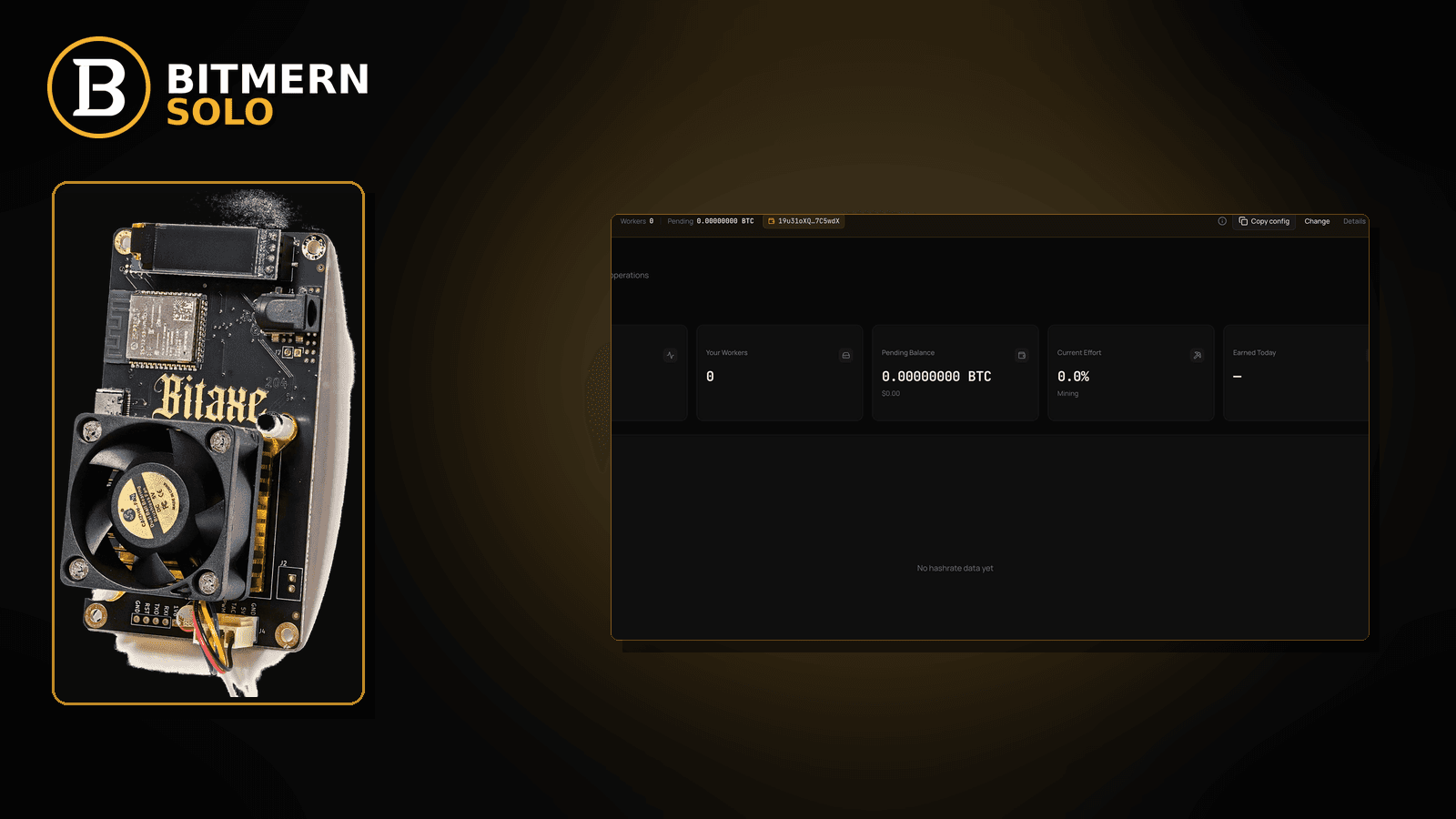
You flashed or updated AxeOS (or Bitaxe firmware). The board boots. Wi-Fi comes back. Mining does not. Stratum fields look “familiar” but the session never lands cleanly on Bitmern Solo — or it lands on a leftover host/port from before the flash. You need an ordered reconnect checklist, not a greenfield first-string walkthrough and not a stuck-Connecting deep dive alone.
If a Bitaxe / AxeOS firmware update broke or reset your Bitmern Solo session — stratum empty, wrong leftover URL, Authorized missing, or accepts gone after the flash — run an ordered reconnect checklist: confirm BTC easy-start btc.bitmernsolo.com:3132 (never treat :3102 as the Bitaxe / home default), username WALLET.worker, password x, then prove a new session on the matching coin tab. This post is not the first-connection checklist, the stuck-Connecting lane, or the stratum-URL-mistakes-only lane — and Current Effort is not a find guarantee.
This is the after-firmware-update reconnect lane. Greenfield first string: first connection checklist. Firmware stuck on Connecting…: stuck on Connecting. Host/port paste mistakes in isolation: stratum URL mistakes. Password field wrong: stratum password x. Empty hashrate right after a reboot: empty hashrate after restart.
Bitmern Solo is solo infrastructure: flat 1% fee on finds only, you keep 99%. Fee context stays light here — the job is to land a clean post-flash session.
Firmware-update reconnect ≠ first-connection ≠ stuck Connecting ≠ URL-only ≠ empty-after-restart
Five patterns get mixed up:
- After a firmware update — flash / AxeOS update reset or scrambled stratum, wallet.worker, or VarDiff port and you need an ordered reconnect. That is this post.
- First connection checklist — you have never landed a clean first Bitmern Solo string. Use first connection checklist.
- Stuck on Connecting… — UI never leaves Connecting after a complete-looking string. Use stuck on Connecting.
- Stratum URL mistakes — the only problem is a wrong host/port/scheme paste. Use stratum URL mistakes.
- Empty hashrate after restart — board rebooted and local/dashboard rate stays empty without a flash story. Use empty hashrate after restart.
Do not invent a Bitmern Solo firmware-version compatibility matrix as a product guarantee, a “must reconnect within N minutes after flash” SLA, or a claim that Current Effort predicts finds. Product facts that matter for retest: BTC host btc.bitmernsolo.com, easy-start port :3132, username WALLET.worker, password x.
What a post-flash desk usually looks like
Common desks:
- Stratum fields wiped or defaulted — AxeOS pool slot empty or pointing at a sample host.
- Leftover foreign pool URL survived the flash — you assume “settings persisted”; they partly did, wrongly.
- Port became
:3102or another non-easy-start leftover — home Bitaxe should retest on :3132. - Username lost the
.workersuffix — wallet alone after reset. - Password is blank or not exactly
x— flash UI invited a new password habit. - Wi-Fi returned but stratum never applied — radio up, pool config not saved.
- Dashboard empty while firmware says Connecting… — may need stuck on Connecting after the string is confirmed.
- Hashrate empty right after the reboot that followed the flash — also check empty hashrate after restart once stratum is correct.
Separate these from a true greenfield first string (first connection checklist) and from paste-only typos without a flash event (stratum URL mistakes).
Ordered reconnect checklist after the flash
Run top to bottom. Stop when firmware shows a clean Authorized / Subscribed (or equivalent) session, the matching coin tab shows the worker, and accepts can move — without inventing a post-flash SLA or a firmware compatibility matrix.
1. Re-enter BTC easy-start host and port explicitly
Symptom: Pool URL empty, foreign default, or leftover :3102 after the update.
Fix: For BTC easy-start use:
stratum+tcp://btc.bitmernsolo.com:3132
Never treat :3102 as the Bitaxe / home default. Do not trust “it looked the same before the flash” — re-type or carefully re-paste. Detail lane for paste traps: stratum URL mistakes.
2. Re-enter username and password format
Symptom: Username is bare wallet, old worker label from another desk, or password is blank / password / a random string the UI prompted.
Fix: Username:
WALLET.worker
Password:
x
Wallet must be registered for that coin on Bitmern Solo. Password lane if the field alone is wrong: stratum password x. Save / apply so the flash UI commits the slot.
3. Save, apply, and open a new session — do not trust a half-applied flash reboot
Symptom: You edited fields but firmware still shows the pre-flash or default session.
Fix: Explicit save/apply, then reboot or reconnect so stratum opens a new session. A flash already rebooted once; a second clean apply after the string is correct is normal ops, not failure.
4. Open the matching coin tab before you blame the firmware build
Symptom: You stare at the wrong coin tab and conclude “the update broke Bitmern Solo forever.”
Fix: Open the same coin the miner is pointed at. Confirm whether a worker row appears under the expected WALLET.worker label. Card reading stays in the dashboard guide.
5. If UI stays on Connecting… after a correct string, change lanes
Symptom: Host/port/user/pass are confirmed, yet firmware never leaves Connecting….
Fix: Leave for stuck on Connecting. Stay here only while the story is “post-flash reconnect / re-enter settings.”
6. If this miner never had a clean Bitmern Solo string, change lanes
Symptom: The flash was also your first attempt to point at Bitmern Solo.
Fix: Walk first connection checklist. Use this post when the board previously mined on Bitmern Solo (or you are deliberately re-seating known-good settings after an update).
7. If hashrate stays empty after Authorized, check the empty-after-restart lane
Symptom: Session language looks good but local/dashboard rate stays empty after the post-flash reboot.
Fix: Use empty hashrate after restart once stratum fields are proven. Do not invent a “firmware X always shows N GH/s in T seconds” product SLA.
8. Stabilize the link if the update coincided with a network move
Symptom: You updated firmware and also moved the miner / changed Wi-Fi.
Fix: Confirm radio/ethernet is up before you blame the flash. Wireless flap context: WiFi drops killing stratum. Path choice: Ethernet vs Wi-Fi.
9. Prove the session — not a luck promise
After a clean apply + new session:
- Firmware shows Authorized / Subscribed (or equivalent success language)
- Matching coin tab shows the worker under the expected label
- Fresh accepts can move while the board hashes
- You are not treating Current Effort as a find clock
- You are not citing an invented firmware compatibility matrix as a Bitmern Solo guarantee
Current Effort is an ops signal — not a find guarantee. Guide: dashboard workers / shares / effort.
10. Soft fee reminder only after the session lands
Fee reminder only if you need it: flat 1% on finds; you keep 99%. A post-flash reconnect is an ops win, not a fee event.
When first-connection, stuck Connecting, URL mistakes, or empty-after-restart is the real story
If you never completed a first Bitmern Solo string, use first connection checklist. If Connecting… never clears after a correct paste, use stuck on Connecting. If the only bug is host/port/scheme, use stratum URL mistakes. If password alone is wrong, use stratum password x. If rate is empty after a plain reboot, use empty hashrate after restart.
What this post will not invent
- No firmware-version compatibility matrices sold as Bitmern Solo product guarantees
- No “must reconnect within N minutes after flash” SLAs
- No claim that
:3102is the home Bitaxe default (easy-start is :3132) - No luck formulas, dollar EV, or find-time promises from Current Effort
- No competitor fee comparisons
Fee reminder: flat 1% on finds; you keep 99%. Clean post-flash settings are desk hygiene, not a luck product.
Quick retest sequence after the update
After you re-enter host, port, username, and password:
- Confirm BTC easy-start still
btc.bitmernsolo.com:3132, usernameWALLET.worker, passwordx. - Save / apply and reboot so firmware opens a new session.
- Open the matching coin tab — not a neighbor tab.
- Watch for Authorized / Subscribed and a worker row — not Current Effort as a find promise.
If Connecting… never clears, leave for stuck on Connecting. If hashrate stays empty after a good session language, leave for empty hashrate after restart.
Common post-flash mistakes to avoid
- Assuming settings survived the flash — re-enter
:3132/WALLET.worker/xexplicitly. - Treating
:3102as “the Bitmern port” — easy-start for Bitaxe / home BTC is:3132. - Skipping
.workerafter reset — username format matters for attribution. - Using a non-
xpassword the UI invited — Bitmern Solo expects password exactlyx. - Reading the wrong coin tab — prove the worker on the matching tab before you declare the update fatal.
- Blaming the firmware build before proving the string — most “update broke mining” desks are empty or wrong pool slots.
- Inventing a compatibility matrix — reconnect with known-good Bitmern Solo fields; do not demand an unpublished guarantee.
None of these mistakes invent a post-flash SLA. They only restore a path from update → clean session → proven accepts.
How this checklist fits the ops library
- This post — ordered reconnect after Bitaxe / AxeOS firmware update on Bitmern Solo.
- First connection checklist — greenfield first string.
- Stuck on Connecting — never leaves Connecting….
- Stratum URL mistakes — host/port/scheme paste errors.
- Stratum password x — password field only.
- Empty hashrate after restart — empty rate after reboot.
Start here after a flash. Move sideways when the symptom clearly belongs to another lane.
Soft next step
After any Bitaxe / AxeOS update, re-lock BTC easy-start btc.bitmernsolo.com:3132, keep WALLET.worker with password x, save/apply a new session, then confirm Authorized / Subscribed plus a worker row on the matching coin tab — before you chase luck myths or invent a firmware matrix.
Start mining
Start Mining — after login, open the matching coin tab and confirm workers / shares / hashrate.
FAQ
What BTC port should I re-enter after a firmware update?
:3132 on btc.bitmernsolo.com. Never treat :3102 as the Bitaxe / home default.
What username and password does Bitmern Solo expect after a flash?
Username WALLET.worker (wallet must be registered for that coin). Password exactly x.
Is a post-flash reconnect the same as the first-connection checklist?
No. First-connection is greenfield: first connection checklist. Use this post when you are re-seating known Bitmern Solo settings after an update.
Does Current Effort mean I am about to find a block?
No. Current Effort is an ops / attribution signal — not a find guarantee. See the dashboard guide.
When should I use stuck-Connecting or empty-hashrate posts instead?
Never leaves Connecting…: stuck on Connecting. Empty rate after reboot with a good session: empty hashrate after restart.
Where do I confirm the fix on Bitmern Solo?
Matching coin tab → worker row → firmware Authorized / Subscribed → fresh accepts when the board hashes. Guide: dashboard workers / shares / effort.


