


Authorized but Not Hashing on Bitmern Solo (Bitaxe)
If your Bitaxe shows Authorized / Subscribed on Bitmern Solo but is not hashing — zero or stuck local rate, empty dashboard hashrate, no fresh accepts — run…
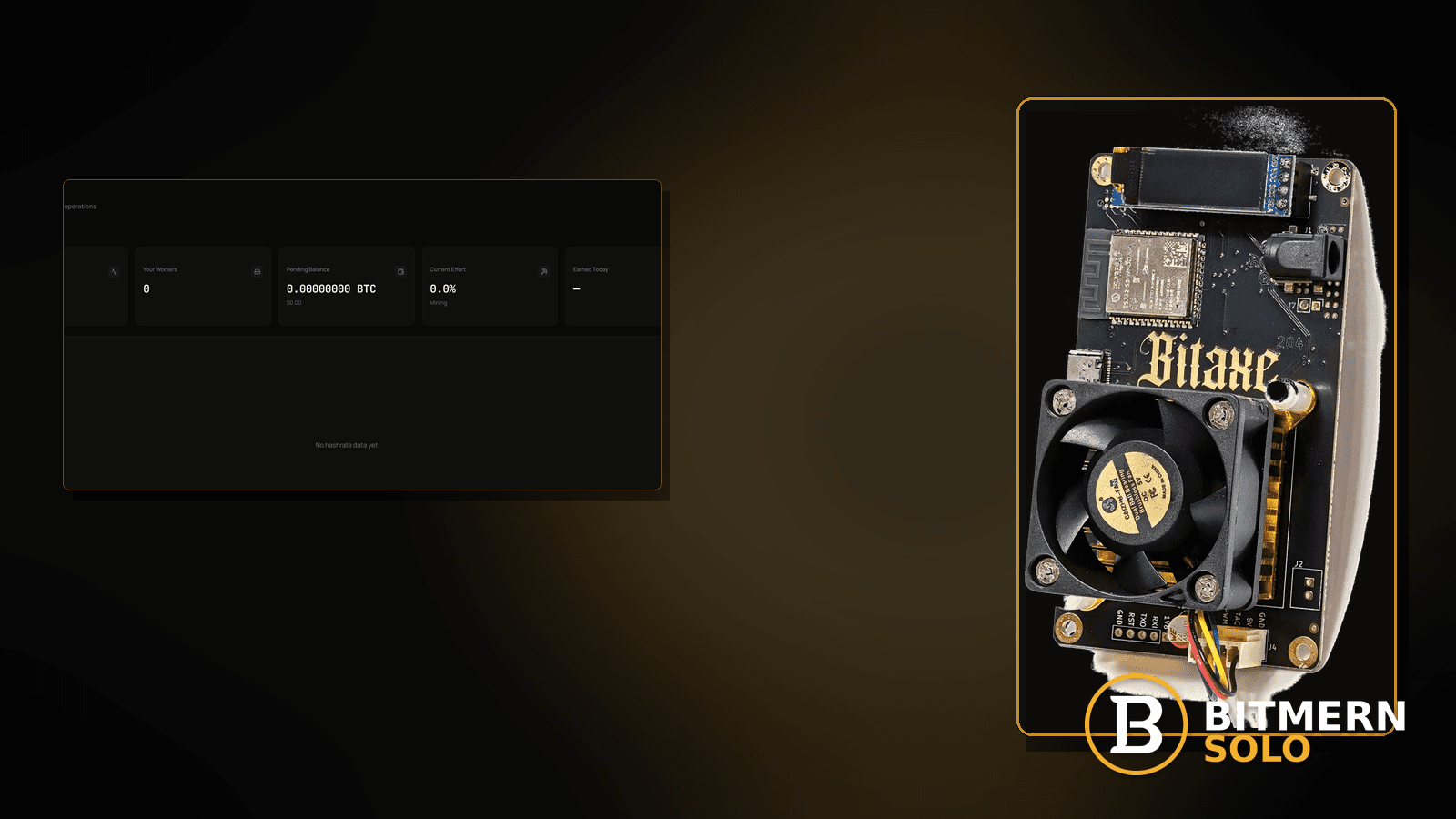
AxeOS (or your Bitaxe firmware UI) shows Authorized / Subscribed — yet local hashrate stays empty, the Bitmern Solo dashboard rate does not move, and accepts do not appear. You are past the Connecting… problem. You are not merely “waiting for a rare share.” Something is wrong between a successful auth story and actual hashing.
If your Bitaxe shows Authorized / Subscribed on Bitmern Solo but is not hashing — zero or stuck local rate, empty dashboard hashrate, no fresh accepts — run an ordered checklist: confirm BTC easy-start btc.bitmernsolo.com:3132 (never treat :3102 as the Bitaxe / home default), username WALLET.worker, password x, then separate ASIC/job issues, wrong coin tab, and HW errors from a reboot-only narrative. This post is not the empty-hashrate-after-restart lane, the stuck-Connecting lane, the expected-vs-dashboard mismatch lane, or the shares-feel-rare lane — and Current Effort is not a find guarantee.
This is the authorized-but-not-hashing lane. Empty rate right after a reboot: empty hashrate after restart. Never reaches Authorized: stuck on Connecting. Hashing but numbers disagree: expected hashrate vs dashboard. Hashing with sparse shares: shares feel rare. Hardware error counters climbing: HW errors fix.
Bitmern Solo is solo infrastructure: flat 1% fee on finds only, you keep 99%. Fee context stays light here — the job is to turn Authorized into real hashing and proven accepts.
Authorized-not-hashing ≠ empty-after-restart ≠ stuck Connecting ≠ expected-vs-dashboard ≠ shares-feel-rare
Five patterns get mixed up:
- Authorized / Subscribed but not hashing — session language succeeded; local and/or dashboard rate stays empty without a fresh-reboot-only story. That is this post.
- Empty hashrate after restart — post-reboot empty rate as the primary narrative. Use empty hashrate after restart.
- Stuck on Connecting… — never reaches Authorized / Subscribed. Use stuck on Connecting.
- Expected hashrate vs dashboard — the board is hashing but rates disagree. Use expected hashrate vs dashboard.
- Shares feel rare — the board is hashing; shares are sparse vs expectation. Use shares feel rare.
Do not invent a Bitmern Solo “must show N GH/s within T seconds after Authorized” SLA, a guaranteed time-to-first-accept table sold as product truth, or a claim that Current Effort predicts finds. Product facts that matter for retest: BTC host btc.bitmernsolo.com, easy-start port :3132, username WALLET.worker, password x.
What authorized-but-not-hashing usually looks like on a Bitaxe desk
Common desks:
- UI says Authorized / Subscribed; hashrate reads 0 — auth succeeded; work did not.
- Dashboard worker appears; rate and accepts stay flat — attribution without hashing.
- ASIC / chip status looks idle or errored while pool says subscribed — board-side work failure.
- Wrong coin endpoint somehow still “authorized” in UI language — prove host/port again on :3132.
- HW errors climbing; rate dead — need HW errors fix after basic string proof.
- You already rebooted once — reboot-only narrative is the other lane; stay here when Authorized is durable and hashing is not.
- You are waiting for “the first share” while rate is literally zero — that is not shares feel rare.
- Connecting… never cleared yesterday; today you see Authorized with 0 H/s — you graduated from stuck on Connecting into this lane.
Separate these from rate mismatch while hashing (expected hashrate vs dashboard) and from sparse shares while the board clearly hashes (shares feel rare).
Ordered diagnose-and-fix checklist
Run top to bottom. Stop when local hashrate is non-zero, the matching coin tab shows moving rate / accepts as appropriate, and firmware still shows Authorized / Subscribed — without inventing a time-to-hash SLA.
1. Confirm BTC easy-start host and port even though you are “Authorized”
Symptom: A wrong or leftover string still produced success-looking language; work never starts cleanly.
Fix: For BTC easy-start use:
stratum+tcp://btc.bitmernsolo.com:3132
Never treat :3102 as the Bitaxe / home default. Re-apply and open a new session so you are not reading a zombie Authorized line.
2. Confirm username and password format
Symptom: Username is bare wallet, wrong worker, or password is not exactly x — session looks odd and work never attributes.
Fix: Username:
WALLET.worker
Password:
x
Wallet must be registered for that coin on Bitmern Solo. Save, apply, new session.
3. Prove “not hashing” on both firmware and the matching coin tab
Symptom: You glance at one empty card and panic, or you watch the wrong coin tab.
Fix: Read local hashrate on AxeOS and open the same coin tab on Bitmern Solo. Confirm the worker under WALLET.worker. Card reading: dashboard guide. If Connecting… never cleared, you are in the wrong post: stuck on Connecting.
4. Separate authorized-not-hashing from empty-after-restart
Symptom: The only story is “I rebooted and rate is empty.”
Fix: Use empty hashrate after restart. Stay here when Authorized / Subscribed is clear and durable while hashing stays absent — not a reboot-only narrative.
5. Check ASIC / job / chip status on the firmware UI
Symptom: Pool says subscribed; chip frequency, power, or job fields look idle, faulted, or never started.
Fix: On AxeOS, confirm the board is actually trying to hash (power/target/chip status as your build shows). Power-cycle once after a correct string if the ASIC never started work. If HW error counters are the story, leave for HW errors fix.
6. Separate zero hashrate from “shares feel rare”
Symptom: Local rate is clearly non-zero; you are only impatient about share cadence.
Fix: That is shares feel rare. Stay here only when rate is empty / not meaningfully hashing.
7. Separate zero hashrate from expected-vs-dashboard mismatch
Symptom: Local rate is healthy; dashboard disagrees (or the reverse) while work is obviously happening.
Fix: Use expected hashrate vs dashboard. This post is for authorized session + no real hashing.
8. Rule out thermal / throttle freeze without inventing SLAs
Symptom: Board hit a thermal wall and work stopped while stratum language still says subscribed.
Fix: Check temperature / throttle indicators your firmware exposes. Cool the desk, then open a new session. Do not invent a Bitmern Solo “must recover N GH/s in T seconds” guarantee — prove hashing returns after a sane thermal state.
9. Prove the session — not a luck promise
After a clean apply + new session:
- Firmware still shows Authorized / Subscribed (or equivalent)
- Local hashrate is non-zero
- Matching coin tab shows the worker; rate / accepts can move while the board hashes
- You are not treating Current Effort as a find clock
- You are not citing an invented “N GH/s within T seconds” product SLA
Current Effort is an ops signal — not a find guarantee. Guide: dashboard workers / shares / effort.
10. Soft fee reminder only after hashing is real
Fee reminder only if you need it: flat 1% on finds; you keep 99%. Turning Authorized into hashrate is an ops win, not a fee event.
When empty-after-restart, stuck Connecting, expected-vs-dashboard, shares-rare, or HW errors is the real story
If the narrative is reboot-then-empty, use empty hashrate after restart. If you never reach Authorized, use stuck on Connecting. If rates disagree while hashing, use expected hashrate vs dashboard. If hashing is real but shares feel sparse, use shares feel rare. If error counters dominate, use HW errors fix.
What this post will not invent
- No “must show N GH/s within T seconds after Authorized” product SLAs
- No claim that
:3102is the home Bitaxe default (easy-start is :3132) - No luck formulas, dollar EV, or find-time promises from Current Effort
- No fabricated accept-latency guarantees sold as Bitmern Solo SLAs
- No competitor fee comparisons
Fee reminder: flat 1% on finds; you keep 99%. Authorized without hashrate is a desk/ASIC/session hygiene problem, not a luck product.
Quick retest sequence after a string or board fix
After you correct host, port, username, password, power, or thermal state:
- Confirm BTC easy-start still
btc.bitmernsolo.com:3132, usernameWALLET.worker, passwordx. - Save / apply and reboot so firmware opens a new session.
- Open the matching coin tab — not a neighbor tab.
- Confirm Authorized / Subscribed and non-zero local hashrate — not Current Effort as a find promise.
If you never leave Connecting…, leave for stuck on Connecting. If HW errors climb, leave for HW errors fix.
Common authorized-not-hashing mistakes to avoid
- Celebrating Authorized and walking away — prove non-zero hashrate and accepts.
- Treating
:3102as “the Bitmern port” — easy-start for Bitaxe / home BTC is:3132. - Skipping
.worker— username format matters for attribution when work finally starts. - Using a non-
xpassword — Bitmern Solo expects password exactlyx. - Reading the wrong coin tab — prove the worker on the matching tab.
- Calling zero hashrate “rare shares” — rare shares assume hashing: shares feel rare.
- Inventing a time-to-hash SLA — fix board/session; do not demand an unpublished guarantee.
None of these mistakes invent a hashrate SLA. They only restore a path from Authorized → real hashing → proven accepts.
How this checklist fits the ops library
- This post — Authorized / Subscribed but not hashing on Bitmern Solo.
- Empty hashrate after restart — post-reboot empty rate.
- Stuck on Connecting — never authorizes.
- Expected hashrate vs dashboard — rate mismatch while hashing.
- Shares feel rare — hashing with sparse shares.
- HW errors fix — hardware error counters.
Start here when Authorized is true and hashing is not. Move sideways when the symptom clearly belongs to another lane.
Soft next step
Lock BTC easy-start btc.bitmernsolo.com:3132, keep WALLET.worker with password x, confirm the ASIC is actually working, open a new session, then prove non-zero hashrate plus a worker row on the matching coin tab — before you chase luck myths or invent a time-to-hash SLA.
Start mining
Start Mining — after login, open the matching coin tab and confirm workers / shares / hashrate.
FAQ
What BTC port should a home Bitaxe use when Authorized but not hashing?
:3132 on btc.bitmernsolo.com. Never treat :3102 as the Bitaxe / home default.
What username and password does Bitmern Solo expect?
Username WALLET.worker (wallet must be registered for that coin). Password exactly x.
Is Authorized-but-not-hashing the same as empty hashrate after restart?
No. Empty-after-restart is the reboot-primary lane: empty hashrate after restart. Use this post when Authorized / Subscribed is clear and hashing stays absent.
Does Current Effort mean I am about to find a block?
No. Current Effort is an ops / attribution signal — not a find guarantee. See the dashboard guide.
When should I use shares-feel-rare or HW-errors posts instead?
Hashing with sparse shares: shares feel rare. Error counters: HW errors fix.
Where do I confirm the fix on Bitmern Solo?
Matching coin tab → worker row → non-zero hashrate → fresh accepts when the board hashes. Guide: dashboard workers / shares / effort.


