


What Bitcoin's Difficulty Adjustment Means for Bitmern Solo Miners
Bitcoin's difficulty adjustment retargets network difficulty every 2016 blocks so that blocks keep arriving roughly every ten minutes on average (about two…
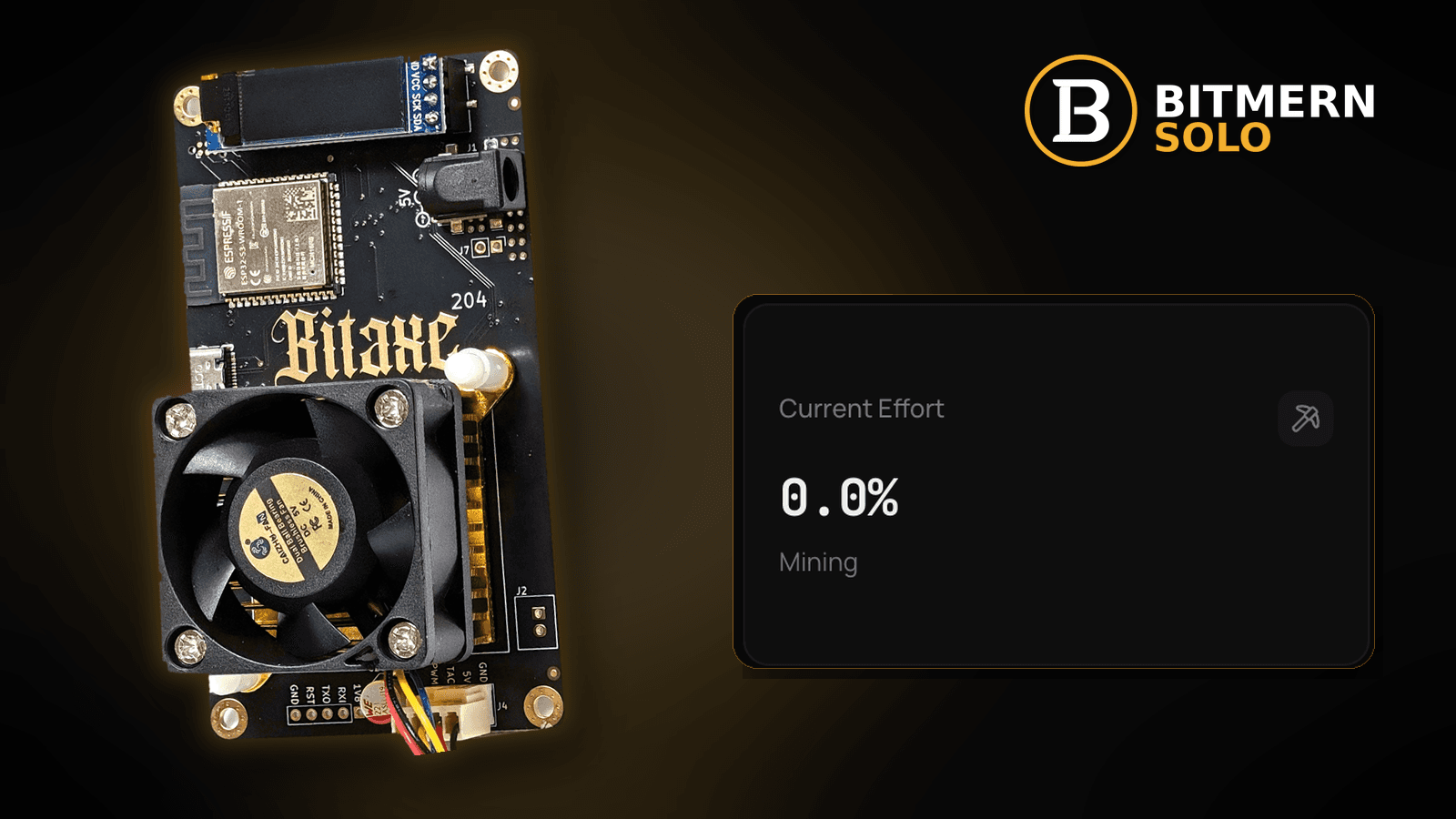
Every couple of weeks, someone in a home-mining chat posts that "difficulty just went up" and asks whether their Bitaxe is now worse. The miner hashes at the same speed it did yesterday, the dashboard still shows accepted shares, and yet the headline sounds like something changed for them personally. Something did change — but it is narrower than most people think, and it has nothing to do with whether your setup is healthy.
Bitcoin's difficulty adjustment retargets network difficulty every 2016 blocks so that blocks keep arriving roughly every ten minutes on average (about two weeks per period if the target holds). For a solo miner on Bitmern Solo it changes one thing: the odds that any single hash finds a block. It does not change your Bitaxe's hashrate, your share acceptance, or your pool share difficulty (VarDiff), and it is not a signal that anything is wrong with your miner. Check live difficulty on a public block explorer, keep BTC easy-start host btc.bitmernsolo.com with port :3132 (never treat :3102 as the Bitaxe / home default), username WALLET.worker, password x. Current Effort is not a find guarantee.
This is the "network difficulty" lane. Pool share difficulty has its own explainer — share difficulty explained — and so does the relationship between difficulty and effort: difficulty vs effort. For the luck side, see solo mining variance.
Bitmern Solo is solo infrastructure: flat 1% fee on finds only, you keep 99%. Nothing in this post is financial advice, and nothing here predicts the next adjustment.
Three "difficulties" that get mixed up
Home miners see the word difficulty in at least three places. They are not the same number and they do not move together.
- Network difficulty — set by the Bitcoin protocol for everyone, retargeted every 2016 blocks. It decides how hard it is for any miner on the network to find a valid block. That is this post.
- Pool share difficulty — set by Bitmern Solo per connection, adjusted by VarDiff so your miner sends a manageable stream of shares. It decides how often your miner proves work to the pool. See share difficulty explained and VarDiff and stratum ports.
- Best difficulty — the highest-difficulty share your miner has found so far. A bragging-rights stat and a sanity check, not a progress bar. See best diff explained.
If you remember one thing: a network retarget does not touch numbers 2 or 3 directly. Your share stream on the dashboard should look the same the day after an adjustment as it did the day before.
How the adjustment works, in plain words
You do not need the maths to run a Bitaxe, but the mechanism is short:
- Target block time. Bitcoin aims for one block roughly every ten minutes on average.
- Retarget period. Every 2016 blocks, each node looks at how long that period actually took.
- Compare and correct. If the period was faster than the target, blocks were coming too quickly — difficulty goes up. If slower, difficulty goes down.
- Limits. The protocol caps how far a single retarget can move, so one period cannot swing difficulty without bound.
- Everyone at once. The new difficulty applies to every miner on the network at the same block height. Pools do not choose it, and Bitmern Solo cannot change it.
Because the period is counted in blocks, not days, it does not land on a fixed calendar date. If total network hashrate is rising, the period finishes early; if falling, it runs long. That is why "about two weeks" is a target, not a schedule.
What changes for a Bitmern Solo miner
When network difficulty rises:
- Your odds per hash go down. A valid block now needs a hash below a lower target, so each hash is a slightly worse lottery ticket.
- Your expected time to a find gets longer for the same hashrate. Expected — not guaranteed. Solo mining stays a game of variance in both directions.
- Current Effort accumulates against a bigger bar. Effort is measured against the work needed at the current network difficulty, so the same hashing builds effort more slowly after a rise. See Current Effort explained.
When network difficulty falls, those three move the other way. Either way, the move is shared by every miner on the network, solo or pooled.
What does not change
These are the things people wrongly blame on an adjustment:
- Your Bitaxe's hashrate. The chip hashes at the speed set by its frequency, voltage, and temperature. A retarget does not slow it down. If hashrate dropped, look at power and heat: hashrate drop fix.
- Share acceptance. Accepts and rejects depend on your connection and firmware, not network difficulty. If rejects jumped, it is a coincidence worth investigating: rejected shares fix.
- Pool share difficulty. VarDiff responds to your miner's speed, not to the network retarget.
- Your stratum settings. Host, port, username, and password stay exactly as they were.
- Your fee. Flat 1% on finds; you keep 99% — before and after every adjustment.
- Whether your miner is healthy. A healthy desk is healthy at any network difficulty.
Ordered "difficulty just changed" checklist
When you see an adjustment headline and want to know if anything on your desk needs attention, run this list. Most of the time, the answer is no.
1. Check the live value yourself on a public explorer
Symptom: You read a number in a chat or a headline.
Fix: Open a public Bitcoin block explorer and read the current network difficulty and the blocks remaining in the current period. Do not rely on a screenshot or a quoted number; values change with every retarget. This post deliberately quotes no live figures.
2. Confirm your miner's hashrate did not move
Symptom: You worry the adjustment "slowed" the Bitaxe.
Fix: Compare AxeOS reported hashrate and the matching coin tab against your own baseline from last week. If they match, the adjustment did nothing to the hardware. If they differ, that is a separate issue — see expected hashrate vs dashboard.
3. Confirm share flow looks normal
Symptom: You think fewer shares should arrive now.
Fix: Share rate follows pool share difficulty and your hashrate, not network difficulty. Glance at accepts and rejects on the matching coin tab. If shares already felt rare before the change, read shares feel rare.
4. Do not restart or retune because of a retarget
Symptom: You feel you should "do something".
Fix: There is nothing to do. Restarting, reflashing, or pushing frequency to "keep up" adds risk without changing the network. If you tune, tune for stability and temperature — never because a headline moved.
5. Re-read Current Effort with the new difficulty in mind
Symptom: Effort seems to climb more slowly or more quickly than last week.
Fix: That is expected when network difficulty moves. Effort is an ops signal against the current target — not a countdown and not a find guarantee. Detail: difficulty vs effort.
6. Keep your stratum fields exactly as they are
Symptom: You wonder if a different port or pool string handles difficulty "better".
Fix: No. Keep:
btc.bitmernsolo.com
Port:
3132
Username:
WALLET.worker
Password:
x
Never treat :3102 as the Bitaxe / home default. Ports are about the connection and VarDiff starting point, not network odds — see VarDiff and stratum ports.
7. Keep your decisions about cost, not difficulty
Symptom: You are tempted to switch the miner off or on based on each adjustment.
Fix: You cannot control network difficulty; you can control your power use and your desk. Solo mining is a lottery-style bet on every hash. Decide what you are comfortable spending on electricity and hardware, and treat each retarget as weather, not a signal. This is not financial advice.
8. Prove the session on the matching coin tab
Symptom: You checked the explorer; you have not checked your own worker.
Fix: Open the same coin tab on Bitmern Solo. Confirm the worker under WALLET.worker and fresh accepts while the board hashes. That is your real health signal.
Current Effort is an ops signal — not a find guarantee.
How to read difficulty alongside Current Effort
Current Effort tells you how much work has been done since the last block found, measured against what the network currently requires. Two consequences:
- High effort is not "due". Every hash has the same odds at a given difficulty. Effort past 100% does not make the next hash luckier. See solo mining variance.
- Retargets move the yardstick. When difficulty changes, the same hashing represents a different fraction of the work needed. Read effort as "where are we against today's bar", not as a timer.
Best difficulty sits beside both: a record of your miner's highest share. It can sit unchanged for long stretches, and a new record says nothing about an imminent find. See best diff explained.
What this post will not invent
- No current network difficulty or network hashrate figures — check a public explorer
- No predictions of the next adjustment, its direction, or its size
- No "expected days to find" numbers for any model
- No claim that
:3102is the home Bitaxe default (easy-start is :3132) - No profitability, ROI, or price claims — no financial advice
- No competitor fee comparisons
Fee reminder: flat 1% on finds; you keep 99%. A retarget is network weather, not a fee event.
Common difficulty mistakes to avoid
- Blaming a hashrate drop on the adjustment — the chip does not know the network retargeted.
- Confusing share difficulty with network difficulty — VarDiff is per connection; retargets are per network.
- Treating high Current Effort as "a block is due" — odds per hash do not remember the past.
- Retuning or overclocking after every retarget — adds heat and instability, changes nothing about the network.
- Trusting a quoted difficulty number — check a public explorer yourself.
- Treating
:3102as "the Bitmern port" — easy-start for Bitaxe / home BTC is:3132.
Soft next step
When the next adjustment lands, check the live value on a public explorer, glance at your hashrate and accepts on the matching coin tab, and leave your miner alone. Keep BTC easy-start btc.bitmernsolo.com with port :3132, WALLET.worker, password x.
Start mining
Start Mining — after login, open the matching coin tab and confirm workers / shares / hashrate.
FAQ
How often does Bitcoin's difficulty adjust?
Every 2016 blocks. With blocks targeted at roughly ten minutes on average, that is about two weeks — but the exact date depends on how fast blocks actually arrive.
Does a difficulty increase slow down my Bitaxe?
No. Hashrate is set by your hardware and settings. A higher network difficulty lowers the odds per hash, not the number of hashes.
Will I see fewer shares on Bitmern Solo after an adjustment?
Not because of the adjustment. Share flow follows pool share difficulty (VarDiff) and your hashrate. See share difficulty explained.
Where can I see the current difficulty?
On any public Bitcoin block explorer. We do not quote live values because they change every period.
What BTC port should a home Bitaxe use?
:3132 on btc.bitmernsolo.com. Never treat :3102 as the Bitaxe / home default.
Does Current Effort mean I am about to find a block?
No. Current Effort is an ops / attribution signal — not a find guarantee. See Current Effort explained.


