


How to Estimate Your Bitaxe Electricity Cost for Solo Mining
To estimate your Bitaxe electricity cost, measure the real draw at the wall with a plug-in power meter, then use: watts ÷ 1000 × 24 × days × your tariff per…
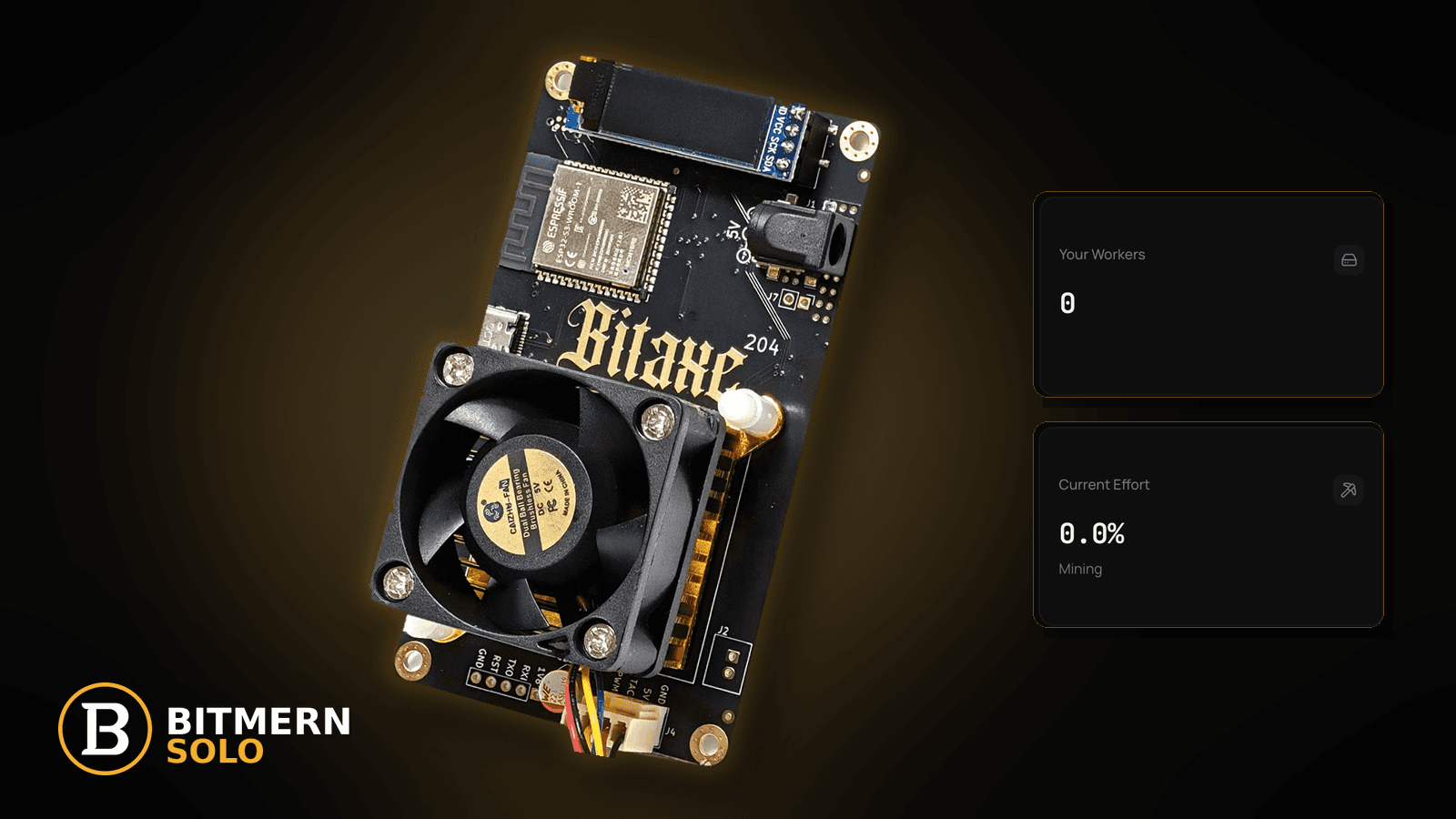
A Bitaxe is small, quiet, and runs all day. That is the point — and it is also why people lose track of what it costs. You cannot control when the network finds a block or whether your miner is the one that finds it. You can control how much power the desk pulls and what you are willing to pay for it. That makes electricity cost the one solo-mining number worth knowing precisely.
To estimate your Bitaxe electricity cost, measure the real draw at the wall with a plug-in power meter, then use: watts ÷ 1000 × 24 × days × your tariff per kWh. Use your own measured watts and the per-kWh price on your own electricity bill — not a number from a forum or a spec sheet — and re-measure after any tuning or firmware change. AxeOS reported power is a useful trend, but the wall meter includes power-supply losses. Solo mining is a lottery-style bet on every hash, so cost is the part you control. Keep BTC easy-start host btc.bitmernsolo.com with port :3132 (never treat :3102 as the Bitaxe / home default), username WALLET.worker, password x. Current Effort is not a find guarantee.
This is the "what does it cost to run" lane. It is not the overall value question — that is is a Bitaxe worth it for solo mining — and it is not a power-fault fix (USB power / brownout) or a heat fix (temperature throttle fix).
Bitmern Solo is solo infrastructure: flat 1% fee on finds only, you keep 99%. Nothing in this post is financial advice, and nothing here claims a profit, a payback period, or a find.
Cost estimate ≠ worth-it question ≠ power faults
Keep the lanes clear:
- Cost estimate — how many kWh your desk uses and what that costs at your rate. That is this post.
- Worth-it question — whether solo mining fits your goals at all. See is a Bitaxe worth it.
- Power faults — reboots, brownouts, and undervoltage. See USB power / brownout.
- Model choice — differences between boards. See Ultra vs Supra vs Gamma.
This post does not state a wattage for any Bitaxe model and does not quote any real electricity tariff. Boards, chips, firmware builds, frequency and voltage settings, power supplies, and room temperatures all differ — and tariffs differ by country, provider, plan, and time of day. Your numbers come from your meter and your bill.
The formula
Four inputs, one multiplication:
monthly cost = (wall watts ÷ 1000) × 24 × days × tariff per kWh
In words:
- Wall watts — what the miner and its power supply pull from the socket, measured.
- ÷ 1000 — converts watts to kilowatts.
- × 24 — hours per day, for a miner that runs around the clock.
- × days — the period you want (30 for a rough month, 365 for a year).
- × tariff — the price per kWh on your electricity bill, in your currency.
The first three steps give you energy in kWh. The last step turns it into money.
A worked example (EXAMPLE values only)
The numbers below are placeholders for the arithmetic only. They are not a measurement of any Bitaxe model and not a real tariff anywhere. Replace both with your own.
- EXAMPLE wall draw: 20 W
- EXAMPLE tariff: 0.10 per kWh (in whatever currency your bill uses)
- Period: 30 days
EXAMPLE ONLY
20 W ÷ 1000        = 0.02 kW
0.02 kW × 24 h     = 0.48 kWh per day
0.48 kWh × 30 days = 14.4 kWh per month
14.4 kWh × 0.10    = 1.44 per month (EXAMPLE currency units)
If your measured draw were double the example, the cost would double. If your tariff were half, it would halve. The formula is linear, which makes it easy to sanity-check: kWh per day is just measured watts × 24 ÷ 1000.
Ordered "estimate my power cost" checklist
1. Get a plug-in power meter
Symptom: You are guessing from a spec sheet or a forum post.
Fix: A simple plug-in energy meter between the socket and your Bitaxe power supply measures what you actually pay for. It includes power-supply losses that the board itself cannot see. Many meters also accumulate kWh over time, which is even better than an instant reading.
2. Measure at your real settings, after warm-up
Symptom: The reading jumps around right after boot.
Fix: Let the miner hash at your normal frequency and voltage for a while, until temperature and fan speed settle. Then note the wall reading. If your meter tracks kWh, leave it for a full day and read the total — that averages out fluctuations.
3. Compare with AxeOS reported power
Symptom: AxeOS shows a power figure that differs from the wall meter.
Fix: That is expected. AxeOS reports what the board estimates on its side of the supply. The wall meter adds the power supply's own losses. Use the wall number for cost; use the AxeOS number to spot trends — a sudden change after tuning or a firmware update is worth a second look. Firmware procedure: firmware update checklist.
4. Account for power-supply efficiency
Symptom: Two supplies give different wall readings for the same miner.
Fix: Power supplies waste some energy as heat, and efficiency varies by design, age, and load. An undersized or poor supply can also cause brownouts and reboots — see USB power / brownout. Use the supply your board's documentation recommends, then measure.
5. Find your real tariff on your bill
Symptom: You are using a headline national average.
Fix: Read the per-kWh price on your own bill or your provider's account page. Include any per-kWh taxes or levies if your bill lists them separately. If you have time-of-use pricing, either use a weighted average or calculate each band separately (watts × hours in that band ÷ 1000 × that band's price).
6. Run the formula for a month and a year
Symptom: You only know the instant watts.
Fix: Plug your measured watts and your tariff into the formula for 30 days and for 365 days. Write both down next to the miner's name in your notes. For a fleet, measure each miner (or the whole power strip) and add them up — see multiple Bitaxe fleet.
7. Re-measure after tuning or heat changes
Symptom: You changed frequency, voltage, or the room got hotter.
Fix: Higher frequency and voltage generally mean more power and more heat; hot rooms can push fans and throttling. Re-measure after any change. If the miner throttles, fix the airflow first: temperature throttle fix.
8. Add the cost line to your weekly check
Symptom: You measured once and forgot.
Fix: Add a quick wall-meter glance to your weekly miner health check. A rising reading at the same settings can be an early sign of dust, a failing fan, or a tired supply.
9. Keep the stratum fields exactly as they are
Symptom: You wonder if a different port or pool string uses less power.
Fix: It does not. Power is a hardware and settings question. Keep:
btc.bitmernsolo.com
Port:
3132
Username:
WALLET.worker
Password:
x
Never treat :3102 as the Bitaxe / home default.
10. Prove the miner is earning its power on the matching coin tab
Symptom: You pay for power every hour; you have not checked the hashes reach the pool.
Fix: Open the same coin tab on Bitmern Solo. Confirm the worker under WALLET.worker and fresh accepts. Power spent on a miner that is disconnected or rejecting is pure cost — the dashboard workers / shares / effort guide shows what to look for.
Current Effort is an ops signal — not a find guarantee.
How to think about cost in solo mining
Solo mining is a lottery-style bet: each hash has a tiny chance of finding a block, and you cannot know in advance when — or whether — your miner will be the one. Three practical consequences:
- Cost is the controllable part. Your odds per hash are set by network difficulty; your spend is set by your meter and tariff.
- Decide a budget, not a target. Pick what you are comfortable spending on power per month, and run the miner on that basis. Do not run it expecting a payback date.
- The fee only applies to finds. Flat 1% on finds; you keep 99%. Running costs are yours either way, which is another reason to measure them. Fee detail: 1% fee explained.
This is not financial advice. Whether solo mining fits you is a personal decision — see is a Bitaxe worth it for the wider question.
What this post will not invent
- No wattage for any specific Bitaxe model — measure your own at the wall
- No real electricity tariffs — use the price on your own bill
- No profitability, ROI, or payback claims — no financial advice
- No "expected days to find" numbers
- No claim that
:3102is the home Bitaxe default (easy-start is :3132) - No competitor fee comparisons
Common power-cost mistakes to avoid
- Using a spec-sheet or forum wattage — measure at the wall instead.
- Using AxeOS power alone for cost — it does not include supply losses.
- Forgetting taxes or time-of-use bands — read the full per-kWh price on your bill.
- Measuring once at boot — let it warm up, or use a full day's kWh.
- Not re-measuring after tuning — settings change draw.
- Running a disconnected miner — power with no accepted shares is pure cost.
- Treating
:3102as "the Bitmern port" — easy-start for Bitaxe / home BTC is:3132.
Soft next step
Put a plug-in meter on your Bitaxe, note the wall watts after warm-up, run the formula with your own tariff, and write down the monthly figure. Then confirm BTC easy-start btc.bitmernsolo.com with port :3132, WALLET.worker, password x, and check the worker row on the matching coin tab.
Start mining
Start Mining — after login, open the matching coin tab and confirm workers / shares / hashrate.
FAQ
How much electricity does a Bitaxe use?
It depends on the model, firmware, settings, power supply, and room. Measure your own with a plug-in meter at the wall. This post does not quote model wattages.
Why does AxeOS show a different power number than my meter?
AxeOS reports the board's own estimate; the wall meter includes power-supply losses. Use the wall reading for cost.
What is the formula for monthly cost?
Wall watts ÷ 1000 × 24 × 30 × your tariff per kWh. Swap 30 for 365 for a yearly figure.
Does the stratum port change power use?
No. Power depends on hardware and settings. Keep :3132 on btc.bitmernsolo.com; never treat :3102 as the Bitaxe / home default.
What username and password does Bitmern Solo expect?
Username WALLET.worker (wallet must be registered for that coin). Password exactly x.
Does Current Effort mean I am about to find a block?
No. Current Effort is an ops / attribution signal — not a find guarantee. See Current Effort explained.


