


USB-C / Power Brownout Killing Bitmern Solo Sessions
If USB-C / power brownouts are killing your Bitaxe stratum session on Bitmern Solo — random reboots on a weak cable, PSU sag under load, or Authorized…
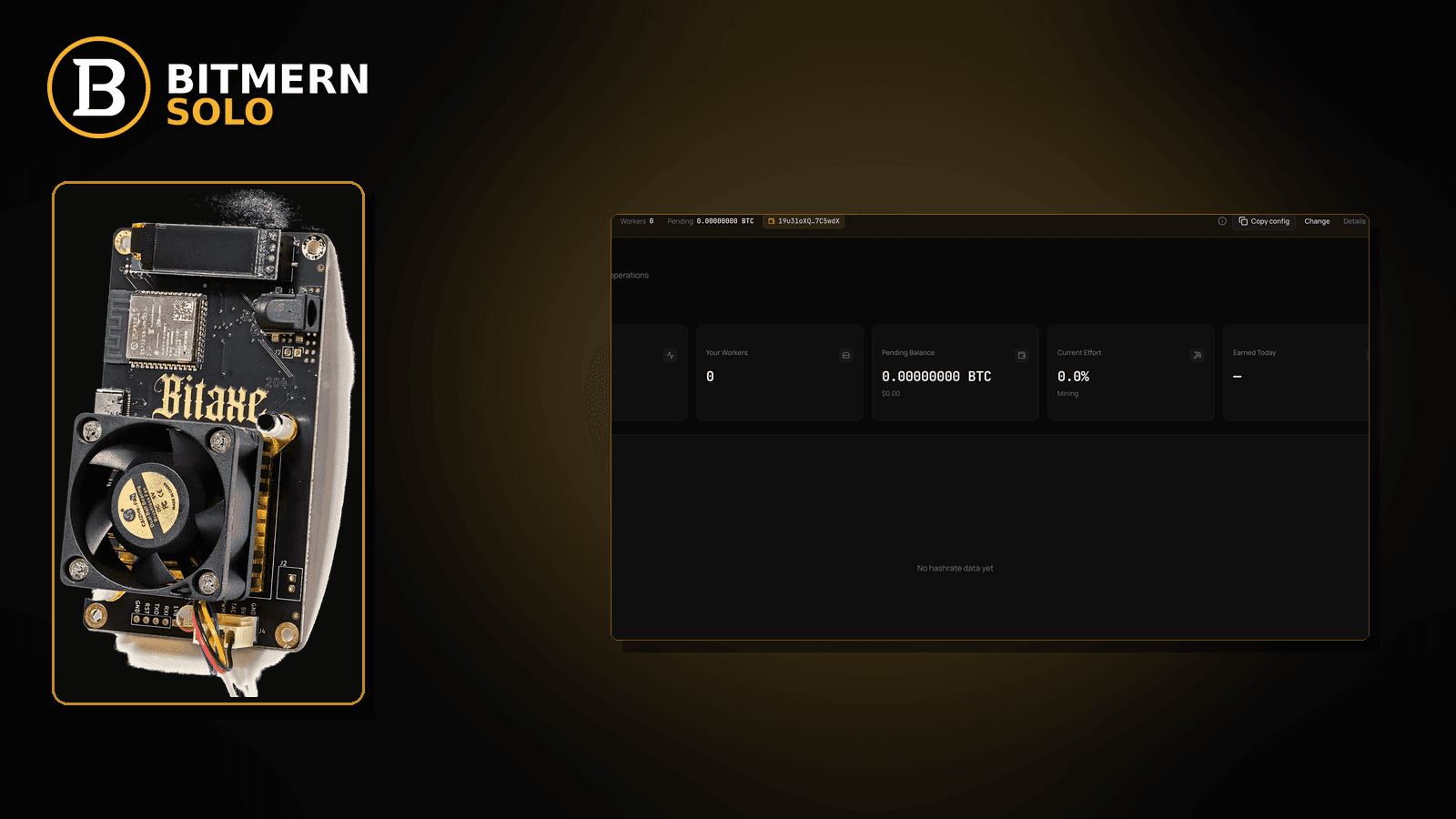
Your Bitaxe was Authorized / Subscribed on Bitmern Solo, then the board reboots, browns out, or hard-resets — and the stratum session dies with it. The worker goes stale or offline. Accepts freeze. The string may be perfect. The radio may be fine. Power delivery is the failure.
If USB-C / power brownouts are killing your Bitaxe stratum session on Bitmern Solo — random reboots on a weak cable, PSU sag under load, or Authorized disappearing after a brownout — run an ordered checklist: confirm BTC easy-start btc.bitmernsolo.com:3132 (never treat :3102 as the Bitaxe / home default), username WALLET.worker, password x, then stabilize power before you blame “the pool.” This post is not the wifi-drops lane, the reconnect-loops lane, the empty-hashrate-after-restart lane, or the temperature-throttle lane — and Current Effort is not a find guarantee.
This is the USB-C / power-brownout lane. Wireless flaps: WiFi drops killing stratum. Auth flapping after a connect: reconnect loops fix. Empty hashrate after a clean restart without a power story: empty hashrate after restart. Worker already offline on the dashboard: worker offline fix. Thermal throttle without reboot: temperature throttle fix.
Bitmern Solo is solo infrastructure: flat 1% fee on finds only, you keep 99%. Fee context stays light here — the job is to keep stratum alive when power delivery fails.
Power brownout ≠ WiFi drops ≠ reconnect loops ≠ empty hashrate ≠ temperature
Five patterns get mixed up:
- USB-C / power brownout killing sessions — the board reboots or resets because power delivery sagged, and the Bitmern Solo session dies with it. That is this post.
- WiFi drops — wireless flaps kill stratum without a power story. Use WiFi drops killing stratum.
- Reconnect loops — auth flaps: connect → drop → connect even when power looks stable. Use reconnect loops fix.
- Empty hashrate after restart — post-reboot empty rate without a brownout root cause. Use empty hashrate after restart.
- Temperature throttle — thermal limit without a hard reboot story. Use temperature throttle fix.
Do not invent Bitmern Solo amp/watt SLAs, “official cable SKUs” as product guarantees, or a claim that Current Effort predicts finds. Product facts that matter for retest: BTC host btc.bitmernsolo.com, easy-start port :3132, username WALLET.worker, password x. Follow your hardware vendor’s power guidance for the board — Bitmern Solo does not publish a cable catalog.
What power brownouts usually look like on a Bitaxe desk
Common desks:
- Authorized / Subscribed, then dead after a reboot flash — session was clean until the board hard-reset.
- Worker flips offline when the USB cable flexes or a phone charger is shared — classic weak cable / undersized supply.
- Accepts freeze while AxeOS briefly reboots or re-enumerates USB — power sag mid-session.
- Miner recovers only after you reseat the cable — intermittent contact, not a stratum host bug.
- String is correct on
:3132but the PSU LED dips under load — host/port are fine; the wall path is not. - Dashboard shows the worker stale while firmware boots again — brownout mid-session.
- You already tried WiFi-drop checklists — radio is solid; power is not.
- Temps look fine — stay here; do not jump to temperature throttle fix without a thermal story.
Separate these from pure WiFi flaps (WiFi drops killing stratum) and from auth flap without a reboot story (reconnect loops fix).
Ordered diagnose-and-fix checklist
Run top to bottom. Stop when firmware holds a clean Authorized / Subscribed session through normal desk load, the matching coin tab shows the worker, and accepts can move — without inventing an amp SLA.
1. Confirm BTC easy-start host and port before you chase cables
Symptom: You blame power while the stratum string drifted to a foreign host, wrong coin endpoint, or leftover :3102.
Fix: For BTC easy-start use:
stratum+tcp://btc.bitmernsolo.com:3132
(or bare host btc.bitmernsolo.com + port 3132 if your firmware splits fields). Never treat :3102 as the Bitaxe / home default. Re-paste carefully, then stabilize power.
2. Confirm username and password format
Symptom: Username is bare wallet, wrong worker label, or password is blank / password / a random string — so every power recovery looks like a new broken session.
Fix: Username:
WALLET.worker
Password:
x
Wallet must be registered for that coin on Bitmern Solo. Save, apply, and open a new session after power fixes so you are not reading a stale offline line.
3. Prove the failure tracks a power / reboot event
Symptom: You assume “pool drop” when the board rebooted, USB re-enumerated, or the PSU LED dipped at the same moment.
Fix: Correlate: AxeOS reboot logs, USB reconnect sounds, or visible board reset vs the moment Authorized disappeared. If the session dies exactly when power sags, stay on this checklist. If auth flaps with rock-solid power and no reboot, leave for reconnect loops fix.
4. Stabilize the USB-C / PSU path (desk-level)
Symptom: Bitaxe is on a thin charge-only cable, a shared phone brick, a worn connector, or a supply that sags under hash load.
Fix: Prefer a known-good data+power cable rated for the board’s draw, a dedicated supply that matches your hardware vendor’s guidance, and a firm connector seat. Do not invent Bitmern “official cable SKUs” or amp tables as product guarantees — follow the board maker’s power notes. The goal here is to stop the brownout, not sell a cable brand.
5. Separate brownouts from WiFi drops
Symptom: Link flaps on the radio while power LEDs stay solid and the board never reboots.
Fix: That is WiFi drops killing stratum. Stay here only when the durable story is reboot / reset / USB re-enumeration tied to power.
6. Separate brownouts from empty hashrate after a clean restart
Symptom: You intentionally rebooted; power is fine; hashrate stays empty without another brownout.
Fix: Use empty hashrate after restart. A clean restart with stable power is a different lane from repeated unintentional brownouts.
7. Separate brownouts from temperature throttle
Symptom: Board stays up but clocks / hashrate fall with high temps — no hard reboot.
Fix: Use temperature throttle fix. Thermal limit without reset is not this post.
8. Open the matching coin tab before you declare the worker dead
Symptom: You stare at the wrong coin tab after a reboot and conclude Bitmern Solo never recovered.
Fix: Open the same coin the miner is pointed at. Confirm the worker under the expected WALLET.worker label. If the row is clearly offline after a confirmed brownout, also skim worker offline fix. Card reading stays in the dashboard guide.
9. Prove the session — not a luck promise
After a clean apply + new session on stable power:
- Firmware holds Authorized / Subscribed (or equivalent) through normal desk load
- Matching coin tab shows the worker under the expected label
- Fresh accepts can move while the board hashes
- You are not treating Current Effort as a find clock
Current Effort is an ops signal — not a find guarantee. Guide: dashboard workers / shares / effort.
10. Soft fee reminder only after the session holds
Fee reminder only if you need it: flat 1% on finds; you keep 99%. Surviving a brownout fix is an ops win, not a fee event.
When WiFi drops, reconnect loops, empty hashrate, or temperature is the real story
If the radio flaps without a reboot, use WiFi drops killing stratum. If auth flaps with solid power, use reconnect loops fix. If hashrate stays empty after a clean intentional restart, use empty hashrate after restart. If thermals throttle without hard reset, use temperature throttle fix. If the worker row is already offline for broader reasons, use worker offline fix.
What this post will not invent
- No amp/watt product SLAs or “official Bitmern cable SKUs”
- No claim that
:3102is the home Bitaxe default (easy-start is :3132) - No luck formulas, dollar EV, or find-time promises from Current Effort
- No fabricated power-uptime guarantees sold as Bitmern Solo SLAs
- No competitor fee comparisons
Fee reminder: flat 1% on finds; you keep 99%. Stable power + clean string is desk hygiene, not a luck product.
Quick retest sequence after a power or string change
After you reseat the cable, swap the supply, or correct host/port/username/password, do not stare at one stale offline line forever. Use a short retest loop:
- Confirm BTC easy-start still
btc.bitmernsolo.com:3132, usernameWALLET.worker, passwordx. - Save / apply and reboot so firmware opens a new session on the improved power path.
- Open the matching coin tab — not a neighbor tab.
- Watch for Authorized / Subscribed and a worker row that survives normal desk load — not Current Effort as a find promise.
If auth flaps without reboot events, leave for reconnect loops fix. If the radio flaps without power sag, leave for WiFi drops killing stratum.
Common USB-C / power brownout mistakes to avoid
- Blaming Bitmern Solo first — confirm
:3132/WALLET.worker/x, then prove the reboot / sag event. - Treating
:3102as “the Bitmern port” — easy-start for Bitaxe / home BTC is:3132. - Skipping
.worker— username format matters for attribution after every reconnect. - Using a non-
xpassword — Bitmern Solo expects password exactlyx. - Reading the wrong coin tab after a reboot — prove the worker on the matching tab.
- Rebooting without fixing the cable / PSU — a reboot into the same weak path often fails the same way.
- Inventing an amp SLA — stabilize power per hardware vendor guidance; do not demand a Bitmern cable catalog the desk never published.
None of these mistakes invent a power SLA. They only restore a path from flaky delivery to a real session and proven accepts.
How this checklist fits the ops library
- This post — ordered USB-C / power-brownout diagnose-and-fix while pointed at Bitmern Solo.
- WiFi drops killing stratum — wireless flaps.
- Reconnect loops fix — flapping auth.
- Empty hashrate after restart — post-reboot empty rate without power root cause.
- Worker offline fix — dashboard worker already offline.
- Temperature throttle fix — thermal limit without hard reboot.
Start here when power sag / reboot kills stratum. Move sideways when the symptom clearly belongs to another lane.
Soft next step
Lock BTC easy-start btc.bitmernsolo.com:3132, keep WALLET.worker with password x, stabilize the USB-C / PSU path per your hardware vendor’s guidance, open a new session, then confirm Authorized / Subscribed plus a worker row that holds through normal desk load — before you chase luck myths or invent an amp SLA.
Start mining
Start Mining — after login, open the matching coin tab and confirm workers / shares / hashrate.
FAQ
What BTC port should a home Bitaxe use when power brownouts kill stratum?
:3132 on btc.bitmernsolo.com. Never treat :3102 as the Bitaxe / home default.
What username and password does Bitmern Solo expect?
Username WALLET.worker (wallet must be registered for that coin). Password exactly x.
Is a power brownout the same as a WiFi drop?
No. WiFi drops kill stratum without a reboot / sag story: WiFi drops killing stratum. Use this post when session death tracks power / reboot events.
Does Bitmern Solo sell an official USB cable or publish amp SLAs?
No. Follow your hardware vendor’s power guidance. This post does not invent cable SKUs or watt tables as Bitmern product guarantees.
Does Current Effort mean I am about to find a block?
No. Current Effort is an ops / attribution signal — not a find guarantee. See the dashboard guide.
Where do I confirm the fix on Bitmern Solo?
Matching coin tab → worker row → firmware holds Authorized / Subscribed through normal desk load → fresh accepts when the board hashes. Guide: dashboard workers / shares / effort.


