


Mixing ASIC and Bitaxe on One Bitmern Solo Account
If you are mixing ASIC and Bitaxe hardware on one Bitmern Solo account — duplicate worker labels, wrong endpoints per device class, or a dashboard that cannot…
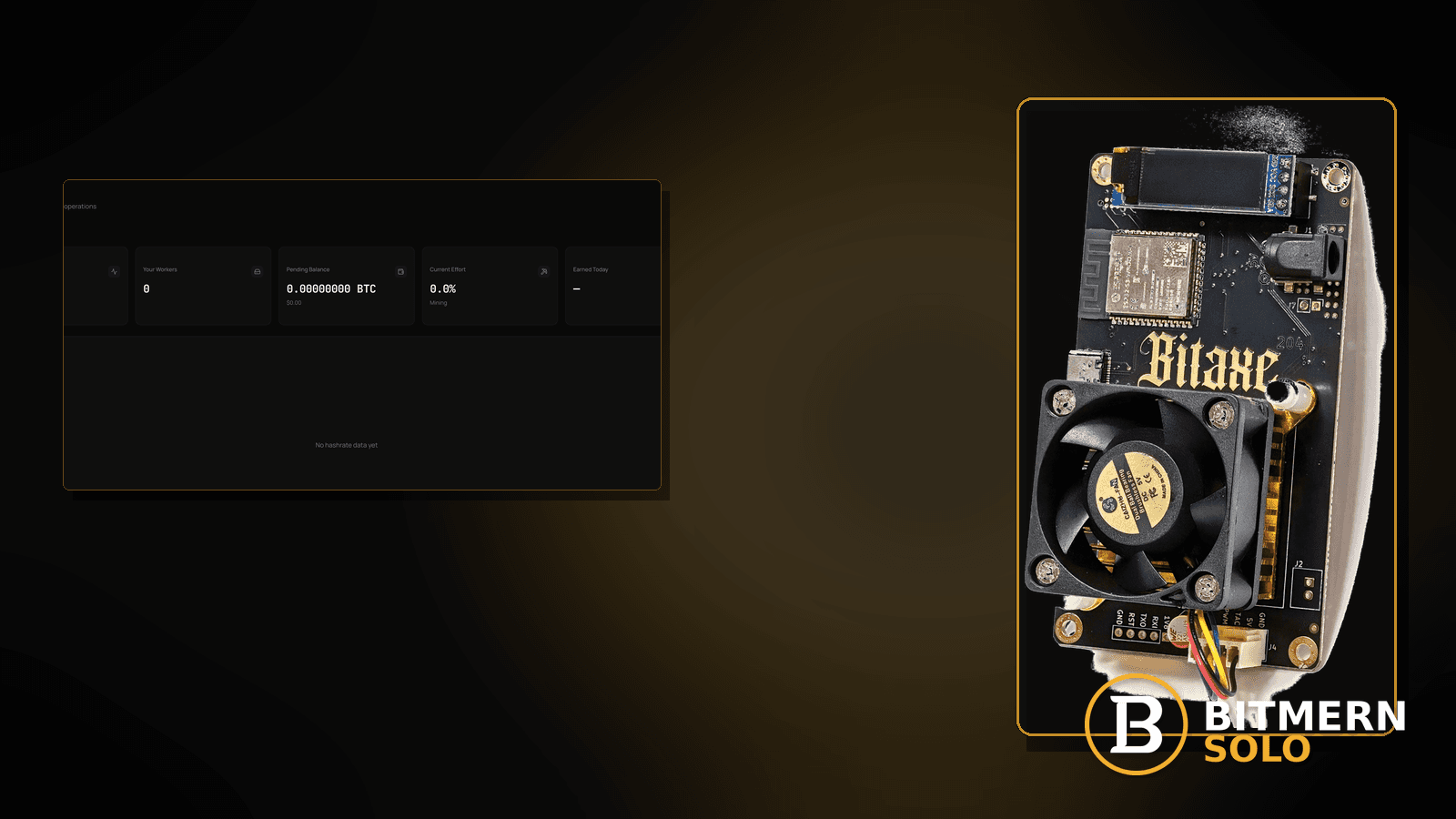
You want a home ASIC and one or more Bitaxes under the same Bitmern Solo account. Workers collide. Dashboards look wrong. Someone pasted the Bitaxe easy-start string onto the ASIC — or the reverse. The account can host a mixed fleet; the desk fails when naming and endpoints get sloppy.
If you are mixing ASIC and Bitaxe hardware on one Bitmern Solo account — duplicate worker labels, wrong endpoints per device class, or a dashboard that cannot tell machines apart — run an ordered checklist: Bitaxe / home BTC easy-start btc.bitmernsolo.com:3132 (never treat :3102 as the Bitaxe / home default), unique WALLET.worker labels per machine, password x, and ASIC coin endpoint / port from current docs (do not invent an ASIC port matrix here). This post is not the Bitaxe-only multiple-fleet lane, the worker-naming-guide lane, the duplicate-workers-fix lane, or the wrong-coin-endpoint lane — and Current Effort is not a find guarantee.
This is the mixed-ASIC-and-Bitaxe-fleet lane. Bitaxe-only fleet: multiple Bitaxe fleet. Naming rules: worker naming guide. Same name twice: duplicate workers fix. ASIC connect walkthrough: connect ASIC to Bitmern Solo. Bitaxe AxeOS setup: Bitaxe AxeOS Bitmern Solo setup.
Bitmern Solo is solo infrastructure: flat 1% fee on finds only, you keep 99%. Fee context stays light here — the job is clean attribution across device classes under one account.
Mixed fleet ≠ Bitaxe-only fleet ≠ naming guide ≠ duplicates ≠ wrong coin
Five patterns get mixed up:
- Mixing ASIC and Bitaxe on one account — two hardware classes under one login without collisions or wrong endpoints. That is this post.
- Multiple Bitaxe fleet — Bitaxe-only scale-out. Use multiple Bitaxe fleet.
- Worker naming guide — naming rules without the mixed-hardware angle. Use worker naming guide.
- Duplicate workers — the same
WALLET.workerused twice. Use duplicate workers fix. - Wrong coin endpoint — coin host mismatch on a single machine. Use wrong coin endpoint (and ASIC/Bitaxe docs for the matching coin).
Do not invent an ASIC port matrix, a “one string for every hardware class” product SLA, or a claim that Current Effort predicts finds. Product facts that matter for Bitaxe / home easy-start retest: BTC host btc.bitmernsolo.com, port :3132, username WALLET.worker, password x. ASIC machines may use different coin endpoints / ports per current Bitmern Solo docs — check those docs; this post will not fabricate them.
What mixed-fleet mistakes usually look like on a desk
Common desks:
- ASIC and Bitaxe share the same
WALLET.workerlabel — dashboard attribution collapses. - Bitaxe string pasted onto the ASIC (or reverse) — wrong field layout or wrong endpoint class.
- Bitaxe left on
:3102“because the ASIC used it” — Bitaxe / home easy-start for BTC is :3132. - Workers appear on the wrong coin tab — coin endpoint mismatch across the fleet.
- You renamed nothing when the second machine came online — naming debt from day one.
- Password is blank on one class and
xon the other — Bitmern Solo expectsxfor stratum password. - You already read Bitaxe-only fleet posts — you need ASIC + Bitaxe under one account.
- Duplicate-workers checklist already cleared names, but endpoints still differ by class — stay here for the mixed-hardware angle.
Separate these from pure naming theory (worker naming guide) and from Bitaxe-only scale (multiple Bitaxe fleet).
Ordered diagnose-and-fix checklist
Run top to bottom. Stop when each machine holds a clean Authorized / Subscribed (or ASIC equivalent) session under a unique worker label on the matching coin tab, and accepts can move — without inventing an ASIC port matrix.
1. Inventory machines under one account
Symptom: You cannot say which row is the ASIC vs which Bitaxe.
Fix: List every physical machine. Assign a unique worker label plan before you touch stratum fields. Naming depth: worker naming guide.
2. Lock Bitaxe / home BTC easy-start first
Symptom: Bitaxe drifted to a foreign host, leftover :3102, or an ASIC-oriented string that the board rejects.
Fix: For Bitaxe / home BTC easy-start use:
stratum+tcp://btc.bitmernsolo.com:3132
(or bare host btc.bitmernsolo.com + port 3132 if fields are split). Never treat :3102 as the Bitaxe / home default. AxeOS walkthrough: Bitaxe AxeOS Bitmern Solo setup.
3. Point the ASIC using current ASIC docs — do not invent ports here
Symptom: You copied the Bitaxe :3132 string onto an ASIC UI that expects different coin endpoint / port fields per docs.
Fix: Follow connect ASIC to Bitmern Solo and the live coin docs for that ASIC. This post will not invent an ASIC port matrix or claim every ASIC uses :3132. Keep Bitaxe on easy-start :3132 unless your Bitaxe docs say otherwise for that coin.
4. Enforce unique WALLET.worker labels across the mixed fleet
Symptom: Two machines share wallet.bitaxe1 or both use bare wallet with no worker suffix.
Fix: Username format on each machine:
WALLET.worker
Examples of unique labels (illustrative only): WALLET.asic-living, WALLET.bitaxe-desk, WALLET.bitaxe-shelf. Same name twice is duplicate workers fix. Password on each:
x
Wallet must be registered for that coin on Bitmern Solo.
5. Separate mixed-fleet setup from Bitaxe-only fleet ops
Symptom: You only have Bitaxes and need scale-out patterns without an ASIC in the room.
Fix: Use multiple Bitaxe fleet. Stay here when an ASIC and Bitaxe share one account.
6. Separate mixed fleet from wrong-coin endpoint on a single machine
Symptom: One machine is on the wrong coin host while others are fine.
Fix: Use wrong coin endpoint for that machine, then return here to keep labels unique across the fleet.
7. Open the matching coin tab per machine before you declare failure
Symptom: You stare at one coin tab and conclude half the fleet is “missing.”
Fix: Open the same coin each miner is pointed at. Confirm each unique WALLET.worker row. Card reading stays in the dashboard guide.
8. Prove each session — not a luck promise
After clean apply + new sessions on each machine:
- Each device holds Authorized / Subscribed (or ASIC equivalent)
- Matching coin tabs show distinct worker labels
- Fresh accepts can move while each machine hashes
- You are not treating Current Effort as a find clock
Current Effort is an ops signal — not a find guarantee. Guide: dashboard workers / shares / effort.
9. Soft fee reminder only after the fleet attributes cleanly
Fee reminder only if you need it: flat 1% on finds; you keep 99%. Clean mixed-fleet attribution is an ops win, not a fee event.
10. Re-check after any rename or endpoint change
Symptom: You renamed a worker or changed an ASIC endpoint and still watch an old row.
Fix: Open a new session after changes. Do not stare at a stale duplicate forever — duplicate workers fix if the old label still collides.
When Bitaxe-only fleet, naming, duplicates, or ASIC-only connect is the real story
If every machine is a Bitaxe, use multiple Bitaxe fleet. If you only need naming rules, use worker naming guide. If the same label is used twice, use duplicate workers fix. If you are connecting an ASIC from zero, use connect ASIC to Bitmern Solo. Bitaxe AxeOS from zero: Bitaxe AxeOS Bitmern Solo setup.
What this post will not invent
- No ASIC port matrices or “one string for every hardware class” product SLAs
- No claim that
:3102is the home Bitaxe default (easy-start is :3132) - No luck formulas, dollar EV, or find-time promises from Current Effort
- No fabricated mixed-fleet uptime guarantees sold as Bitmern Solo SLAs
- No competitor fee comparisons
Fee reminder: flat 1% on finds; you keep 99%. Unique workers + correct endpoints per device class is desk hygiene, not a luck product.
Quick retest sequence after adding or renaming a machine
After you add an ASIC, add a Bitaxe, or change a label/endpoint, do not stare at one stale row forever. Use a short retest loop:
- Confirm each Bitaxe still uses BTC easy-start
btc.bitmernsolo.com:3132unless that Bitaxe’s coin docs say otherwise. - Confirm the ASIC uses the endpoint / port from current ASIC docs — not an invented matrix from this post.
- Confirm every username is a unique
WALLET.worker, passwordx. - Save / apply and open a new session per machine.
- Open the matching coin tab per machine — not a neighbor tab.
- Watch for Authorized / Subscribed (or ASIC equivalent) and distinct worker rows — not Current Effort as a find promise.
If two rows still share a name, leave for duplicate workers fix. If only Bitaxes remain, leave for multiple Bitaxe fleet.
Common mixed-fleet mistakes to avoid
- Sharing one worker label across ASIC and Bitaxe — unique
WALLET.workerper machine. - Treating
:3102as “the Bitmern port” for Bitaxe — easy-start for Bitaxe / home BTC is:3132. - Copying Bitaxe
:3132onto every ASIC without reading ASIC docs — do not invent ports; follow connect ASIC to Bitmern Solo. - Using a non-
xpassword on one class — Bitmern Solo expects password exactlyx. - Reading one coin tab for the whole fleet — prove each worker on its matching tab.
- Skipping rename when the second device class arrives — naming debt becomes duplicate debt.
- Inventing a mixed-fleet port SLA — Bitaxe easy-start is documented here as
:3132; ASIC ports come from current docs, not this article.
None of these mistakes invent an ASIC matrix. They only restore clean attribution from a mixed desk to proven accepts per machine.
How this checklist fits the ops library
- This post — ordered mixed ASIC + Bitaxe setup under one Bitmern Solo account.
- Multiple Bitaxe fleet — Bitaxe-only fleet.
- Worker naming guide — naming rules.
- Duplicate workers fix — same name twice.
- Connect ASIC to Bitmern Solo — ASIC connect walkthrough.
- Bitaxe AxeOS Bitmern Solo setup — Bitaxe AxeOS setup.
Start here when ASIC and Bitaxe share one account. Move sideways when the symptom clearly belongs to another lane.
Soft next step
Lock each Bitaxe on BTC easy-start btc.bitmernsolo.com:3132, point each ASIC per current ASIC docs, keep unique WALLET.worker labels with password x, open new sessions, then confirm distinct worker rows on matching coin tabs — before you chase luck myths or invent a port matrix.
Start mining
Start Mining — after login, open the matching coin tab and confirm workers / shares / hashrate.
FAQ
What BTC port should a home Bitaxe use in a mixed fleet?
:3132 on btc.bitmernsolo.com. Never treat :3102 as the Bitaxe / home default.
Does every ASIC use the same port as Bitaxe?
Not something this post invents. Follow connect ASIC to Bitmern Solo and current coin docs for that ASIC. Bitaxe / home easy-start remains :3132 unless Bitaxe docs for that coin say otherwise.
What username and password does Bitmern Solo expect?
Username WALLET.worker — unique per machine. Password exactly x. Wallet must be registered for that coin.
Is a mixed fleet the same as a Bitaxe-only fleet?
No. Bitaxe-only scale-out: multiple Bitaxe fleet. Use this post when an ASIC and Bitaxe share one account.
Does Current Effort mean I am about to find a block?
No. Current Effort is an ops / attribution signal — not a find guarantee. See the dashboard guide.
Where do I confirm the fix on Bitmern Solo?
Matching coin tab per machine → distinct worker rows → firmware / ASIC UI holds a live session → fresh accepts when each machine hashes. Guide: dashboard workers / shares / effort.


