


Weekly Bitaxe Health Check for Bitmern Solo Miners
A weekly Bitaxe health check for Bitmern Solo is a fixed ten-minute routine: confirm each worker is online on the matching coin tab, compare reported hashrate…
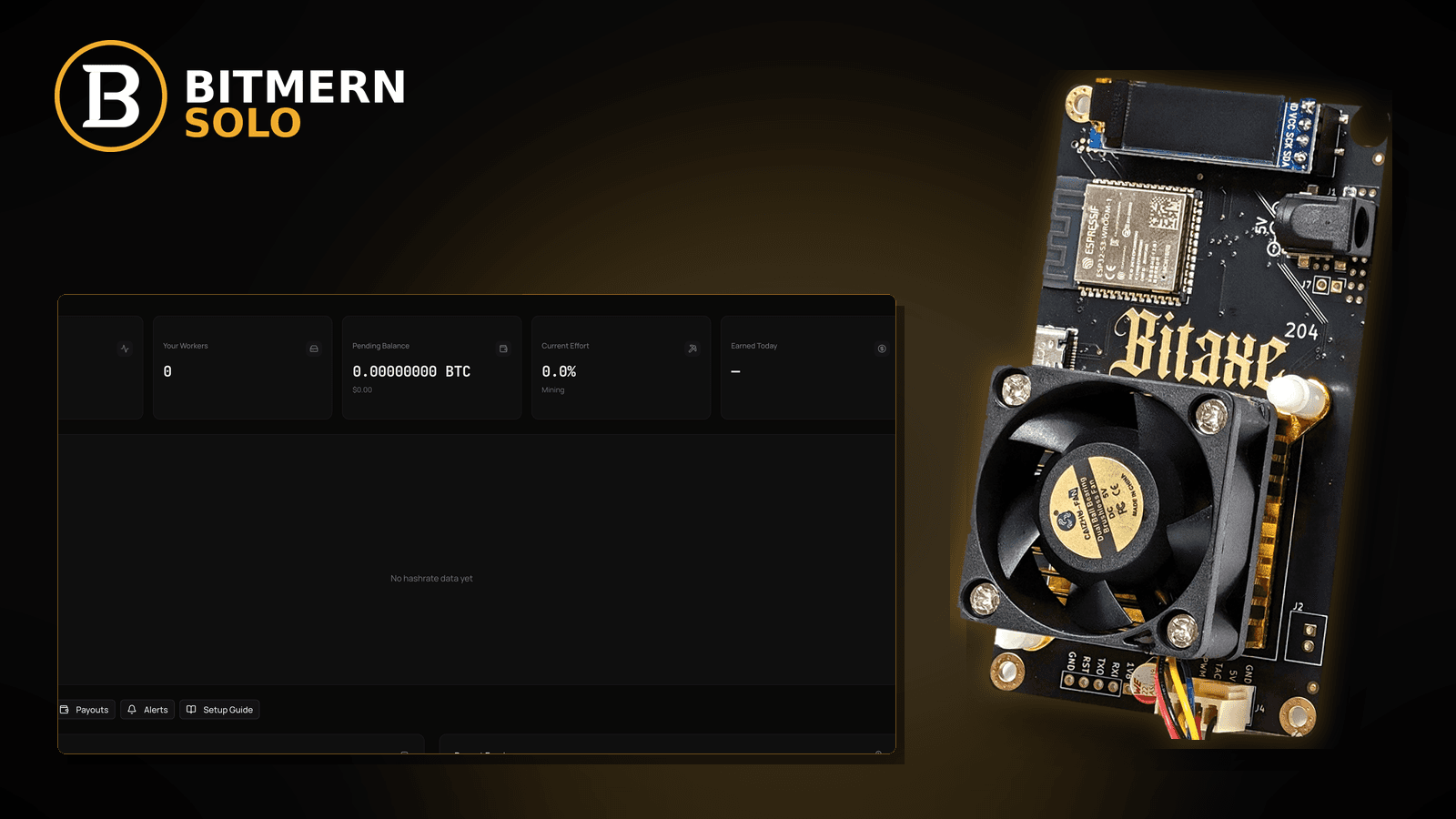
Most home miners only look closely at a Bitaxe when something is obviously broken: the fan screams, the dashboard goes grey, or a worker vanishes. By then a small drift — a slowly climbing reject rate, a dusty heatsink, a reboot loop that started on Tuesday — has already cost days of hashing. A short, boring weekly routine catches those drifts early, and it takes about ten minutes once you have done it twice.
A weekly Bitaxe health check for Bitmern Solo is a fixed ten-minute routine: confirm each worker is online on the matching coin tab, compare reported hashrate against your model's spec and AxeOS defaults, glance at accept / reject / stale counts, check temperatures and fan behaviour against your firmware's own guidance, look for unexpected reboots, note any firmware notice, confirm the payout wallet is the one you meant, and clear dust from the airflow path. Confirm BTC easy-start host btc.bitmernsolo.com with port :3132 (never treat :3102 as the Bitaxe / home default), username WALLET.worker, password x. Every step links to the fix post if something looks off. Current Effort is not a find guarantee.
This is the routine-maintenance lane. It is not first setup (first connection checklist), not a firmware procedure (firmware update checklist), and not a card-by-card explainer (dashboard workers / shares / effort). It is the habit that tells you which of those posts you need this week — if any.
Bitmern Solo is solo infrastructure: flat 1% fee on finds only, you keep 99%. A health check does not change your odds per hash; it keeps the hashes you are paying power for actually reaching the pool.
Health check ≠ setup ≠ firmware update ≠ dashboard explainer
Keep the lanes clear:
- Weekly health check — a repeatable scan of a miner that already works. That is this post.
- First connection — bringing a new or reset miner online. Use the first connection checklist.
- Firmware update — the procedure for flashing a new build safely. Use the firmware update checklist.
- Dashboard explainer — what each card means. Use dashboard workers / shares / effort.
Do not invent universal temperature limits or "normal" hashrate numbers. Bitaxe models, ASIC chips, firmware builds, frequency/voltage settings, and room conditions all differ. The reference for your board is its model spec and the defaults and warnings your AxeOS build shows. Product facts that matter: BTC host btc.bitmernsolo.com, easy-start port :3132, username WALLET.worker, password x.
Before the first week: set your baseline
A health check only works if you know what "normal" looks like for your desk. On a week when everything is fine, write down for each miner:
- Worker name exactly as it appears under
WALLET.worker. - Reported hashrate in AxeOS and on the matching coin tab, plus your model's published spec.
- Typical accept / reject / stale picture over a day.
- Typical temperatures and fan speed as shown in AxeOS at your current settings.
- Uptime and firmware version.
- Payout wallet address registered for that coin on Bitmern Solo.
- The miner's reserved LAN IP (DHCP reservation).
Keep it in a note or spreadsheet. Next week, you compare against your own numbers, not against a forum screenshot.
The weekly ten-minute routine
Run it the same day each week. Stop at any step that looks off and follow the linked fix post; resume the routine afterwards.
1. Every worker online on the matching coin tab
Check: Open the same coin tab each miner uses. Is every expected worker listed and recently active under WALLET.worker?
If off: A missing or stale worker is the first thing to chase. Use worker offline fix. If AxeOS says it is hashing but the dashboard never shows it, use workers not appearing. Duplicates or odd names: worker naming guide.
2. Pool string still correct
Check: In AxeOS pool settings, confirm:
btc.bitmernsolo.com
Port:
3132
Username:
WALLET.worker
Password:
x
If off: Fix it and save. Never treat :3102 as the Bitaxe / home default. A firmware update or reset can silently change fields — this ten-second check catches it. Common slips: stratum URL mistakes.
3. Hashrate against your model's spec and your baseline
Check: Compare AxeOS hashrate and the dashboard's reported hashrate with your model spec and last week's baseline. Remember the dashboard estimates from shares, so short windows bounce around.
If off: A sustained gap — not a single dip — is worth a look. Use expected hashrate vs dashboard to tell estimate noise from a real drop, and hashrate drop fix when it is real.
4. Accept / reject / stale picture
Check: Look at accepted versus rejected and stale shares over the past day or week. You are looking for change against your baseline, not a magic percentage.
If off: Rising rejects: accept / reject rate and rejected shares fix. Rising stales: stale shares fix. Hardware errors in AxeOS: HW errors fix.
5. Temperatures and fan behaviour
Check: Read chip and VR temperatures and fan speed in AxeOS. Compare with your baseline and with whatever warnings or limits your firmware build displays. Listen: is the fan louder than usual at the same settings?
If off: Temperatures creeping up week over week usually point to dust, a blocked intake, a warmer room, or a fan wearing out. Use temperature / throttle fix. Do not rely on generic temperature numbers from other models.
6. Uptime and unexpected reboots
Check: Note uptime in AxeOS. If it is much shorter than the time since you last touched the miner, it rebooted on its own.
If off: Unplanned reboots often trace to power: a weak supply, a loose barrel connector, or a marginal USB path. Use USB power / brownout. If hashrate is empty for a while after each restart, see empty hashrate after restart. Router-side restarts: router reboot recovery.
7. Network health in one glance
Check: In AxeOS, note WiFi signal (if shown) and whether the pool connection has been stable. On the router, confirm the miner still holds its reserved IP.
If off: Flapping connections: WiFi drops killing stratum. Laggy sessions: high latency stratum. Can't reach AxeOS at all: find your Bitaxe IP address.
8. Firmware notice — note it, don't rush it
Check: Does AxeOS or the project's release page show a newer build than you run? Note it in your log.
If off: A health check is not the moment to flash mid-routine. Schedule it, back up your config first (AxeOS config backup), and follow the firmware update checklist.
9. Payout wallet sanity
Check: On Bitmern Solo, confirm the payout wallet registered for the coin is the address you intend — and that the WALLET part of WALLET.worker matches it.
If off: Change it deliberately via change payout wallet. If you ever need to confirm a past payout on-chain, use verify payout on an explorer.
10. Dust and airflow — the two-minute physical check
Check: Look at the heatsink fins and fan intake. Is anything stacked against the miner? Has it been moved next to another heat source?
If off: Power down and unplug before cleaning. Clear dust gently per your board's guidance, restore open airflow around the heatsink, and power back up. Then recheck temperatures in step 5 after it has warmed up.
11. Write one line in your log
Check: Date, each worker's status, anything you changed.
Why: Patterns only show up over weeks. A one-line log turns "it feels slower lately" into evidence you can act on.
Current Effort is an ops signal — not a find guarantee. It does not belong in your health score.
Optional: let alerts do the daily watching
The weekly check is for drift. For sudden outages between checks, set up email alerts so a worker going offline reaches you the same day. Alerts plus a weekly routine cover both fast failures and slow ones.
What this post will not invent
- No universal Bitaxe temperature limits — use your model spec and your firmware's warnings
- No "normal" hashrate numbers — compare against your model spec and your own baseline
- No claim that
:3102is the home Bitaxe default (easy-start is :3132) - No luck formulas, dollar EV, or find-time promises from Current Effort
- No advice to overclock or change voltage as part of a health check
- No competitor fee comparisons
Fee reminder: flat 1% on finds; you keep 99%. A weekly check is desk hygiene, not a fee event.
Common health-check mistakes to avoid
- Comparing against someone else's numbers — compare against your model spec and your own baseline.
- Reacting to one short dip — dashboard hashrate is an estimate; look for sustained change.
- Flashing firmware mid-routine — note it, back up, schedule it.
- Skipping the pool-string check — resets and updates can quietly change fields.
- Cleaning a powered miner — always power down and unplug first.
- Reading Current Effort as a health metric — it is not a find clock.
- Not writing anything down — without a log, drift is invisible.
How this routine fits the ops library
- This post — the weekly ten-minute scan that tells you which fix post you need.
- Expected hashrate vs dashboard — estimate noise versus a real drop.
- Accept / reject rate — reading share quality.
- Temperature / throttle fix — heat problems.
- Worker offline fix — a worker that went dark.
- Firmware update checklist — safe updates.
- Verify payout on an explorer — on-chain confirmation.
Soft next step
Pick a day, set your baseline, and run the ten-minute routine every week: workers online on the matching coin tab, BTC easy-start btc.bitmernsolo.com with port :3132, WALLET.worker with password x, hashrate and shares against your baseline, temps and uptime, firmware notes, payout wallet, and airflow.
Start mining
Start Mining — after login, open the matching coin tab and confirm workers / shares / hashrate.
FAQ
How often should I check my Bitaxe?
A short weekly routine catches slow drift; email alerts cover sudden outages between checks.
What temperature is too hot for a Bitaxe?
It depends on the model, chip, and settings. Use your model's spec and the warnings your AxeOS build shows, and watch for change against your own baseline. See temperature / throttle fix.
Why is my dashboard hashrate lower than AxeOS?
The dashboard estimates from submitted shares, so it varies over short windows. See expected hashrate vs dashboard.
What BTC port should a home Bitaxe use?
:3132 on btc.bitmernsolo.com. Never treat :3102 as the Bitaxe / home default.
What username and password does Bitmern Solo expect?
Username WALLET.worker (wallet must be registered for that coin). Password exactly x.
Does Current Effort mean I am about to find a block?
No. Current Effort is an ops / attribution signal — not a find guarantee. See Current Effort explained.


