


Pi-hole / Ad-Block DNS Blocking Bitmern Solo Stratum
If Pi-hole, AdGuard Home, NextDNS, or a router security-DNS feature is blocking Bitmern Solo — DNS filter blocks stratum, mining pool host blocked, Bitaxe…
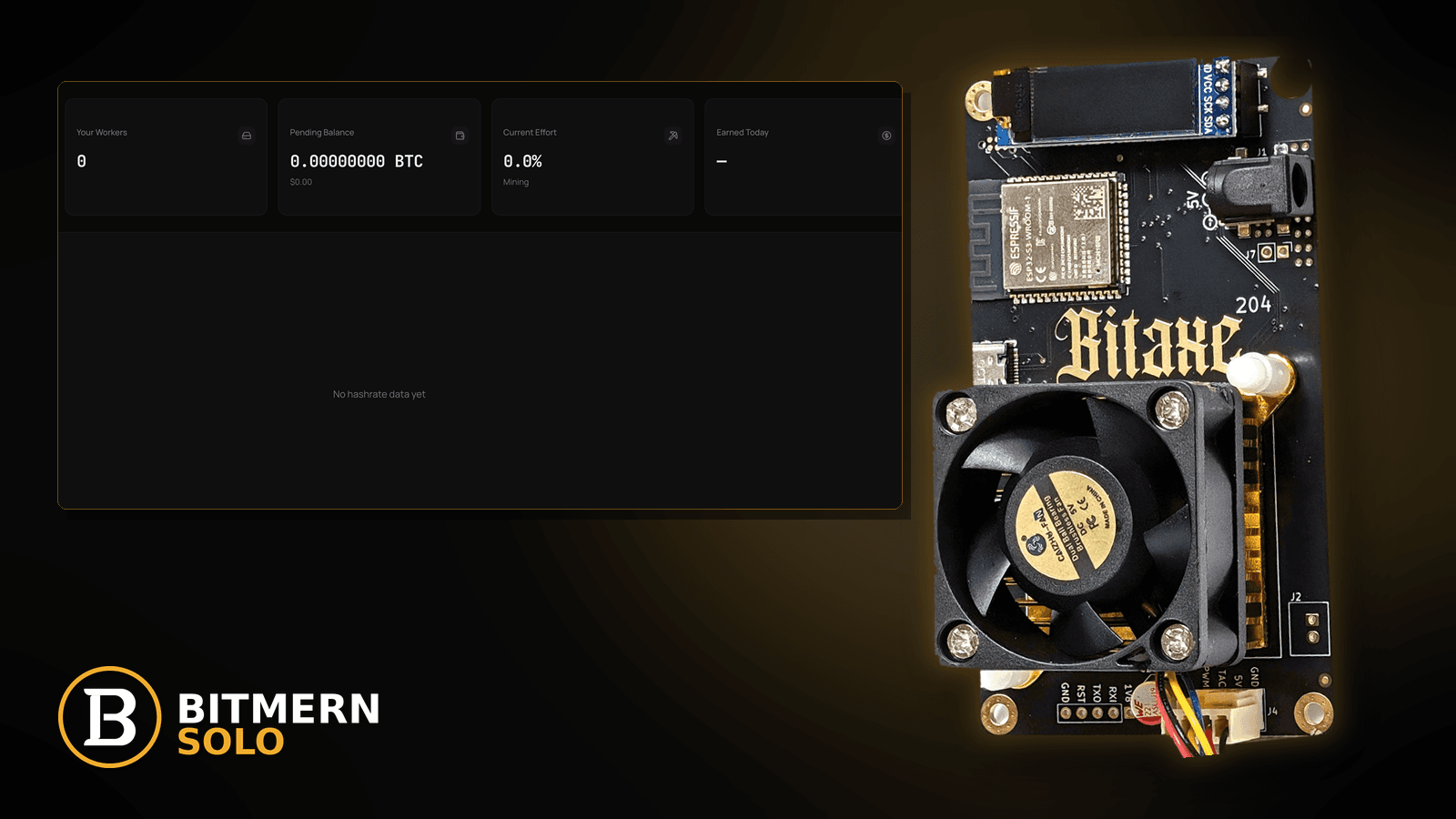
You set up Pi-hole, AdGuard Home, NextDNS, or flipped on your router's "security DNS" — and the house got quieter. Then the Bitaxe stopped connecting. AxeOS shows the pool as unreachable or stuck connecting, the matching coin tab on Bitmern Solo goes silent, and nothing about the miner changed. When a home DNS filter blocks or mangles the answer for btc.bitmernsolo.com, the miner never even opens a TCP session. This is a resolver-policy problem on your LAN, not a Bitmern Solo outage.
If Pi-hole, AdGuard Home, NextDNS, or a router security-DNS feature is blocking Bitmern Solo — DNS filter blocks stratum, mining pool host blocked, Bitaxe can't resolve the pool after enabling ad-blocking — run an ordered checklist: confirm BTC easy-start host btc.bitmernsolo.com with port :3132 (never treat :3102 as the Bitaxe / home default), username WALLET.worker, password x; prove which DNS server the miner actually uses; read the filter's query log for the pool hostname; allowlist that exact hostname; test resolution through the filter; then let the miner open a fresh session. Never hardcode a raw IP for the pool. Current Effort is not a find guarantee.
This is the "my own DNS filter is in the way" lane. Generic resolver failures (wrong DNS server, ISP outage, typo): DNS resolve fix. TCP blocked after a correct answer: firewall blocking stratum. Tunnels and proxies: VPN / proxy stratum fix. Typos in the pool string itself: stratum URL mistakes.
Bitmern Solo is solo infrastructure: flat 1% fee on finds only, you keep 99%. Fee context stays light here — the job is letting the miner resolve the pool host so outbound stratum to :3132 can subscribe.
DNS-filter block ≠ generic DNS failure ≠ firewall ≠ VPN ≠ URL typo
Five patterns look similar from AxeOS:
- DNS filter policy — Pi-hole, AdGuard Home, NextDNS, or a router security feature answers the pool hostname with a block response, or refuses it. That is this post.
- Generic DNS failure — the miner's resolver is wrong, down, or unreachable for every name. Use DNS resolve fix.
- Firewall / TCP block — the name resolves correctly, but outbound traffic to
:3132is dropped. Use firewall blocking stratum. - VPN / proxy path — traffic or DNS is forced through a tunnel that breaks the session. Use VPN / proxy stratum fix.
- Pool string typo — wrong host, scheme, or port. Use stratum URL mistakes.
Do not assume any particular public blocklist names Bitmern Solo. Lists change, filters combine many sources, and some services add category or "cryptojacking" protections that can catch mining-related hostnames generally. The query log on your filter is the only evidence that matters. Product facts for the retest: BTC host btc.bitmernsolo.com, easy-start port :3132, username WALLET.worker, password x.
What a DNS-filter block usually looks like on a Bitaxe desk
Common desks:
- Miner worked for weeks; stopped the day you installed Pi-hole or AdGuard Home — classic timing.
- You added a big community blocklist or "security" list — new entries arrived on the next list update.
- NextDNS or similar profile with security toggles enabled — a category or threat feature may be catching the hostname.
- Router firmware "web protection" or parental controls — the router answers DNS with its own block page address.
- Laptop resolves the pool fine; Bitaxe does not — the laptop uses a different DNS server (VPN, DoH in the browser, manual setting) than the miner gets from DHCP.
- AxeOS shows stuck connecting or repeated reconnect attempts — overlaps with stuck connecting; DNS is one cause.
- Allowlisted, still failing — the miner cached the old answer, or a second filter sits upstream.
- Works when the filter is paused — strong evidence; now fix it properly instead of leaving protection off.
Ordered diagnose-and-fix checklist
Run top to bottom. Stop when the miner resolves btc.bitmernsolo.com through your filter, holds Authorized / Subscribed, and the matching coin tab shows the worker with fresh accepts.
1. Confirm the BTC easy-start string before blaming DNS
Symptom: You dig through query logs while AxeOS still has a typo, a scheme prefix, or :3102.
Fix: In AxeOS (or equivalent), set:
btc.bitmernsolo.com
Port:
3132
Username:
WALLET.worker
Password:
x
Never treat :3102 as the Bitaxe / home default. Wallet must be registered for that coin on Bitmern Solo. A typo in the hostname will also show up in the query log as a failed lookup — fix the string first.
2. Find out which DNS server the miner actually uses
Symptom: You are testing from a laptop and assuming the miner sees the same thing.
Fix: Most Bitaxe setups take DNS from the router via DHCP. Check your router's DHCP settings: is it handing out the Pi-hole / AdGuard Home address, its own address (forwarding upstream to a filter), or an ISP default? If you use NextDNS on the router, the router itself is the filter. Write down the real path: miner → router → filter → upstream.
3. Pause the filter briefly to confirm the diagnosis
Symptom: You are not sure DNS filtering is involved at all.
Fix: Temporarily disable blocking (Pi-hole and AdGuard Home both offer a timed pause; NextDNS lets you disable the profile or switch the router back). Reboot the Bitaxe or save pool settings so it re-resolves. If the session comes up while the filter is paused, the filter is the cause. Turn protection back on and continue — the goal is a targeted allowlist, not living without a filter.
4. Read the query log for the pool hostname
Symptom: You know the filter is involved; you do not know why.
Fix: Open the filter's query log and search for bitmernsolo. Look for entries from the miner's IP (find it with the Bitaxe IP guide). Note the status: blocked by a list (and which list, if shown), blocked by a regex or category, or forwarded but failed upstream. On many Pi-hole versions you can also search lists from the command line:
pihole -q btc.bitmernsolo.com
The answer tells you whether it is a list hit, a custom rule, or something else entirely.
5. Allowlist the exact pool hostname — not the whole internet
Symptom: You confirmed a block on the pool host.
Fix: Add btc.bitmernsolo.com to the filter's allowlist (Pi-hole: Domains → Allowlist / Whitelist depending on version; AdGuard Home: Unblock from the query log, or a custom rule; NextDNS: Allowlist). In AdGuard Home custom filtering rules, an exception looks like:
@@||btc.bitmernsolo.com^
Keep the scope tight: allow the pool hostname you use, not broad wildcard exceptions you do not need. If you also use the Bitmern Solo dashboard from behind the filter and it breaks, check the log for those hostnames separately.
6. Check category, security, and "cryptojacking" toggles
Symptom: No list hit, but the name is still blocked.
Fix: Some DNS services and router security suites block by category or threat feed rather than by a visible list. Look for mining-related, cryptojacking, or "newly registered domain" style protections. Either add the pool hostname as an exception inside that feature, or adjust the feature per your provider's docs. Do not assume the feature names Bitmern specifically — just read what your log says.
7. Test resolution through the filter, not around it
Symptom: You changed settings and want proof before touching the miner.
Fix: From a laptop on the same LAN, query the filter directly by its address:
nslookup btc.bitmernsolo.com YOUR_FILTER_IP
A blocked answer often shows as 0.0.0.0, ::, a router block-page address, or NXDOMAIN depending on the filter's blocking mode. A normal public answer means the filter is now passing it. Compare with a public resolver if you want a reference — but the miner uses your filter, so that is the result that counts.
8. Never hardcode a raw IP for the pool
Symptom: It is tempting to paste whatever address you saw into AxeOS and skip DNS.
Fix: Don't. Pool infrastructure addresses can change, and a raw IP breaks silently when they do. Keep btc.bitmernsolo.com in the miner and fix the resolver policy instead. Detail on why the hostname matters: stratum URL mistakes.
9. Flush caches and let the miner re-resolve
Symptom: Allowlisted and tested, but the miner still fails.
Fix: Flush the filter's DNS cache if it has one (Pi-hole and AdGuard Home both cache). Then reboot the Bitaxe or save pool settings so firmware performs a fresh lookup and opens a new outbound session to btc.bitmernsolo.com:3132.
10. Look for a second filter in the chain
Symptom: Your Pi-hole log shows the query allowed, yet resolution still fails.
Fix: Stacked filters are common: Pi-hole forwarding to NextDNS, router security on top of AdGuard Home, or ISP-level filtering upstream. Check each hop from step 2. Allowlist at every layer that blocks, or simplify the chain.
11. Separate DNS blocks from firewall and VPN problems
Symptom: The name now resolves normally, but the session still never authorizes.
Fix: DNS is fixed; the next layer is in the way. TCP drops: firewall blocking stratum. Tunnel routing: VPN / proxy stratum fix. Generic resolver trouble for every name: DNS resolve fix.
12. Prove the session on the matching coin tab
Symptom: You declare victory from a clean nslookup.
Fix: Open the same coin tab the miner uses. Confirm the worker under WALLET.worker, firmware holding Authorized / Subscribed, and fresh accepts while the board hashes. Card reading: dashboard workers / shares / effort.
Current Effort is an ops signal — not a find guarantee.
What this post will not invent
- No claim that any specific public blocklist names Bitmern Solo
- No advice to hardcode a raw pool IP in place of
btc.bitmernsolo.com - No claim that
:3102is the home Bitaxe default (easy-start is :3132) - No advice to leave DNS protection off permanently — allowlist narrowly instead
- No luck formulas, dollar EV, or find-time promises from Current Effort
- No competitor fee comparisons
Fee reminder: flat 1% on finds; you keep 99%. Getting the pool host past your DNS filter is desk hygiene, not a fee event.
Quick retest sequence after allowlisting
- Confirm BTC easy-start
btc.bitmernsolo.com+ :3132 in AxeOS. - Confirm username
WALLET.worker, passwordx. - Confirm the pool hostname is allowlisted on every filter in the chain.
- Flush the filter cache.
- Reboot the Bitaxe or save pool settings so it re-resolves.
- Open the matching coin tab and watch for Authorized / Subscribed and a worker row — not Current Effort as a find promise.
Common DNS-filter mistakes to avoid
- Turning the filter off forever — you lose protection for the whole house to fix one hostname.
- Pasting a raw IP into AxeOS — works until it doesn't.
- Testing from a laptop that bypasses the filter — browser DoH or a VPN gives you a false "it resolves."
- Allowlisting on Pi-hole while NextDNS upstream still blocks — check every hop.
- Forgetting the miner caches answers — reboot or re-save after changes.
- Assuming a blocklist "targets" Bitmern — read your log; do not guess.
- Treating
:3102as "the Bitmern port" — easy-start for Bitaxe / home BTC is:3132.
How this checklist fits the ops library
- This post — your own DNS filter blocks or mangles the pool hostname.
- DNS resolve fix — resolver failures without a filter policy.
- Firewall blocking stratum — name resolves, TCP dropped.
- VPN / proxy stratum fix — tunnels and proxies in the path.
- Stratum URL mistakes — typos and wrong schemes.
- Stuck connecting — the wider "never authorizes" symptom.
Soft next step
Keep your DNS filter — just teach it about the pool. Allowlist btc.bitmernsolo.com, keep BTC easy-start port :3132, WALLET.worker, and password x, let the miner re-resolve, then confirm Authorized / Subscribed plus a worker row before you chase anything else.
Start mining
Start Mining — after login, open the matching coin tab and confirm workers / shares / hashrate.
FAQ
Can Pi-hole block a mining pool?
Yes, if a list, regex, or rule in your setup matches the pool hostname. Check the query log for btc.bitmernsolo.com and allowlist it if it shows as blocked.
Should I put the pool's IP address in AxeOS instead?
No. Keep the hostname btc.bitmernsolo.com and fix the DNS policy. Raw IPs can break silently.
Does AdGuard Home or NextDNS block Bitaxe mining?
Not by design, but list and category features can catch mining-related hostnames. Your query log shows what actually happened.
What BTC port should a home Bitaxe use?
:3132 on btc.bitmernsolo.com. Never treat :3102 as the Bitaxe / home default.
What username and password does Bitmern Solo expect?
Username WALLET.worker (wallet must be registered for that coin). Password exactly x.
Does Current Effort mean I am about to find a block?
No. Current Effort is an ops / attribution signal — not a find guarantee. See Current Effort explained.


