


Recover Bitaxe After Router Reboot on Bitmern Solo
If a router reboot knocked your Bitaxe off Bitmern Solo — miner offline after router restart, Bitaxe reconnect after power cycle router, WiFi/DHCP/DNS…
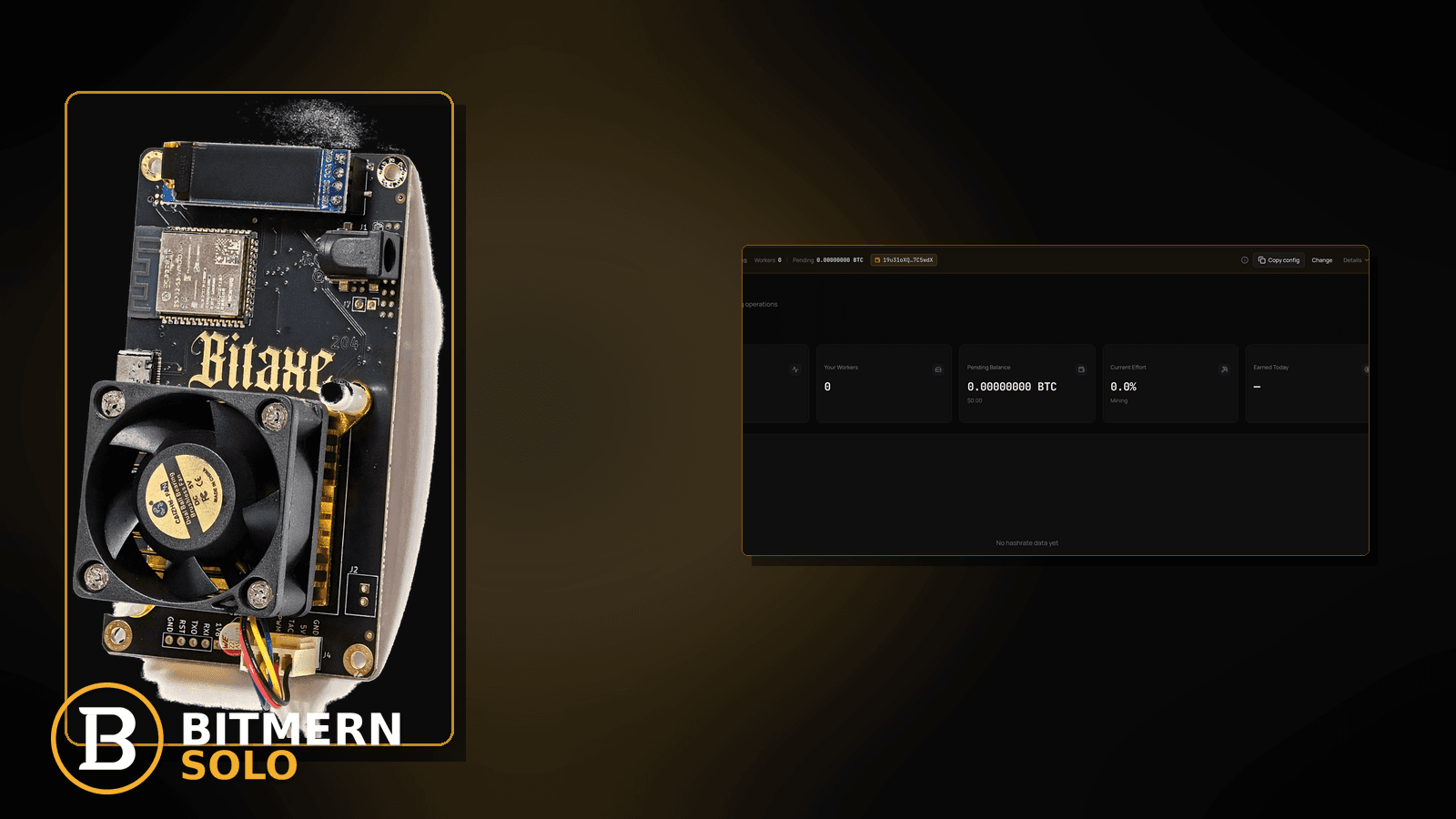
Your home router rebooted — firmware update, power blip, or a scheduled night restart — and the Bitaxe that was quietly hashing on Bitmern Solo went dark. AxeOS may still boot. The pool may look “offline.” Phones reconnect to WiFi in seconds while the miner stays Authorized-less for minutes or hours. The failure is usually a stack: association → DHCP → DNS → outbound stratum, not a single Bitmern Solo outage.
If a router reboot knocked your Bitaxe off Bitmern Solo — miner offline after router restart, Bitaxe reconnect after power cycle router, WiFi/DHCP/DNS recovery for stratum, or “pool dead” after overnight AP reboot — run an ordered checklist: confirm BTC easy-start bare host btc.bitmernsolo.com with port :3132 (never treat :3102 as the Bitaxe / home default), username WALLET.worker, password x, wait for WiFi+DNS to return, then prove a new Authorized / Subscribed session. This post is not the wifi-drops-stratum lane, the dhcp-reservation-static-ip lane, the dns-resolve-fix lane, the empty-hashrate-after-restart lane, or the stuck-connecting lane — and Current Effort is not a find guarantee.
This is the router-reboot recovery lane. RF flaps without a reboot story: WiFi drops killing stratum. LAN IP churn focus: DHCP reservation / static IP. DNS-only failures: DNS resolve fix. Miner reboot with empty hashrate: empty hashrate after restart. Auth hang without a reboot story: stuck connecting.
Bitmern Solo is solo infrastructure: flat 1% fee on finds only, you keep 99%. Fee context stays light here — the job is restoring outbound stratum once the router’s WiFi, DHCP, and DNS are back.
Router reboot ≠ WiFi drops ≠ DHCP IP churn ≠ DNS-only ≠ empty hashrate ≠ stuck connecting
Six patterns get mixed up:
- Router reboot recovery — the AP/router restarted; WiFi/DHCP/DNS briefly (or longer) failed so Bitaxe lost Bitmern Solo stratum and needs an ordered reconnect. That is this post.
- WiFi drops — radio flaps without a reboot story. Use WiFi drops killing stratum.
- DHCP reservation / static IP — LAN address moved and local bookmarks broke. Use DHCP reservation / static IP.
- DNS resolve fix — name resolution only, router otherwise stable. Use DNS resolve fix.
- Empty hashrate after restart — the miner rebooted. Use empty hashrate after restart.
- Stuck connecting — auth hang without a reboot timeline. Use stuck connecting.
Do not invent Bitmern Solo “router recovery SLA” product guarantees, cloud auto-heal after AP reboot, or a claim that Current Effort predicts finds. Product facts that matter for retest: BTC host btc.bitmernsolo.com, easy-start port :3132, username WALLET.worker, password x. Home routers vary — follow your AP’s docs; Bitmern Solo does not publish a router-reboot compatibility matrix.
Critical clarify: stratum from the Bitaxe to Bitmern Solo is outbound TCP. When WiFi association and DNS for btc.bitmernsolo.com return after the router is healthy, a correct pool string should open a new session — you do not need inbound ports, and you should not invent a Bitmern “wait N minutes SLA.”
What router-reboot fallout usually looks like on a Bitaxe desk
Common desks:
- Overnight router update; miner dark at breakfast — phones rejoined; Bitaxe still reconnecting or stuck.
- Brief Authorized, then silent after AP came back — DHCP or DNS lagged behind WiFi association.
- AxeOS opens; pool fields look fine; no shares — path not fully up yet, or DNS still broken.
- You factory-reset the Bitaxe — wiped pool fields for a transient router event.
- LAN IP changed after reboot; you assumed pool death — mix of reboot recovery + address churn.
- Guest SSID came back with isolation — reboot restored a policy wall.
- You already ran WiFi-drop checklists — the timeline starts with a known router restart.
- Miner reboot posts did not help — the board never lost power; the router did.
Separate these from miner-side empty hashrate (empty hashrate after restart) and from auth hangs without reboot (stuck connecting).
Ordered diagnose-and-fix checklist
Run top to bottom. Stop when firmware holds a clean Authorized / Subscribed session on Bitmern Solo after the router is healthy, the matching coin tab shows the worker, and accepts can move — without inventing a router-recovery product SLA.
1. Confirm BTC easy-start string before you chase the router
Symptom: You reboot APs and rewrite firewall myths while the miner still has a wrong host, leftover :3102, or a bare wallet username.
Fix: On the Bitaxe (AxeOS or equivalent), set:
btc.bitmernsolo.com
Port:
3132
Username:
WALLET.worker
Password:
x
Never treat :3102 as the Bitaxe / home default. Wallet must be registered for that coin on Bitmern Solo.
2. Confirm the router is actually finished booting
Symptom: You poke the miner while the AP is still mid-boot (LEDs cycling, no DHCP, no WAN).
Fix: Wait until the router shows normal LAN + WAN status (phones browse, DHCP hands leases). Do not invent a Bitmern Solo “wait exactly N minutes” rule — use router UI / ISP modem status as ground truth.
3. Confirm the Bitaxe reassociated to the intended SSID
Symptom: Board associates to guest / IoT / wrong band after reboot.
Fix: Check AxeOS WiFi status / SSID name. Prefer the trusted LAN SSID that allows outbound DNS + TCP. Guest / isolation walls: guest WiFi / AP isolation. Band / Smart Connect flaps: 2.4GHz vs 5GHz and tomorrow’s Smart Connect lane when live.
4. Confirm the board has a LAN IP (DHCP or reservation)
Symptom: Associated with no address, or APIPA / self-assigned junk.
Fix: Renew lease or reboot the Bitaxe once the router’s DHCP is up. If every reboot changes the address and breaks bookmarks, leave the addressing story for DHCP reservation / static IP after stratum is restored.
5. Prove DNS for btc.bitmernsolo.com from the same LAN
Symptom: WiFi is up; resolve still fails after reboot (DNS servers empty, ISP DNS lag, bad static DNS).
Fix: From a laptop on the same SSID, resolve btc.bitmernsolo.com. If DNS alone remains broken after the router is stable, use DNS resolve fix.
6. Soft-reconnect stratum — save / apply / brief miner reboot if needed
Symptom: Path is healthy; firmware still shows an old dead session.
Fix: Save pool settings (even if unchanged) or reboot the Bitaxe once so firmware opens a new outbound session to btc.bitmernsolo.com:3132. Outbound stratum should resume when WiFi + DNS are healthy — that is desk practice, not a Bitmern recovery SLA.
7. Separate router reboot from generic WiFi drops
Symptom: Association flaps all day without a reboot timeline.
Fix: Use WiFi drops killing stratum. Return here when the clock starts with a known router restart.
8. Separate router reboot from empty hashrate after miner restart
Symptom: You power-cycled the Bitaxe; hashrate stays empty with a healthy router.
Fix: Use empty hashrate after restart. This post assumes the router event was the primary disruption.
9. Separate router reboot from stuck-connecting auth hang
Symptom: Path is fine; firmware loops Connecting / Authorize without progress and no reboot story.
Fix: Use stuck connecting. After a reboot, give WiFi/DNS a chance first; if hang persists on a proven path, move lanes.
10. Separate reboot fallout from DHCP bookmark-only pain
Symptom: Pool session already Authorized; only local AxeOS bookmarks broke because the LAN IP moved.
Fix: Prove the matching coin tab first. Then lock addressing with DHCP reservation / static IP.
11. Open the matching coin tab and prove the session
Symptom: You declare victory from a phone WiFi icon or a LAN ping.
Fix: Open the same coin the miner uses. Confirm the worker under WALLET.worker. Card reading: dashboard workers / shares / effort.
12. Prove the session — not a luck promise
After WiFi + DNS healthy + new session:
- Firmware holds Authorized / Subscribed (or equivalent)
- Matching coin tab shows the worker under the expected label
- Fresh accepts can move while the board hashes
- You are not treating Current Effort as a find clock
Current Effort is an ops signal — not a find guarantee.
13. Soft fee reminder only after the session holds
Fee reminder only if you need it: flat 1% on finds; you keep 99%. Surviving a router reboot is desk hygiene, not a fee event.
When WiFi drops, DHCP, DNS, empty hashrate, or stuck connecting is the real story
If the radio flaps without a reboot story, use WiFi drops killing stratum. If LAN IP churn broke bookmarks after the session returned, use DHCP reservation / static IP. If DNS alone stays broken, use DNS resolve fix. If the miner restarted with empty hashrate, use empty hashrate after restart. If auth hangs without a reboot timeline, use stuck connecting.
What this post will not invent
- No Bitmern Solo “router recovery SLA” or guaranteed reconnect-time product claims
- No claim that
:3102is the home Bitaxe default (easy-start is :3132) - No luck formulas, dollar EV, or find-time promises from Current Effort
- No fabricated “official router whitelist” sold as Bitmern Solo policy
- No claim that inbound ports are required for stratum after reboot
- No competitor fee comparisons
Fee reminder: flat 1% on finds; you keep 99%. Healthy WiFi + DNS + correct port is desk hygiene, not a luck product.
Quick retest sequence after a router reboot
After the router finishes booting:
- Confirm BTC easy-start still
btc.bitmernsolo.com+ :3132. - Confirm username
WALLET.worker, passwordx. - Confirm Bitaxe SSID association + LAN IP + DNS resolve for the pool host.
- Soft-reconnect or reboot the Bitaxe once so firmware opens a new session.
- Open the matching coin tab — not a neighbor tab.
- Watch for Authorized / Subscribed and a worker row — not Current Effort as a find promise.
If DNS alone remains broken, leave for DNS resolve fix. If the address moved and only bookmarks broke, leave for DHCP reservation / static IP.
Common router-reboot recovery mistakes to avoid
- Assuming Bitmern Solo is down because the router rebooted — prove WiFi, DHCP, DNS, then the matching coin tab.
- Treating
:3102as “the Bitmern port” — easy-start for Bitaxe / home BTC is:3132. - Skipping
.worker— username format matters for attribution after every reconnect. - Using a non-
xpassword — Bitmern Solo expects password exactlyx. - Factory-resetting the Bitaxe for a transient AP reboot — you trade a path problem for wiped pool fields.
- Ignoring guest SSID restore after reboot — isolation can return with the AP.
- Inventing a router-recovery SLA — home gear varies; Bitmern Solo does not sell reboot heal times.
None of these mistakes invent a recovery product. They only restore outbound stratum to a real session and proven accepts.
How this checklist fits the ops library
- This post — ordered recovery after a router reboot knocks WiFi/DHCP/DNS around while pointed at Bitmern Solo.
- WiFi drops killing stratum — radio flaps without a reboot story.
- DHCP reservation / static IP — LAN IP churn / bookmark breakage.
- DNS resolve fix — DNS-only failures.
- Empty hashrate after restart — miner reboot with empty hashrate.
- Stuck connecting — auth hang without a reboot timeline.
Start here when a known router restart is the clock for the outage. Move sideways when the symptom clearly belongs to another lane.
Soft next step
After the router is healthy, lock BTC easy-start btc.bitmernsolo.com with port :3132, keep WALLET.worker with password x, confirm WiFi + DNS, open a new session, then confirm Authorized / Subscribed plus a worker row — before you chase luck myths or invent a router-recovery SLA.
Start mining
Start Mining — after login, open the matching coin tab and confirm workers / shares / hashrate.
FAQ
Does a router reboot disconnect Bitmern Solo?
It can interrupt WiFi, DHCP, and DNS so the Bitaxe loses outbound stratum temporarily. When association and DNS return, a correct pool string should open a new session. There is no invented Bitmern Solo router-recovery SLA.
What BTC port should a home Bitaxe use?
:3132 on btc.bitmernsolo.com. Never treat :3102 as the Bitaxe / home default.
What username and password does Bitmern Solo expect?
Username WALLET.worker (wallet must be registered for that coin). Password exactly x.
Is this the same as a WiFi drop?
Related, but narrower. Generic drops without a reboot story: WiFi drops killing stratum. Use this post when the outage starts with a known router restart.
My LAN IP changed after reboot — is that this post?
Prove stratum first. If the session is fine and only bookmarks broke, use DHCP reservation / static IP.
Does Current Effort mean I am about to find a block?
No. Current Effort is an ops / attribution signal — not a find guarantee. See the dashboard guide.
Where do I confirm the fix on Bitmern Solo?
Matching coin tab → worker row → firmware holds Authorized / Subscribed → fresh accepts when the board hashes. Guide: dashboard workers / shares / effort.


