


Bitaxe 2.4GHz vs 5GHz WiFi for Bitmern Solo
If your Bitaxe is unstable on 5GHz WiFi for Bitmern Solo — miner disconnects on 5GHz, AxeOS WiFi band confusion, Bitaxe happier on 2.4GHz, or dual-band SSID…
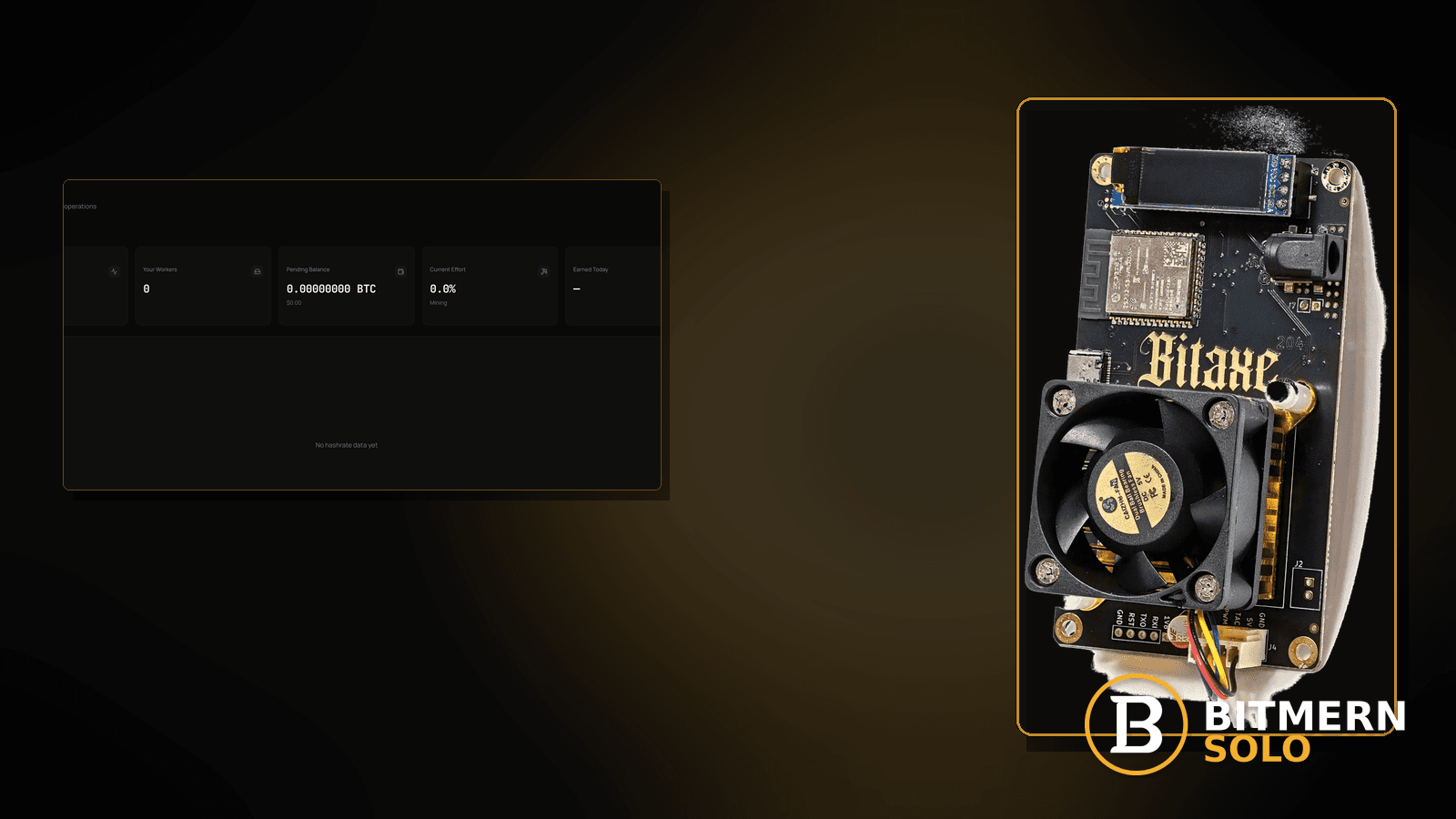
Your Bitaxe associates to the shiny 5GHz SSID — then stratum to Bitmern Solo flaps, reconnect loops stack, or the board quietly falls back while phones on 5GHz look fine. Range, wall loss, and long-lived TCP habits on many ESP-class WiFi stacks often favor 2.4GHz for a desk miner that must stay subscribed for hours.
If your Bitaxe is unstable on 5GHz WiFi for Bitmern Solo — miner disconnects on 5GHz, AxeOS WiFi band confusion, Bitaxe happier on 2.4GHz, or dual-band SSID roaming thrash — run an ordered checklist: confirm BTC easy-start bare host btc.bitmernsolo.com with port :3132 (never treat :3102 as the Bitaxe / home default), username WALLET.worker, password x, put the board on a dedicated 2.4GHz SSID (or force 2.4GHz), then prove a durable Authorized / Subscribed session. This post is not the wifi-drops-stratum lane alone, the ethernet-vs-wifi lane, the guest-wifi-ap-isolation lane, the high-latency-stratum lane, or the reconnect-loops-fix lane — and Current Effort is not a find guarantee.
This is the 2.4GHz vs 5GHz band lane. Generic drop diagnose without a band story: WiFi drops killing stratum. Wired vs wireless choice: ethernet vs WiFi. Guest / AP isolation: guest WiFi / AP isolation. RTT / lag symptoms: high latency stratum. Auth reconnect loops: reconnect loops fix.
Bitmern Solo is solo infrastructure: flat 1% fee on finds only, you keep 99%. Fee context stays light here — the job is a stable band/SSID so long-lived outbound stratum to :3132 stops thrashing.
2.4 vs 5 ≠ generic WiFi drops ≠ ethernet choice ≠ guest isolation ≠ high latency ≠ reconnect loops
Six patterns get mixed up:
- 2.4GHz vs 5GHz band choice — the Bitaxe is on a 5GHz (or dual-band roaming) SSID that is a poor fit for long-lived stratum, while 2.4GHz is more stable at the desk. That is this post.
- WiFi drops (generic) — flaps without a band/SSID design story. Use WiFi drops killing stratum.
- Ethernet vs WiFi — choosing wired media. Use ethernet vs WiFi.
- Guest WiFi / AP isolation — isolation/VLAN policy. Use guest WiFi / AP isolation.
- High latency stratum — RTT / lag symptoms once associated. Use high latency stratum.
- Reconnect loops — auth/subscribe thrash once the path exists. Use reconnect loops fix.
Do not invent Bitmern Solo WiFi hardware certifications, guaranteed RSSI thresholds, or a claim that Current Effort predicts finds. Product facts that matter for retest: BTC host btc.bitmernsolo.com, easy-start port :3132, username WALLET.worker, password x. Home APs and Bitaxe/ESP WiFi stacks vary — follow your firmware and router docs; Bitmern Solo does not publish a certified RSSI matrix.
Why 2.4GHz often wins for desk miners: longer range through walls, broader association options on many ESP-class radios, and fewer “fast roam to a weak 5GHz BSS” traps when phones and laptops steal the dual-band SSID story. This is desk practice, not a Bitmern Solo radio certification.
What bad band choice usually looks like on a Bitaxe desk
Common desks:
- Board on the combined “Smart WiFi” SSID — AP steers it to 5GHz; phones thrive; miner flaps.
- Works next to the AP on 5GHz; dies two rooms away — 5GHz wall loss; 2.4GHz still associates.
- Brief Authorized, then silent — roam / band steer mid-session.
- You already raised TX power myths — band/SSID design was the real lever.
- 5GHz looks “faster” on a speedtest phone — speedtest ≠ long-lived stratum TCP.
- DFS / clean-air 5GHz channel changes overnight — miner loses BSS; 2.4GHz was boring and stable.
- Guest 5GHz IoT SSID — band and isolation can stack; split the stories.
- You already ran generic WiFi-drop checklists — you need an explicit 2.4 vs 5 experiment.
Separate these from isolation walls (guest WiFi / AP isolation) and from pure reconnect-auth thrash (reconnect loops fix).
Ordered diagnose-and-fix checklist
Run top to bottom. Stop when firmware holds a clean Authorized / Subscribed session on a deliberate 2.4GHz (or proven stable) path, the matching coin tab shows the worker, and accepts can move — without inventing RSSI product guarantees.
1. Confirm BTC easy-start string before you chase bands
Symptom: You rebuild SSIDs while the miner still has a wrong host, leftover :3102, or a bare wallet username.
Fix: On the Bitaxe (AxeOS or equivalent), set:
btc.bitmernsolo.com
Port:
3132
Username:
WALLET.worker
Password:
x
Never treat :3102 as the Bitaxe / home default. Wallet must be registered for that coin on Bitmern Solo.
2. Split the dual-band SSID — give the miner a 2.4GHz-only name
Symptom: One SSID name covers 2.4 and 5; the AP band-steers clients.
Fix: Create (or enable) a dedicated 2.4GHz-only SSID for IoT/miners. Join the Bitaxe to that SSID. Keep phones on the 5GHz or main dual-band SSID if you want. Do not invent a Bitmern-published “approved SSID list.”
3. A/B test the same stratum string on 2.4 vs 5
Symptom: You assume 5GHz is better because it is newer.
Fix: Keep host/port/user/password identical. Associate to 5GHz-only, watch session durability. Then associate to 2.4GHz-only. Prefer the band that holds Authorized / Subscribed and keeps accepts moving — often 2.4GHz for Bitaxe desks behind walls.
4. Confirm you are not on guest / isolated 5GHz IoT
Symptom: “IoT 5GHz” SSID also enables AP/client isolation.
Fix: Isolation is a different wall — guest WiFi / AP isolation. Band choice cannot fix a deny policy. Prefer a trusted 2.4GHz SSID with outbound DNS + TCP to btc.bitmernsolo.com:3132.
5. Check that DNS still works on the chosen SSID
Symptom: Band looks right; resolve for btc.bitmernsolo.com fails.
Fix: From a laptop on the same SSID, resolve the host. DNS-only without a band story: DNS resolve fix.
6. Separate band choice from generic WiFi drops
Symptom: Association flaps on both bands, roam thrash, or power/cable issues.
Fix: Use WiFi drops killing stratum. Return here when the durable A/B result is “5GHz fails / 2.4GHz holds” with the same stratum string.
7. Separate band choice from high-latency symptoms
Symptom: Session holds but shares feel late / RTT is ugly.
Fix: Use high latency stratum. A weak 5GHz link can cause latency — fix band first if A/B shows 2.4GHz is cleaner, then reassess latency.
8. Separate band choice from reconnect-loop auth thrash
Symptom: Firmware loops Authorize / reconnect with correct host but unstable radio mid-handshake.
Fix: Stabilize band/SSID first. If loops continue on a solid 2.4GHz path with correct credentials, use reconnect loops fix.
9. Prefer ethernet when the desk allows it
Symptom: You need maximum durability and can wire the board.
Fix: Wired path guidance: ethernet vs WiFi. Ethernet sidesteps band choice entirely when the cable lands on a LAN that allows outbound DNS + :3132.
10. Lock the SSID in AxeOS and avoid “auto” join surprises
Symptom: After reboot the board rejoins the dual-band SSID and lands on 5GHz again.
Fix: Prefer forgetting unused SSIDs in firmware when the UI allows, or ensure the 2.4GHz-only SSID is the one saved. Reboot and confirm which BSS/SSID the board reports before you declare victory.
11. Open the matching coin tab and prove the session
Symptom: You declare victory from a phone WiFi strength icon.
Fix: Open the same coin the miner uses. Confirm the worker under WALLET.worker. Card reading: dashboard workers / shares / effort.
12. Prove the session — not a luck promise
After a deliberate 2.4GHz (or proven) path + new session:
- Firmware holds Authorized / Subscribed (or equivalent)
- Matching coin tab shows the worker under the expected label
- Fresh accepts can move while the board hashes
- You are not treating Current Effort as a find clock
Current Effort is an ops signal — not a find guarantee.
13. Soft fee reminder only after the session holds
Fee reminder only if you need it: flat 1% on finds; you keep 99%. Picking 2.4GHz is desk hygiene, not a fee event.
When WiFi drops, ethernet, guest isolation, latency, or reconnect loops is the real story
If both bands flap, use WiFi drops killing stratum. If you can wire the board, use ethernet vs WiFi. If guest / AP isolation blocks the path, use guest WiFi / AP isolation. If RTT is the remaining pain on a stable association, use high latency stratum. If auth reconnect loops continue on a solid band, use reconnect loops fix.
What this post will not invent
- No Bitmern Solo WiFi certification, guaranteed RSSI thresholds, or “official 2.4GHz only” hardware claims
- No claim that
:3102is the home Bitaxe default (easy-start is :3132) - No luck formulas, dollar EV, or find-time promises from Current Effort
- No fabricated channel/width SLAs sold as Bitmern Solo policy
- No competitor fee comparisons
Fee reminder: flat 1% on finds; you keep 99%. A stable band + correct port is desk hygiene, not a luck product.
Quick retest sequence after a band / SSID change
After you move the Bitaxe to a 2.4GHz-only SSID (or force 2.4GHz):
- Confirm BTC easy-start still
btc.bitmernsolo.com+ :3132. - Confirm username
WALLET.worker, passwordx. - Save / apply and reboot so firmware opens a new session on the intended SSID.
- Confirm the board reports the 2.4GHz SSID (not the dual-band/5GHz name).
- Open the matching coin tab — not a neighbor tab.
- Watch for Authorized / Subscribed and a worker row — not Current Effort as a find promise.
If isolation is still on, leave for guest WiFi / AP isolation. If both bands fail, leave for WiFi drops killing stratum.
Common 2.4 / 5GHz mistakes to avoid
- Forcing 5GHz because phones are faster there — desk miners need durable TCP more than peak Mbps.
- Treating
:3102as “the Bitmern port” — easy-start for Bitaxe / home BTC is:3132. - Skipping
.worker— username format matters for attribution after every reconnect. - Using a non-
xpassword — Bitmern Solo expects password exactlyx. - Leaving the board on a dual-band SSID that steers to weak 5GHz — split SSIDs; pin 2.4GHz for the miner.
- Stacking guest isolation on the IoT 5GHz SSID — fix isolation separately.
- Inventing an RSSI SLA — home RF varies; Bitmern Solo does not sell a signal-floor guarantee.
None of these mistakes invent a WiFi certification. They only restore a durable radio path to a real session and proven accepts.
How this checklist fits the ops library
- This post — ordered 2.4GHz vs 5GHz band/SSID diagnose-and-fix while pointed at Bitmern Solo.
- WiFi drops killing stratum — generic radio flaps without a band story.
- Ethernet vs WiFi — wired vs wireless choice.
- Guest WiFi / AP isolation — guest / AP / client isolation.
- High latency stratum — RTT / lag symptoms.
- Reconnect loops fix — auth reconnect thrash.
Start here when 5GHz / dual-band steering is the active failure and 2.4GHz holds. Move sideways when the symptom clearly belongs to another lane.
Soft next step
Put the Bitaxe on a dedicated 2.4GHz SSID, lock BTC easy-start btc.bitmernsolo.com with port :3132, keep WALLET.worker with password x, open a new session, then confirm Authorized / Subscribed plus a worker row — before you chase luck myths or invent an RSSI SLA.
Start mining
Start Mining — after login, open the matching coin tab and confirm workers / shares / hashrate.
FAQ
Should a Bitaxe use 2.4GHz or 5GHz for Bitmern Solo?
Many home Bitaxe / ESP WiFi desks stay more stable on 2.4GHz for long-lived stratum, especially through walls. A/B test with the same pool string; prefer the band that holds the session. This is desk practice, not a Bitmern Solo certification.
What BTC port should a home Bitaxe use?
:3132 on btc.bitmernsolo.com. Never treat :3102 as the Bitaxe / home default.
What username and password does Bitmern Solo expect?
Username WALLET.worker (wallet must be registered for that coin). Password exactly x.
Is 5GHz always wrong?
No. If 5GHz holds Authorized / Subscribed with clean accepts at your desk, it can work. Use this post when 5GHz / dual-band steering is the failure mode and 2.4GHz is more durable.
Is this the same as a generic WiFi drop?
Related, but narrower. Generic drops: WiFi drops killing stratum. Use this post for an explicit 2.4 vs 5 / dual-band steering story.
Does Current Effort mean I am about to find a block?
No. Current Effort is an ops / attribution signal — not a find guarantee. See the dashboard guide.
Where do I confirm the fix on Bitmern Solo?
Matching coin tab → worker row → firmware holds Authorized / Subscribed → fresh accepts when the board hashes. Guide: dashboard workers / shares / effort.


