


Backup and Restore AxeOS Pool Settings for Bitmern Solo
If you need to backup and restore AxeOS pool settings for Bitmern Solo — save stratum fields before a flash or factory reset, restore Bitaxe pool settings…
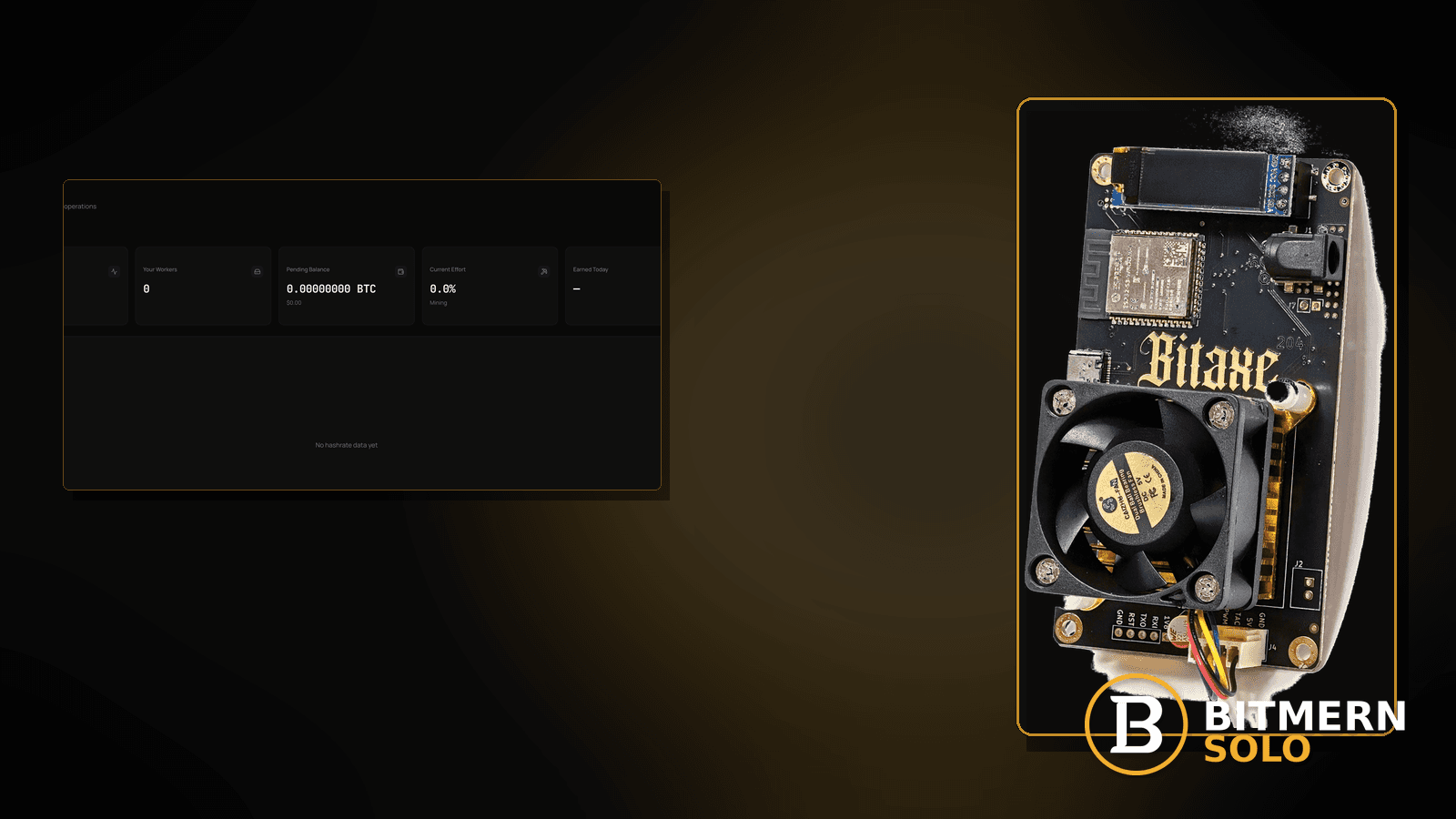
You are about to flash AxeOS, factory-reset the Bitaxe, or swap boards — and the pool / stratum fields that pointed at Bitmern Solo live only in the current UI. After the flash, the host is empty, the port drifted, or username lost the .worker suffix. Reconnect becomes guesswork instead of copy-paste.
If you need to backup and restore AxeOS pool settings for Bitmern Solo — save stratum fields before a flash or factory reset, restore Bitaxe pool settings cleanly, or avoid rediscovering host/port/user after wipe — run an ordered checklist: record bare host btc.bitmernsolo.com, BTC easy-start port :3132 (never treat :3102 as the Bitaxe / home default), username WALLET.worker, password x, then paste back after the flash and open a new session. This post is not the firmware-update-checklist lane, the first-connection-checklist lane, the stratum-url-mistakes lane, or the stratum-password-x lane alone — and Current Effort is not a find guarantee.
This is the AxeOS config-backup / restore lane. Post-flash reconnect steps without a backup story: firmware update checklist. Greenfield first connect: first connection checklist. Wrong host/port string: stratum URL mistakes. Password field only: stratum password x. Full AxeOS setup: Bitaxe AxeOS Bitmern Solo setup.
Bitmern Solo is solo infrastructure: flat 1% fee on finds only, you keep 99%. Fee context stays light here — the job is a clean backup of pool fields so reconnect is copy-paste, not archaeology.
Config backup ≠ firmware checklist ≠ first connection ≠ URL mistakes ≠ password-only
Five patterns get mixed up:
- Backup / restore AxeOS pool settings — capture and re-apply stratum fields before flash or factory reset so Bitmern Solo reconnect is clean. That is this post.
- Firmware update checklist — ordered post-flash reconnect without emphasizing a pre-flash field backup. Use firmware update checklist.
- First connection checklist — greenfield full string from zero. Use first connection checklist.
- Stratum URL mistakes — wrong host/port string when you think you remembered it. Use stratum URL mistakes.
- Stratum password x — password-field confusion alone. Use stratum password x.
Do not invent official Bitmern Solo backup file formats, cloud sync products, or a claim that Current Effort predicts finds. Product facts that matter for restore: BTC host btc.bitmernsolo.com, easy-start port :3132, username WALLET.worker, password x. AxeOS UI labels vary by firmware build — record the values your screen shows; do not invent a Bitmern-published .bitmern-backup file type.
What missing backups usually look like on a Bitaxe desk
Common desks:
- Flash completed; pool host empty — no note of the old stratum fields.
- Port “remembered” as
:3102after wipe — easy-start for Bitaxe / home BTC is :3132. - Username restored as bare wallet —
.workersuffix lost. - Password blank /
password/ random — Bitmern Solo expectsx. - You retyped from memory and introduced a typo — no written backup existed.
- Factory reset “to fix WiFi” wiped pool settings — wireless fix cost the stratum string.
- Second board gets a guessed copy of the first — wrong worker label / collision risk.
- You already read firmware-update checklists — you need the pre-flash field capture, not only post-flash reconnect.
Separate these from greenfield first connect (first connection checklist) and from post-flash steps when you already know the string (firmware update checklist).
Ordered backup-and-restore checklist
Run top to bottom. Stop when firmware holds a clean Authorized / Subscribed session with restored fields, the matching coin tab shows the worker, and accepts can move — without inventing a Bitmern cloud-backup product.
1. Open AxeOS pool / stratum settings before you flash
Symptom: You start the flash while the only copy of host/port/user lives in volatile UI.
Fix: Before flash or factory reset, open the pool / stratum (or equivalent) settings screen. Leave it open or screenshot it. Do not invent a requirement that Bitmern Solo hosts your config file.
2. Write down the four fields that matter for Bitmern Solo BTC easy-start
Symptom: You backup “everything” as a blurry photo but miss port or worker.
Fix: Record at minimum:
Host: btc.bitmernsolo.com
Port: 3132
Username: WALLET.worker
Password: x
Use your real registered wallet and a unique worker label. Never treat :3102 as the Bitaxe / home default. If your firmware uses one combined URL field, also record that exact string (for example stratum+tcp://btc.bitmernsolo.com:3132 only if that combined field is what you use).
3. Capture WiFi / network notes separately if the wipe will clear them
Symptom: After flash, pool fields are restored but the board cannot join the LAN.
Fix: Note SSID and how you authenticate (without pasting secrets into public chats). Network path issues after restore may still need WiFi drops or guest WiFi / AP isolation — backup of pool fields does not replace a working path.
4. Prefer a plain text note you control — not a mythical cloud sync
Symptom: You wait for an “official Bitmern backup export” that does not exist as a product claim here.
Fix: A local text note, password manager secure note, or private screenshot of the four fields is enough. Do not invent Bitmern Solo cloud config sync, signed backup blobs, or mandatory export formats.
5. Complete the flash / factory reset using your firmware’s docs
Symptom: Backup done; flash still needs a careful process.
Fix: Follow your AxeOS / board vendor flash guidance. Afterward, use firmware update checklist for post-flash reconnect hygiene — then paste the fields you saved here.
6. Restore host and port exactly
Symptom: Host has a typo, scheme stuck in a host-only box, or port drifted to :3102.
Fix: For separate Host + Port fields:
btc.bitmernsolo.com
3132
If a scheme landed in the host box, strip it — see also stratum+tcp prefix mistakes and stratum URL mistakes.
7. Restore username and password exactly
Symptom: Username is bare wallet; password is not x.
Fix:
WALLET.worker
x
Password context: stratum password x. Unique workers if you run a fleet: worker naming guide.
8. Save / apply and open a new session
Symptom: Fields look right but firmware still shows a stale Connecting line from before restore.
Fix: Save / apply, reboot if your firmware requires it, and let a new session open. Do not stare at one stale line forever.
9. Open the matching coin tab before you declare failure
Symptom: You restored BTC fields but watch another coin tab.
Fix: Open the same coin the miner is pointed at. Confirm the worker under the expected WALLET.worker label. Card reading: dashboard workers / shares / effort.
10. Separate restore typos from greenfield first connect
Symptom: You never had a working string and are inventing fields from forum memory.
Fix: Use first connection checklist. Return here when you had a known-good string and need to capture / re-apply it across a wipe.
11. Prove the session — not a luck promise
After restore + new session:
- Firmware holds Authorized / Subscribed (or equivalent)
- Matching coin tab shows the worker under the expected label
- Fresh accepts can move while the board hashes
- You are not treating Current Effort as a find clock
Current Effort is an ops signal — not a find guarantee.
12. Soft fee reminder only after the session holds
Fee reminder only if you need it: flat 1% on finds; you keep 99%. A clean restore is an ops win, not a fee event.
When firmware checklist, first connection, or URL mistakes is the real story
If you need the full post-flash reconnect walkthrough without a backup angle, use firmware update checklist. If you never completed a first connect, use first connection checklist. If the restored string is wrong (typo / bad port) rather than missing, use stratum URL mistakes. Password-only: stratum password x. Broader AxeOS setup: Bitaxe AxeOS Bitmern Solo setup.
What this post will not invent
- No official Bitmern Solo backup file format or cloud sync product claims
- No claim that
:3102is the home Bitaxe default (easy-start is :3132) - No luck formulas, dollar EV, or find-time promises from Current Effort
- No fabricated “one-click Bitmern config export” SLA
- No competitor fee comparisons
Fee reminder: flat 1% on finds; you keep 99%. Written host/port/user/password before a flash is desk hygiene, not a luck product.
Quick retest sequence after restore
After you paste fields back post-flash or post-reset:
- Confirm BTC easy-start still
btc.bitmernsolo.com+ :3132. - Confirm username
WALLET.worker, passwordx. - Save / apply and reboot so firmware opens a new session.
- Open the matching coin tab — not a neighbor tab.
- Watch for Authorized / Subscribed and a worker row — not Current Effort as a find promise.
If the host is wrong after restore, leave for stratum URL mistakes. If you are flashing next and need post-flash order, keep firmware update checklist beside this note.
Common AxeOS backup / restore mistakes to avoid
- Flashing with no written host/port/user/password — capture the four fields first.
- Treating
:3102as “the Bitmern port” after wipe — easy-start for Bitaxe / home BTC is:3132. - Restoring bare wallet without
.worker— username format matters for attribution. - Using a non-
xpassword — Bitmern Solo expects password exactlyx. - Reading the wrong coin tab after restore — prove the worker on the matching tab.
- Waiting for a mythical Bitmern cloud backup — a local note of the four fields is enough; do not invent a product.
- Blaming Bitmern Solo before re-pasting the known-good string — restore, then open a new session.
None of these mistakes invent a backup-file SLA. They only restore a path from a wiped UI to a real session and proven accepts.
How this checklist fits the ops library
- This post — ordered backup / restore of AxeOS pool / stratum fields for Bitmern Solo.
- Firmware update checklist — post-flash reconnect steps.
- First connection checklist — greenfield full connect string.
- Stratum URL mistakes — wrong host/port string.
- Stratum password x — password field expectations.
- Bitaxe AxeOS Bitmern Solo setup — broader AxeOS setup.
Start here when a pre-flash / pre-reset field backup (and clean restore) is the active job. Move sideways when the symptom clearly belongs to another lane.
Soft next step
Before the next flash, write down btc.bitmernsolo.com, port :3132, WALLET.worker, and password x. After the wipe, paste them back, open a new session, then confirm Authorized / Subscribed plus a worker row — before you chase luck myths or invent a Bitmern backup-file product.
Start mining
Start Mining — after login, open the matching coin tab and confirm workers / shares / hashrate.
FAQ
Does Bitmern Solo provide an official AxeOS backup file format?
No product claim here for a Bitmern-hosted config export or cloud sync. Record host, port, username, and password yourself before flash or factory reset.
What BTC port should I restore for a home Bitaxe?
:3132 on btc.bitmernsolo.com. Never treat :3102 as the Bitaxe / home default.
What username and password should I restore?
Username WALLET.worker (wallet must be registered for that coin). Password exactly x.
Is this the same as the firmware update checklist?
No. Firmware update checklist covers post-flash reconnect order. Use this post when the job is capturing and restoring pool fields across a wipe.
Does Current Effort mean I am about to find a block?
No. Current Effort is an ops / attribution signal — not a find guarantee. See the dashboard guide.
Where do I confirm the restore on Bitmern Solo?
Matching coin tab → worker row → firmware holds Authorized / Subscribed → fresh accepts when the board hashes. Guide: dashboard workers / shares / effort.


