


Factory Reset Bitaxe and Reconnect to Bitmern Solo
If you need to factory reset a Bitaxe and reconnect to Bitmern Solo — AxeOS reset Bitmern Solo, wipe Bitaxe reconnect pool, Bitaxe factory defaults stratum,…
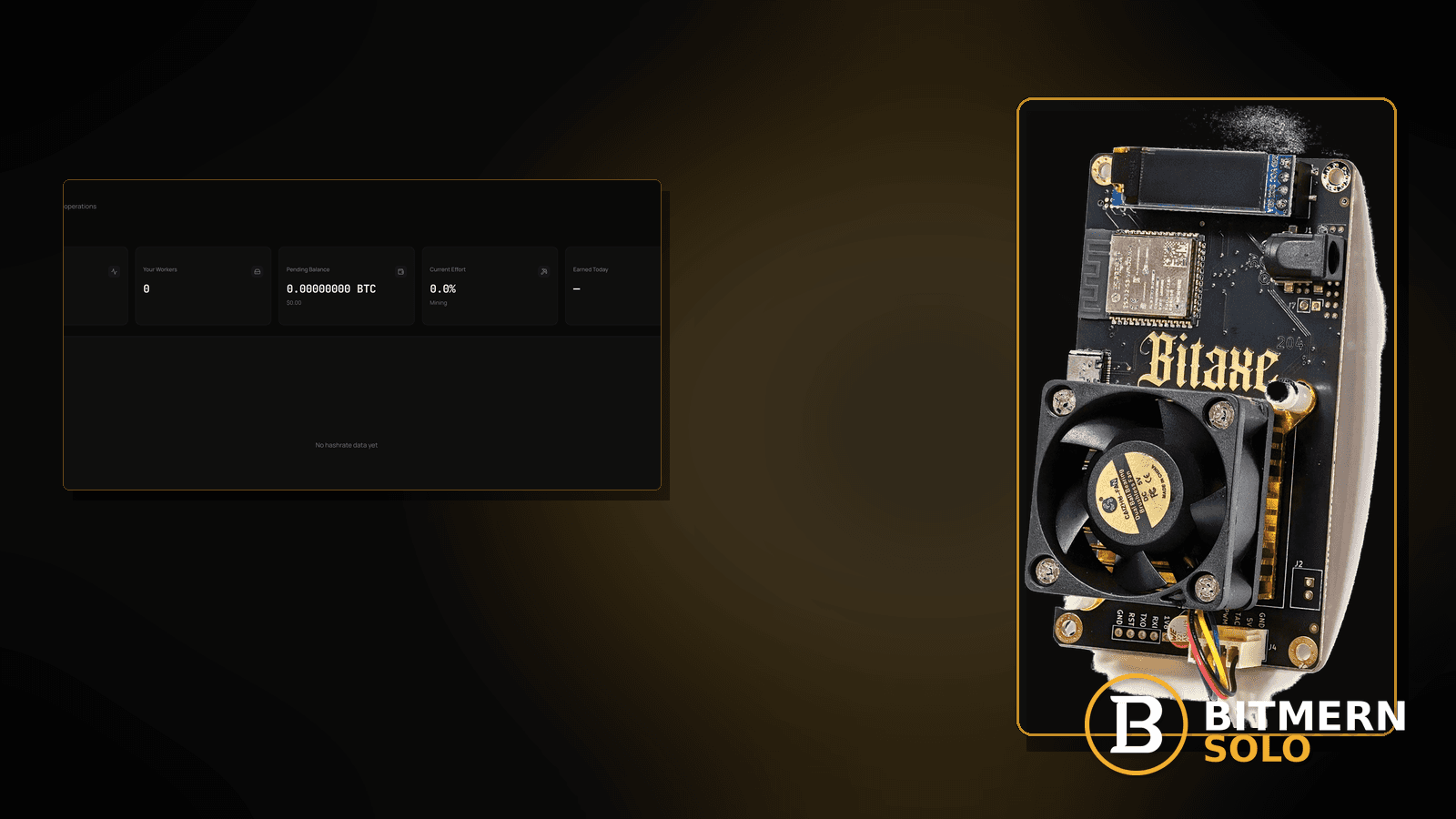
You wiped the Bitaxe — AxeOS factory reset, “restore defaults,” or a full settings clear — and now the board boots clean while Bitmern Solo looks empty. Leftover wrong host, guest SSID, or a bad password can survive softer reboots; a true factory reset clears them. The costly mistake is resetting without a backup, then guessing pool fields for hours.
If you need to factory reset a Bitaxe and reconnect to Bitmern Solo — AxeOS reset Bitmern Solo, wipe Bitaxe reconnect pool, Bitaxe factory defaults stratum, or ordered restore of pool fields after a wipe — run an ordered checklist: backup when possible, wipe, then re-enter BTC easy-start bare host btc.bitmernsolo.com with port :3132 (never treat :3102 as the Bitaxe / home default), username WALLET.worker, password x, rejoin WiFi, and prove a new Authorized / Subscribed session. This post is not the axeos-config-backup lane alone, the firmware-update-checklist lane, the first-connection-checklist lane, the stratum-url-mistakes lane, or the stratum-password-x lane — and Current Effort is not a find guarantee.
This is the factory-reset → reconnect lane. Save/restore before wipe: AxeOS config backup. Post-flash without full wipe: firmware update checklist. Greenfield never used: first connection checklist. Wrong string only: stratum URL mistakes. Password-only: stratum password x.
Bitmern Solo is solo infrastructure: flat 1% fee on finds only, you keep 99%. Fee context stays light here — the job is a clean wipe followed by correct pool fields, not inventing a Bitmern cloud restore product.
Factory reset ≠ config backup ≠ firmware flash ≠ first connect ≠ URL mistakes ≠ password x
Six patterns get mixed up:
- Factory reset → reconnect — you wiped (or will wipe) the Bitaxe and must re-enter Bitmern Solo pool fields in order. That is this post.
- AxeOS config backup — save/restore settings before a wipe. Use AxeOS config backup.
- Firmware update checklist — flash/update without treating it as a full factory wipe story. Use firmware update checklist.
- First connection checklist — greenfield board never configured. Use first connection checklist.
- Stratum URL mistakes — wrong host/port string only. Use stratum URL mistakes.
- Stratum password x — password field only. Use stratum password x.
Do not invent an official Bitmern Solo cloud restore product, remote factory-reset API, or a claim that Current Effort predicts finds. Product facts that matter after wipe: BTC host btc.bitmernsolo.com, easy-start port :3132, username WALLET.worker, password x. AxeOS menus vary by firmware — follow your build’s docs; Bitmern Solo does not publish a universal “Factory Reset” button path for every fork.
Critical clarify: a factory reset clears device settings. It does not delete your Bitmern Solo account, wallets, or historical finds. You still must type the correct stratum fields again (or restore from the backup you took).
What a post-wipe desk usually looks like
Common desks:
- Board on defaults; no pool host — wipe succeeded; fields empty.
- You reset to “fix” WiFi — radio issue became a missing-stratum issue.
- Backup skipped; you guess
:3102— classic wrong-port after wipe. - Username is bare wallet without
.worker— attribution breaks after reconnect. - Password left blank or “admin” — Bitmern Solo expects exactly
x. - WiFi forgotten; board offline on LAN — reset cleared SSIDs too.
- You thought Bitmern would “cloud restore” the miner — no such invented product; re-enter fields.
- Firmware-update post did not cover a full wipe — you need this reconnect sequence.
Separate these from backup-first discipline (AxeOS config backup) and from greenfield first boot (first connection checklist).
Ordered factory-reset → reconnect checklist
Run top to bottom. Stop when firmware holds a clean Authorized / Subscribed session on Bitmern Solo after the wipe, the matching coin tab shows the worker, and accepts can move — without inventing a cloud restore product.
1. Backup pool settings before you wipe (when the board still opens)
Symptom: You can still open AxeOS; you are about to factory reset.
Fix: Copy host, port, username, password, and WiFi notes somewhere safe. Prefer the structured backup flow: AxeOS config backup. If the UI is already dead, skip to wipe + re-enter from known-good Bitmern Solo defaults below.
2. Perform the factory reset per your AxeOS / firmware docs
Symptom: Soft reboot left bad settings; you need a real defaults wipe.
Fix: Use the firmware’s factory reset / restore defaults control (button combo or UI — follow your build). Wait for reboot into a clean state. Do not invent a Bitmern Solo remote wipe button.
3. Rejoin WiFi (or ethernet) before you chase pool myths
Symptom: Pool fields are empty and the board has no network.
Fix: Associate to a trusted LAN SSID (prefer stable 2.4GHz when wireless — 2.4GHz vs 5GHz; avoid guest isolation — guest WiFi / AP isolation). Confirm a LAN IP. Wired option: ethernet vs WiFi.
4. Re-enter BTC easy-start host and port
Symptom: After wipe, host is blank or you paste an old wrong string.
Fix: Set:
btc.bitmernsolo.com
Port:
3132
Never treat :3102 as the Bitaxe / home default. URL-only deep dive: stratum URL mistakes.
5. Re-enter username WALLET.worker
Symptom: You type only the wallet address after reset.
Fix: Username format:
WALLET.worker
Wallet must be registered for that coin on Bitmern Solo. Pick a stable worker label you recognize on the dashboard.
6. Re-enter password exactly x
Symptom: Password blank, admin, or a random string after defaults.
Fix:
x
Password-only lane: stratum password x.
7. Save / apply and open a new stratum session
Symptom: Fields look right; firmware still shows idle / not connected.
Fix: Save settings and reboot once if needed so firmware opens a new outbound session to btc.bitmernsolo.com:3132. Stratum is outbound TCP — no invented inbound-port requirement after reset.
8. Separate factory reset from firmware-update-without-wipe
Symptom: You only flashed firmware; settings may have survived.
Fix: Use firmware update checklist when the story is post-flash verification, not a deliberate factory wipe.
9. Separate factory reset from greenfield first connection
Symptom: Brand-new board, never configured — not a wipe of prior settings.
Fix: Use first connection checklist. The field values match; the narrative differs (never used vs wiped).
10. If you have a backup file / notes, restore then verify — do not invent cloud restore
Symptom: You expect Bitmern Solo to push settings back to the board.
Fix: Restore from your local backup/notes (AxeOS config backup). There is no invented official Bitmern cloud restore for AxeOS pool fields — re-enter or restore locally, then prove the session.
11. Open the matching coin tab and prove the session
Symptom: You declare victory from a green WiFi icon alone.
Fix: Open the same coin the miner uses. Confirm the worker under WALLET.worker. Card reading: dashboard workers / shares / effort.
12. Prove the session — not a luck promise
After wipe + correct fields + new session:
- Firmware holds Authorized / Subscribed (or equivalent)
- Matching coin tab shows the worker under the expected label
- Fresh accepts can move while the board hashes
- You are not treating Current Effort as a find clock
Current Effort is an ops signal — not a find guarantee.
13. Soft fee reminder only after the session holds
Fee reminder only if you need it: flat 1% on finds; you keep 99%. A factory reset is desk hygiene, not a fee event.
When backup, firmware flash, first connect, URL, or password is the real story
If you still can save settings before a wipe, use AxeOS config backup. If the story is flash/update without a full wipe, use firmware update checklist. If the board is brand new, use first connection checklist. If only the host/port string is wrong on an otherwise intact config, use stratum URL mistakes. If only the password is wrong, use stratum password x.
What this post will not invent
- No official Bitmern Solo cloud restore product or remote factory-reset API for AxeOS
- No claim that
:3102is the home Bitaxe default (easy-start is :3132) - No luck formulas, dollar EV, or find-time promises from Current Effort
- No fabricated “one-click Bitmern restore” sold as product policy
- No competitor fee comparisons
Fee reminder: flat 1% on finds; you keep 99%. Correct pool fields after a wipe are desk hygiene, not a luck product.
Quick retest sequence after factory reset
After the board is on defaults and back on the LAN:
- Confirm BTC easy-start
btc.bitmernsolo.com+ :3132. - Confirm username
WALLET.worker, passwordx. - Save / apply and reboot so firmware opens a new session.
- Confirm WiFi/ethernet is the intended trusted path (not guest isolation).
- Open the matching coin tab — not a neighbor tab.
- Watch for Authorized / Subscribed and a worker row — not Current Effort as a find promise.
If the host/port string is the only remaining failure on an intact config, leave for stratum URL mistakes. If you still need a pre-wipe habit next time, leave for AxeOS config backup.
Common factory-reset reconnect mistakes to avoid
- Wiping without a backup when AxeOS still opened — copy fields first (AxeOS config backup).
- Treating
:3102as “the Bitmern port” after defaults — easy-start for Bitaxe / home BTC is:3132. - Skipping
.worker— username format matters for attribution after every reconnect. - Using a non-
xpassword — Bitmern Solo expects password exactlyx. - Expecting Bitmern Solo to cloud-restore the miner — re-enter or restore locally; no invented cloud restore product.
- Rejoining guest / isolated WiFi after wipe — fix path separately (guest WiFi / AP isolation).
- Factory-resetting to “fix” a router reboot — try router reboot recovery before you wipe.
None of these mistakes invent a restore product. They only put correct fields back on a clean board for a real session and proven accepts.
How this checklist fits the ops library
- This post — ordered factory reset → re-enter Bitmern Solo pool fields.
- AxeOS config backup — save/restore before wipe.
- Firmware update checklist — post-flash without full wipe narrative.
- First connection checklist — greenfield never configured.
- Stratum URL mistakes — wrong host/port string only.
- Stratum password x — password field only.
Start here when a deliberate wipe (or defaults clear) is the story and you must reconnect cleanly. Move sideways when the symptom clearly belongs to another lane.
Soft next step
Backup when you still can, factory reset only when you mean it, then re-enter btc.bitmernsolo.com with port :3132, WALLET.worker, and password x — open a new session and confirm Authorized / Subscribed plus a worker row before you chase luck myths or invent a Bitmern cloud restore.
Start mining
Start Mining — after login, open the matching coin tab and confirm workers / shares / hashrate.
FAQ
Does factory reset delete my Bitmern Solo account?
No. It clears device/AxeOS settings. Your Bitmern Solo account, wallets, and history stay on the service. You must re-enter stratum fields on the board.
What BTC port should I type after a wipe?
:3132 on btc.bitmernsolo.com. Never treat :3102 as the Bitaxe / home default.
What username and password does Bitmern Solo expect?
Username WALLET.worker (wallet must be registered for that coin). Password exactly x.
Should I backup before factory reset?
Yes, when AxeOS still opens — AxeOS config backup. There is no invented official Bitmern cloud restore for pool fields.
Is this the same as first connection?
Field values match; narrative differs. Never-configured board: first connection checklist. Use this post after a wipe of prior settings.
Does Current Effort mean I am about to find a block?
No. Current Effort is an ops / attribution signal — not a find guarantee. See the dashboard guide.
Where do I confirm the fix on Bitmern Solo?
Matching coin tab → worker row → firmware holds Authorized / Subscribed → fresh accepts when the board hashes. Guide: dashboard workers / shares / effort.


