


QoS / Bandwidth Limits Starving Bitaxe Stratum on Bitmern Solo
If QoS or bandwidth limits are starving your Bitaxe stratum on Bitmern Solo — traffic shaping mining WiFi, per-device bandwidth cap, smart queue throttling…
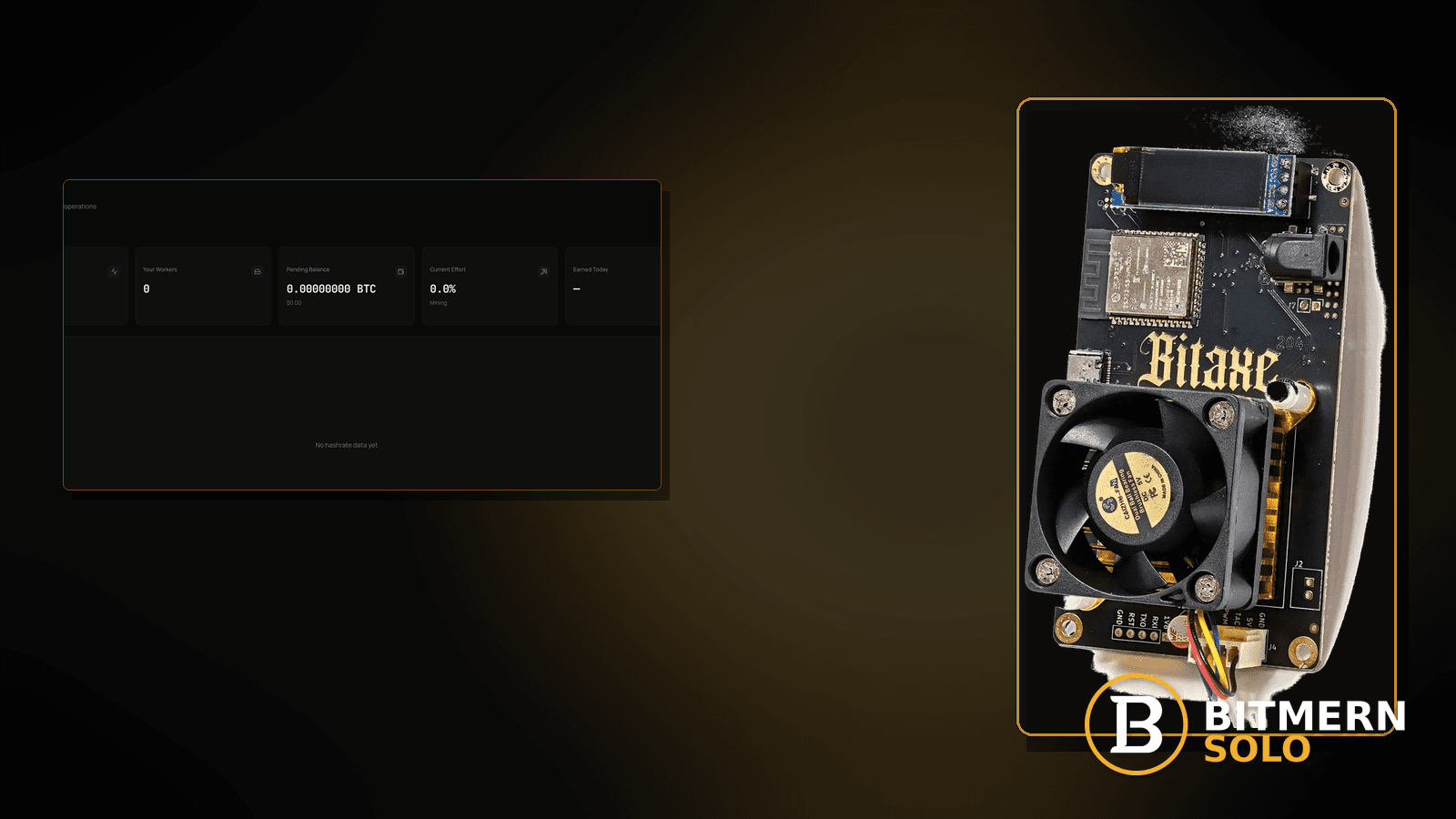
Your Bitaxe looks “online” on the LAN. AxeOS shows WiFi. Speedtests from a laptop crush it. Yet shares stall on Bitmern Solo — Authorized flickers, accepts freeze, or the session feels stuck while phones stream fine. The usual culprit is not “not enough Mbps for mining.” Stratum needs very little bandwidth. It hates delayed ACKs, per-device caps, smart-queue starvation, and “gaming priority” that parks IoT at the bottom of the scheduler.
If QoS or bandwidth limits are starving your Bitaxe stratum on Bitmern Solo — traffic shaping mining WiFi, per-device bandwidth cap, smart queue throttling stratum TCP, or router “gaming priority” parking the miner — run an ordered checklist: confirm BTC easy-start bare host btc.bitmernsolo.com with port :3132 (never treat :3102 as the Bitaxe / home default), username WALLET.worker, password x, disable or exempt the Bitaxe from aggressive QoS / caps for a controlled test, then prove a durable Authorized / Subscribed session with moving accepts. This post is not the high-latency-stratum lane alone, the firewall-blocking-stratum lane, the vpn-proxy-stratum-fix lane, the wifi-drops-stratum lane, or the accept-reject-rate lane — and Current Effort is not a find guarantee.
This is the QoS / bandwidth-shaping lane. RTT symptoms without a scheduler story: high latency stratum. Hard outbound blocks: firewall blocking stratum. VPN/proxy path: VPN / proxy stratum fix. RF disconnects: WiFi drops killing stratum. Share quality: accept / reject rate.
Bitmern Solo is solo infrastructure: flat 1% fee on finds only, you keep 99%. Fee context stays light here — the job is stopping scheduler starvation so outbound stratum to :3132 can stay timely.
QoS / caps ≠ high latency alone ≠ firewall ≠ VPN ≠ WiFi drops ≠ accept/reject
Six patterns get mixed up:
- QoS / smart-queue / per-device bandwidth caps — the scheduler delays or caps the tiny stratum TCP session so shares stall while LAN “looks fine.” That is this post.
- High latency stratum — RTT / lag symptoms without a QoS policy change. Use high latency stratum.
- Firewall blocking stratum — hard outbound block. Use firewall blocking stratum.
- VPN / proxy stratum — traffic forced through a VPN path. Use VPN / proxy stratum fix.
- WiFi drops — disconnects / reassociates. Use WiFi drops killing stratum.
- Accept / reject rate — share quality once the session is healthy. Use accept / reject rate.
Do not invent a Bitmern Solo bandwidth SLA, “minimum Mbps for mining” product claim, or a claim that Current Effort predicts finds. Product facts that matter for retest: BTC host btc.bitmernsolo.com, easy-start port :3132, username WALLET.worker, password x. Home routers brand QoS differently — follow your AP’s docs; Bitmern Solo does not publish a QoS compatibility matrix.
Why tiny traffic still dies under QoS: stratum is chatty in timing, not in megabits. A per-device 1 Mbps “IoT cap,” a smart-queue that deprioritizes unknown flows, or a gaming profile that parks everything else can delay ACKs enough that long-lived TCP to Bitmern Solo looks dead while Netflix still buffers. This is desk practice, not a Bitmern Solo bandwidth product.
What QoS / bandwidth fallout usually looks like on a Bitaxe desk
Common desks:
- You enabled “Smart QoS” / “Adaptive QoS”; miner shares froze — classic scheduler starve.
- Per-device bandwidth limit on the Bitaxe MAC — enough for a ping, not for timely stratum.
- Gaming / streaming priority on; IoT at the bottom — miner treated as junk traffic.
- LAN speedtest fine; pool session stalls under household load — contention + shaping.
- AxeOS shows connected; accepts stop during evening rush — peak-hour queue.
- You already ruled out hard firewall drops — TCP sometimes opens, then starves.
- VPN was off; QoS still on — not the VPN lane.
- You already ran high-latency checklists — you need an explicit disable-QoS / exempt-miner experiment.
Separate these from hard blocks (firewall blocking stratum) and from VPN paths (VPN / proxy stratum fix).
Ordered diagnose-and-fix checklist
Run top to bottom. Stop when firmware holds a clean Authorized / Subscribed session with moving accepts under normal household load — without inventing a Bitmern bandwidth SLA.
1. Confirm BTC easy-start string before you chase QoS menus
Symptom: You rebuild QoS charts while the miner still has a wrong host, leftover :3102, or a bare wallet username.
Fix: On the Bitaxe (AxeOS or equivalent), set:
btc.bitmernsolo.com
Port:
3132
Username:
WALLET.worker
Password:
x
Never treat :3102 as the Bitaxe / home default. Wallet must be registered for that coin on Bitmern Solo.
2. Confirm QoS / smart-queue / per-device caps are actually enabled
Symptom: You blame “QoS” while WiFi flaps or a firewall drops the port.
Fix: Open router QoS / bandwidth control / smart-queue / device priority pages. Note global QoS, per-device limits, and gaming profiles. If QoS is off and the path is hard-blocked, leave for firewall blocking stratum. If association flaps, leave for WiFi drops killing stratum.
3. Controlled test: disable QoS or exempt the Bitaxe for one session
Symptom: Policy is on; you never A/B’d it.
Fix: For a short test, disable Smart QoS / adaptive QoS, remove the Bitaxe from per-device caps, or set the miner to a normal/high priority class (vendor-dependent). Prove stratum under the same household load. Then re-enable carefully with the miner exempted or uncapped — do not invent a Bitmern “priority score.” Follow your router’s docs.
4. Remove silly per-device Mbps floors on the miner
Symptom: You “protected” the LAN by capping IoT to a trickle.
Fix: Stratum needs little Mbps but hates delayed ACKs. Remove or raise the Bitaxe device cap. Do not invent a Bitmern Solo minimum-Mbps SLA — just stop starving the TCP session.
5. Soft-reconnect stratum after the scheduler change
Symptom: Path is healthier; firmware still shows a half-dead session.
Fix: Save pool settings (even if unchanged) or reboot the Bitaxe once so firmware opens a new outbound session to btc.bitmernsolo.com:3132. Outbound stratum should stay timely when the scheduler stops delaying ACKs — that is desk practice, not a Bitmern QoS SLA.
6. Retest under household load — not only at 3 a.m.
Symptom: Fix “works” overnight; dies when the house streams.
Fix: Confirm Authorized / Subscribed and fresh accepts while other devices are busy. If RTT alone remains ugly with QoS off, leave for high latency stratum.
7. Separate QoS starve from hard firewall blocks
Symptom: Connection never establishes; RST / timeout immediately.
Fix: Use firewall blocking stratum. QoS usually starves or delays an existing path rather than hard-denying the port forever.
8. Separate QoS starve from VPN / proxy paths
Symptom: All traffic forced through a VPN client on the router or miner path.
Fix: Use VPN / proxy stratum fix.
9. Separate QoS starve from WiFi drops
Symptom: Association drops / reconnects; not a sticky session with stalled shares.
Fix: Use WiFi drops killing stratum.
10. Separate QoS starve from accept/reject quality
Symptom: Session is healthy; reject ratio is the pain.
Fix: Use accept / reject rate. Fix scheduler starvation first if accepts simply never arrive.
11. Open the matching coin tab and prove the session
Symptom: You declare victory from a router QoS “green” chart.
Fix: Open the same coin the miner uses. Confirm the worker under WALLET.worker. Card reading: dashboard workers / shares / effort.
12. Prove the session — not a luck promise
After QoS exempt / uncapped + new session under load:
- Firmware holds Authorized / Subscribed (or equivalent)
- Matching coin tab shows the worker under the expected label
- Fresh accepts can move while the board hashes
- You are not treating Current Effort as a find clock
Current Effort is an ops signal — not a find guarantee.
13. Soft fee reminder only after the session holds
Fee reminder only if you need it: flat 1% on finds; you keep 99%. Surviving QoS is desk hygiene, not a fee event.
When high latency, firewall, VPN, WiFi drops, or accept/reject is the real story
If RTT alone is the pain with QoS off, use high latency stratum. If outbound TCP is hard-blocked, use firewall blocking stratum. If traffic rides a VPN/proxy, use VPN / proxy stratum fix. If association flaps, use WiFi drops killing stratum. If the session is healthy and rejects are the story, use accept / reject rate.
What this post will not invent
- No Bitmern Solo bandwidth SLA or “minimum Mbps for mining” product claim
- No claim that
:3102is the home Bitaxe default (easy-start is :3132) - No luck formulas, dollar EV, or find-time promises from Current Effort
- No fabricated “official QoS whitelist” sold as Bitmern Solo policy
- No claim that inbound ports are required for stratum under QoS
- No competitor fee comparisons
Fee reminder: flat 1% on finds; you keep 99%. Timely ACKs + correct port is desk hygiene, not a luck product.
Quick retest sequence after exempting the Bitaxe from QoS
After QoS / caps no longer starve the miner:
- Confirm BTC easy-start still
btc.bitmernsolo.com+ :3132. - Confirm username
WALLET.worker, passwordx. - Soft-reconnect or reboot the Bitaxe once so firmware opens a new session.
- Open the matching coin tab — not a neighbor tab.
- Watch for Authorized / Subscribed and fresh accepts under household load.
- Do not treat Current Effort as a find promise.
If RTT remains ugly with QoS off, leave for high latency stratum. If the path is hard-blocked, leave for firewall blocking stratum.
Common QoS / bandwidth mistakes to avoid
- Assuming Bitmern Solo is down because shares stall under load — prove QoS / caps first.
- Treating
:3102as “the Bitmern port” — easy-start for Bitaxe / home BTC is:3132. - Skipping
.worker— username format matters for attribution after every reconnect. - Using a non-
xpassword — Bitmern Solo expects password exactlyx. - Capping the Bitaxe to a trickle “because mining uses bandwidth” — stratum is timing-sensitive, not Mbps-hungry.
- Inventing a Bitmern bandwidth SLA — home gear varies; Bitmern Solo does not sell QoS guarantees.
- Only testing at idle hours — retest when the house is busy.
None of these mistakes invent a QoS product. They only restore timely outbound stratum to a real session and proven accepts.
How this checklist fits the ops library
- This post — ordered checks when QoS, smart-queue, or per-device caps starve stratum TCP while pointed at Bitmern Solo.
- High latency stratum — RTT symptoms without a QoS policy story.
- Firewall blocking stratum — hard outbound block.
- VPN / proxy stratum fix — VPN path issues.
- Accept / reject rate — share quality.
- WiFi drops killing stratum — disconnects.
Start here when a scheduler / cap policy is the clock for stalled shares. Move sideways when the symptom clearly belongs to another lane.
Soft next step
After the Bitaxe is exempt from aggressive QoS / caps, lock BTC easy-start btc.bitmernsolo.com with port :3132, keep WALLET.worker with password x, open a new session, then confirm Authorized / Subscribed plus moving accepts under load — before you chase luck myths or invent a Bitmern bandwidth SLA.
Start mining
Start Mining — after login, open the matching coin tab and confirm workers / shares / hashrate.
FAQ
Can QoS break Bitmern Solo?
Yes — smart-queue / per-device caps can delay ACKs on the tiny stratum TCP session so shares stall even when LAN speedtests look fine. There is no invented Bitmern Solo bandwidth SLA.
What BTC port should a home Bitaxe use?
:3132 on btc.bitmernsolo.com. Never treat :3102 as the Bitaxe / home default.
What username and password does Bitmern Solo expect?
Username WALLET.worker (wallet must be registered for that coin). Password exactly x.
Does stratum need a lot of bandwidth?
No. It needs little Mbps but timely delivery. Caps and “IoT low priority” profiles can still starve it.
Is this the same as high latency?
Related. High latency without a QoS policy story: high latency stratum. Use this post when shaping / caps are the experiment.
Does Current Effort mean I am about to find a block?
No. Current Effort is an ops / attribution signal — not a find guarantee. See the dashboard guide.
Where do I confirm the fix on Bitmern Solo?
Matching coin tab → worker row → firmware holds Authorized / Subscribed → fresh accepts when the board hashes. Guide: dashboard workers / shares / effort.


