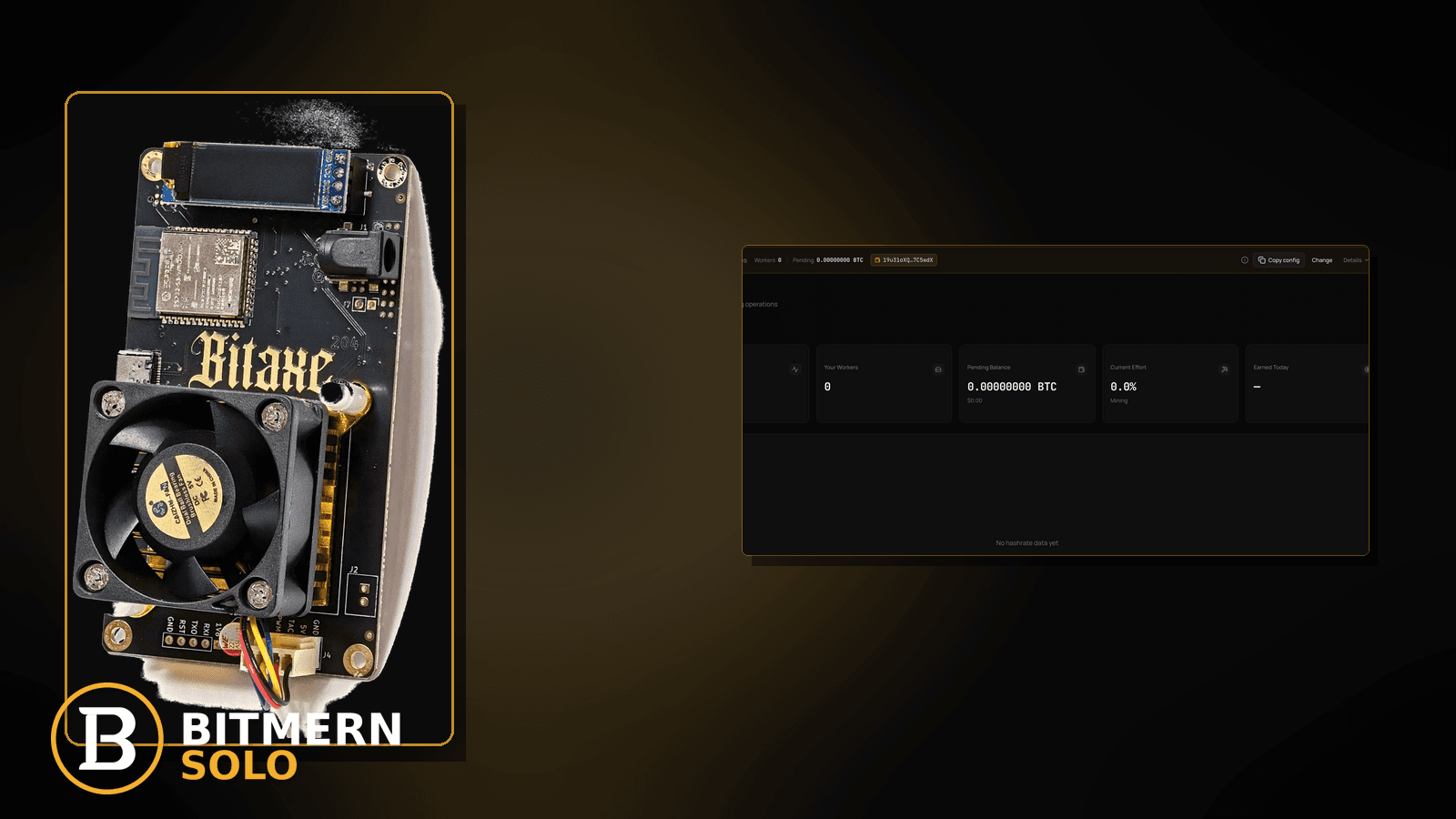
Payout Timing on Bitmern Solo (After You Find a Block)
If you are waiting after a Bitmern Solo find (or reading the dashboard like a countdown clock), separate three clocks: (1) the find / block event itself, (2)…

You found a block — or you think you did — and now every minute of waiting feels like a bug. “Payout sent,” confirmation progress, and Current Effort climbing again are easy to mash into one panic. That mix-up is not the same as the lifecycle overview of a find, not the same as enabling email alerts, and not the same as fee math.
If you are waiting after a Bitmern Solo find (or reading the dashboard like a countdown clock), separate three clocks: (1) the find / block event itself, (2) payout processing to the registered wallet after the network side settles enough for the product to pay, and (3) Current Effort climbing again on the next solo round — which is not a find guarantee. Flat fee on finds is 1%; you keep 99%. Enable payout / find emails if you have not. This post does not invent confirmation counts, EV tables, or “you will be paid in N minutes” SLAs.
This is the after-find payout-timing guide. Lifecycle overview: what happens when you find a block. Alerts wiring: email alerts setup. Fee math: fees 1%. Wrong receive address: change payout wallet. Why finds are bursty: solo mining variance.
Bitmern Solo is solo infrastructure across coins such as BTC, LTC, DOGE, BCH, DGB, XEC, ETC, ZEC, XMR, and RVN when you mine them on the matching tabs — still flat 1% on finds, keep 99%. Timing patience is ops literacy, not a promise of when the next find arrives.
Payout timing ≠ find lifecycle ≠ email setup ≠ fee article ≠ variance essay
Five patterns get mixed up:
- Payout timing after a find — what “payout sent” means vs watching Current Effort, when to wait vs when to check wallet / email / support. That is this post.
- Find lifecycle overview — what the product surfaces when a block is found. Use what happens when you find a block.
- Email alerts setup — how to turn on find / payout notifications. Use email alerts.
- Fees 1% — keep 99% math. Use fees.
- Variance — why solo finds are lumpy; Current Effort is not a guarantee. Use variance.
Do not invent a Bitmern Solo confirmation SLA (“always N confirms”) or a dollar EV table from hashrate. Product facts that stay fixed: flat 1% / keep 99% on finds; wallet must be registered for the coin; soft CTA to the dashboard — not financial advice.
What people confuse after a find
Common after-find confusion on home desks:
- Current Effort climbing ≠ payout failed — effort is the next solo round meter, not a wire-transfer tracker.
- No email ≠ no find — alerts may be off; check email alerts setup.
- Wrong or outdated payout wallet — find attributed; coins headed where the account wallet points. Fix path: change payout wallet.
- Watching the wrong coin tab — BTC find while you stare at LTC payouts (or the reverse).
- Treating variance silence as a payout bug — long gaps between finds are normal solo behavior (variance), not proof the last payout failed.
- Refreshing for a guaranteed ETA — this guide will not invent minutes-to-wallet promises.
Ordered checklist after a find (or a suspected find)
Run top to bottom. Stop when wallet balance / payout email / dashboard payout state agree enough that you are not still inventing failure modes every minute.
1. Confirm you are on the find path — not a general offline panic
Symptom: No block event, no find email, no blocks UI row — only empty workers or stalled accepts.
Action: This is not payout timing. Fix attribution first (workers / accepts / stratum). Lifecycle context when a find does exist: what happens when you find a block.
2. Open the matching coin tab and blocks / payouts UI
Symptom: You watch another coin’s tab; conclude “Bitmern Solo did not pay.”
Fix: Open the same coin the find belongs to. Bitmern Solo is multi-coin; tabs do not cross-pay. Confirm any find / block / payout presentation the dashboard shows for that coin before escalating.
3. Separate “find recorded” from “payout sent”
Symptom: You see a find / block indication but wallet is unchanged yet; panic sets in.
Fix: Treat these as different stages. A find can be visible before the payout has finished processing to your registered wallet. Wait for the product’s payout state and/or payout email rather than inventing a personal confirmation countdown. This post does not publish a fixed N-confirm SLA — follow what the dashboard and email actually say.
4. Confirm the payout wallet registered for that coin
Symptom: Find looks real; coins never appear in the wallet you are watching.
Fix: Verify the receive address on file for that coin matches the wallet you control. If you recently rotated addresses, read change payout wallet. Do not paste a new address into miner username and assume payouts redirect — miner username is WALLET.worker for stratum attribution; payout wallet is an account setting.
5. Enable or verify email alerts
Symptom: Friends got find emails; you got silence; you assume payout failed.
Fix: Turn on find / payout alerts and confirm the inbox (and spam). Setup: email alerts. Email is a notification layer — not a substitute for checking the matching coin tab.
6. Remember the fee: 1% / keep 99%
Symptom: Wallet credit looks “short” vs a full block reward headline you saw on social media.
Fix: Bitmern Solo takes a flat 1% fee on finds; you keep 99%. Deep fee context: fees 1%. Do not invent extra hidden fee tables in this timing article.
7. Current Effort climbing again is normal — not a clawback
Symptom: After a find, Current Effort resets or climbs and you think the payout reversed.
Fix: Current Effort describes work toward the next solo outcome on that coin tab. It is not a find guarantee and not a payout tracker. Variance primer: solo mining variance. Keep hashing with a correct stratum string if you intend to stay on solo; BTC easy-start remains btc.bitmernsolo.com:3132 with WALLET.worker / x when you need to re-check the miner.
8. When to wait vs when to open a support thread
Wait longer when:
- Find / block is visible on the matching coin tab
- Payout wallet address is correct
- Email alerts were off (now on) and you just missed the first ping
- You have not given network + product payout processing a reasonable chance — without inventing a minute SLA
Escalate / support when:
- Find is clearly shown but payout state stays wrong long after similar finds you already received
- Payout wallet on file is wrong and you need account-side help after following change payout wallet
- Dashboard and email disagree in a way you cannot reconcile from the UI alone
Bring coin, approximate find time, worker name, and payout address prefix (never paste seed phrases). Do not invent severity SLAs for response time here.
9. Keep mining configuration sane while you wait
Required miner shape (unchanged by payout timing):
stratum+tcp://btc.bitmernsolo.com:3132   # BTC easy-start example
WALLET.worker
password: x
Never treat :3102 as the Bitaxe / home default. Waiting on a payout is not a reason to spray random ports or failover slots. Soft dashboard check: Start Mining → matching coin tab.
When lifecycle, alerts, fees, or variance is the real story
If you need the full find narrative, read what happens when you find a block. If emails never arrive, fix email alerts. If the 1% math is the confusion, use fees. If the pain is “why no find for ages,” that is variance — not payout timing after a find you already had.
What this post will not invent
- No fixed confirmation count or “paid within N minutes” product SLA
- No luck odds, dollar EV, or expected-find calendars
- No claim that Current Effort guarantees the next block
- No competitor payout-speed comparisons
- No financial advice
Fee reminder: flat 1% on finds; you keep 99%. Payout timing literacy is an ops signal, not a promise of the next find.
Soft next step
On a real or suspected find: matching coin tab → confirm find vs payout state → verify registered wallet → enable emails → remember 1% / 99% → let Current Effort be the next-round meter — then wait or support with facts, not invented ETAs.
Start mining
Start Mining — after login, open the matching coin tab and confirm workers / shares / payouts views you actually use.
FAQ
Is payout timing the same as “what happens when you find a block”?
No. That article is the lifecycle overview. This one focuses on waiting well: payout vs effort vs email vs wallet checks without invented SLAs.
Does Current Effort show when my payout arrives?
No. Current Effort is about the next solo round on that coin — not a wire tracker and not a find guarantee. See variance.
What fee does Bitmern Solo take on a find?
Flat 1%; you keep 99%. Details: fees 1%.
How do I get an email when a payout sends?
Configure alerts: email alerts setup. Check spam. Email complements the dashboard; it does not replace the matching coin tab.
What if the payout wallet is wrong?
Update via change payout wallet. Miner username WALLET.worker is for stratum attribution — keep password exactly x.
Will you publish exact confirmation counts here?
No. This post deliberately avoids invented confirmation SLAs. Trust the dashboard payout state and official emails over social-media stopwatches.
Where do I confirm workers are still hashing while I wait?
Matching coin tab → worker row → fresh accepts. Soft entry: Start Mining.