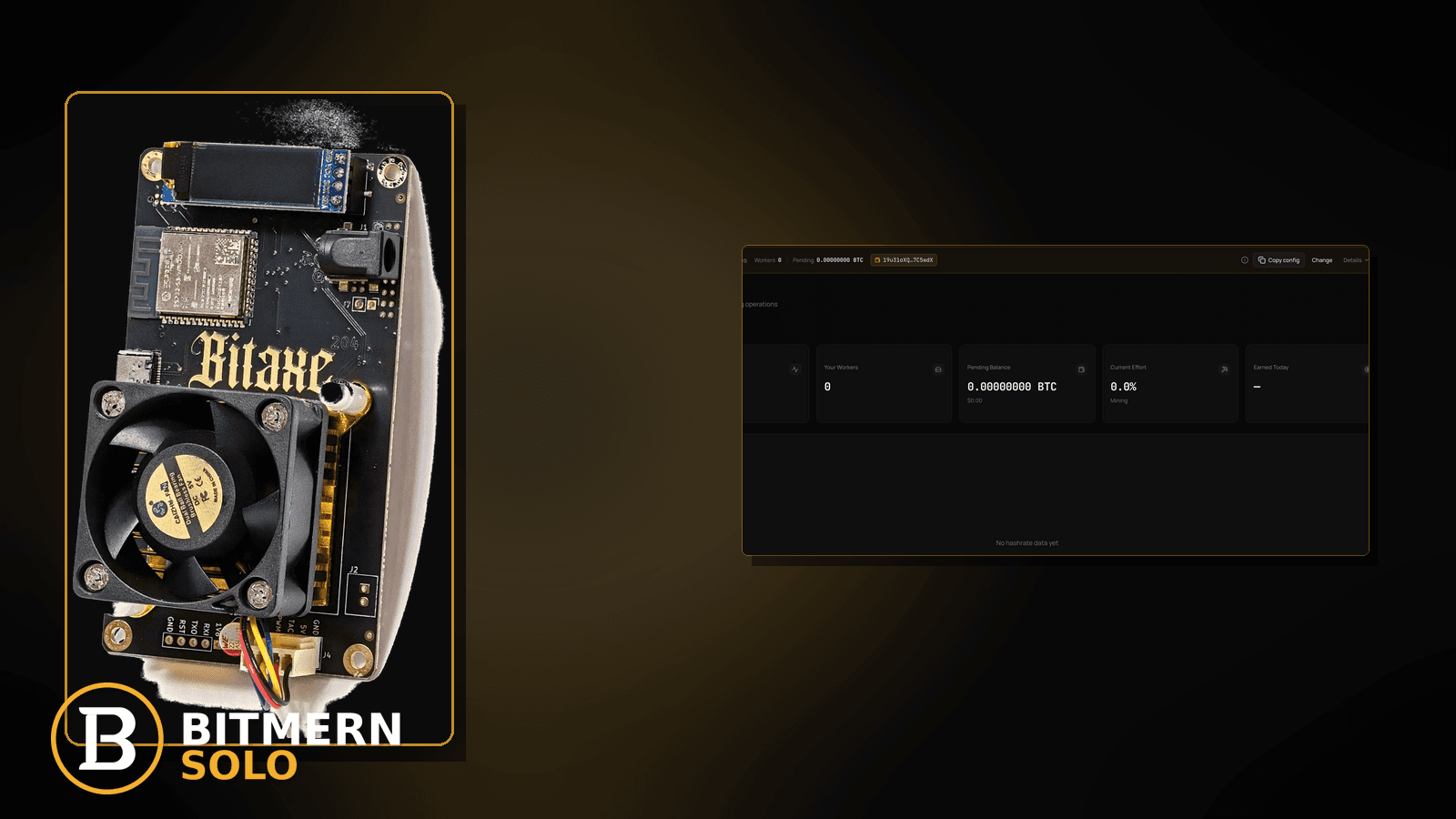
Failover Pool Slots Stealing Your Bitmern Solo Session
If your Bitaxe or home ASIC “is on Bitmern Solo” in the primary slot but workers stay empty (or show up on another pool), run an ordered failover-theft…

Primary points at Bitmern Solo. The dashboard still looks offline — or shares land on another pool — because a stale secondary / failover slot yanked the board away the moment primary hesitated. That is not a reconnect storm on the same pool, and it is not an intentional migrate of every field to Bitmern Solo.
If your Bitaxe or home ASIC “is on Bitmern Solo” in the primary slot but workers stay empty (or show up on another pool), run an ordered failover-theft checklist: list every pool slot, clear or empty unused secondary/failover entries, reset primary to the correct coin host and BTC easy-start :3132 when hashing BTC, lock WALLET.worker / password x, then prove accepts on the matching Bitmern Solo coin tab. This post does not invent a product max-failover limit or claim every firmware has the same slot UI.
This is the stale-failover / secondary-slot fix. Same-pool flaps after a clean primary: reconnect loops. Intentional full move from another pool: migrate miners. Bad primary string: stratum URL mistakes. Offline row after a known-good primary: worker offline fix. Field wiring: AxeOS setup.
Bitmern Solo is solo infrastructure: flat 1% fee on finds only, you keep 99%. Fee context stays light here — the job is keeping the session on Bitmern Solo so the account can attribute work.
Failover theft ≠ reconnect loops ≠ migrate ≠ wrong URL
Four patterns get mixed up:
- Failover / secondary theft — primary looks correct; unused slot still points at an old pool or typo host; firmware fails over and Bitmern Solo never sees steady work. That is this post.
- Reconnect loops — single correct Bitmern Solo endpoint; session connects, drops, reconnects on the same pool. Use reconnect loops.
- Migrate miners — you intend to move boards from another pool and rewrite every field. Use migrate miners.
- Wrong stratum URL — https paste, wrong coin host,
:3102as home default, trailing slash. Use stratum URL mistakes.
Do not invent a Bitmern Solo product rule that “failover is disabled by default on every board.” Firmware slot UIs differ; the ops rule is simple: while diagnosing, primary-only (or clear unused slots).
What usually steals the session
Common failover patterns on Bitaxe-class and small ASIC desks:
- Secondary still on old pool — primary rewritten to Bitmern Solo; Pool 2 / Backup still has yesterday’s stratum.
- Typo host in failover — secondary looks “almost” right; board spends time on a dead endpoint then never returns cleanly.
- Multiple “enabled” slots — firmware tries next slot on any primary blip; Bitmern Solo dashboard shows offline while another pool gets the shares.
- Migrate half-done — primary updated; failover left for “safety” and becomes the real destination.
- Worker offline then online on wrong pool — classic theft signature: Bitmern Solo empty; old pool dashboard suddenly alive under the same worker name.
Separate these from same-pool flaps (reconnect loops) and from intentional full rewrites (migrate miners).
Ordered fix checklist
Run top to bottom. Stop when the matching Bitmern Solo coin tab shows the worker under the expected label, fresh accepts move, and no other pool is receiving that worker’s shares.
1. Confirm you are not in a pure reconnect storm on a single good URL
Symptom: Only one pool slot filled; host/port already Bitmern Solo; reconnect counters climb; accepts sometimes land on Bitmern Solo.
Action: Leave this article for reconnect loops. Failover theft assumes a second destination exists (or existed) that can steal the session.
2. List every pool / failover slot on the board
Symptom: You only checked Pool 1; Pool 2 / Backup / Failover still populated.
Fix: Open the miner UI (AxeOS or ASIC pool page). Write down host, port, user for every slot. If any non-primary slot points elsewhere, treat it as a theft candidate. First-time field map: AxeOS setup.
3. Clear or empty unused secondary slots
Symptom: Primary correct; secondary still live; Bitmern Solo empty or intermittent.
Fix: Clear host/user/pass on unused slots, or disable failover if your firmware has an explicit toggle. Do not invent a Bitmern Solo “max failover slots” product limit — clear what you do not need while diagnosing. Save and apply (or reboot once if the UI requires it).
4. Reset primary to Bitmern Solo (BTC easy-start :3132)
Symptom: Primary drifted, or you want a clean known-good primary after clearing failover.
Fix: For BTC easy-start:
stratum+tcp://btc.bitmernsolo.com:3132
WALLET.worker
password: x
Never treat :3102 as the Bitaxe / home default. Host must match the coin you are hashing. Wrong-string depth: stratum URL mistakes. Full move from another pool: migrate miners.
5. Username and password shape
Required:
WALLET.worker
password: x
Traps that scramble attribution while you chase failover: missing dot, spaces, underscore instead of the dot, wrong wallet prefix vs the registered receive address, password not exactly x, or watching the wrong worker suffix on Bitmern Solo while another pool shows the same name.
6. Open the matching Bitmern Solo coin tab
Symptom: You watch the wrong coin tab and conclude “primary failed” while failover quietly feeds another coin’s pool.
Fix: Open the same coin the miner is pointed at. A BTC-pointed board will not populate LTC worker cards on Bitmern Solo.
7. Check the old pool dashboard (theft proof)
Symptom: Bitmern Solo offline; old pool suddenly shows the worker hashing.
Fix: That is failover theft (or a semi-migrate). Clear secondary slots again; confirm primary-only Bitmern Solo; watch Bitmern Solo accepts rise and the old pool go quiet for that worker. Offline-row nuance after primary is clean: worker offline fix.
8. Primary-only desks for small home fleets
Symptom: You kept “backup pools for safety” on a single Bitaxe and never re-checked them after switching to solo.
Fix: For a one-board or small-desk diagnose window, prefer primary only. Add failover later only if you intentionally want another destination — and accept that it can steal the session on any primary blip. This is an ops choice, not a product SLA.
9. Prove accepts on Bitmern Solo — not only “connected” on the board
Open the matching coin tab. Confirm:
- Worker row present under the expected
WALLET.workerlabel - Fresh accepts moving (not stuck empty)
- Hashrate reading believable while the board hashes
- Old pool no longer receiving that worker (if you still have access)
Card reading: dashboard workers / shares / effort. Here you verify the session stayed on Bitmern Solo.
10. Re-check after reboot / power blip
Symptom: You cleared failover once; a board reboot or firmware “restore defaults” quietly re-enabled an old backup slot from a saved profile.
Fix: After any reboot or config import, re-open every pool slot. Confirm primary still shows Bitmern Solo (BTC easy-start :3132 when on BTC) and secondaries are still empty. Re-prove accepts on the matching coin tab. Config imports from an old pool migrate are especially sneaky — pair with migrate miners habits so backups do not resurrect.
When reconnect loops, migrate, or wrong URL is the real story
If only one slot exists and the session flaps on Bitmern Solo, use reconnect loops. If you are intentionally rewriting every board from another pool, use migrate miners. If primary host/port still look wrong, use stratum URL mistakes. Persistent offline after primary-only: worker offline fix.
What this post will not invent
- No product max-failover slot count or “Bitmern Solo disables failover” claim
- No claim that
:3102is the home Bitaxe default - No product SLA for “failover switch within N seconds”
- No luck formulas, dollar EV, or find-time promises from a clean primary
- No competitor fee comparisons
Fee reminder only if you need it: flat 1% on finds; you keep 99%. Keeping the session on Bitmern Solo is an ops signal, not a fee.
Soft next step
List every slot, clear unused failover, lock primary to the matching coin host (BTC easy-start :3132) with WALLET.worker / x, then confirm accepts on Bitmern Solo — and silence on the old pool — before you chase deeper path issues.
Start mining
Start Mining — after login, open the matching coin tab and confirm workers / shares / hashrate.
FAQ
Is failover theft the same as reconnect loops?
No. Reconnect loops stay on one correct Bitmern Solo endpoint and flap. Failover theft means a secondary destination steals the session. Use reconnect loops when only one slot is filled.
What BTC port should I put on primary when resetting?
:3132 on btc.bitmernsolo.com. Never treat :3102 as the Bitaxe / home default.
What username and password does Bitmern Solo expect?
Username WALLET.worker (wallet prefix must match the registered receive wallet for that coin). Password exactly x.
Should I keep a backup pool “just in case” on a single Bitaxe?
During diagnose, prefer primary-only. A backup slot can silently become the real destination. Add failover later only if you intentionally want that behavior.
Where does migrate-from-another-pool fit?
If you are moving boards on purpose and rewriting every field, use migrate miners — then still clear stale failover so the move sticks.
Worker offline on Bitmern Solo but hashing elsewhere?
Classic failover theft signature. Clear secondary slots, confirm primary-only Bitmern Solo, then use worker offline fix if the row stays empty after the session is exclusive.
Where do I confirm the fix on Bitmern Solo?
Matching coin tab → worker row → fresh accepts → believable hashrate. Guide: dashboard workers / shares / effort.